
Gemgala - Party & Chat & Games PC
Gemgala Team
Download Gemgala - Party & Chat & Games on PC With GameLoop Emulator
Gemgala - Party & Chat & Games on PC
Gemgala - Party & Chat & Games, coming from the developer Gemgala Team, is running on Android systerm in the past.
Now, You can play Gemgala - Party & Chat & Games on PC with GameLoop smoothly.
Download it in the GameLoop library or search results. No more eyeing the battery or frustrating calls at the wrong time any more.
Just enjoy Gemgala - Party & Chat & Games PC on the large screen for free!
Gemgala - Party & Chat & Games Introduction
Hey! You've just found the treasure App Gemgala. Gemgala is a social app designed to provide users with an interactive gaming experience while also allowing them to make new friends. 🌟🌟🌟🌟🌟🌟
Game:
· NEW! BlockMe 🧩 – Brain-teasing puzzles with solo & multiplayer modes
· Features a variety of friendly games for you.
· Lucky Race 🚗, Lucky Number 🔢 and so on.
· Exchange gaming experiences and create new connections.
Party:
· Create and join multiplayer voice party rooms with multiple games.
· Up to 8 people can chat at the same time.
· Users can switch games freely while chatting.
· Send and receive a variety of gifts.
· Invite friends to play BlockMe tournaments.
🌟🌟🌟🌟🌟🌟🌟🌟🌟🌟🌟🌟
Challenge your mind in BlockMe's solo mode or team up globally! Connect with people from all over the world on Gemgala – chat, socialize, and play the hottest games. Now featuring:
✨ Real-time multiplayer competitions
✨ Cross-platform leaderboards
We strive to make you happy and welcome your feedback. Update now to enjoy our NEW puzzle adventure!
Preview
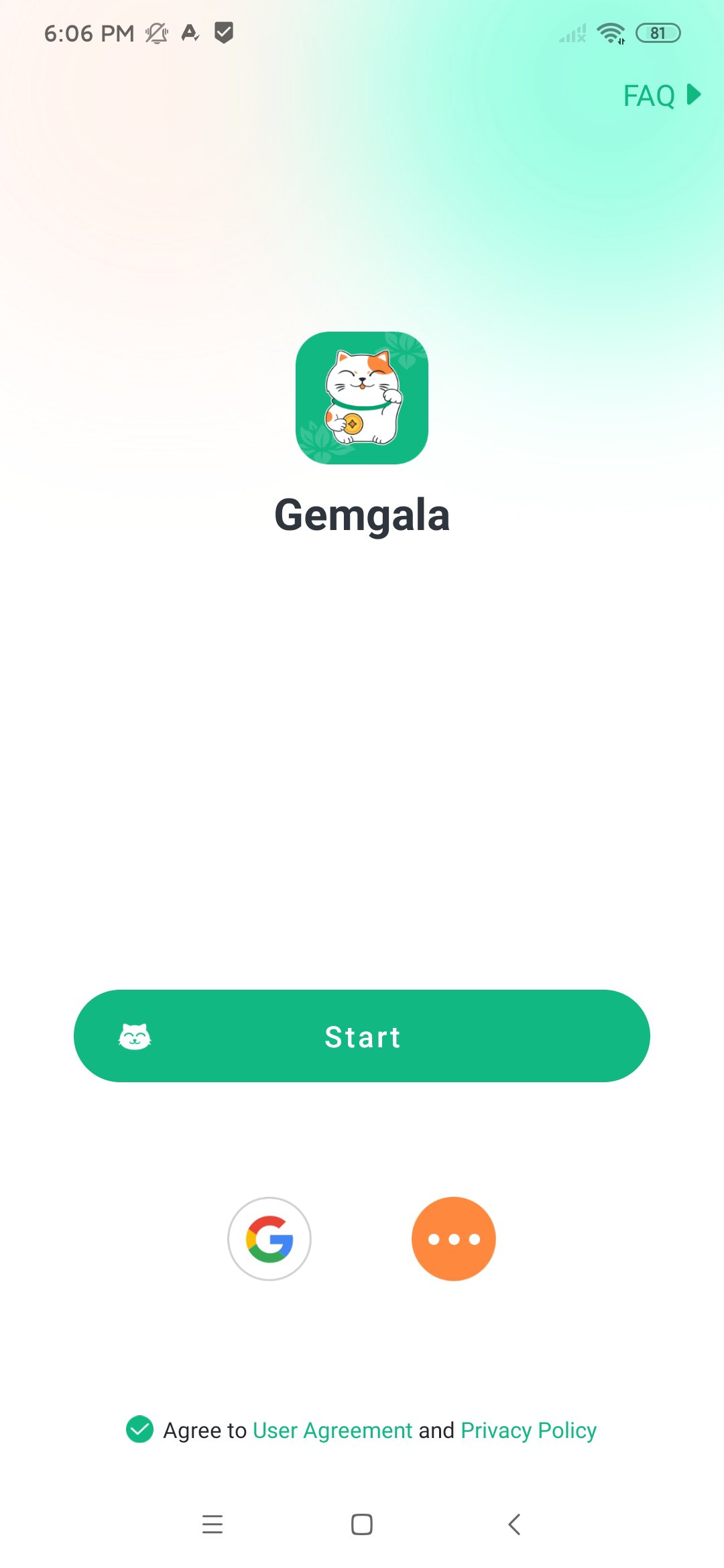
Tags
LifestyleSocialInformation
Developer
Gemgala Team
Latest Version
1.5.31
Last Updated
2026-09-04
Category
Lifestyle
Available on
Google Play
Show More
How to play Gemgala - Party & Chat & Games with GameLoop on PC
1. Download GameLoop from the official website, then run the exe file to install GameLoop
2. Open GameLoop and search for “Gemgala - Party & Chat & Games” , find Gemgala - Party & Chat & Games in the search results and click “Install”
3. Enjoy playing Gemgala - Party & Chat & Games on GameLoop
Minimum requirements
OS
Windows 8.1 64-bit or Windows 10 64-bit
GPU
GTX 1050
CPU
i3-8300
Memory
8GB RAM
Storage
1GB available space
Recommended requirements
OS
Windows 8.1 64-bit or Windows 10 64-bit
GPU
GTX 1050
CPU
i3-9320
Memory
16GB RAM
Storage
1GB available space