
Flo by Moen™ PC
Flo Technologies
Download Flo by Moen™ on PC With GameLoop Emulator
Flo by Moen™ on PC
Flo by Moen™, coming from the developer Flo Technologies, is running on Android systerm in the past.
Now, You can play Flo by Moen™ on PC with GameLoop smoothly.
Download it in the GameLoop library or search results. No more eyeing the battery or frustrating calls at the wrong time any more.
Just enjoy Flo by Moen™ PC on the large screen for free!
Flo by Moen™ Introduction
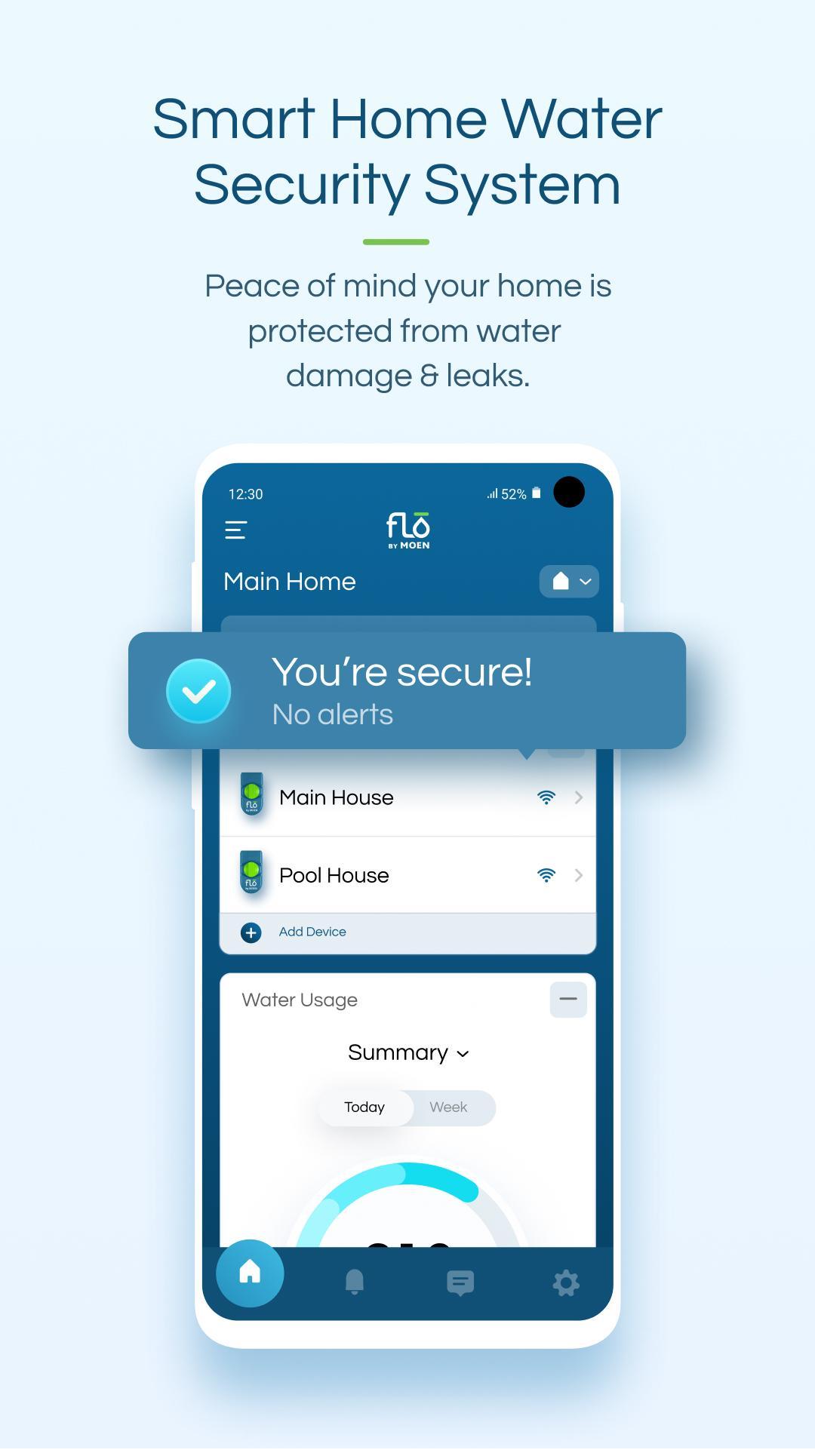
Meet the Flo by Moen™ Smart Water Shutoff, a smart home device that monitors and controls your home’s plumbing from your phone. Flo by Moen helps you conserve water and avoid the often-catastrophic consequences of plumbing failures and leaks. Turn your water off remotely with a single tap.
There are over a trillion gallons of water wasted in US homes every year, much of it due to preventable leaks and plumbing failures affecting millions of homeowners. With plumbing systems becoming more antiquated and worsening drought conditions, control of your home’s plumbing is more critical than ever.
Flo by Moen is your direct line to security, conservation, and savings with these key app features:
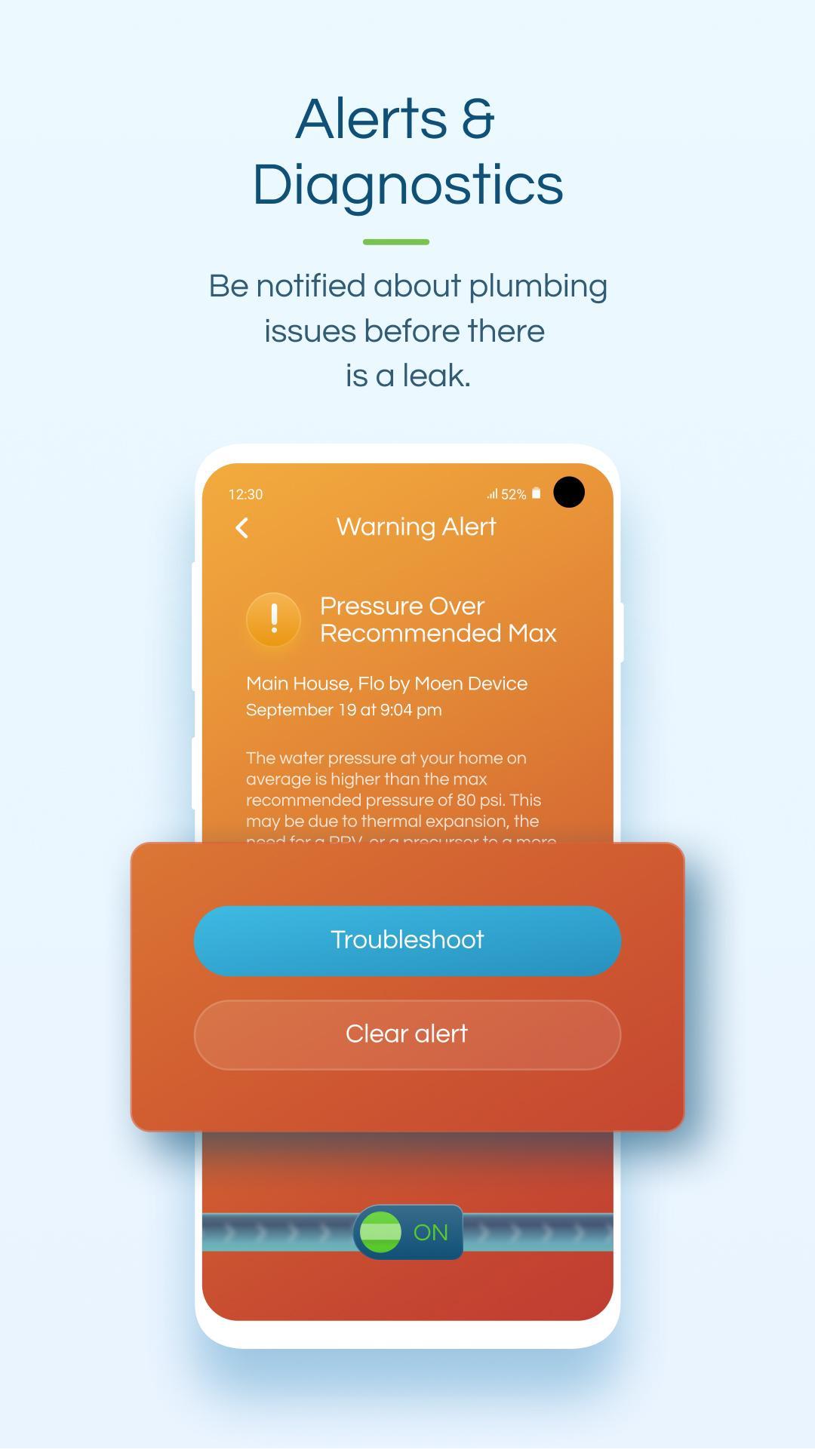
• Run automatic and diagnostic leak tests
• Monitor your daily and monthly water consumption
• Remotely turn your water off or on
• Manage multiple locations & devices
• Stay safe even when you’re on vacation or unavailable – If the Smart Water Shutoff senses your home is in immediate danger, the system can automatically turn the water off for you.
To learn more, visit https://meetflo.com/
Preview
Tags
LifestyleInformation
Developer
Flo Technologies
Latest Version
4.19.6
Last Updated
2024-10-24
Category
Lifestyle
Available on
Google Play
Show More
How to play Flo by Moen™ with GameLoop on PC
1. Download GameLoop from the official website, then run the exe file to install GameLoop
2. Open GameLoop and search for “Flo by Moen™” , find Flo by Moen™ in the search results and click “Install”
3. Enjoy playing Flo by Moen™ on GameLoop
Minimum requirements
OS
Windows 8.1 64-bit or Windows 10 64-bit
GPU
GTX 1050
CPU
i3-8300
Memory
8GB RAM
Storage
1GB available space
Recommended requirements
OS
Windows 8.1 64-bit or Windows 10 64-bit
GPU
GTX 1050
CPU
i3-9320
Memory
16GB RAM
Storage
1GB available space