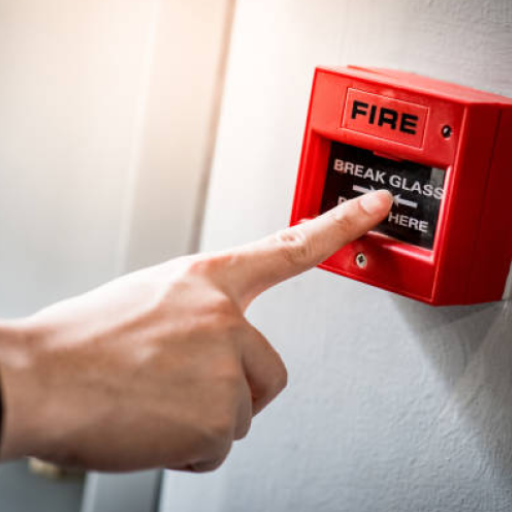
Fire Alarm Sounds PC
ManitDev
Download Fire Alarm Sounds on PC With GameLoop Emulator
Fire Alarm Sounds on PC
Fire Alarm Sounds, coming from the developer ManitDev, is running on Android systerm in the past.
Now, You can play Fire Alarm Sounds on PC with GameLoop smoothly.
Download it in the GameLoop library or search results. No more eyeing the battery or frustrating calls at the wrong time any more.
Just enjoy Fire Alarm Sounds PC on the large screen for free!
Fire Alarm Sounds Introduction
Fire Alarm Sounds: Ignite Your Notifications!
Transform your device with the ultimate sound experience! Fire Alarm Sounds lets you set high-quality sounds as ringtones, notifications, or alarms, ensuring you never miss an important alert again.
Key Features:
Set as Ringtone: Choose from a variety of fire alarm sounds to personalize your calls.
Favorites Sound: Save your top picks for quick access anytime.
Offline App: Enjoy seamless sound access without the need for an internet connection.
User Benefits:
Elevate your notifications and ringtones with unique, attention-grabbing fire alarm sounds that stand out.
With a clean UI and lightning-fast performance, Fire Alarm Sounds is designed to enhance your mobile experience effortlessly. Download now to light up your alerts and stay ahead of the game!
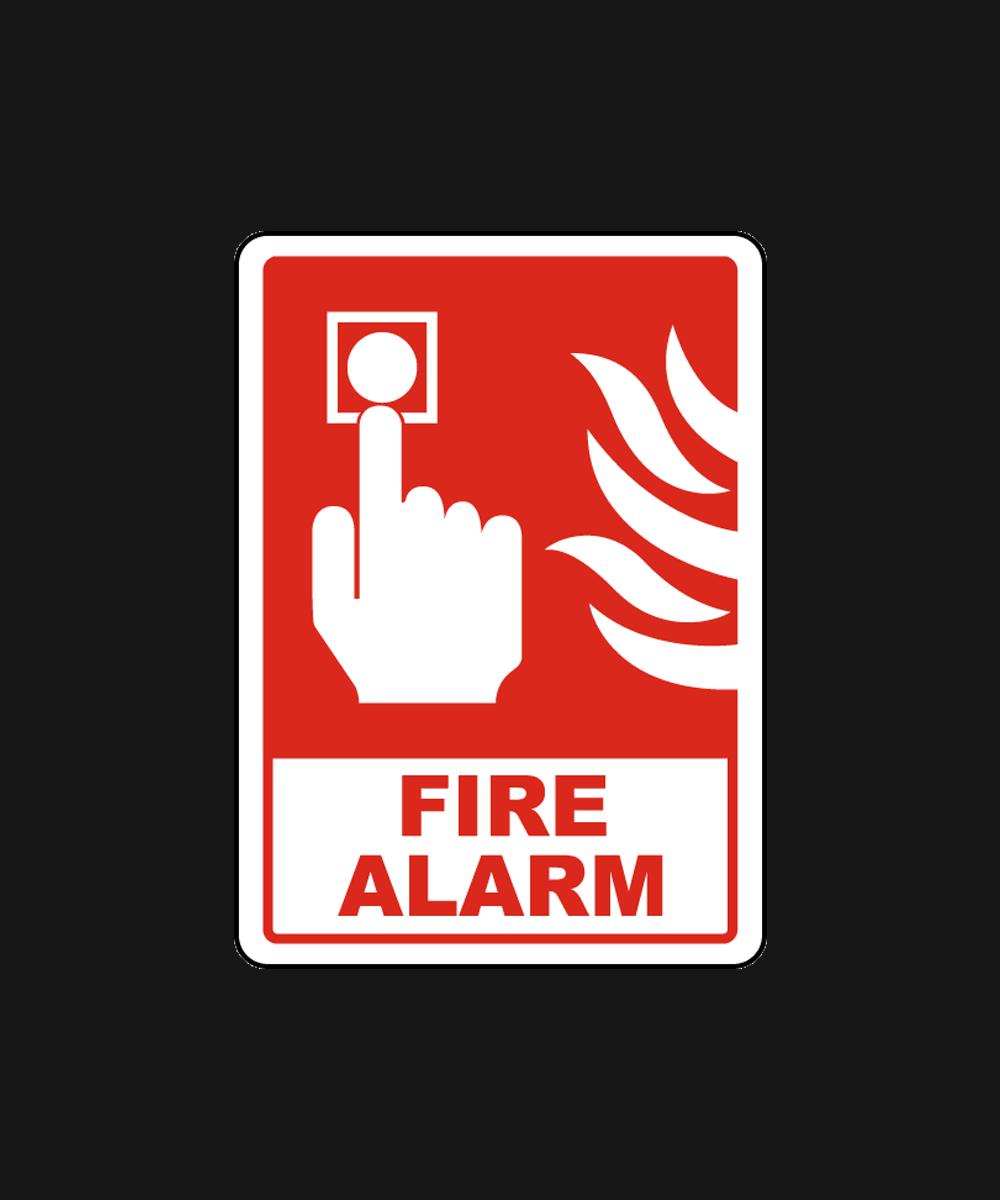
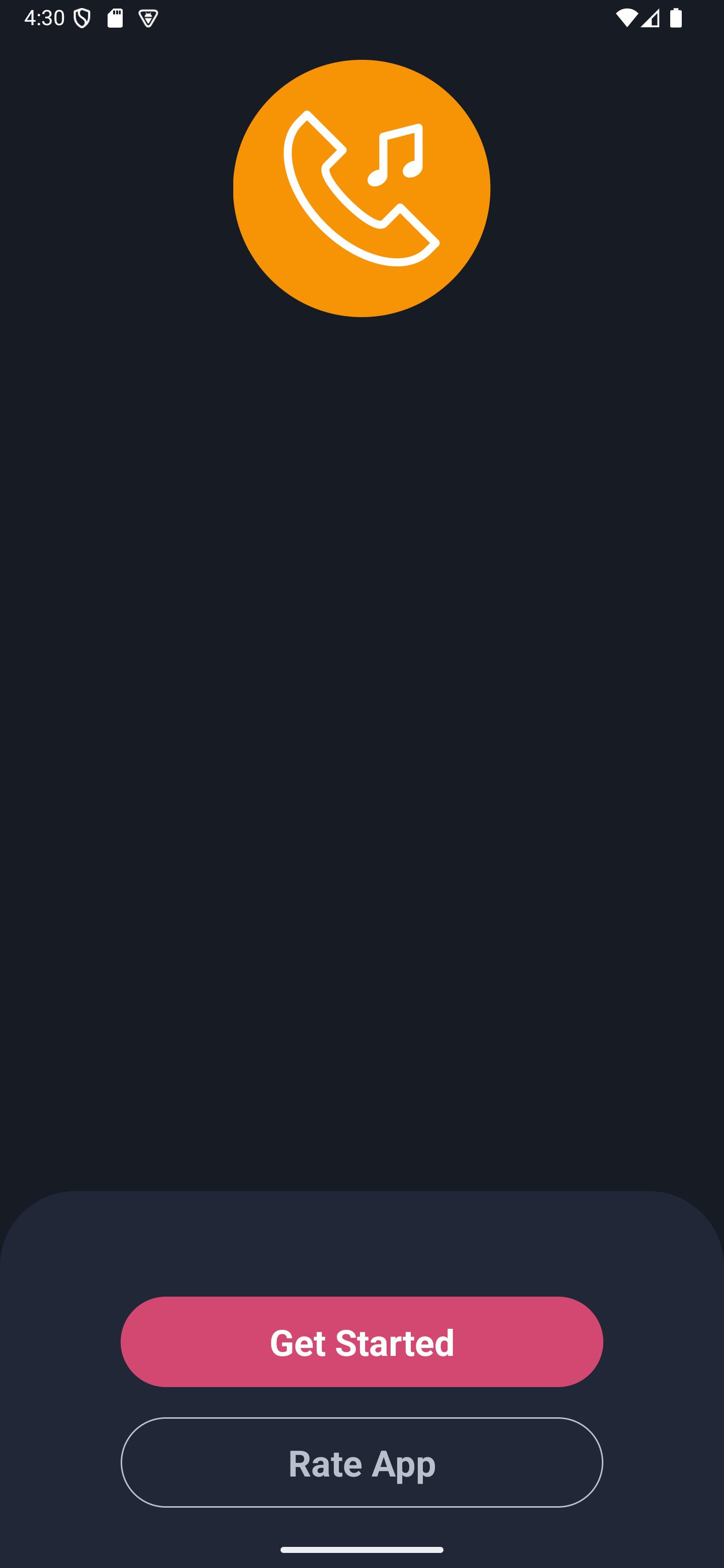
Preview
Tags
LifestyleInformation
Developer
ManitDev
Latest Version
36.0
Last Updated
2025-08-26
Category
Lifestyle
Available on
Google Play
Show More
How to play Fire Alarm Sounds with GameLoop on PC
1. Download GameLoop from the official website, then run the exe file to install GameLoop
2. Open GameLoop and search for “Fire Alarm Sounds” , find Fire Alarm Sounds in the search results and click “Install”
3. Enjoy playing Fire Alarm Sounds on GameLoop
Minimum requirements
OS
Windows 8.1 64-bit or Windows 10 64-bit
GPU
GTX 1050
CPU
i3-8300
Memory
8GB RAM
Storage
1GB available space
Recommended requirements
OS
Windows 8.1 64-bit or Windows 10 64-bit
GPU
GTX 1050
CPU
i3-9320
Memory
16GB RAM
Storage
1GB available space