
Sticky Notes PC
RZTech
Download Sticky Notes on PC With GameLoop Emulator
Sticky Notes on PC
Sticky Notes, coming from the developer RZTech, is running on Android systerm in the past.
Now, You can play Sticky Notes on PC with GameLoop smoothly.
Download it in the GameLoop library or search results. No more eyeing the battery or frustrating calls at the wrong time any more.
Just enjoy Sticky Notes PC on the large screen for free!
Sticky Notes Introduction
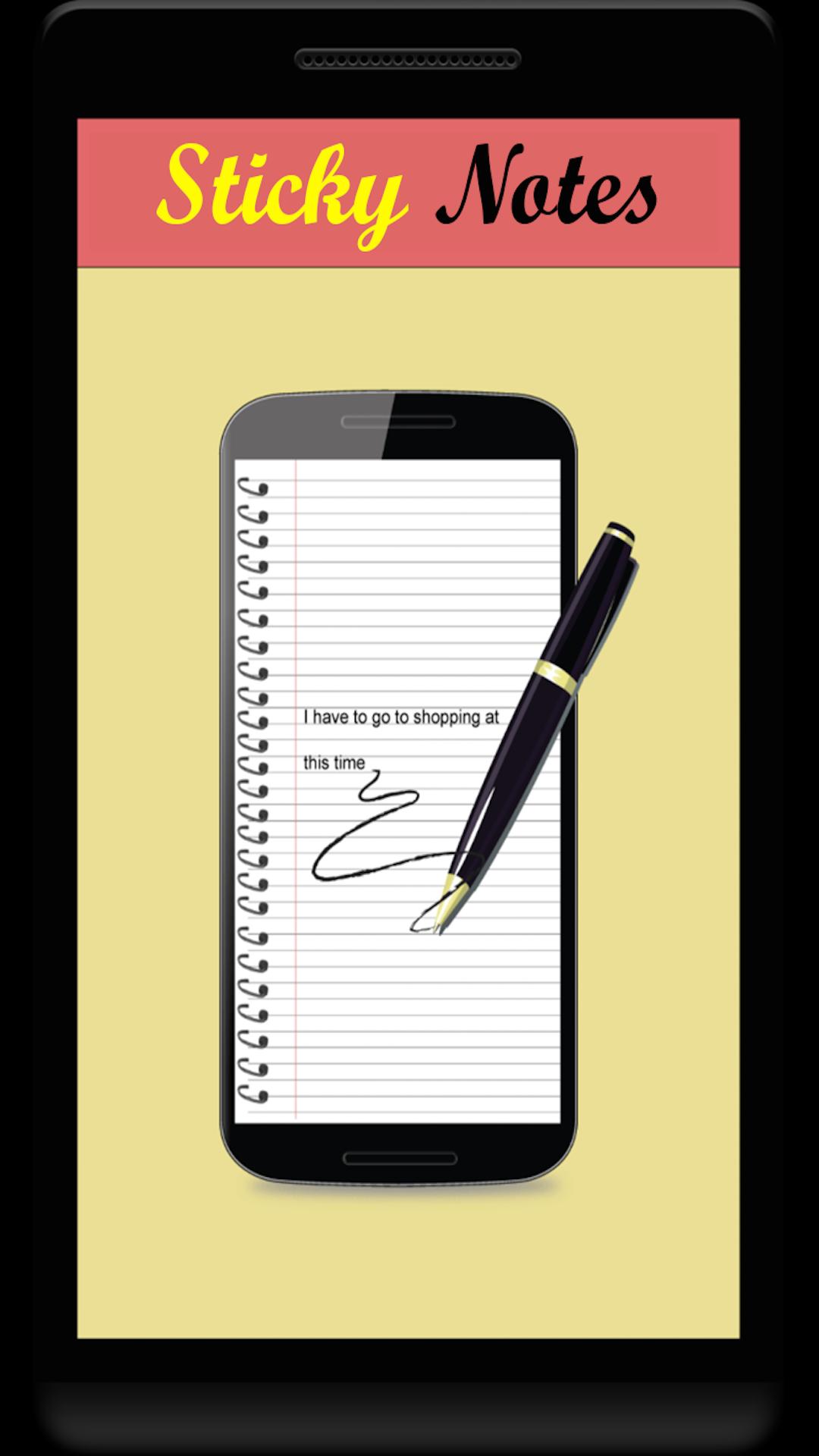
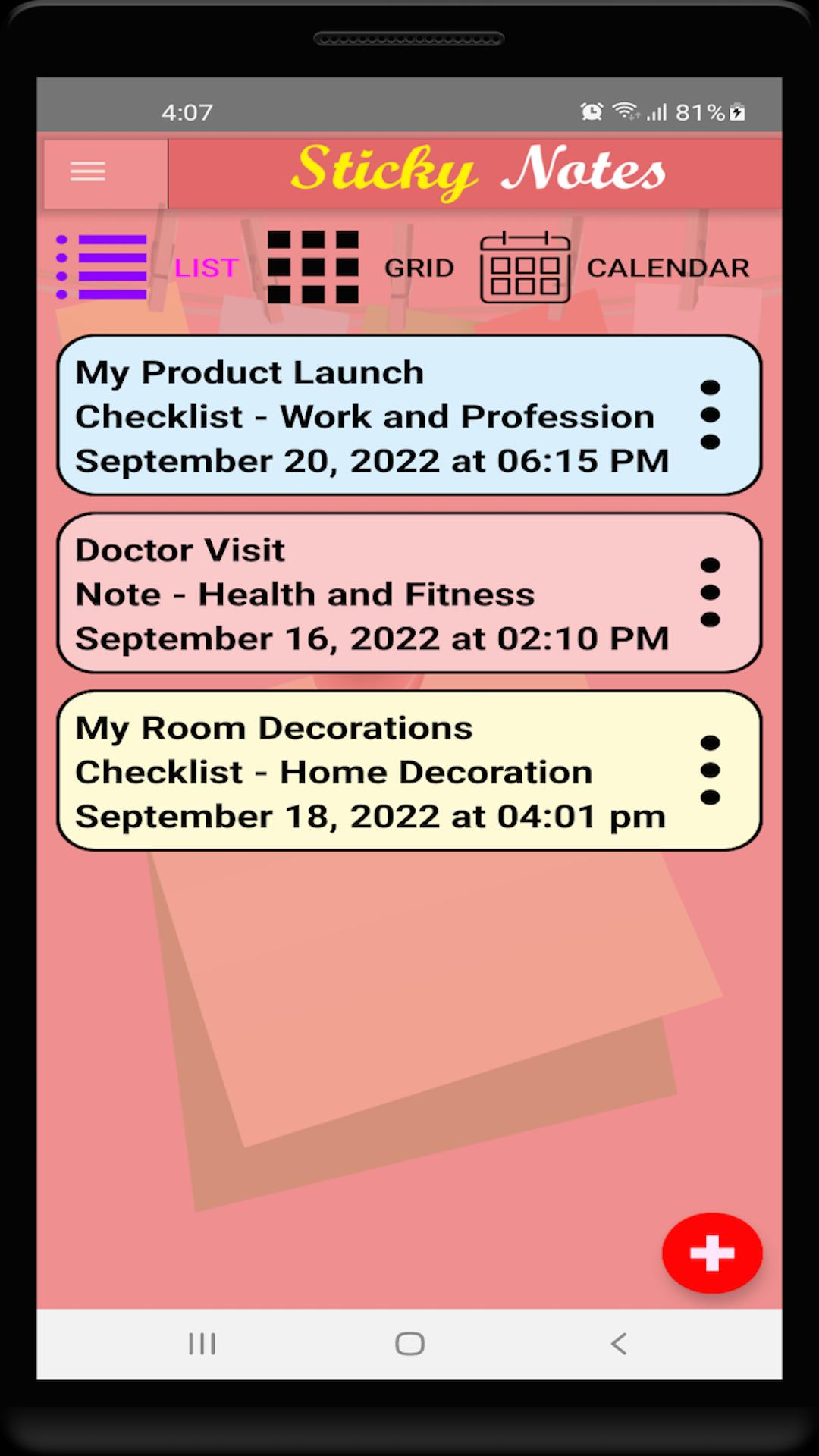
Finding it difficult to keep track of your engagements and settlements? Don’t worry. The Sticky Notes application is here to help you keep up with everything you have ventured for. Just open the application, add a note with relevant information and set any reminder for it using the easy to use menus. The application will throw you notifications on the appropriate time and repeat them as much as you want. In addition, you can add checklists involving required items for any work you want to do at any specified time. You can even add a password to your application to block free access to your notes. Available in English, Arabic, Chinese, Dutch, French, German, Italian, Portuguese, Russian, Spanish and Turkish languages, you’ll find this application a real joy.
FEATURES
⎯ Easy to use and interactive interface
⎯ Manage your categories, notes and checklists
⎯ Customize the look-and-feel, security and working of your application using the settings screen
⎯ Add a password and secret question to your application to keep your plans private and secret
⎯ Add time based reminders for every note you add
⎯ A notification based on the reminder you set for your note
⎯ Backup and restore your notes from your memory card if you lose them
⎯ Available in English, Arabic, Chinese, Dutch, French, German, Italian, Portuguese, Russian, Spanish and Turkish languages
DISCLAIMER
In order to keep the application 100% free, ads may appear on its screens. If you have any problem regarding this, please feel free to contact us directly instead of leaving a bad rating.
Thank you for choosing our application. We hope you have great experience with it.
Preview
Tags
LifestyleInformation
Developer
RZTech
Latest Version
1.2
Last Updated
2022-12-30
Category
Lifestyle
Available on
Google Play
Show More
How to play Sticky Notes with GameLoop on PC
1. Download GameLoop from the official website, then run the exe file to install GameLoop
2. Open GameLoop and search for “Sticky Notes” , find Sticky Notes in the search results and click “Install”
3. Enjoy playing Sticky Notes on GameLoop
Minimum requirements
OS
Windows 8.1 64-bit or Windows 10 64-bit
GPU
GTX 1050
CPU
i3-8300
Memory
8GB RAM
Storage
1GB available space
Recommended requirements
OS
Windows 8.1 64-bit or Windows 10 64-bit
GPU
GTX 1050
CPU
i3-9320
Memory
16GB RAM
Storage
1GB available space