
Journey: Diary, Journal PC
Two App Studio Pte. Ltd.
Download Journey: Diary, Journal on PC With GameLoop Emulator
Journey: Diary, Journal on PC
Journey: Diary, Journal, coming from the developer Two App Studio Pte. Ltd., is running on Android systerm in the past.
Now, You can play Journey: Diary, Journal on PC with GameLoop smoothly.
Download it in the GameLoop library or search results. No more eyeing the battery or frustrating calls at the wrong time any more.
Just enjoy Journey: Diary, Journal PC on the large screen for free!
Journey: Diary, Journal Introduction
Join millions of Journey users, from all walks of life, to embark on your unique life journey towards a deeper gratitude for life, better health, and a calmer mind through journaling in Journey diary.
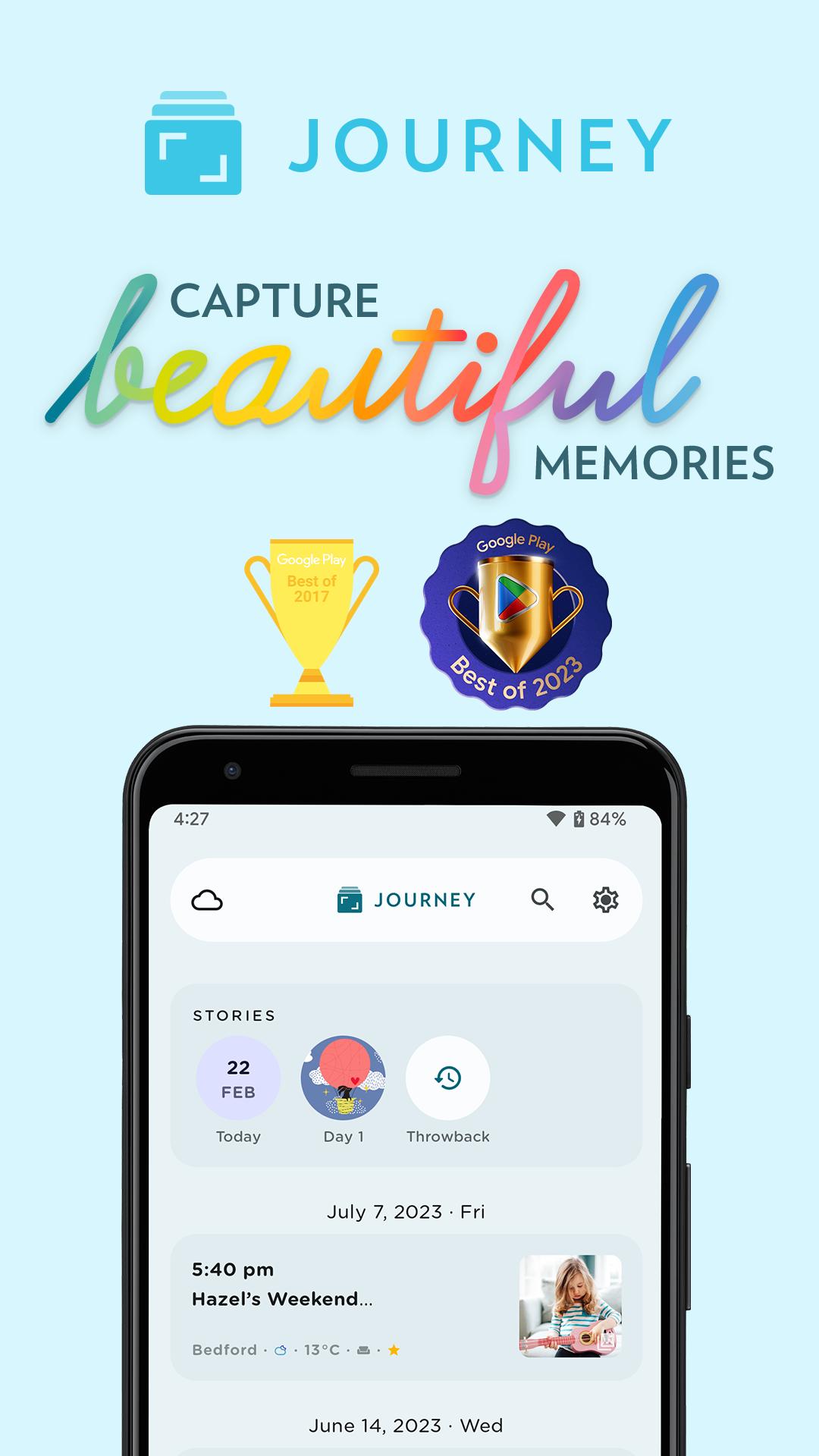
Capture Beautiful Memories
Capture both moments & memories with photos, videos or audios that you can look back on in the future and remember the events that happened that day.
Create Stunning Journal Entries
Explore a variety of journaling & note-taking tools in Journey's diary editor. Change the paragraph style, stylize your text with bold, italics and strikethrough, organize your writing with bullets, tables, and checklists, and play around with text color.
Throwback to Your Happiest Moments
Get notified and look back at your best memories and your journal entries from a week, a month, or even a year or two ago.
Tend To Your Emotions With Mood-Tracking
Take note of your feelings while journaling, and keep track of how your mood fluctuates across your journal entries. View how your mood shifts across 30 days in your stories.
Shared Journal^
Collaborate and create cherished memories with your loved ones, family members, or even friends on an unforgettable journey together.
End-to-End Encryption^
Enjoy unparalleled peace of mind with end-to-end encryption†. Safeguard your personal moments & memories and ensure your privacy remains intact throughout its journey to the cloud.
Private & Secure Space
Set up a passcode and Android Biometric to keep your journal & diary entries private and secure.
Power Up Your Journal With Plugins
Power up your journaling routine with an extensive range of journal plugins. Explore functions such as exporting to DOCX & PDF, adding images & media, and blog publishing on Journey.
Journal Coach & Templates
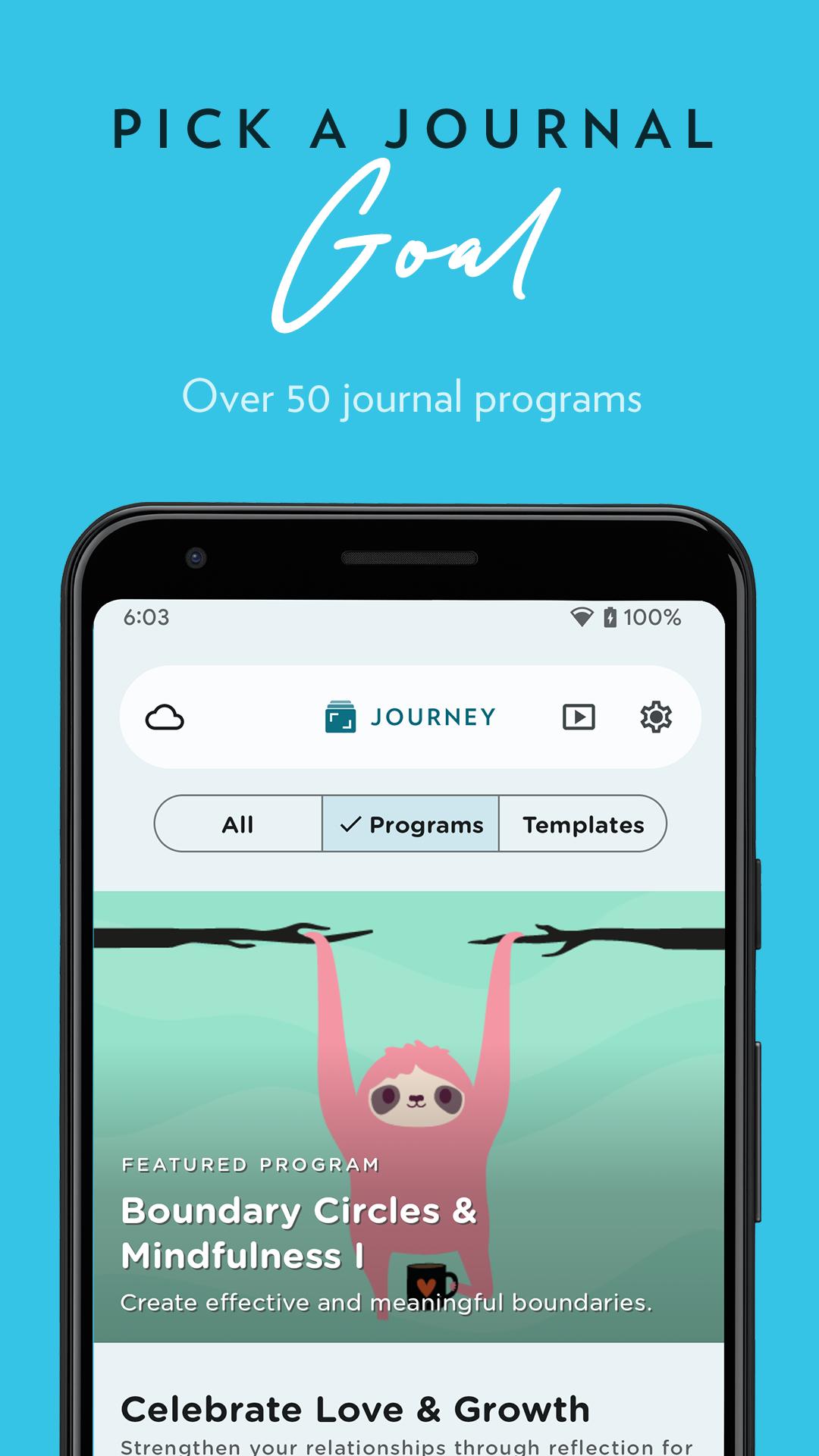
Breeze through journaling with more than 60 curated journaling programs from topics such as self-confidence, boundary making, and practicing mindfulness. Kick-start your reflections with templates that have thought-provoking prompts and questions.
Create Custom Templates
Take charge of your journaling by creating custom templates that suit your needs. Create, duplicate, and delete custom templates at your convenience.
Other Features:
⁃ Cloud sync
- View entries in the calendar, photos, videos, and on a map
- 14 Color themes
⁃ Passcode and fingerprint lock
⁃ Available on mobile, desktop and web
- Add weather & location to entry
⁃ View entries in timeline, calendar, map
⁃ Advanced search: Activity, mood, favorites
- Interlink notes
⁃ Compose entries via email
- Zapier integration
- Publish to blogs
- Daily journal reminder
To learn about Journey, please visit this page:
Preview
Tags
LifestyleInformation
Developer
Two App Studio Pte. Ltd.
Latest Version
5.6.2B-play
Last Updated
2025-10-07
Category
Lifestyle
Available on
Google Play
Show More
How to play Journey: Diary, Journal with GameLoop on PC
1. Download GameLoop from the official website, then run the exe file to install GameLoop
2. Open GameLoop and search for “Journey: Diary, Journal” , find Journey: Diary, Journal in the search results and click “Install”
3. Enjoy playing Journey: Diary, Journal on GameLoop
Minimum requirements
OS
Windows 8.1 64-bit or Windows 10 64-bit
GPU
GTX 1050
CPU
i3-8300
Memory
8GB RAM
Storage
1GB available space
Recommended requirements
OS
Windows 8.1 64-bit or Windows 10 64-bit
GPU
GTX 1050
CPU
i3-9320
Memory
16GB RAM
Storage
1GB available space