CeluBiblia AIO PC
ERC Systems
Download CeluBiblia AIO on PC With GameLoop Emulator
CeluBiblia AIO on PC
CeluBiblia AIO, coming from the developer ERC Systems, is running on Android systerm in the past.
Now, You can play CeluBiblia AIO on PC with GameLoop smoothly.
Download it in the GameLoop library or search results. No more eyeing the battery or frustrating calls at the wrong time any more.
Just enjoy CeluBiblia AIO PC on the large screen for free!
CeluBiblia AIO Introduction
WITHOUT INTERNET
10 COMPLETE MODULES AND IN ONE APPLICATION
5000 (FIVE THOUSAND) days of devotions WITHOUT INTERNET
COMPLETE BIBLES:
BLA - Latin American Bible
NTV - New Living Translation
RV60 - Reina Valera Review 1960
TLA - Current Language Translation
COMPLETE BIBLICAL DICTIONARIES
Agreement
Mini Biographies
COMMENTS COMPLETE
Daily Living
Bible Notes RV 1995
Spurgeon (The Checkbook)
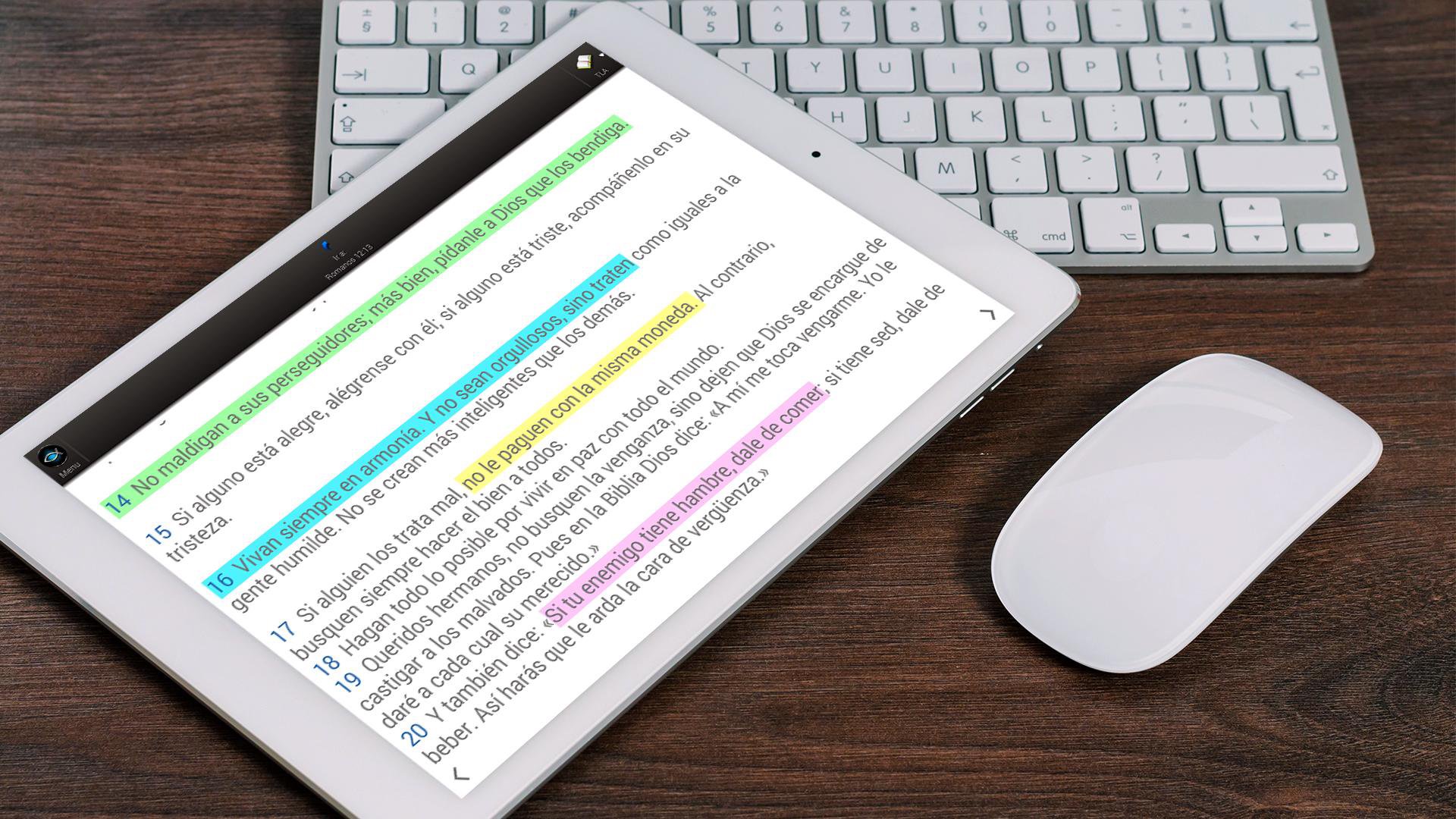
Quick Search, Maps, Favorites saved in Google Drive, Devotionals, History, Customization of the background text color and font size, Devotional alarm, Dark theme or night mode so as not to tire your eyes.
Preview

Tags
LifestyleInformation
Developer
ERC Systems
Latest Version
25.08.24
Last Updated
2025-08-23
Category
Lifestyle
Available on
Google Play
Show More
How to play CeluBiblia AIO with GameLoop on PC
1. Download GameLoop from the official website, then run the exe file to install GameLoop
2. Open GameLoop and search for “CeluBiblia AIO” , find CeluBiblia AIO in the search results and click “Install”
3. Enjoy playing CeluBiblia AIO on GameLoop
Minimum requirements
OS
Windows 8.1 64-bit or Windows 10 64-bit
GPU
GTX 1050
CPU
i3-8300
Memory
8GB RAM
Storage
1GB available space
Recommended requirements
OS
Windows 8.1 64-bit or Windows 10 64-bit
GPU
GTX 1050
CPU
i3-9320
Memory
16GB RAM
Storage
1GB available space