
Damaged Video Repair - VideoFix Tools PC
am 600
Download Damaged Video Repair - VideoFix Tools on PC With GameLoop Emulator
Damaged Video Repair - VideoFix Tools on PC
Damaged Video Repair - VideoFix Tools, coming from the developer am 600, is running on Android systerm in the past.
Now, You can play Damaged Video Repair - VideoFix Tools on PC with GameLoop smoothly.
Download it in the GameLoop library or search results. No more eyeing the battery or frustrating calls at the wrong time any more.
Just enjoy Damaged Video Repair - VideoFix Tools PC on the large screen for free!
Damaged Video Repair - VideoFix Tools Introduction
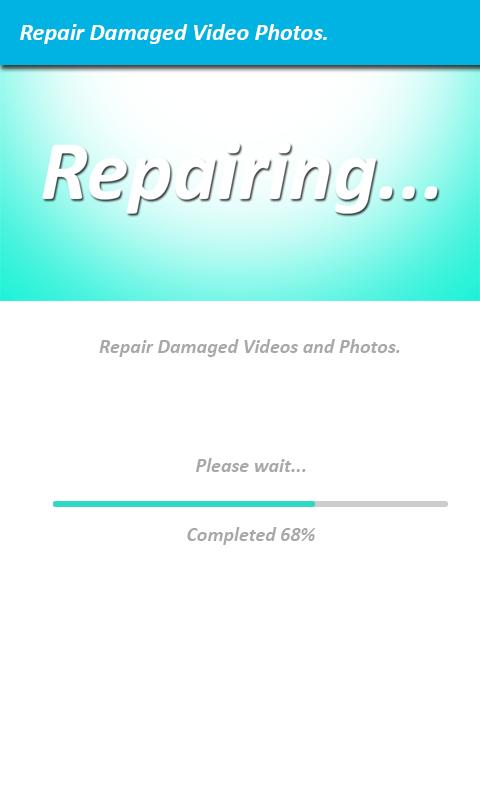
You can't play a video recorded on your phone? It looks like a broken file is lost forever?
No worries, You can easily fix your damaged video with VideoFix and save your day.
You can watch your repaired files for free as many times as you want! Enjoy:)
Save your repaired videos on your phone and share a joy with your friends by making a small one-time purchase. With Premium Features you can recover as many corrupted files as you want so all your future phone videos are protected.
To restore your crashed file all you need is VideoFix and another valid video recorded on the same Android phone using the same app.
Features:
* Just two steps resuse corrupt movie file.
* best deleted video recovery tools.
* No rooting necessary, high quality to undelete file.
* Find and save video from internal storage, external memory and memory card of phone.
* File format: 3GP, MP4, AVI, FLV, MPG, MOV,
* Easily fix your damaged video.
* mp4 files broken by camera crash, dead battery and lack of memory.
Install now! You are 2 clicks away from playing your video!
Preview

Information
Developer
am 600
Latest Version
1.1
Last Updated
2019-08-09
Category
Libraries-demo
Available on
Google Play
Show More
How to play Damaged Video Repair - VideoFix Tools with GameLoop on PC
1. Download GameLoop from the official website, then run the exe file to install GameLoop
2. Open GameLoop and search for “Damaged Video Repair - VideoFix Tools” , find Damaged Video Repair - VideoFix Tools in the search results and click “Install”
3. Enjoy playing Damaged Video Repair - VideoFix Tools on GameLoop
Minimum requirements
OS
Windows 8.1 64-bit or Windows 10 64-bit
GPU
GTX 1050
CPU
i3-8300
Memory
8GB RAM
Storage
1GB available space
Recommended requirements
OS
Windows 8.1 64-bit or Windows 10 64-bit
GPU
GTX 1050
CPU
i3-9320
Memory
16GB RAM
Storage
1GB available space