
Basic Root Checker Pro- Unroot PC
Royal Games Boosters
Download Basic Root Checker Pro- Unroot on PC With GameLoop Emulator
Basic Root Checker Pro- Unroot on PC
Basic Root Checker Pro- Unroot, coming from the developer Royal Games Boosters, is running on Android systerm in the past.
Now, You can play Basic Root Checker Pro- Unroot on PC with GameLoop smoothly.
Download it in the GameLoop library or search results. No more eyeing the battery or frustrating calls at the wrong time any more.
Just enjoy Basic Root Checker Pro- Unroot PC on the large screen for free!
Basic Root Checker Pro- Unroot Introduction
**Introduction:**
Welcome to Superuser su Basic Root Checker & Unroot app, your comprehensive solution for unrooting your device and checking root status on Android . 🚀
**How It Works - Three Simple Steps:**
1. **Check Root Status:**
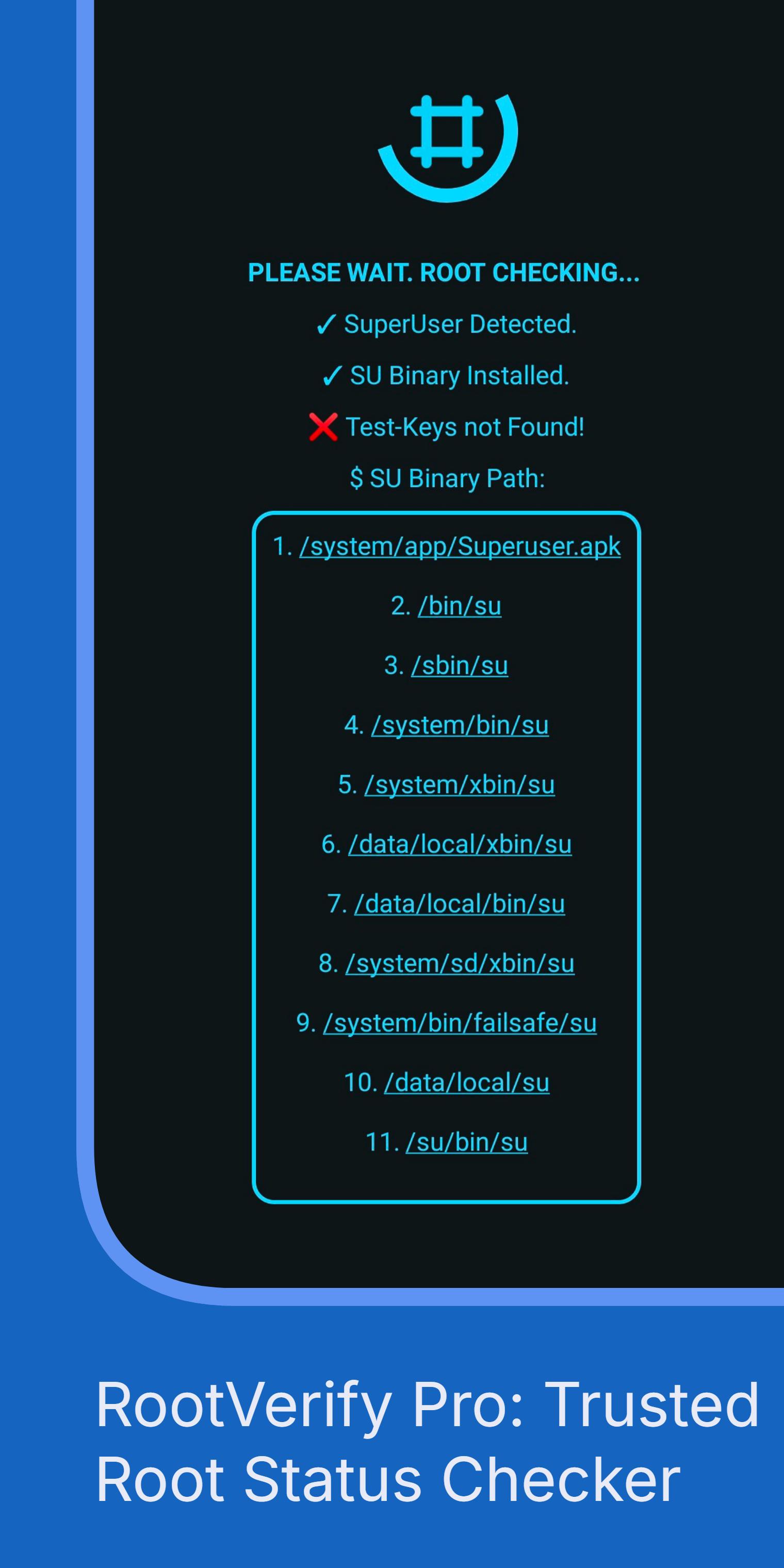
- Instantly verify your device's root status with a single tap. 🌐
- Receive clear results indicating whether your device is rooted or not.
2. **Safe Unrooting:**
- Effortlessly unroot your device while preserving data integrity. 🛡️
- Enhance security by removing root access whenever needed.
3. **Security Boost:**
- Improve device security by removing root access and deleting SU binary. 🔐
- Enjoy a seamless experience with enhanced privacy and control.
**Key Features:**
- **Quick Root Check:**
- Swiftly determine if your device has root access or not, ensuring your security.
- **Safe Unroot Option:**
- Unroot your device safely without compromising data or system integrity. 🔄
- **Enhanced Security:**
- Uninstall root app access to improve device security and privacy. 🚫
- **User-Friendly Interface:**
- Intuitive design for a seamless experience, even for non-tech-savvy users.
- **Detailed Root Status:**
- Receive comprehensive details about the root status of your device. ℹ️
- **Compatibility:**
- Root Checker & Unroot Pro supports a wide range of Android devices and versions. 📱
- **Lightweight App:**
- Basic Root Checker Superuser su and unroot app have small size, but ensuring optimal performance.
- **Regular Updates:**
- Stay ahead with timely updates for new Android releases and security patches. 🔄
- **No Root Access, No Distractions:**
- Enjoy a root-free experience while using Root Checker Pro & Unroot.
**Device Information:**
- Obtain detailed insights into your device's specifications and system information. 📊
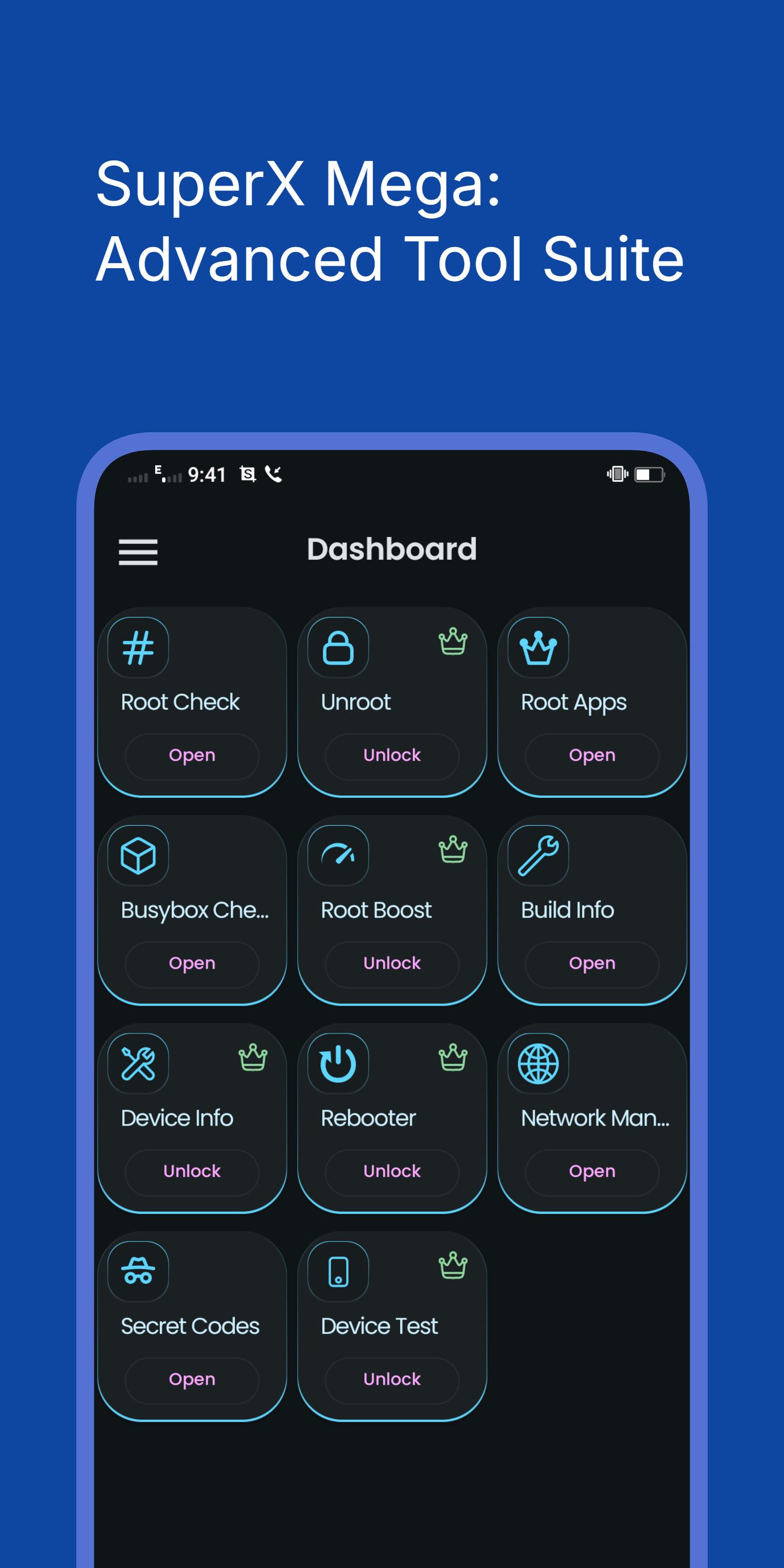
**BusyBox Feature:**
- Verify and manage BusyBox installation for advanced users seeking added functionality. 🧰
Note: "This app will not root your device. This is a root checker, One Tap (su) Checker, simple unroot , root access remover, root app uninstaller, KingRoot and Magisk Root Deleter app"
**Summary:**
Superuser(su) Root Checker & Unroot is the ultimate SuperUser tool, providing a quick and reliable way to check root status and unroot your Android device securely. With a user-friendly interface and powerful features, it enhances your device's security effortlessly. Gain control over root access and experience a seamless, root-free app that prioritizes your privacy and device integrity. Download Root Checker Basic & Unroot Pro now for a safer and more secure Android experience. 🚀
Preview
Tags
Libraries-&Information
Developer
Royal Games Boosters
Latest Version
25.08.22
Last Updated
2025-08-22
Category
Libraries-demo
Available on
Google Play
Show More
How to play Basic Root Checker Pro- Unroot with GameLoop on PC
1. Download GameLoop from the official website, then run the exe file to install GameLoop
2. Open GameLoop and search for “Basic Root Checker Pro- Unroot” , find Basic Root Checker Pro- Unroot in the search results and click “Install”
3. Enjoy playing Basic Root Checker Pro- Unroot on GameLoop
Minimum requirements
OS
Windows 8.1 64-bit or Windows 10 64-bit
GPU
GTX 1050
CPU
i3-8300
Memory
8GB RAM
Storage
1GB available space
Recommended requirements
OS
Windows 8.1 64-bit or Windows 10 64-bit
GPU
GTX 1050
CPU
i3-9320
Memory
16GB RAM
Storage
1GB available space