
Philips TV Remote PC
Mobile Tools Shop
Download Philips TV Remote on PC With GameLoop Emulator
Philips TV Remote on PC
Philips TV Remote, coming from the developer Mobile Tools Shop, is running on Android systerm in the past.
Now, You can play Philips TV Remote on PC with GameLoop smoothly.
Download it in the GameLoop library or search results. No more eyeing the battery or frustrating calls at the wrong time any more.
Just enjoy Philips TV Remote PC on the large screen for free!
Philips TV Remote Introduction
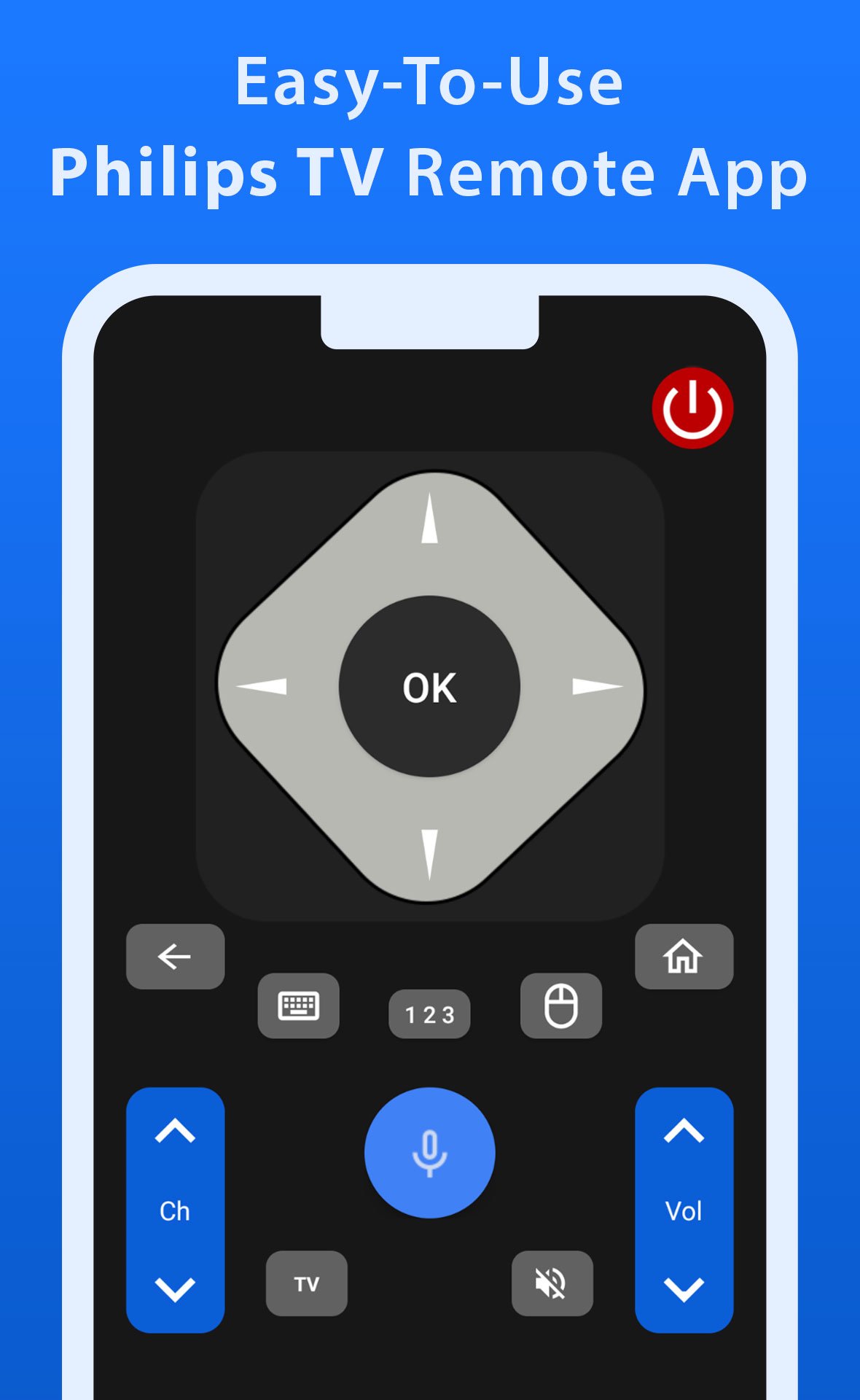
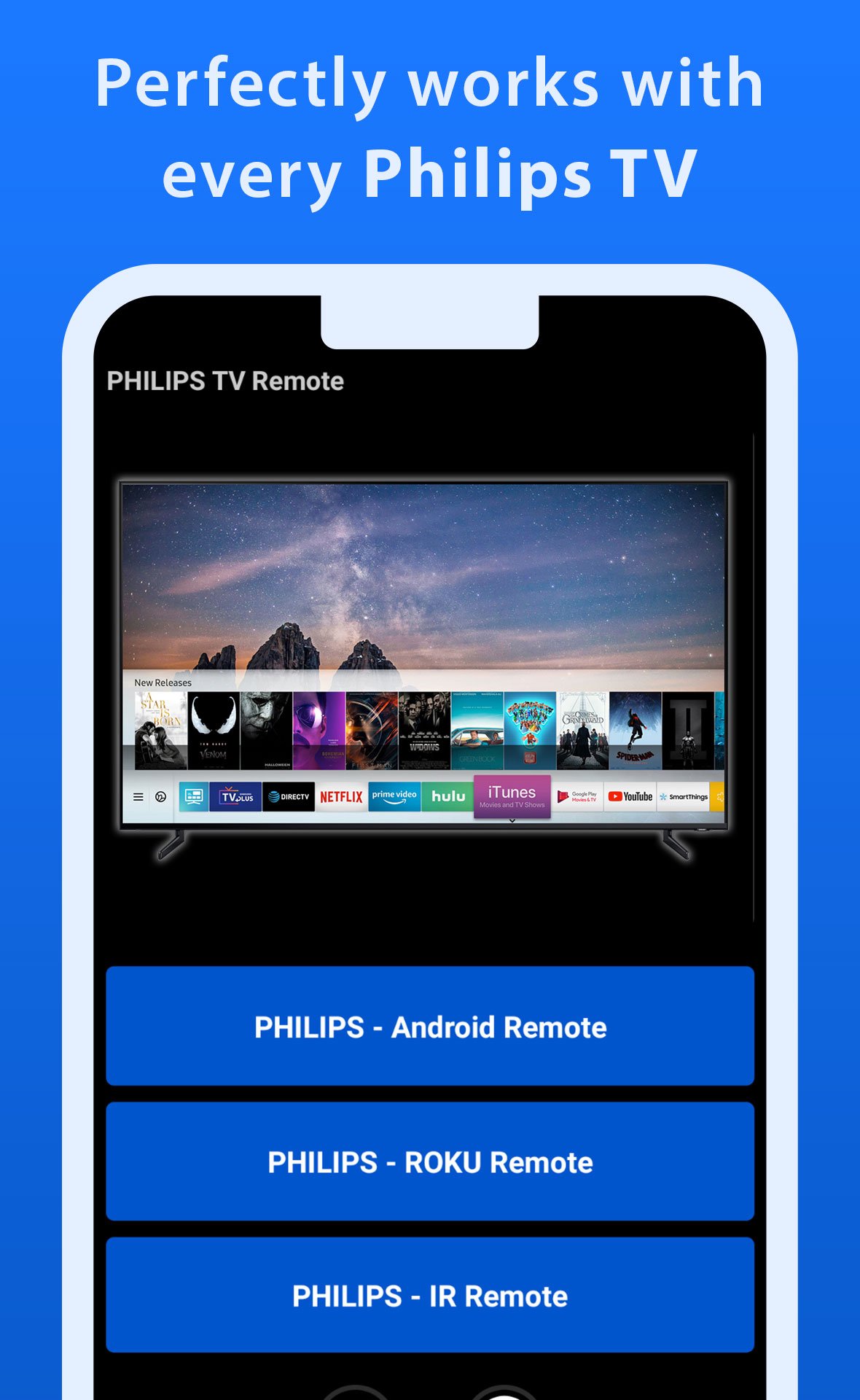
Take full control of your Philips TV with this all-in-one remote control app, designed to work seamlessly with all Philips TVs, including Android, Roku, and IR-enabled models. This app provides all the functionalities you need to operate your TV, from changing channels and adjusting the volume to accessing apps and navigating menus. With its user-friendly interface, it’s incredibly easy to use, making it the preferred choice for everyday TV viewing among many users.
What sets this app apart are its advanced features, such as the fast and responsive trackpad for smooth navigation and the powerful voice control function that lets you command your TV effortlessly. Whether you’re searching for your favorite shows or adjusting settings, this app ensures that controlling your TV is a hassle-free and enjoyable experience every time.
Download this app now and start using your mobile phone as a Philips TV remote control.
Disclaimer: This app is independently developed by Mobile Tools Shop for Philips TV users and has no official connection with Philips.
Preview
Tags
House-&Information
Developer
Mobile Tools Shop
Latest Version
1.0.19
Last Updated
2026-04-13
Category
House-home
Available on
Google Play
Show More
How to play Philips TV Remote with GameLoop on PC
1. Download GameLoop from the official website, then run the exe file to install GameLoop
2. Open GameLoop and search for “Philips TV Remote” , find Philips TV Remote in the search results and click “Install”
3. Enjoy playing Philips TV Remote on GameLoop
Minimum requirements
OS
Windows 8.1 64-bit or Windows 10 64-bit
GPU
GTX 1050
CPU
i3-8300
Memory
8GB RAM
Storage
1GB available space
Recommended requirements
OS
Windows 8.1 64-bit or Windows 10 64-bit
GPU
GTX 1050
CPU
i3-9320
Memory
16GB RAM
Storage
1GB available space