
Silverman PC
PORT80
Download Silverman on PC With GameLoop Emulator
Silverman on PC
Silverman, coming from the developer PORT80, is running on Android systerm in the past.
Now, You can play Silverman on PC with GameLoop smoothly.
Download it in the GameLoop library or search results. No more eyeing the battery or frustrating calls at the wrong time any more.
Just enjoy Silverman PC on the large screen for free!
Silverman Introduction
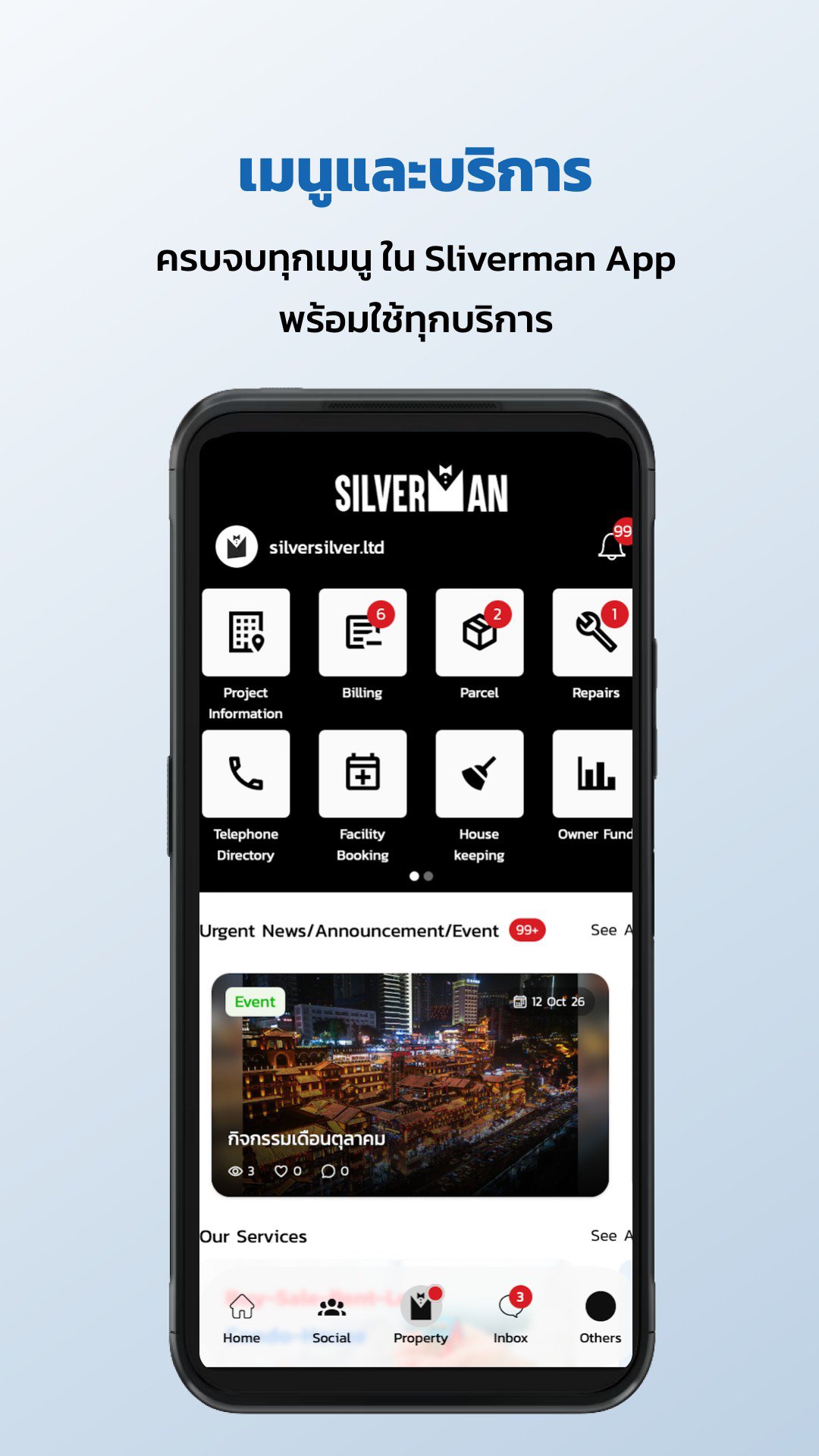
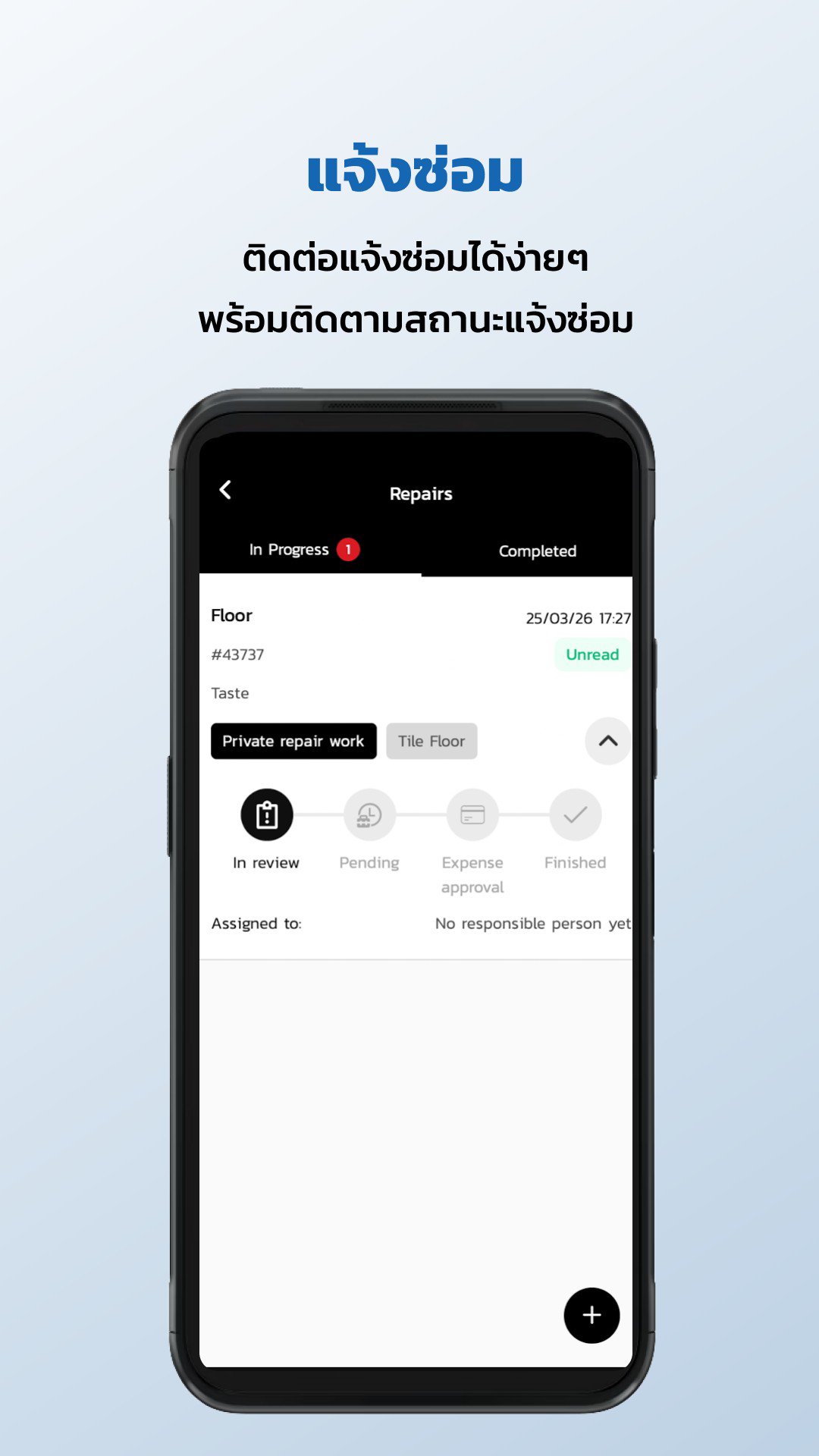
Silverman Resident makes living in your residence easier, managing various aspects through a single app. Whether it's staying updated on project news and announcements, reporting repairs, tracking packages, booking common areas, communicating with the community, or making payments, everything is handled conveniently.
The new app features a user-friendly and seamless interface, providing easy access to essential services and information every day.
Preview
Tags
House-&Information
Developer
PORT80
Latest Version
6.0.1
Last Updated
Yesterday
Category
House-home
Available on
Google Play
Show More
How to play Silverman with GameLoop on PC
1. Download GameLoop from the official website, then run the exe file to install GameLoop
2. Open GameLoop and search for “Silverman” , find Silverman in the search results and click “Install”
3. Enjoy playing Silverman on GameLoop
Minimum requirements
OS
Windows 8.1 64-bit or Windows 10 64-bit
GPU
GTX 1050
CPU
i3-8300
Memory
8GB RAM
Storage
1GB available space
Recommended requirements
OS
Windows 8.1 64-bit or Windows 10 64-bit
GPU
GTX 1050
CPU
i3-9320
Memory
16GB RAM
Storage
1GB available space