Eurotronic Smart Living 2.0 PC
EUROtronic Technology GmbH
Download Eurotronic Smart Living 2.0 on PC With GameLoop Emulator
Eurotronic Smart Living 2.0 on PC
Eurotronic Smart Living 2.0, coming from the developer EUROtronic Technology GmbH, is running on Android systerm in the past.
Now, You can play Eurotronic Smart Living 2.0 on PC with GameLoop smoothly.
Download it in the GameLoop library or search results. No more eyeing the battery or frustrating calls at the wrong time any more.
Just enjoy Eurotronic Smart Living 2.0 PC on the large screen for free!
Eurotronic Smart Living 2.0 Introduction
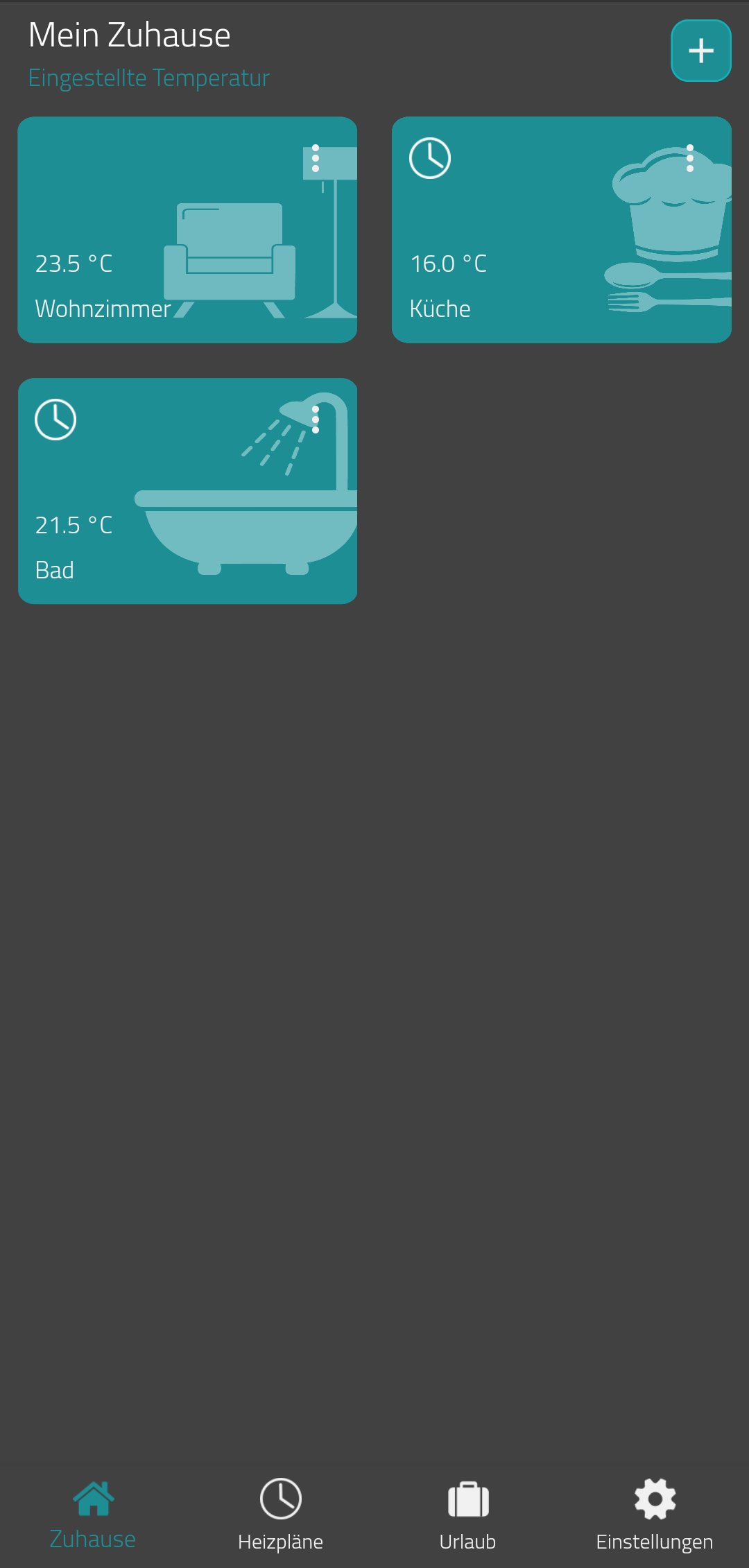
With the Eurotronic Smart Living App, you can now conveniently control and manage your Eurotronic WiFi devices.
Our new database allows you to manage your devices across smartphones and tablets.
By integrating your devices into your WiFi network, you can also control your WiFi devices at any time while on the go.
With programmable weekly and daily time programs for your Comet WiFi thermostat, you save up to 30% on your heating costs!
The WiFi app offers you the following options:
- Integration of your Comet WiFi into your WiFi network (without additional
gateway)
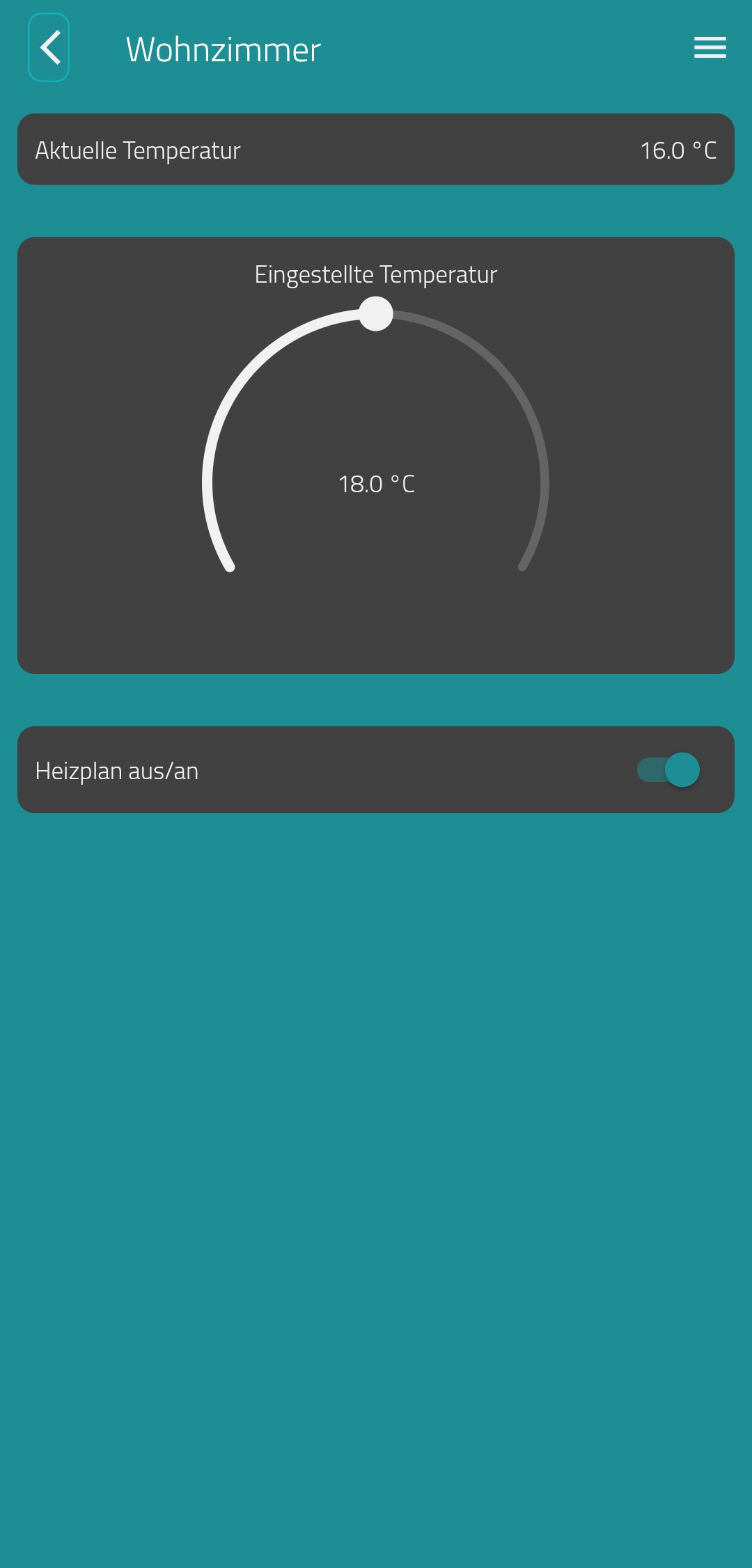
- Remote control of your Comet WiFi thermostats
- Easy configuration and storage of heating schedules (e.g. Monday
to Sunday, Monday to Friday & Saturday and Sunday)
- Activate/deactivate the key lock
- Set up vacation plans
Please note that the functions of the app described are only available in connection with a programmable Comet WiFi radiator thermostat from Eurotronic Technology GmbH.
Visit www.eurotronic.org for more information.
Preview
Tags
House-&Information
Developer
EUROtronic Technology GmbH
Latest Version
1.5.1
Last Updated
2024-10-30
Category
House-home
Available on
Google Play
Show More
How to play Eurotronic Smart Living 2.0 with GameLoop on PC
1. Download GameLoop from the official website, then run the exe file to install GameLoop
2. Open GameLoop and search for “Eurotronic Smart Living 2.0” , find Eurotronic Smart Living 2.0 in the search results and click “Install”
3. Enjoy playing Eurotronic Smart Living 2.0 on GameLoop
Minimum requirements
OS
Windows 8.1 64-bit or Windows 10 64-bit
GPU
GTX 1050
CPU
i3-8300
Memory
8GB RAM
Storage
1GB available space
Recommended requirements
OS
Windows 8.1 64-bit or Windows 10 64-bit
GPU
GTX 1050
CPU
i3-9320
Memory
16GB RAM
Storage
1GB available space