
Cocoon - Smart Home Security PC
Cocoon Labs Ltd
Download Cocoon - Smart Home Security on PC With GameLoop Emulator
Cocoon - Smart Home Security on PC
Cocoon - Smart Home Security, coming from the developer Cocoon Labs Ltd, is running on Android systerm in the past.
Now, You can play Cocoon - Smart Home Security on PC with GameLoop smoothly.
Download it in the GameLoop library or search results. No more eyeing the battery or frustrating calls at the wrong time any more.
Just enjoy Cocoon - Smart Home Security PC on the large screen for free!
Cocoon - Smart Home Security Introduction
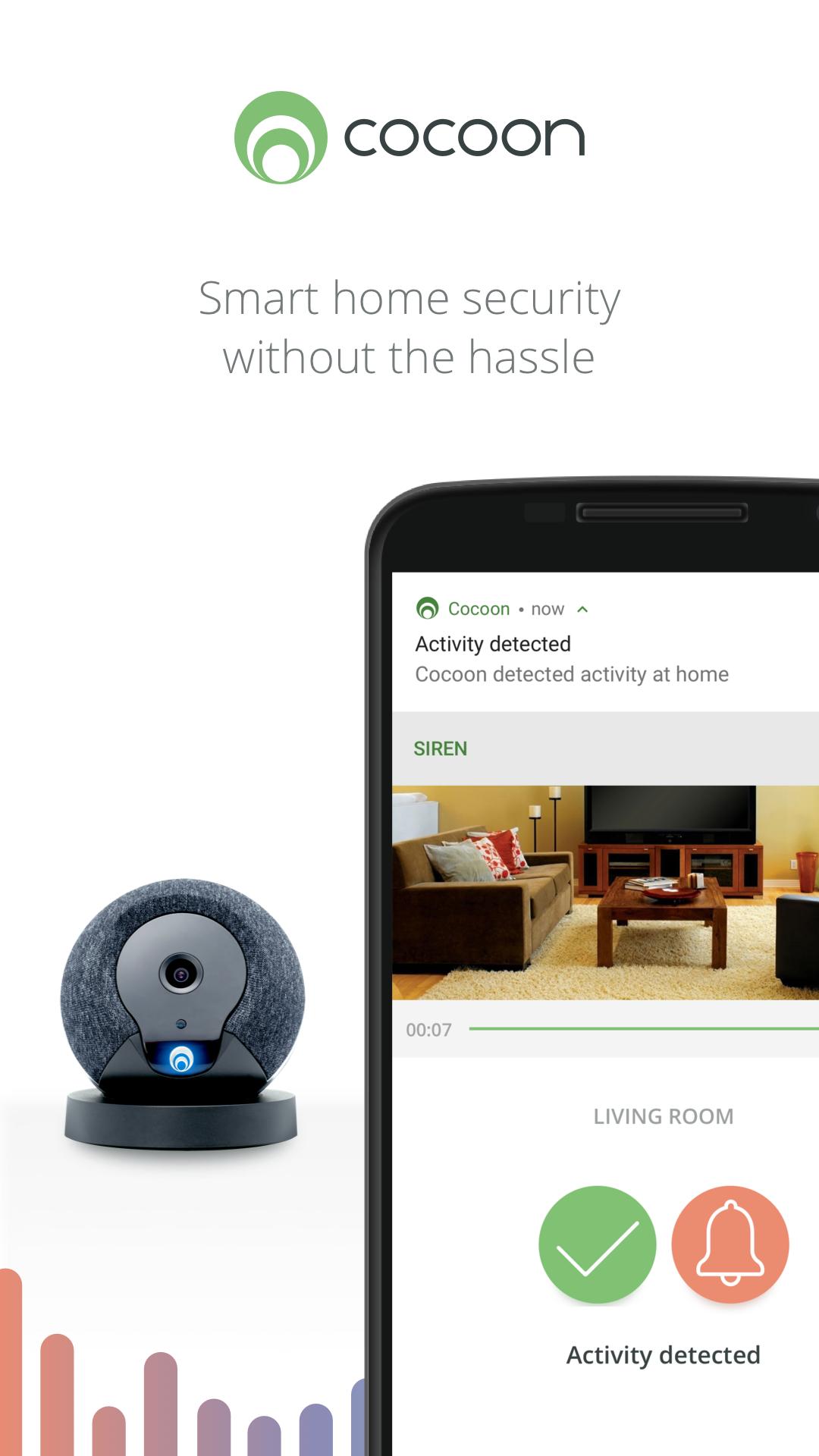
Cocoon makes home security simple. Our amazing multi-room protection technology better protects who and what you care about most. The iPhone app works with the Cocoon home security device to give you home security without the hassle.
HASSLE-FREE SETUP - Cocoon is the easiest home security system to setup, ever. Take it out of the box, plug it in, download the app and you’re done.
HD CAMERA: Cocoon automatically records and stores footage as easily at night as it does during daylight.
MULTI-ROOM PROTECTION: Unique Subsound® technology protects more of your home than other home security systems without the need for pesky door or window sensors.
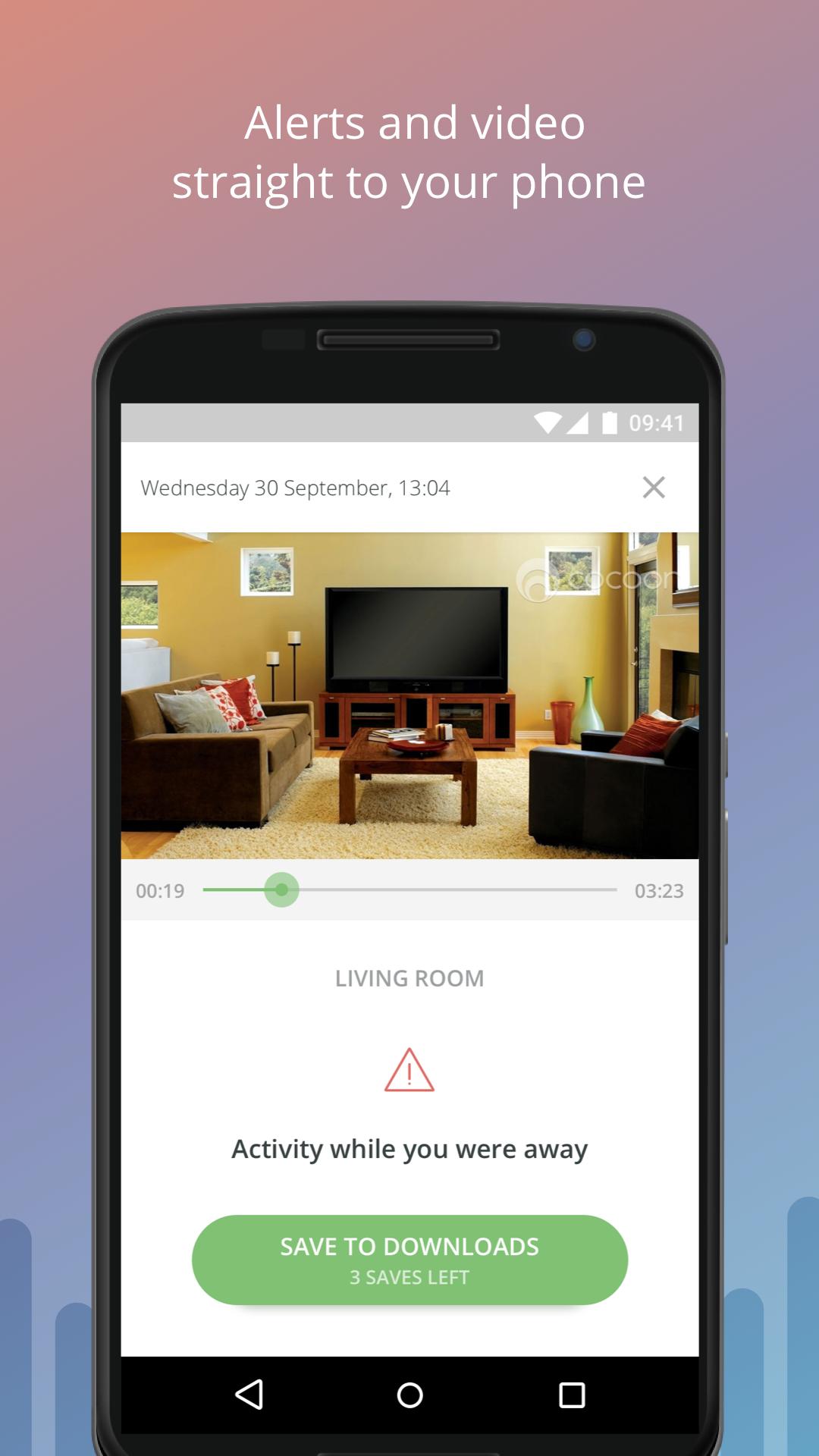
SMART NOTIFICATIONS: Cocoon alerts you the moment it detects something suspicious, with live HD video straight to your phone.
PEACE OF MIND: Cocoon learns your unique patterns in just 7 days, and keeps adjusting itself to better protect your home.
NO CONTRACTS OR FEES: With Cocoon there are no contracts or monthly fees to use the product.
-----
Email: support@cocoon.life
Facebook: Cocoon
Twitter: @Cocoon
Preview
Tags
House-&Information
Developer
Cocoon Labs Ltd
Latest Version
1.12.3018
Last Updated
2018-09-20
Category
House-home
Available on
Google Play
Show More
How to play Cocoon - Smart Home Security with GameLoop on PC
1. Download GameLoop from the official website, then run the exe file to install GameLoop
2. Open GameLoop and search for “Cocoon - Smart Home Security” , find Cocoon - Smart Home Security in the search results and click “Install”
3. Enjoy playing Cocoon - Smart Home Security on GameLoop
Minimum requirements
OS
Windows 8.1 64-bit or Windows 10 64-bit
GPU
GTX 1050
CPU
i3-8300
Memory
8GB RAM
Storage
1GB available space
Recommended requirements
OS
Windows 8.1 64-bit or Windows 10 64-bit
GPU
GTX 1050
CPU
i3-9320
Memory
16GB RAM
Storage
1GB available space