
WePlay PC
Soft Management Explode
Download WePlay on PC With GameLoop Emulator
WePlay on PC
WePlay, coming from the developer Soft Management Explode, is running on Android systerm in the past.
Now, You can play WePlay on PC with GameLoop smoothly.
Download it in the GameLoop library or search results. No more eyeing the battery or frustrating calls at the wrong time any more.
Just enjoy WePlay PC on the large screen for free!
WePlay Introduction
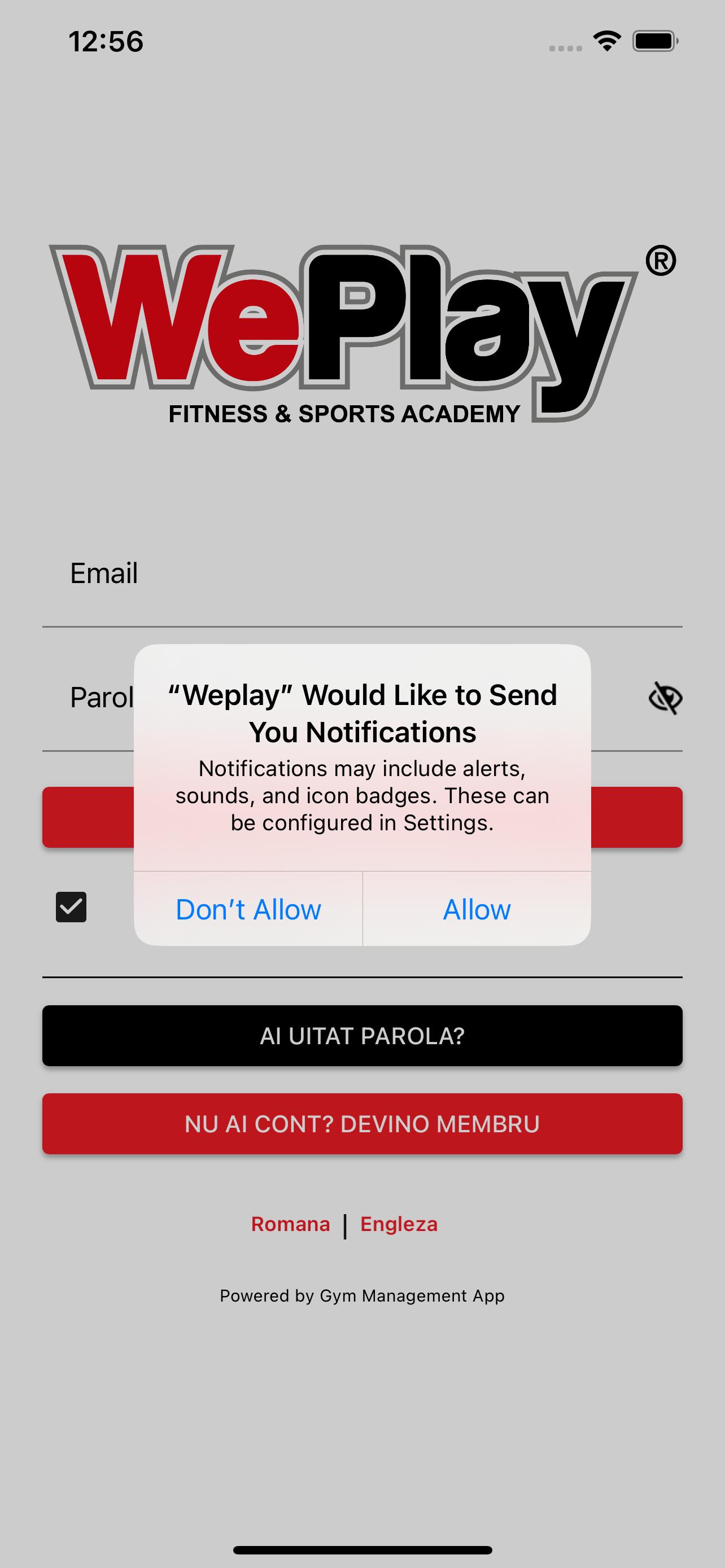
WePlay – is an application dedicated to those who want to become members of the WePlay Brașov Recreational Center.
To become a member, the first step is:
- Download the app
- Select the section Become a member
- Fill out the registration form carefully.
What benefits does our app offer you?
- Online payment for access to fitness classes;
- Online payment for access to Squash/Badminton courts;
- Making reservations for the desired activity;
- Access to the location via the QR code (for the weekend);
- Access to the history of payments made;
- Details about appointments and check-in;
- View the availability of Squash/Badminton courts;
- View fitness class seat availability.
Download the WePlay application, become a member and let's discover us!
Preview

Tags
Health-&Information
Developer
Soft Management Explode
Latest Version
3.6
Last Updated
2025-06-17
Category
Health-fitness
Available on
Google Play
Show More
How to play WePlay with GameLoop on PC
1. Download GameLoop from the official website, then run the exe file to install GameLoop
2. Open GameLoop and search for “WePlay” , find WePlay in the search results and click “Install”
3. Enjoy playing WePlay on GameLoop
Minimum requirements
OS
Windows 8.1 64-bit or Windows 10 64-bit
GPU
GTX 1050
CPU
i3-8300
Memory
8GB RAM
Storage
1GB available space
Recommended requirements
OS
Windows 8.1 64-bit or Windows 10 64-bit
GPU
GTX 1050
CPU
i3-9320
Memory
16GB RAM
Storage
1GB available space