
Tonik - OVG PC
OnVirtualGym
Download Tonik - OVG on PC With GameLoop Emulator
Tonik - OVG on PC
Tonik - OVG, coming from the developer OnVirtualGym, is running on Android systerm in the past.
Now, You can play Tonik - OVG on PC with GameLoop smoothly.
Download it in the GameLoop library or search results. No more eyeing the battery or frustrating calls at the wrong time any more.
Just enjoy Tonik - OVG PC on the large screen for free!
Tonik - OVG Introduction
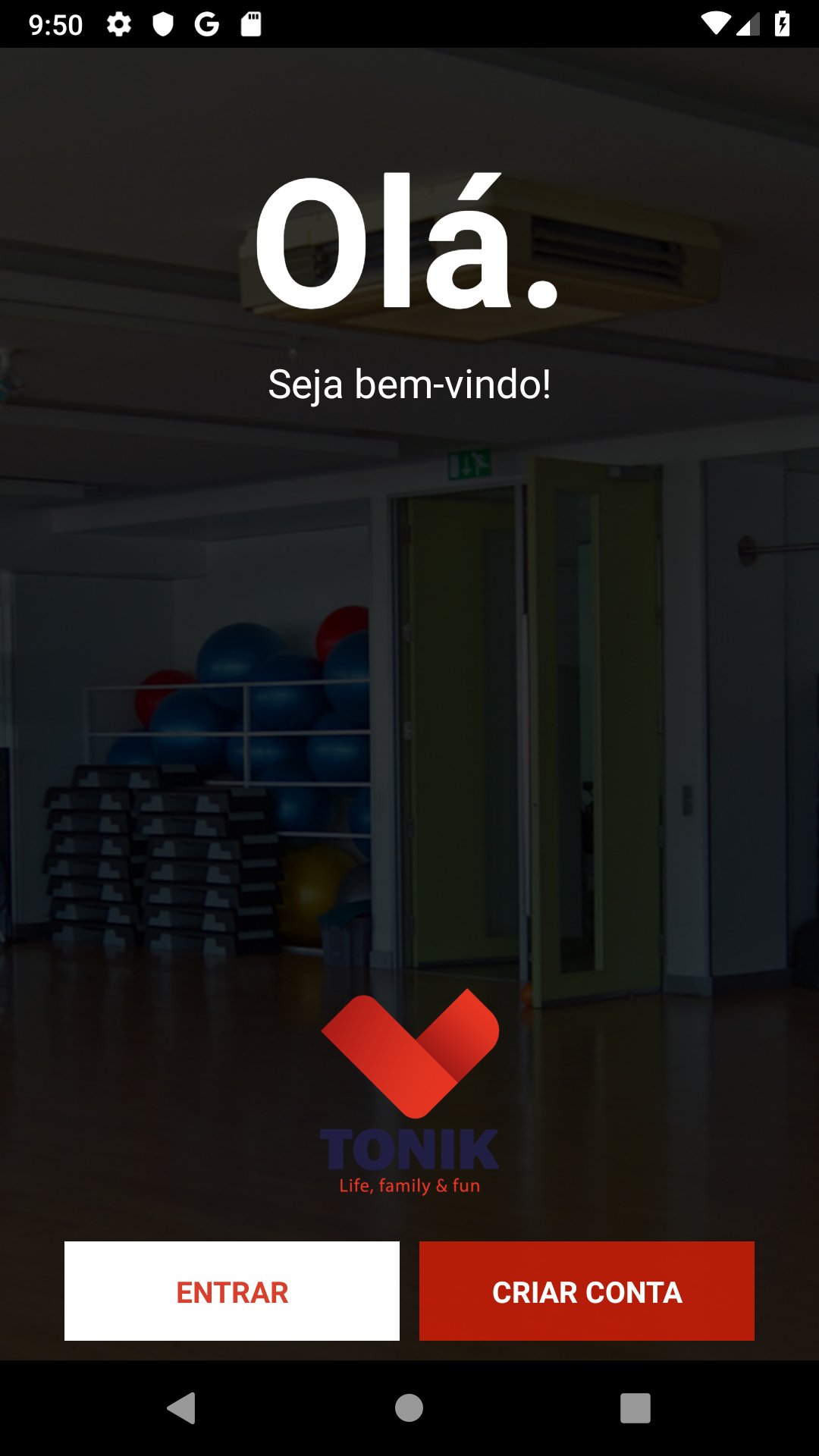
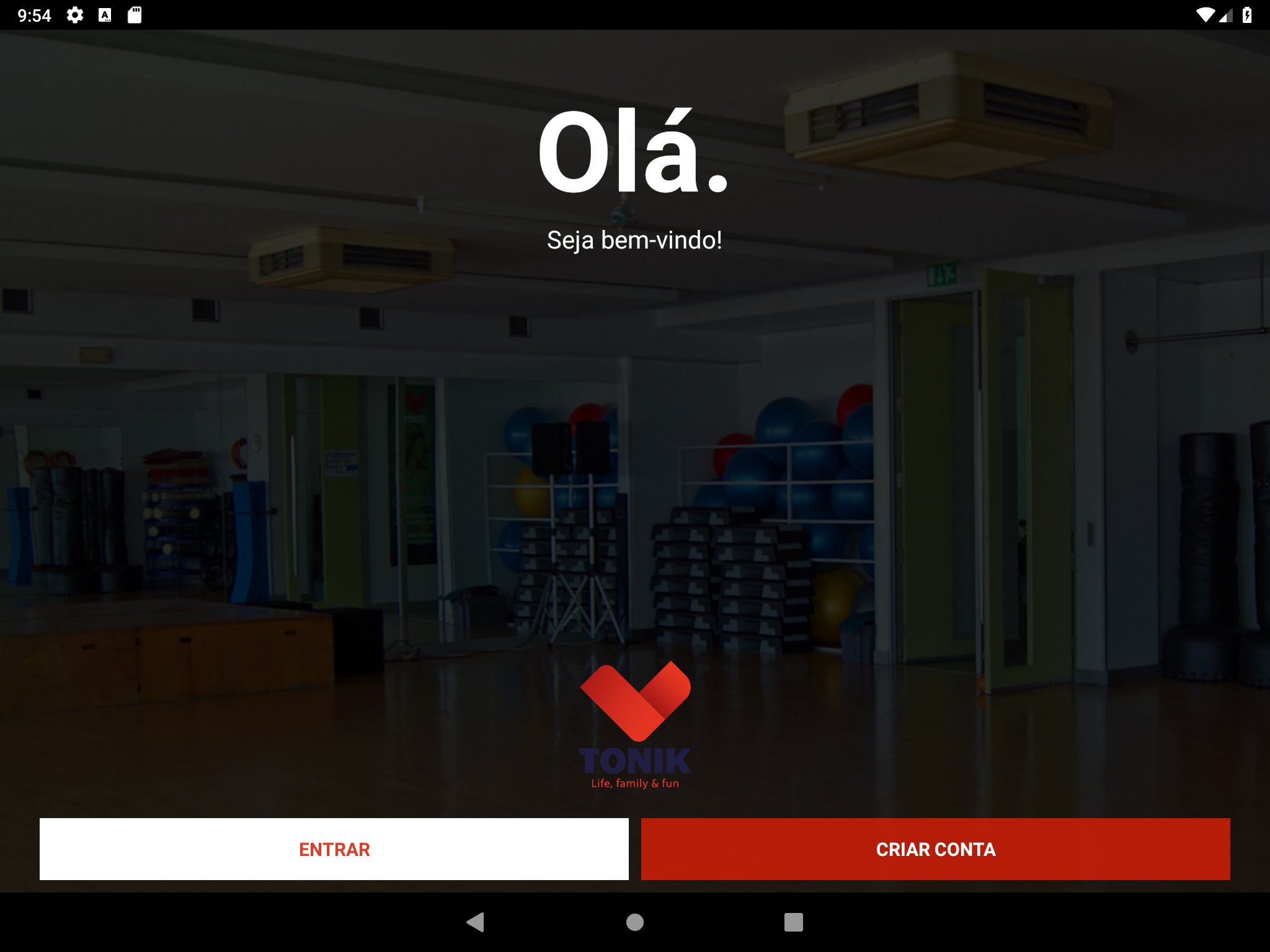
Tonik - OVG is an innovative and totally Portuguese app that revolutionises the current prescription and follow-up mode of Bodybuilding and Cardiovascular training.
It is the first app that allows users to have access to their training plan, prescribed by their coach, on their smartphone, as well as monitoring their workouts, anywhere and anytime.
In a simple and intuitive way you can record the results of your workout, performed on any gym machine, for later analysis of your evolutions with your trainer, or with your training colleagues.
Share the information on social networks and communicate the developments to your friends, demonstrating your progress with current training planning.
Review all your coach's recorded observations to your training plan and communicate directly with him and at any time all of your suggestions to optimize your workout.
Access directly to your fitness assessments and analysis through graphs, which are the evolutions reached in relation to the last evaluation.
Tonik - OVG aims to assist you in your training and help optimize the prescription of your exercises so that you can achieve all your goals faster, through direct communication between user and coach, as well as graphical analysis of evolutions.
Preview
Tags
Health-&Information
Developer
OnVirtualGym
Latest Version
3.3.9
Last Updated
2026-02-05
Category
Health-fitness
Available on
Google Play
Show More
How to play Tonik - OVG with GameLoop on PC
1. Download GameLoop from the official website, then run the exe file to install GameLoop
2. Open GameLoop and search for “Tonik - OVG” , find Tonik - OVG in the search results and click “Install”
3. Enjoy playing Tonik - OVG on GameLoop
Minimum requirements
OS
Windows 8.1 64-bit or Windows 10 64-bit
GPU
GTX 1050
CPU
i3-8300
Memory
8GB RAM
Storage
1GB available space
Recommended requirements
OS
Windows 8.1 64-bit or Windows 10 64-bit
GPU
GTX 1050
CPU
i3-9320
Memory
16GB RAM
Storage
1GB available space