
Sleep Sounds Meditate, Calm PC
ZOOROXAPPS
Download Sleep Sounds Meditate, Calm on PC With GameLoop Emulator
Sleep Sounds Meditate, Calm on PC
Sleep Sounds Meditate, Calm, coming from the developer ZOOROXAPPS, is running on Android systerm in the past.
Now, You can play Sleep Sounds Meditate, Calm on PC with GameLoop smoothly.
Download it in the GameLoop library or search results. No more eyeing the battery or frustrating calls at the wrong time any more.
Just enjoy Sleep Sounds Meditate, Calm PC on the large screen for free!
Sleep Sounds Meditate, Calm Introduction
Want to improve your sleep and relax? Looking for relaxing sounds and ambience beats? You are at the right place!
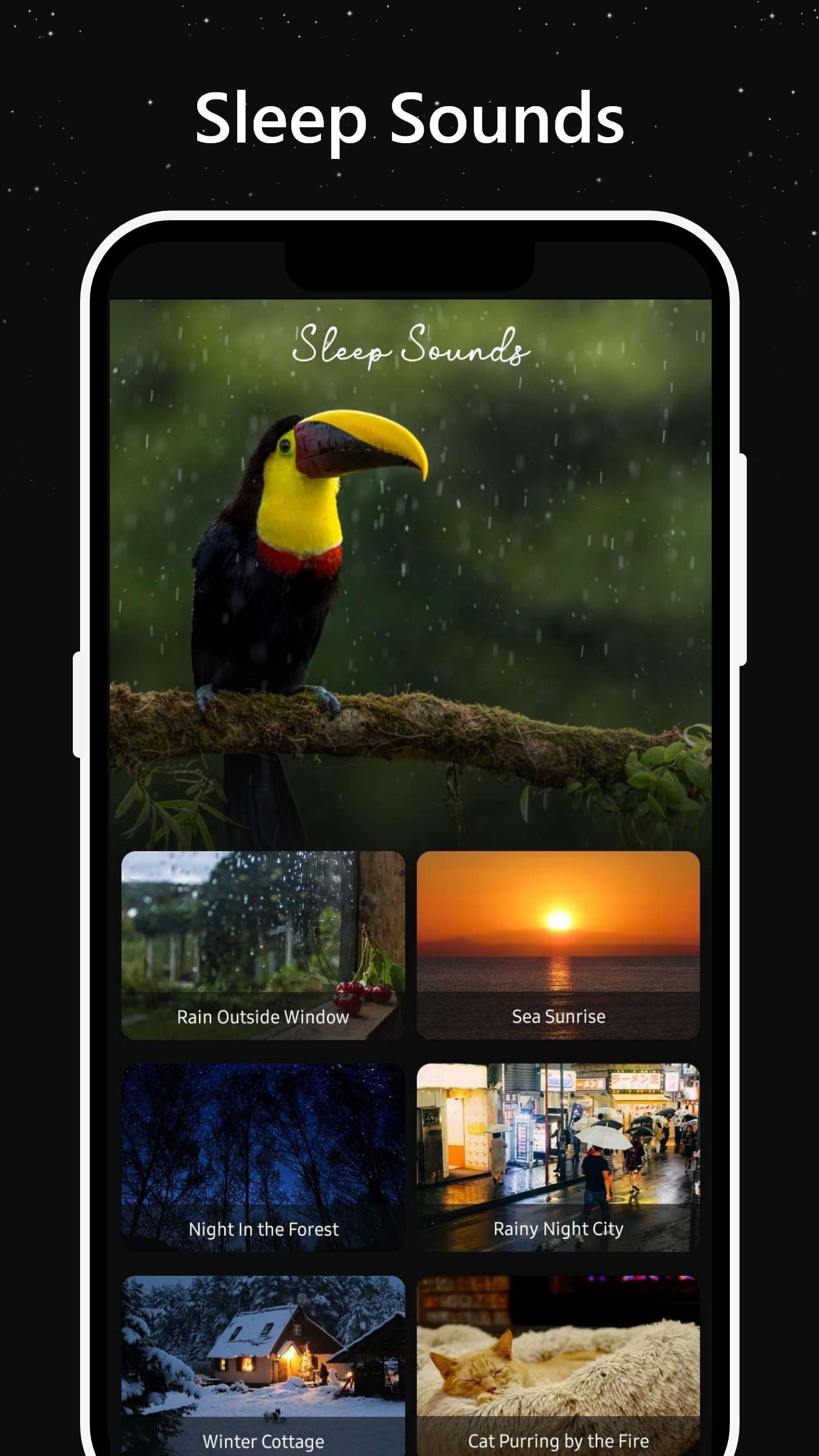
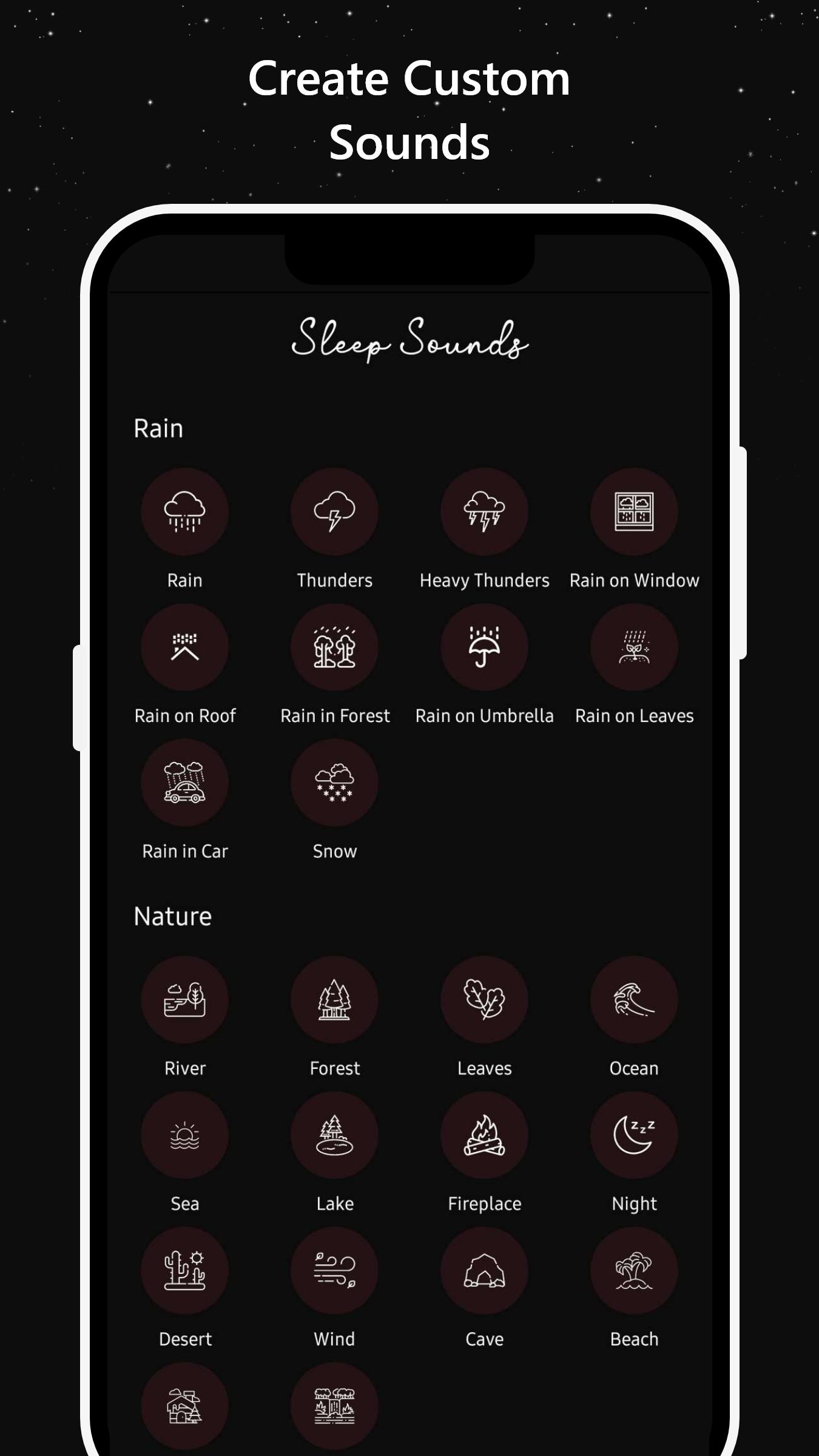
Sleep Sounds - Meditate, Calm offers awesome collection of HD sounds that can be mixed to produce the perfect relaxing ambiences. Multiple categories are available to choose from like rain, nature sounds, city sounds, and musical instrument sounds.
Features & Benefits:
High quality peaceful sounds
Better incessant sleep
Timer - turns off automatically
Striking background images
Simple and attractive design
Works offline (No internet connection is required)
Available sound categories:
Forest Rain
Rain Splashing
Jungle Rain
Sea Waves
Meadow Birds
Sub-Urban Ambience
Relax
City Traffic
Rain on Car Glass
Cave sounds
If you have any comment or suggestion please let us know so we can improve our app for you.
Preview
Tags
Health-&Information
Developer
ZOOROXAPPS
Latest Version
1.0.6
Last Updated
2022-07-25
Category
Health-fitness
Available on
Google Play
Show More
How to play Sleep Sounds Meditate, Calm with GameLoop on PC
1. Download GameLoop from the official website, then run the exe file to install GameLoop
2. Open GameLoop and search for “Sleep Sounds Meditate, Calm” , find Sleep Sounds Meditate, Calm in the search results and click “Install”
3. Enjoy playing Sleep Sounds Meditate, Calm on GameLoop
Minimum requirements
OS
Windows 8.1 64-bit or Windows 10 64-bit
GPU
GTX 1050
CPU
i3-8300
Memory
8GB RAM
Storage
1GB available space
Recommended requirements
OS
Windows 8.1 64-bit or Windows 10 64-bit
GPU
GTX 1050
CPU
i3-9320
Memory
16GB RAM
Storage
1GB available space