
Polar Flow PC
Polar Electro
Download Polar Flow on PC With GameLoop Emulator
Polar Flow on PC
Polar Flow, coming from the developer Polar Electro, is running on Android systerm in the past.
Now, You can play Polar Flow on PC with GameLoop smoothly.
Download it in the GameLoop library or search results. No more eyeing the battery or frustrating calls at the wrong time any more.
Just enjoy Polar Flow PC on the large screen for free!
Polar Flow Introduction
Polar Flow: Your Personal Sports, Fitness, and Health Companion
Key Features:
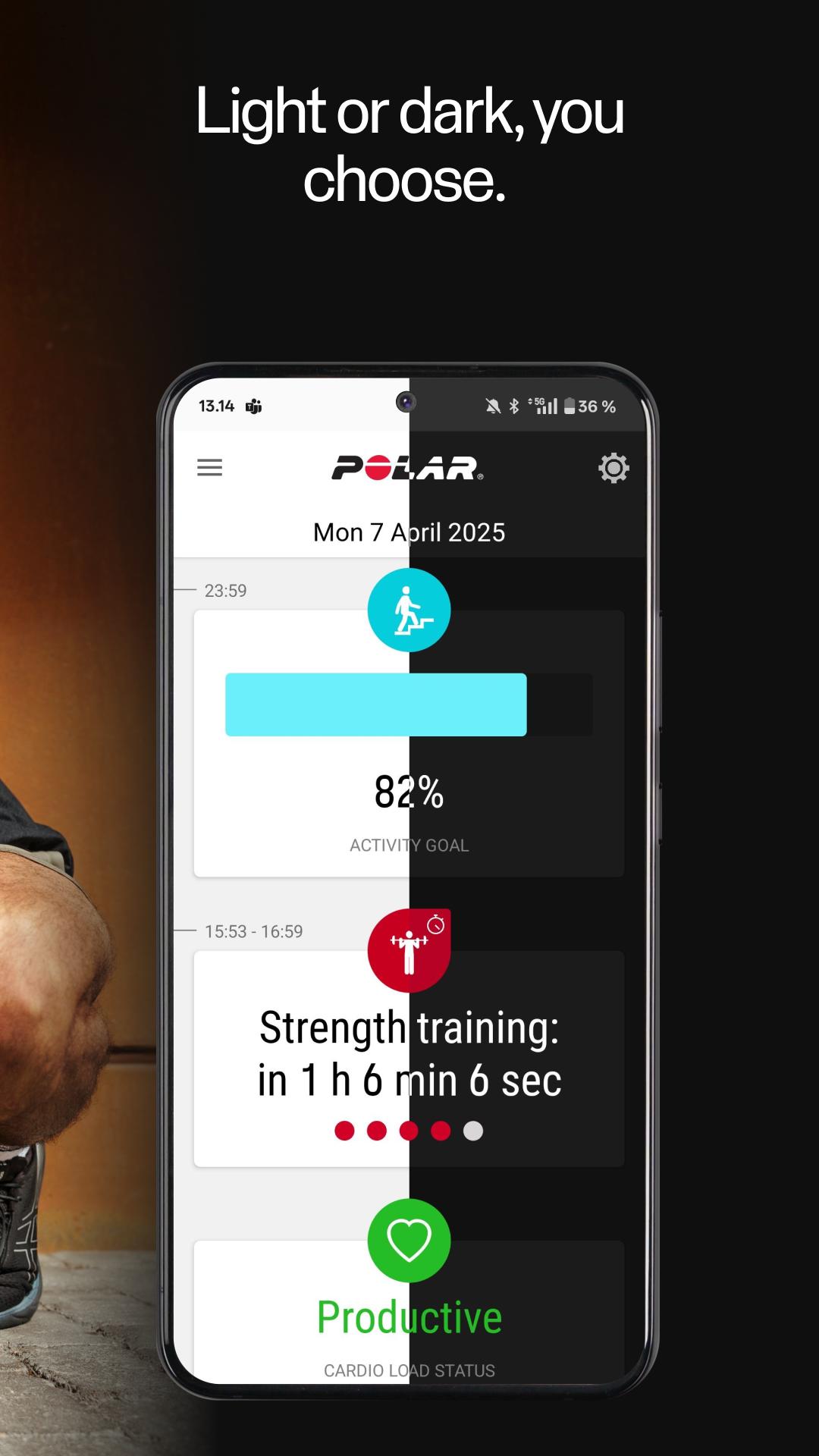
• Activity Tracking: Monitor your daily activity, steps, calories burned, and distance to stay motivated throughout the day.
• Training Analysis: Dive deep into your workouts with detailed data on heart rate, speed, pace, distance, power, and more. Understand the impact of each session and optimize your training routines.
• Sleep Insights: Discover how well you sleep with advanced sleep tracking. Get feedback on sleep stages and quality to improve your rest and recovery. See how sleep boosts your day and track skin temperature changes.
• Training Load & Recovery: Understand how your training sessions strain your body and get recommendations on recovery time to prevent overtraining.
• Manage your watch and profile: Customize and manage your Polar device, Sports profiles for different activities, Routes, and Training Targets.
• Wireless Syncing: Automatically sync data from your Polar devices for real-time updates, notifications, and other insights.
• Stay Connected: Connect your profile and sync your data with Strava, TrainingPeaks, Adidas, komoot and many other services.
Why Choose Polar Flow?
• Personalized Guidance: Receive personalized feedback and guidance and understand your progress.
• Comprehensive Ecosystem: Integrates seamlessly with Polar watches, heart rate monitors, and more for a holistic experience.
• User-Friendly Interface: Navigate your data effortlessly with our intuitive and clean design.
• Notification support: Your Polar watch will receive the same notifications as your phone screen—incoming calls, messages, and app notifications.
• Secure and Private: Your data is safely stored and protected, giving you peace of mind as you focus on your journey.
Polar Flow app allows you to share some of your wellness data with Health Connect. This includes details of your training, your heart rate, and steps.
Please note Polar Flow app is not intended for medical or diagnostic use.
Get Started Today!
Download Polar Flow and unlock the full potential of your Polar devices. You can find more info at https://www.polar.com/flow
Connect with us!
Instagram: www.instagram.com/polarglobal
Facebook: www.facebook.com/polarglobal
YouTube: www.youtube.com/polarglobal
Find out more about Polar products at https://www.polar.com/en/products
Preview
Tags
Health-&Information
Developer
Polar Electro
Latest Version
6.33.0
Last Updated
2025-11-02
Category
Health-fitness
Available on
Google Play
Show More
How to play Polar Flow with GameLoop on PC
1. Download GameLoop from the official website, then run the exe file to install GameLoop
2. Open GameLoop and search for “Polar Flow” , find Polar Flow in the search results and click “Install”
3. Enjoy playing Polar Flow on GameLoop
Minimum requirements
OS
Windows 8.1 64-bit or Windows 10 64-bit
GPU
GTX 1050
CPU
i3-8300
Memory
8GB RAM
Storage
1GB available space
Recommended requirements
OS
Windows 8.1 64-bit or Windows 10 64-bit
GPU
GTX 1050
CPU
i3-9320
Memory
16GB RAM
Storage
1GB available space