
OKOK·International PC
OKOK TECHNOLOGY
Download OKOK·International on PC With GameLoop Emulator
OKOK·International on PC
OKOK·International, coming from the developer OKOK TECHNOLOGY, is running on Android systerm in the past.
Now, You can play OKOK·International on PC with GameLoop smoothly.
Download it in the GameLoop library or search results. No more eyeing the battery or frustrating calls at the wrong time any more.
Just enjoy OKOK·International PC on the large screen for free!
OKOK·International Introduction
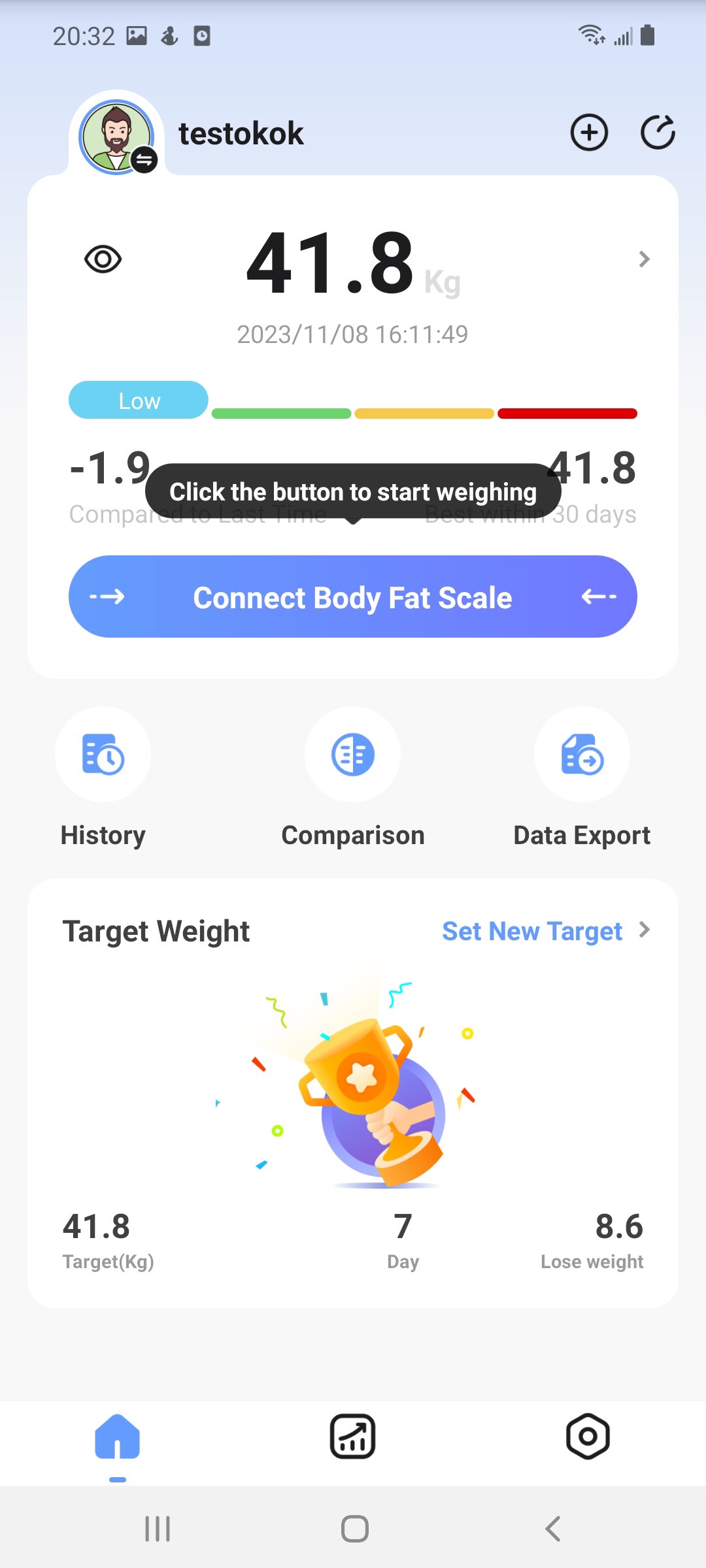
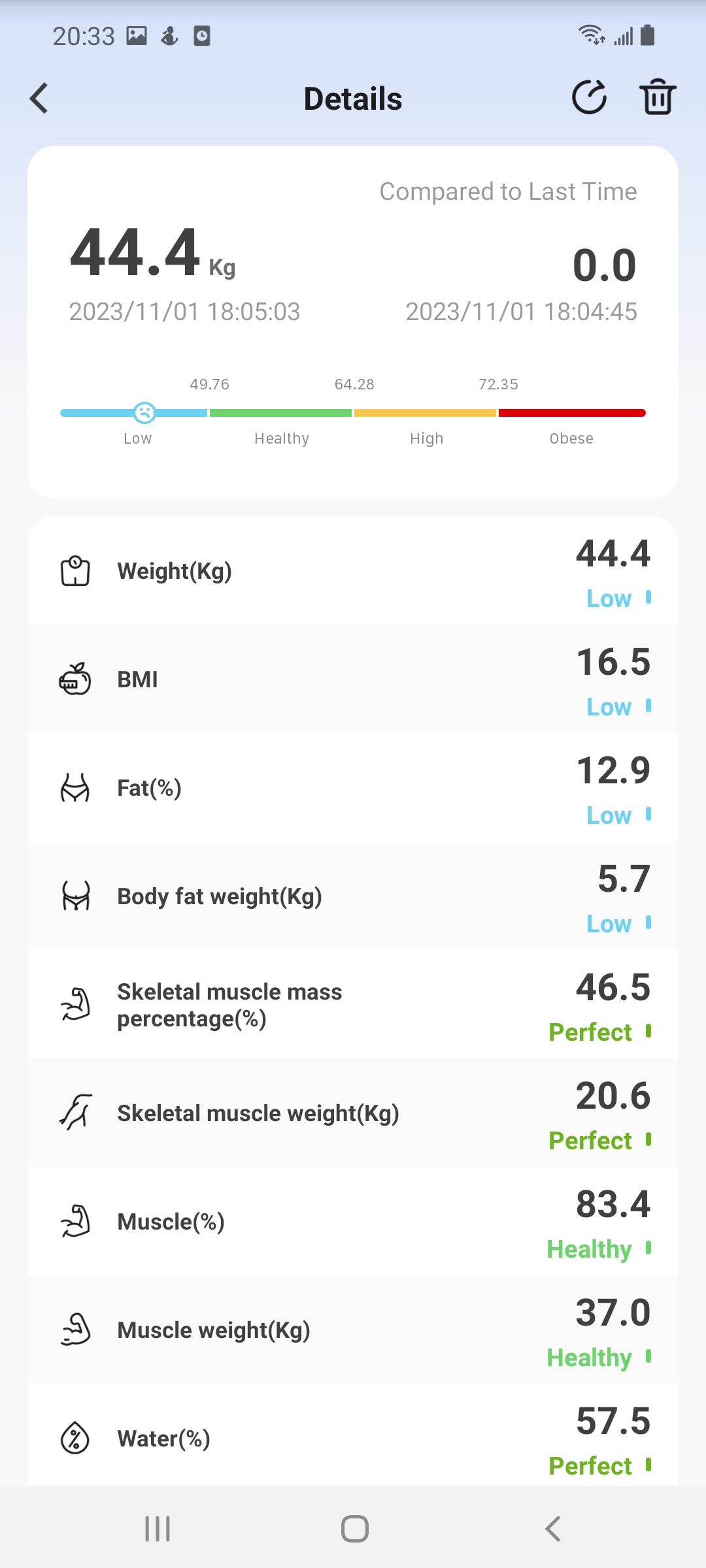
OKOK Healthcare Management, an application for use with the smart Bluetooth scale, records and manages your body weight measurement results. With this APP, you can use the Bluetooth scale to check and manage various health indices for body weight, body fat, body water, muscle and etc. Though mainly used for body weight control, this APP utilizing your health indices also give you advice on everyday sport, food and sleep.
Required Permissions (Essential for Providing the Service)
1. Nearby Device Permission
(a) Items of information and functions: Used to connect to Bluetooth peripheral devices such as weight scales, nutrition scales, watches, and body composition monitors.
(b) Grounds that the permission is necessary: The core functionality of the app relies on binding and synchronising data with Bluetooth devices. Without this permission, device pairing and measurement data retrieval cannot be performed.
2. Location Information Permission (Only for Android 12 and below)
(a) Items of information and functions: Used for Bluetooth device scanning and connection (system requirement).
(b) Grounds that the permission is necessary: On Android versions below 12, Bluetooth scanning requires location permission; otherwise, the app cannot discover or connect to Bluetooth devices, which is essential for the weight measurement function.
Optional Permissions (Not Essential for Service Provision – Users May Decline)
1. Photo and Video Selection Permission
(a) Items of information and functions: Used to select images from the photo album, such as adding food photos or changing the user's profile picture.
(b) Grounds that the permission is necessary: This permission is only needed to enrich personal profile data or record meals. Without it, these specific features will not work, but the weight measurement and health management services remain fully functional.
(c) Fact that users may give no consent to this permission.
2. Read Contacts Permission
(a) Items of information and functions: Used to sync phone contacts to the watch device.
(b) Grounds that the permission is necessary: This permission is only required for the specific sync feature. If not granted, contact synchronisation will not be available, but the core weight and health services are unaffected.
(c) Fact that users may give no consent to this permission.
3. Camera Permission
(a) Items of information and functions: Used for scanning QR codes and barcodes, taking profile photos, or photographing food.
(b) Grounds that the permission is necessary: This permission is only used in scenarios that require camera input. Without it, those features are unavailable, but the primary measurement service can still operate normally.
(c) Fact that users may give no consent to this permission.
4. Calendar Permission
(a) Items of information and functions: Used to read and write to the system calendar for weight reminders, water intake reminders, and similar notifications.
(b) Grounds that the permission is necessary: This permission enables scheduled reminders. If refused, reminders will not function, but the recording and measurement features are not impacted.
(c) Fact that users may give no consent to this permission.
5. Notification Permission
(a) Items of information and functions: Used to display intermittent fasting reminders and other alerts in the system notification bar.
(b) Grounds that the permission is necessary: This permission is needed to push notifications. Without it, pop-up alerts will not be received, but all other service functions remain intact.
(c) Fact that users may give no consent to this permission.
More information about this OKOK Healthcare Management APP our services provided and can be found at www.tookok.cn
Preview
Tags
Health-&Information
Developer
OKOK TECHNOLOGY
Latest Version
3.1.66
Last Updated
2026-07-27
Category
Health-fitness
Available on
Google Play
Show More
How to play OKOK·International with GameLoop on PC
1. Download GameLoop from the official website, then run the exe file to install GameLoop
2. Open GameLoop and search for “OKOK·International” , find OKOK·International in the search results and click “Install”
3. Enjoy playing OKOK·International on GameLoop
Minimum requirements
OS
Windows 8.1 64-bit or Windows 10 64-bit
GPU
GTX 1050
CPU
i3-8300
Memory
8GB RAM
Storage
1GB available space
Recommended requirements
OS
Windows 8.1 64-bit or Windows 10 64-bit
GPU
GTX 1050
CPU
i3-9320
Memory
16GB RAM
Storage
1GB available space