
NutriCalc PC
Silvio Campos
Download NutriCalc on PC With GameLoop Emulator
NutriCalc on PC
NutriCalc, coming from the developer Silvio Campos, is running on Android systerm in the past.
Now, You can play NutriCalc on PC with GameLoop smoothly.
Download it in the GameLoop library or search results. No more eyeing the battery or frustrating calls at the wrong time any more.
Just enjoy NutriCalc PC on the large screen for free!
NutriCalc Introduction
NutriCalc – The complete app for professional nutritional calculations
NutriCalc is the ideal app for nutritionists, nutrition students and healthcare professionals who want to perform nutritional calculations quickly, accurately and reliably.
Optimize your time during consultations and increase the accuracy of your services with updated formulas and methods, all in one place.
🎯 Made for professionals:
Developed exclusively for clinical and academic use, NutriCalc helps you interpret anthropometric and metabolic data quickly and safely.
📱 Included features:
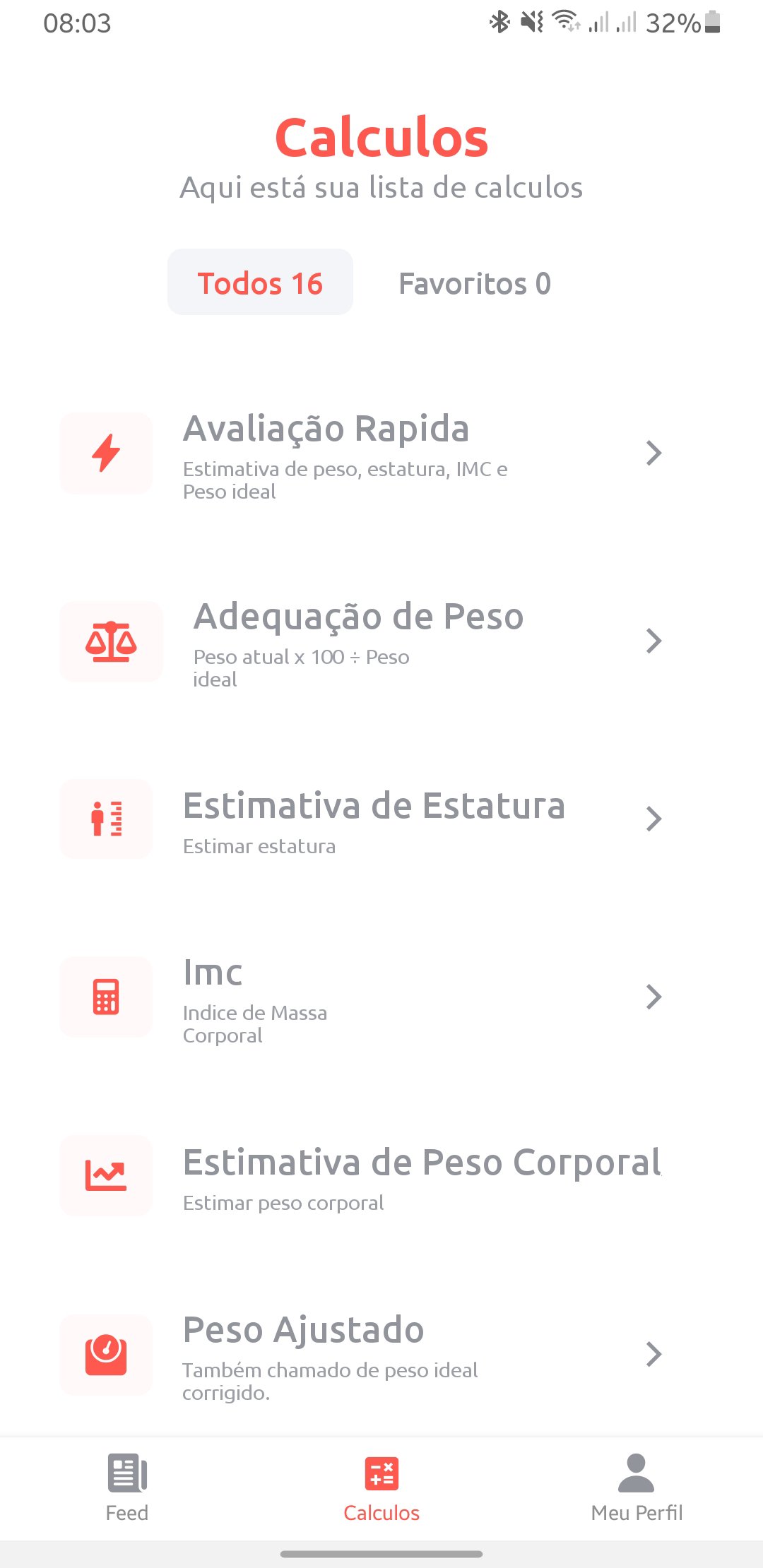
📊 Anthropometric Assessments
BMI (Body Mass Index)
Height Estimation
Body Weight Estimation
Ideal Weight
Adjusted Weight
Ideal Weight for Amputees
Percentage of Weight Loss
Weight Adequacy
Upper Arm Circumference (AC) Adequacy
Upper Arm Muscle Area
🔥 Energy and Metabolic Assessments
Harris-Benedict (Basal Metabolic Rate)
NPI (Nutritional Prognostic Index)
NRI (Nutritional Risk Index)
📌 Extra features
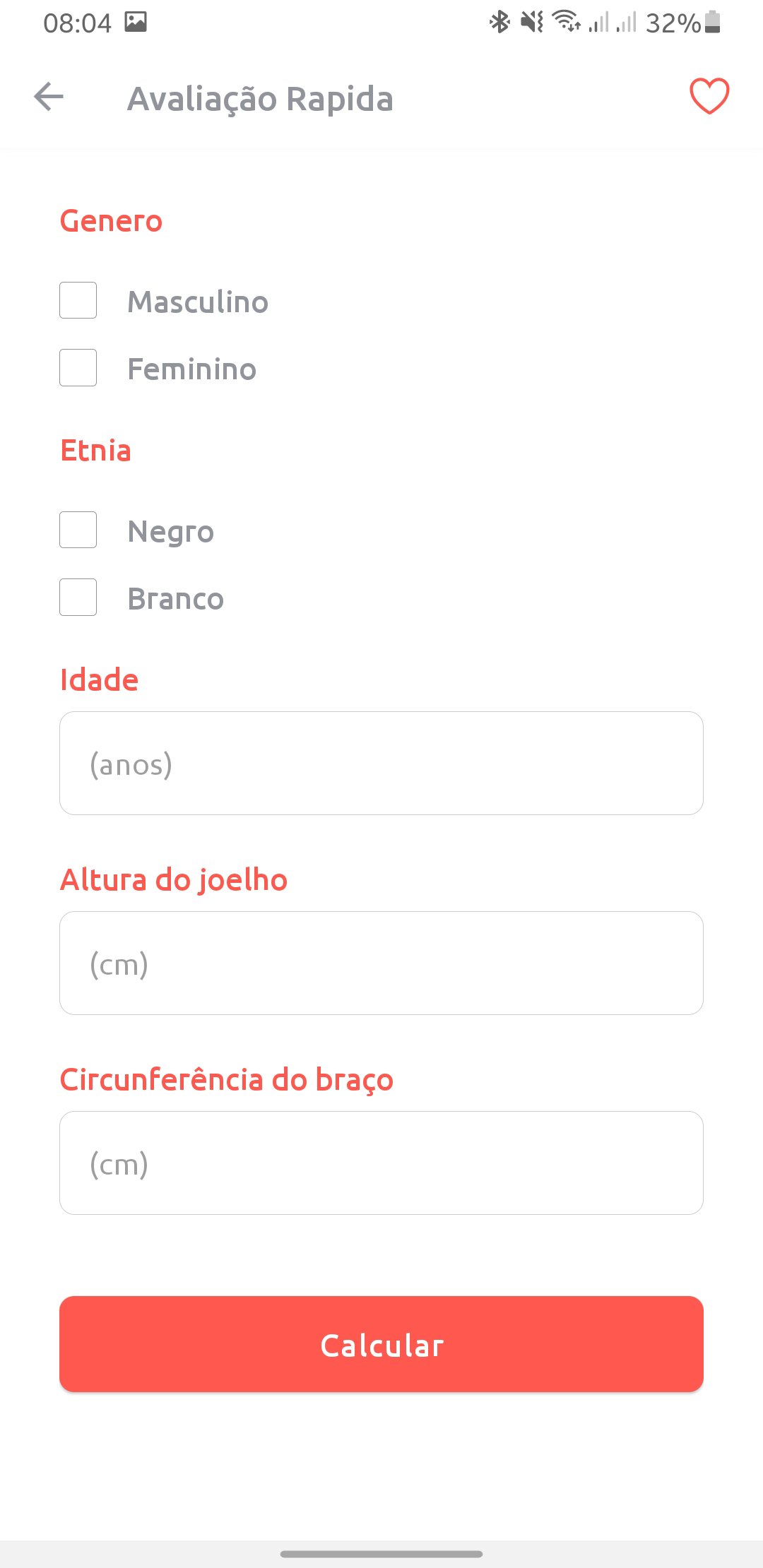
Quick Assessment with automatic estimates
Predicted Weight
Total Lymphocytes
🔒 Exclusive for professionals
NutriCalc is aimed only at professionals in the area, ensuring a technical, reliable environment and without distractions.
Preview
Tags
Health-&Information
Developer
Silvio Campos
Latest Version
8.2.2
Last Updated
2026-02-13
Category
Health-fitness
Available on
Google Play
Show More
How to play NutriCalc with GameLoop on PC
1. Download GameLoop from the official website, then run the exe file to install GameLoop
2. Open GameLoop and search for “NutriCalc” , find NutriCalc in the search results and click “Install”
3. Enjoy playing NutriCalc on GameLoop
Minimum requirements
OS
Windows 8.1 64-bit or Windows 10 64-bit
GPU
GTX 1050
CPU
i3-8300
Memory
8GB RAM
Storage
1GB available space
Recommended requirements
OS
Windows 8.1 64-bit or Windows 10 64-bit
GPU
GTX 1050
CPU
i3-9320
Memory
16GB RAM
Storage
1GB available space