Night Shift OS 10 PC
HwD
Download Night Shift OS 10 on PC With GameLoop Emulator
Night Shift OS 10 on PC
Night Shift OS 10, coming from the developer HwD, is running on Android systerm in the past.
Now, You can play Night Shift OS 10 on PC with GameLoop smoothly.
Download it in the GameLoop library or search results. No more eyeing the battery or frustrating calls at the wrong time any more.
Just enjoy Night Shift OS 10 PC on the large screen for free!
Night Shift OS 10 Introduction
*** Night Shift OS 10: the best performance and lowest memory usage ***
NOTE: Sometime, schedule option does not work correctly. You will need to re-setup to correct it.
Recent research suggests that exposure to blue light before sleep may distort your natural (circadian) rhythm and cause inability to fall asleep.
The cause is the photoreceptor in your eyes, called Melanopsin. This receptor is sensitive to a narrow band of blue light in the 460-480nm range which may suppress Melatonin production - a hormone responsible for your healthy sleep-wake cycles.
In experimental scientific studies it has been shown an average person reading on a tablet or smart phone for a couple of hours before bed time may find their sleep delayed by about an hour.
Night Shift filter controls the amount of blue light emitted from your phone, and thus it reduces the harmful effects of using mobile phone at night so that falling asleep is easier.
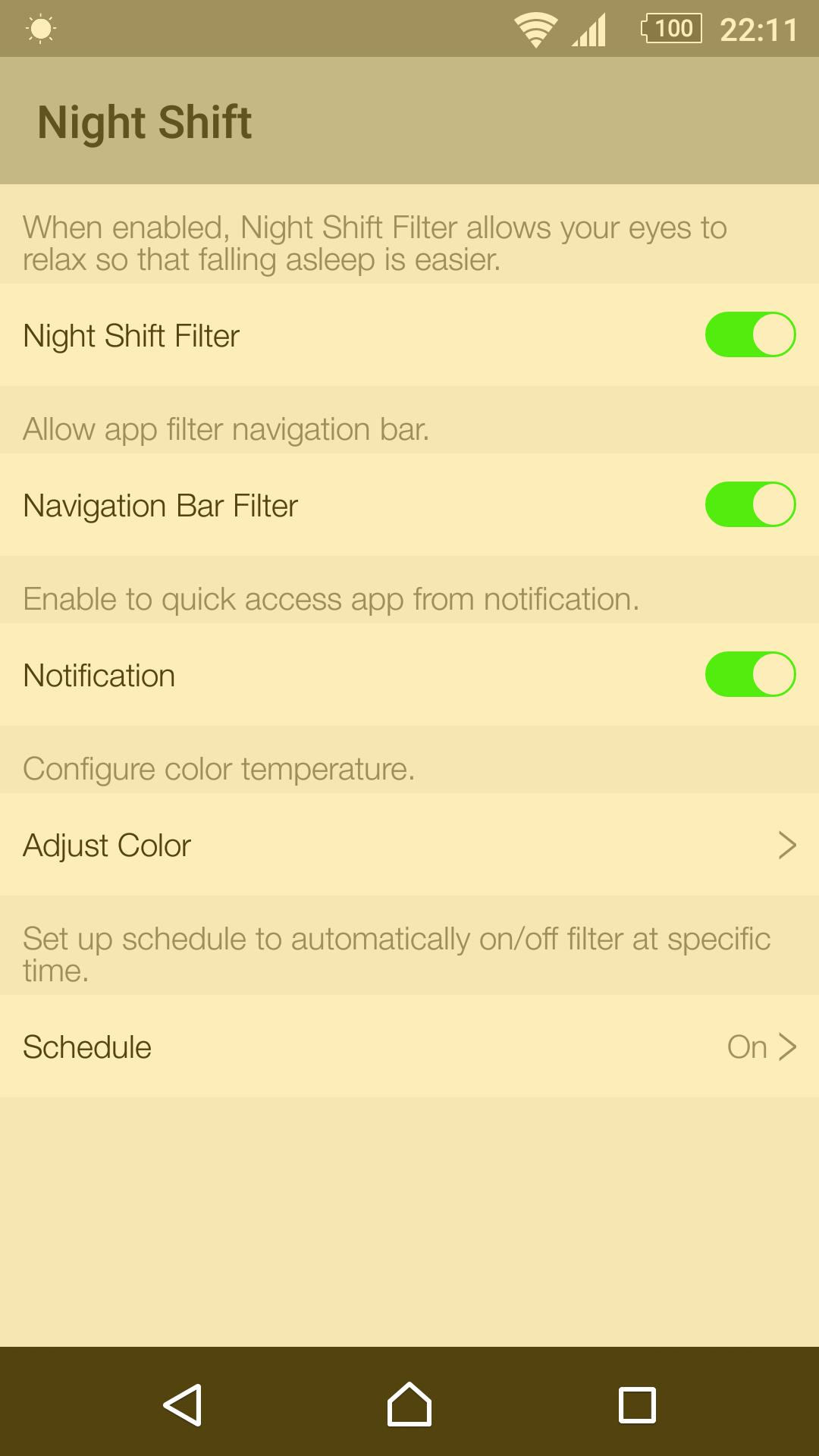
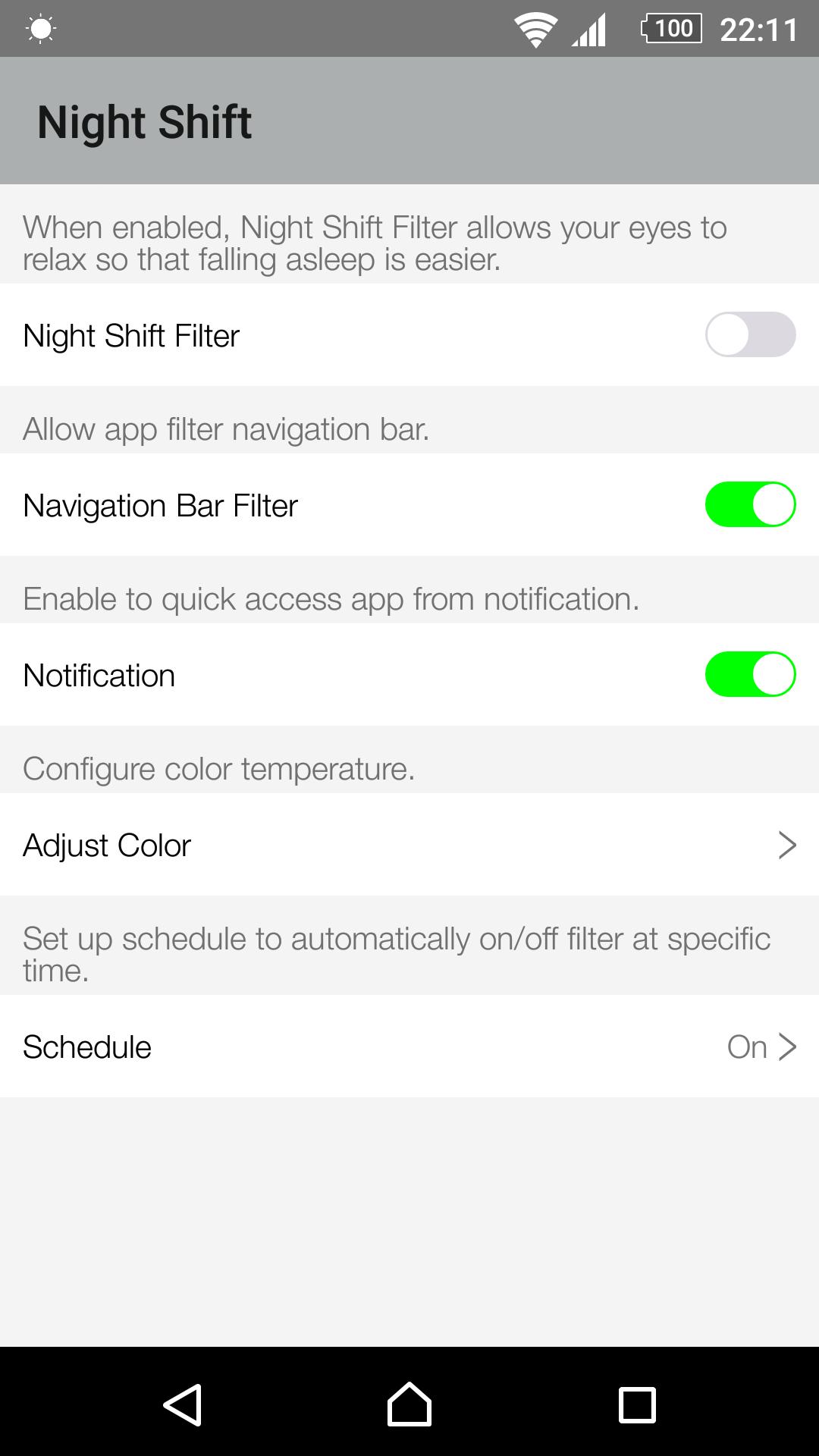
This is the simplest Night Shift App and it lets you:
- Filter even closed app via Recent Tasks.
- WHOSE screen Filter with enable Navigation Bar Filter
- Free change the filter color temperature (Don't make blue light too high).
- Quick access app to Turn ON/OFF filter through a single tap on notification bar.
- Allow turn ON/OFF notification.
- No annoying notifications.
- Set up schedule to automatically turn ON/OFF filter.
- Beautiful UI.
- No Ads.
Best option is not to use your mobile devices after sunset, but if you must then this Night Shift app is there to save your eyes!
Help us translate this app to your language: https://goo.gl/pQfij6
Thank you for all of your installs. Look forward to hearing your feed back.
Preview
Tags
Health-&Information
Developer
HwD
Latest Version
6.0
Last Updated
2017-01-25
Category
Health-fitness
Available on
Google Play
Show More
How to play Night Shift OS 10 with GameLoop on PC
1. Download GameLoop from the official website, then run the exe file to install GameLoop
2. Open GameLoop and search for “Night Shift OS 10” , find Night Shift OS 10 in the search results and click “Install”
3. Enjoy playing Night Shift OS 10 on GameLoop
Minimum requirements
OS
Windows 8.1 64-bit or Windows 10 64-bit
GPU
GTX 1050
CPU
i3-8300
Memory
8GB RAM
Storage
1GB available space
Recommended requirements
OS
Windows 8.1 64-bit or Windows 10 64-bit
GPU
GTX 1050
CPU
i3-9320
Memory
16GB RAM
Storage
1GB available space