My Mira PC
Omron Healthcare Inc
Download My Mira on PC With GameLoop Emulator
My Mira on PC
My Mira, coming from the developer Omron Healthcare Inc, is running on Android systerm in the past.
Now, You can play My Mira on PC with GameLoop smoothly.
Download it in the GameLoop library or search results. No more eyeing the battery or frustrating calls at the wrong time any more.
Just enjoy My Mira PC on the large screen for free!
My Mira Introduction
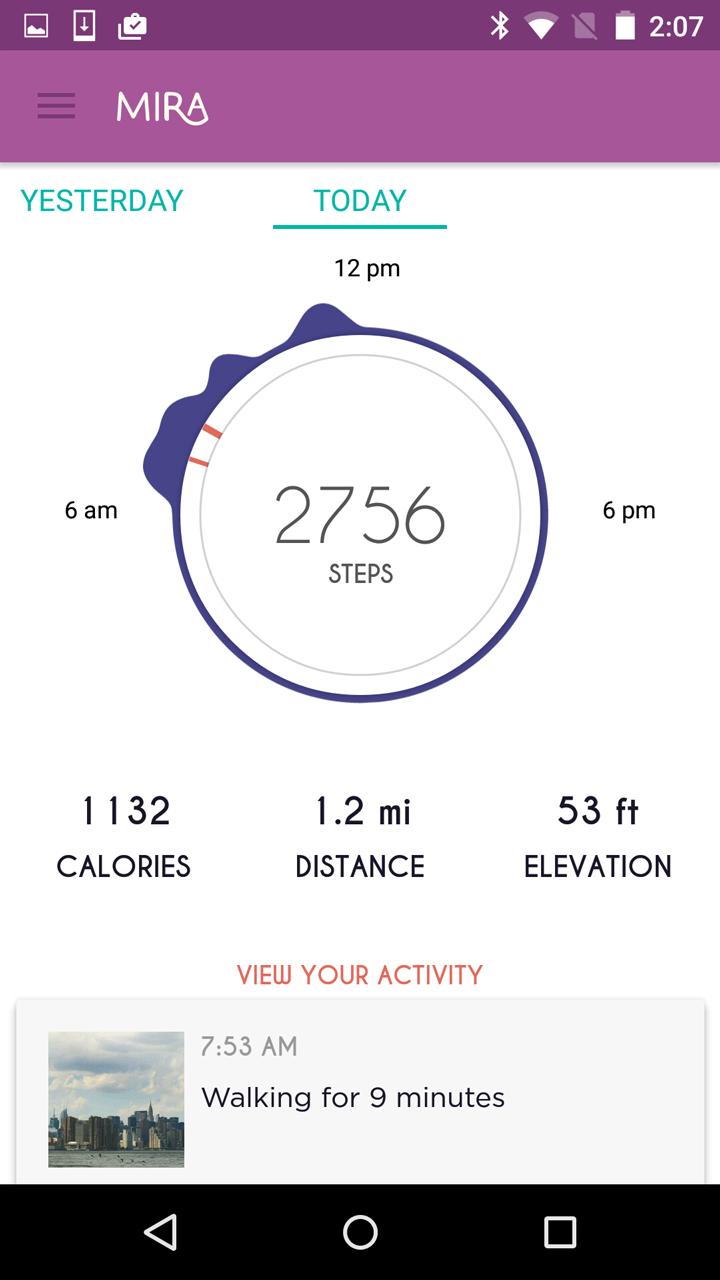
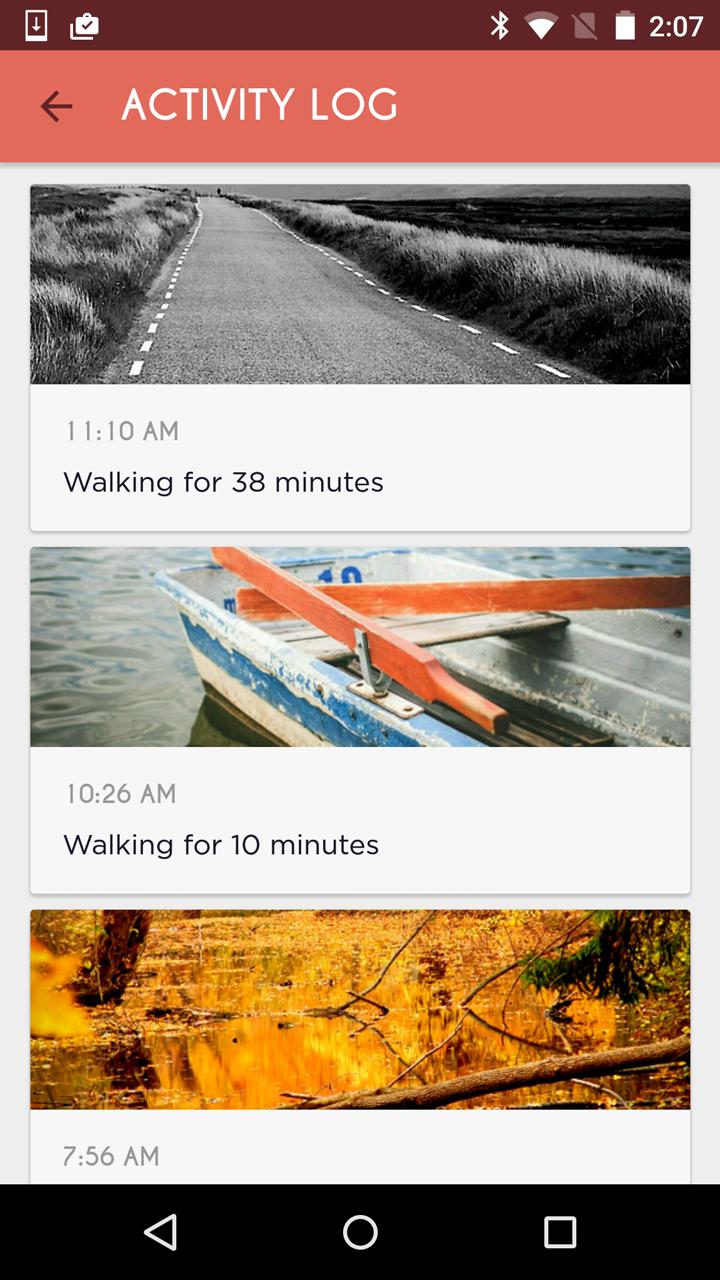
Mira is a wellness app and beautiful smart bracelet designed to help women lead healthier, happier lives without compromising their sense of style. The Mira app offers an easy and personal way to track your activities, find healthy inspiration and unlock your wellness data.
Meet Mira, the app that understands you don’t have to sacrifice style in order to be healthy.
The Mira wellness and activity bracelet tracks your steps, calories, distance, and elevation. It's stunning style and versatile design allows you to wear it anywhere: office, gym, date night and anywhere in between. Mira provides insights around your daily activity and encourages you in a fun, motivating way to keep you inspired to move.
Healthy looks good on you.
Preview
Information
Developer
Omron Healthcare Inc
Latest Version
1.2.1
Last Updated
2016-04-28
Category
Health-fitness
Available on
Google Play
Show More
How to play My Mira with GameLoop on PC
1. Download GameLoop from the official website, then run the exe file to install GameLoop
2. Open GameLoop and search for “My Mira” , find My Mira in the search results and click “Install”
3. Enjoy playing My Mira on GameLoop
Minimum requirements
OS
Windows 8.1 64-bit or Windows 10 64-bit
GPU
GTX 1050
CPU
i3-8300
Memory
8GB RAM
Storage
1GB available space
Recommended requirements
OS
Windows 8.1 64-bit or Windows 10 64-bit
GPU
GTX 1050
CPU
i3-9320
Memory
16GB RAM
Storage
1GB available space