
my a:care PC
Abbott
Download my a:care on PC With GameLoop Emulator
my a:care on PC
my a:care, coming from the developer Abbott, is running on Android systerm in the past.
Now, You can play my a:care on PC with GameLoop smoothly.
Download it in the GameLoop library or search results. No more eyeing the battery or frustrating calls at the wrong time any more.
Just enjoy my a:care PC on the large screen for free!
my a:care Introduction
Taking medicine every day is not always easy, especially when you have a chronic condition. my a:care is your personal coach to help you manage your health & medications. It provides reliable, personalized coaching to help you stay on track, through small, manageable steps. Not only does it remind you to take your medication, it also – more importantly – gives you the tools to help you live healthier.
A TREATMENT SCHEDULE TAILORED TO YOU
Set yourself up with your own profile – your medication, and when you need to take them. You will then be given a personalized treatment schedule that is tailored to your needs.
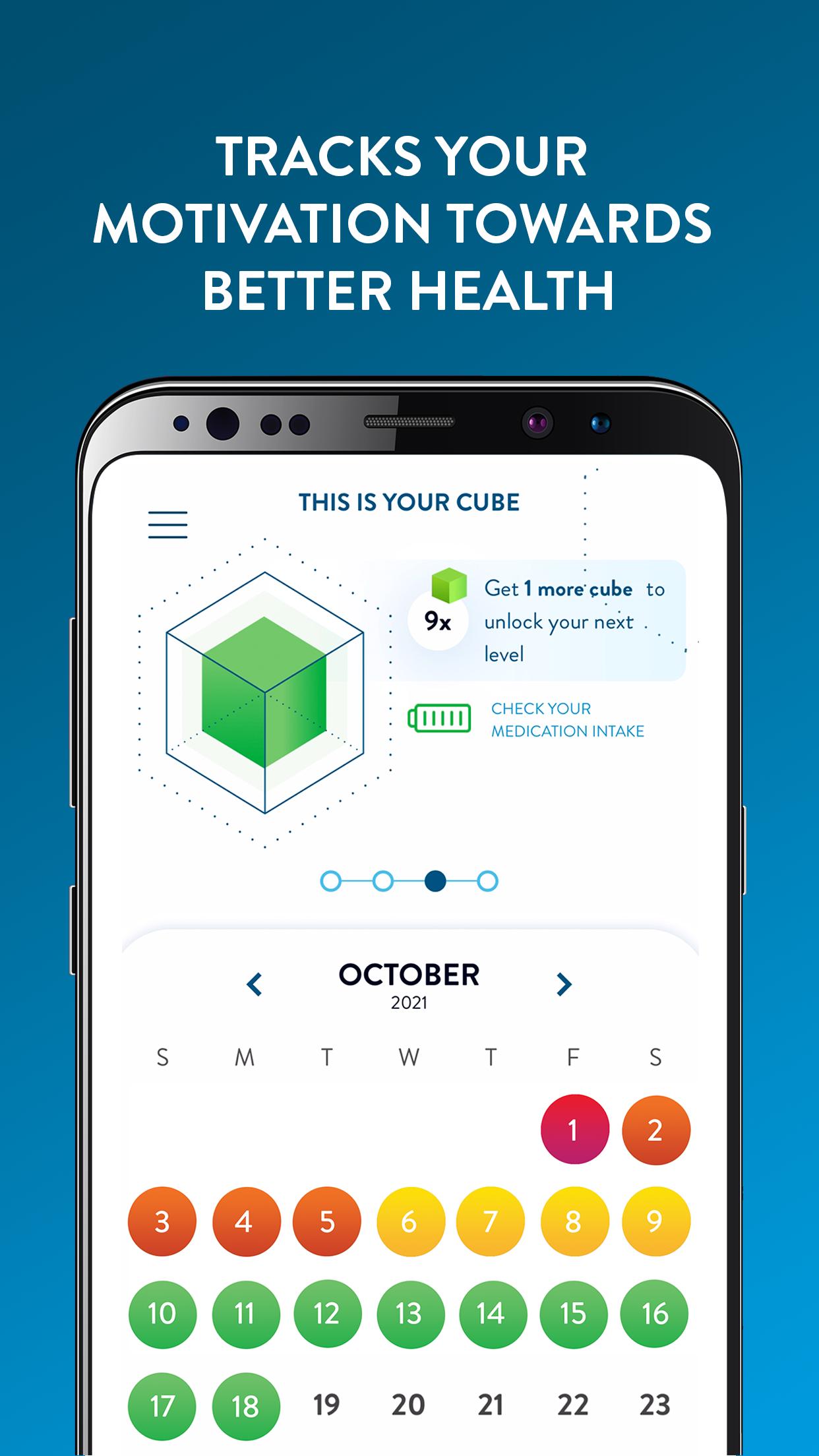
KEEP THE CUBE GREEN!
You’ll start off with a green cube – the objective is to keep this cube green, by completing your challenges – be it taking your medication, and other lifestyle habits such as drinking 8 glasses of water a day, or getting an early night.
If your cube starts to turn yellow, or even red – this is a sign you’ll need to get back on track, and remember to complete your lifestyle and treatment challenges. You can keep an eye on your cube progress through the cube calendar page.
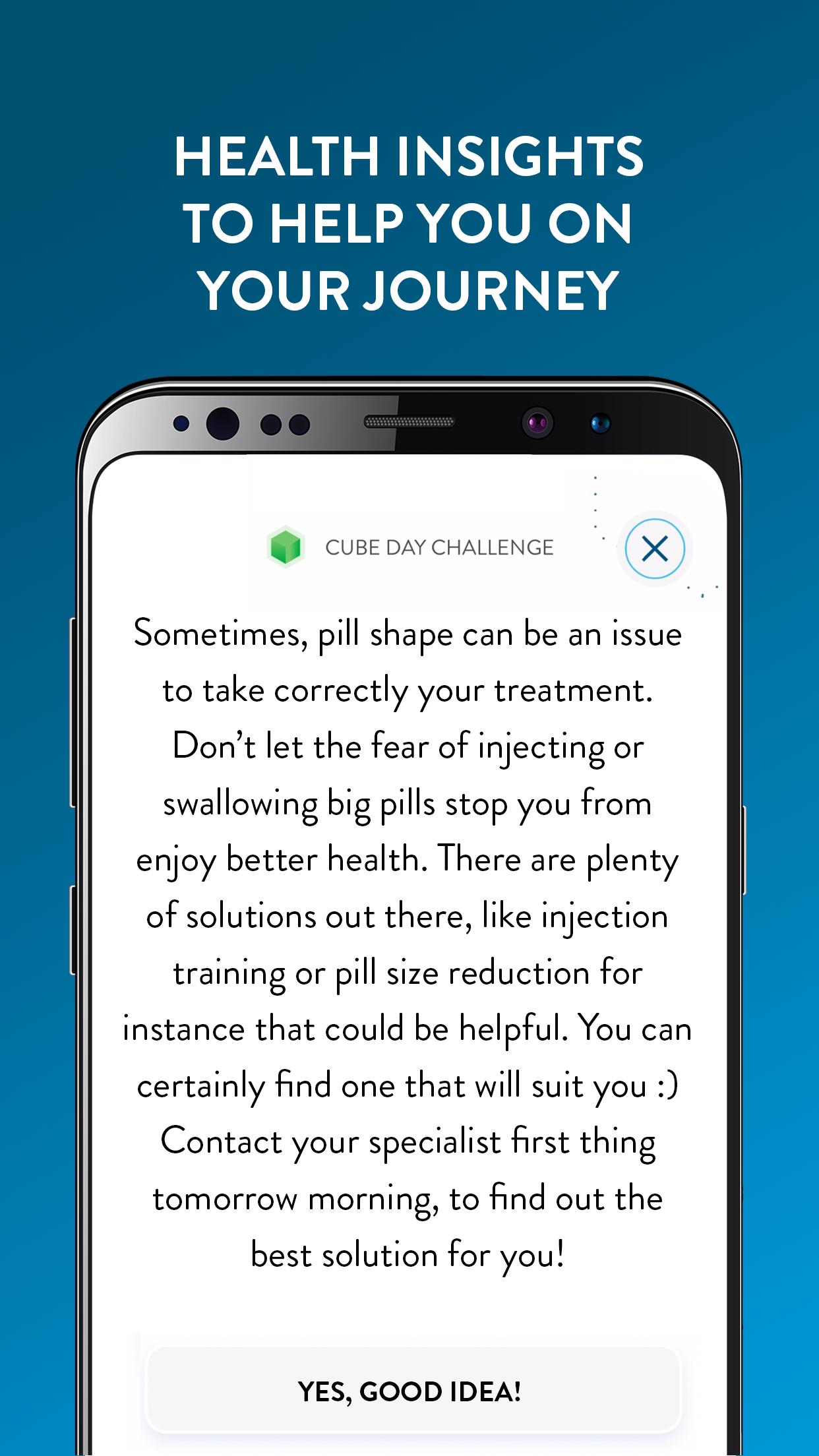
HEALTH INSIGHTS
It doesn’t just stop there. my a:care will give you a multitude of health insights so you can educate yourself further, in order to achieve and maintain good health.
Take control of your health and live the best life for you.
Preview
Tags
Health-&Information
Developer
Abbott
Latest Version
1.8.0
Last Updated
2025-09-17
Category
Health-fitness
Available on
Google Play
Show More
How to play my a:care with GameLoop on PC
1. Download GameLoop from the official website, then run the exe file to install GameLoop
2. Open GameLoop and search for “my a:care” , find my a:care in the search results and click “Install”
3. Enjoy playing my a:care on GameLoop
Minimum requirements
OS
Windows 8.1 64-bit or Windows 10 64-bit
GPU
GTX 1050
CPU
i3-8300
Memory
8GB RAM
Storage
1GB available space
Recommended requirements
OS
Windows 8.1 64-bit or Windows 10 64-bit
GPU
GTX 1050
CPU
i3-9320
Memory
16GB RAM
Storage
1GB available space