
Tamarack Health Remote Care PC
CoachCare
Download Tamarack Health Remote Care on PC With GameLoop Emulator
Tamarack Health Remote Care on PC
Tamarack Health Remote Care, coming from the developer CoachCare, is running on Android systerm in the past.
Now, You can play Tamarack Health Remote Care on PC with GameLoop smoothly.
Download it in the GameLoop library or search results. No more eyeing the battery or frustrating calls at the wrong time any more.
Just enjoy Tamarack Health Remote Care PC on the large screen for free!
Tamarack Health Remote Care Introduction
Memorial Medical Center offers remote patient care for Weight Management and Diabetes Management. Use of these services will help increase interaction, accountability, education, and ultimately improve outcomes. With remote care, we can follow food logs, weight, activity, and blood sugars to help keep you on track and meeting your goals.
Weight Management will tailor a program to fit you and your preferences while helping to monitor and manage medications and health conditions.
Diabetes Management will help you control your blood sugar and reduce complications through lifestyle and medication management.
Thank you for taking an active role in your health and for choosing MMC for your healthcare needs.
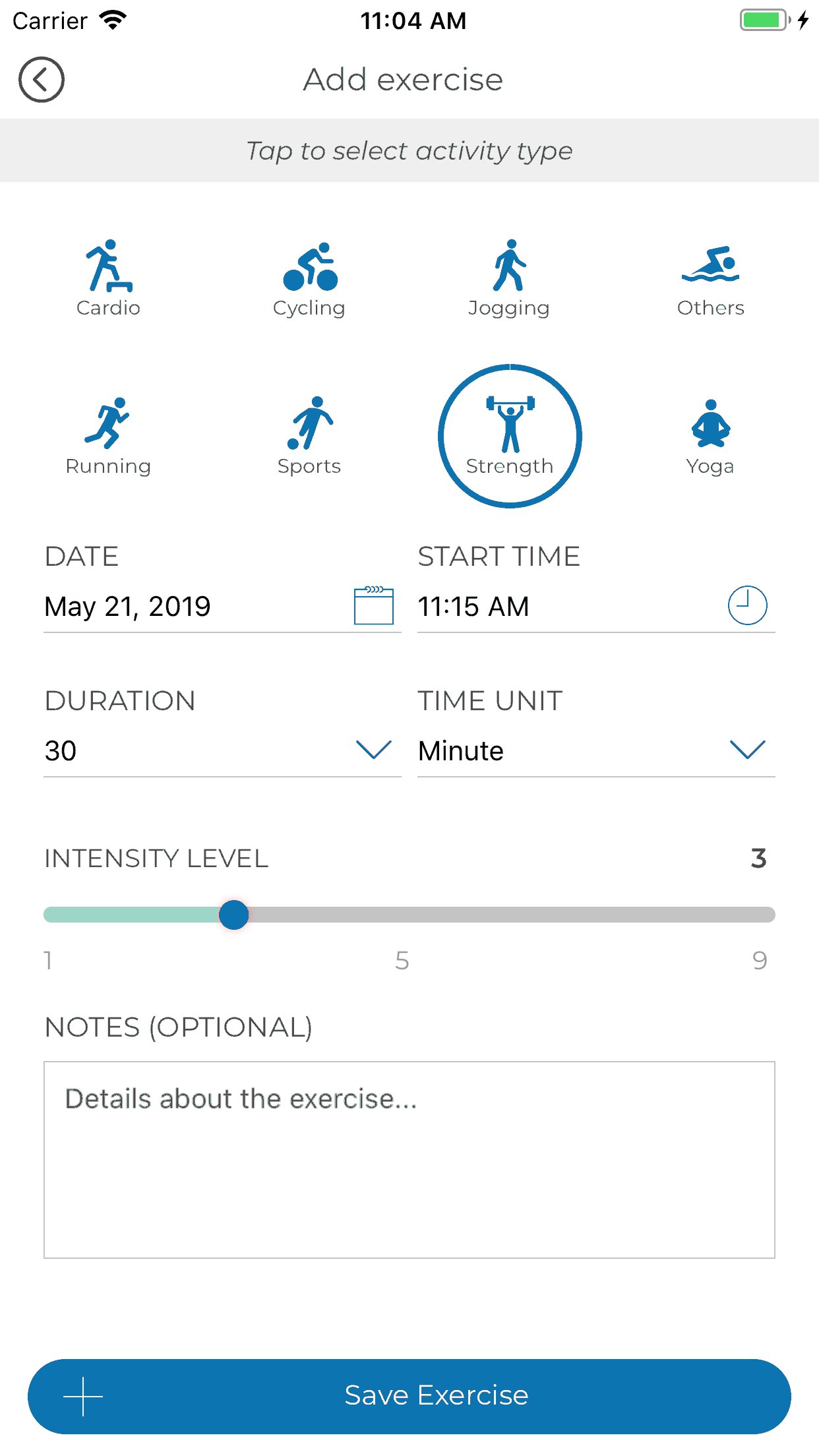
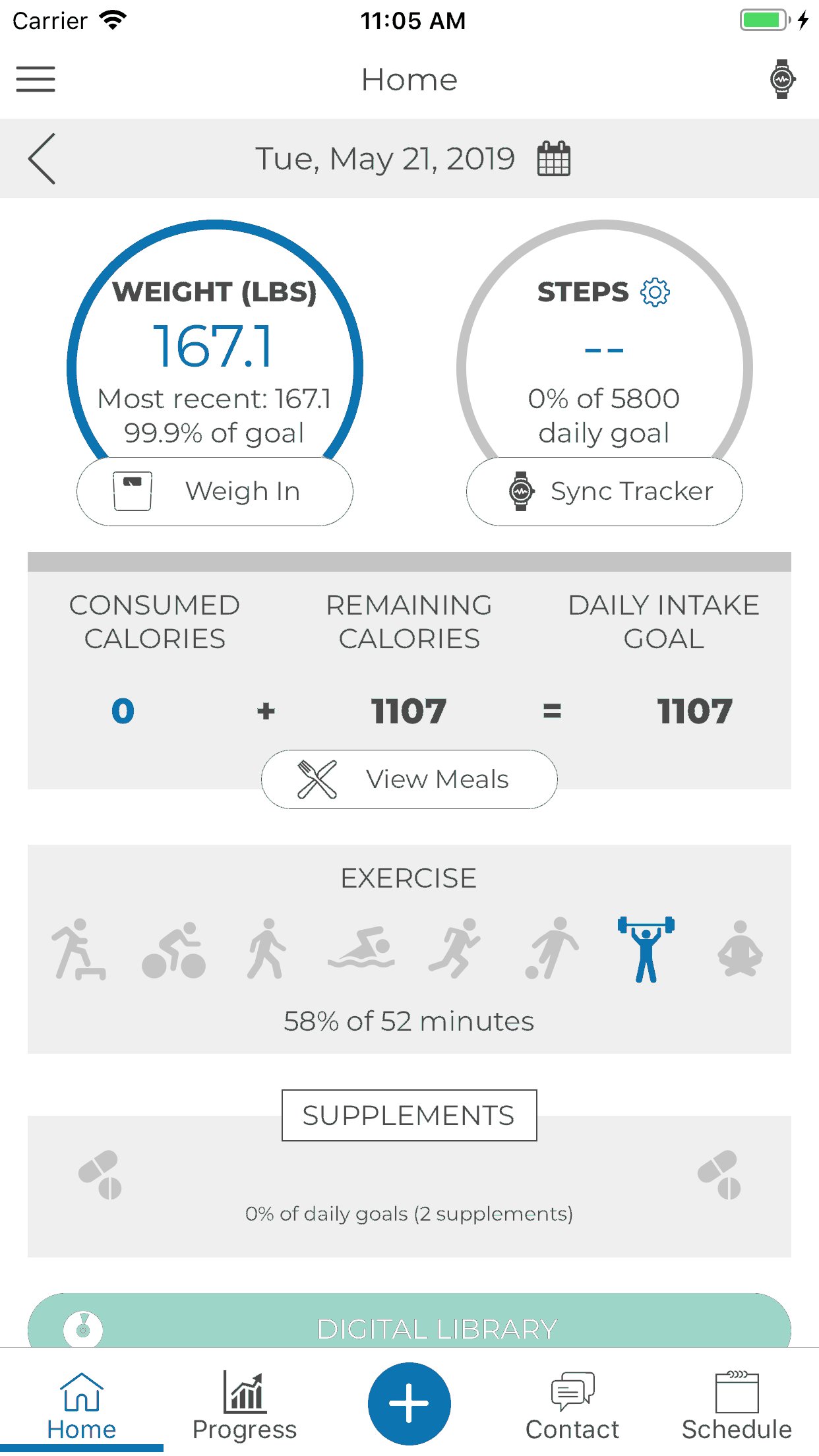
App Functionalities include:
1. Third Party Integration with Apple Health, Fitbit, GoogleFit and Levl.
2. HIPAA Compliant Messaging & Scheduling
3. Progress Tracking
4. Hydration & Supplement Tracking
5. Meal Logging
6. Digital Content
7. Sequence Messaging
Preview
Tags
Health-&Information
Developer
CoachCare
Latest Version
2.56.310
Last Updated
2024-04-23
Category
Health-fitness
Available on
Google Play
Show More
How to play Tamarack Health Remote Care with GameLoop on PC
1. Download GameLoop from the official website, then run the exe file to install GameLoop
2. Open GameLoop and search for “Tamarack Health Remote Care” , find Tamarack Health Remote Care in the search results and click “Install”
3. Enjoy playing Tamarack Health Remote Care on GameLoop
Minimum requirements
OS
Windows 8.1 64-bit or Windows 10 64-bit
GPU
GTX 1050
CPU
i3-8300
Memory
8GB RAM
Storage
1GB available space
Recommended requirements
OS
Windows 8.1 64-bit or Windows 10 64-bit
GPU
GTX 1050
CPU
i3-9320
Memory
16GB RAM
Storage
1GB available space