
Mitra App PC
MITRA Vipassana Academy
Download Mitra App on PC With GameLoop Emulator
Mitra App on PC
Mitra App, coming from the developer MITRA Vipassana Academy, is running on Android systerm in the past.
Now, You can play Mitra App on PC with GameLoop smoothly.
Download it in the GameLoop library or search results. No more eyeing the battery or frustrating calls at the wrong time any more.
Just enjoy Mitra App PC on the large screen for free!
Mitra App Introduction
MITRA Anapana provides a tool that can liberate the Mind from various barriers like anxiety, anger, hatred, lack of concentration, doubts, laziness, greed, restlessness etc. A simple format of delivery has been chosen with the support of the Vipassana Research Institute (VRI), where after initial training of 70 mins, the school children can practice this technique daily for 10 mins before starting school and repeat the practice for 10 mins before leaving for home.
The participants learn to observe the incoming breath and outgoing breath by focusing their attention at the entrance of their nostrils. They simply observe their natural breath without trying to change or correct the flow of the breath. In this way, they experience the beginning steps of self-awareness. This technique being observation based and scientific, without any imaginations or evaluations, leads’ to Right Awareness and hence Right Concentration. This technique is known as “Anapana”, where ‘Ana’ means incoming and ’Apana’ means outgoing breath.
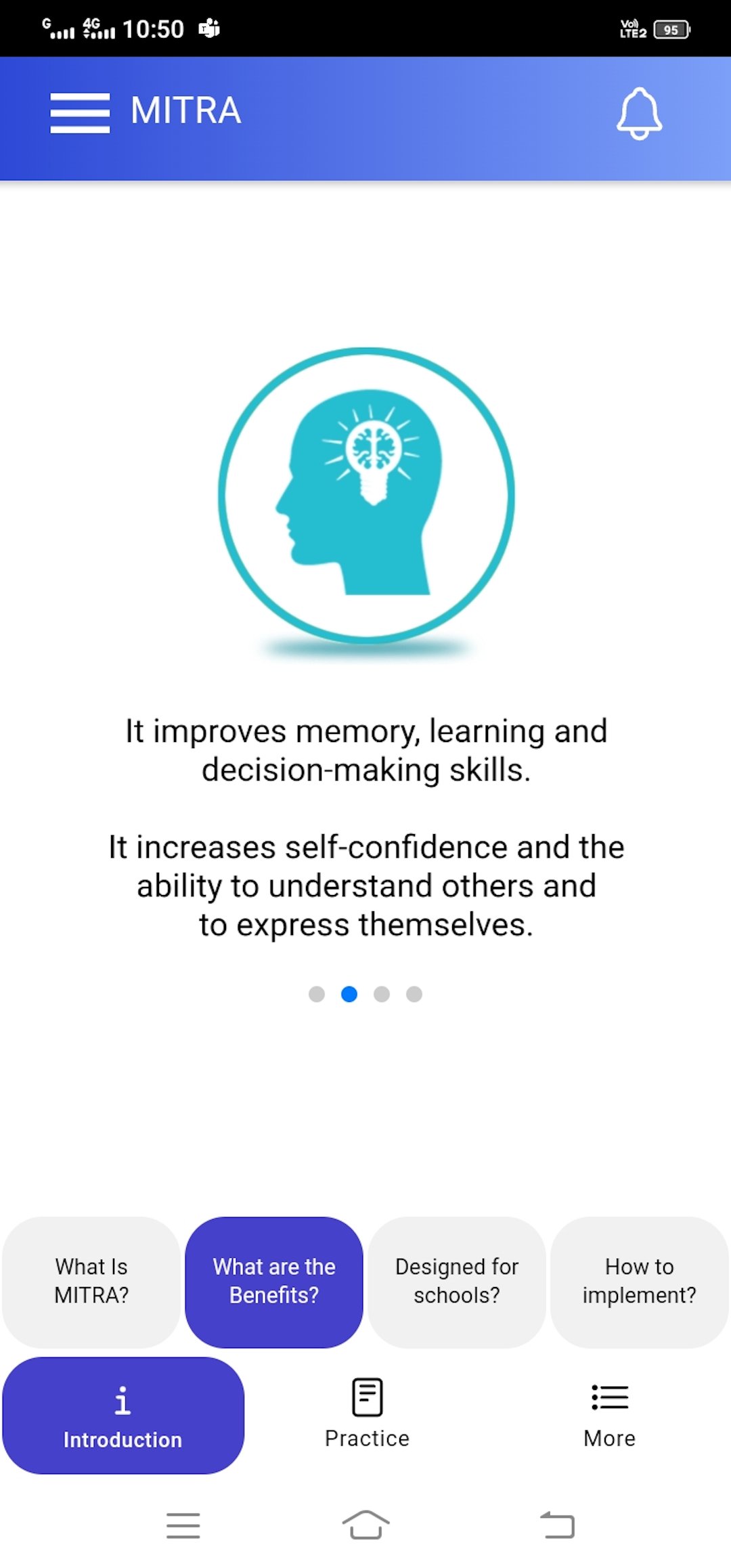
Within regular practice for a few days, the school children, as well as their teachers, achieve enhanced concentration, memory, self-confidence, productivity, effectiveness and are also able to experience compassion and joy for one and all.
Preview
Tags
Health-&Information
Developer
MITRA Vipassana Academy
Latest Version
1.070
Last Updated
2024-09-13
Category
Health-fitness
Available on
Google Play
Show More
How to play Mitra App with GameLoop on PC
1. Download GameLoop from the official website, then run the exe file to install GameLoop
2. Open GameLoop and search for “Mitra App” , find Mitra App in the search results and click “Install”
3. Enjoy playing Mitra App on GameLoop
Minimum requirements
OS
Windows 8.1 64-bit or Windows 10 64-bit
GPU
GTX 1050
CPU
i3-8300
Memory
8GB RAM
Storage
1GB available space
Recommended requirements
OS
Windows 8.1 64-bit or Windows 10 64-bit
GPU
GTX 1050
CPU
i3-9320
Memory
16GB RAM
Storage
1GB available space