
IFtracker - Intermittent Fasti PC
Jester Dev
Download IFtracker - Intermittent Fasti on PC With GameLoop Emulator
IFtracker - Intermittent Fasti on PC
IFtracker - Intermittent Fasti, coming from the developer Jester Dev, is running on Android systerm in the past.
Now, You can play IFtracker - Intermittent Fasti on PC with GameLoop smoothly.
Download it in the GameLoop library or search results. No more eyeing the battery or frustrating calls at the wrong time any more.
Just enjoy IFtracker - Intermittent Fasti PC on the large screen for free!
IFtracker - Intermittent Fasti Introduction
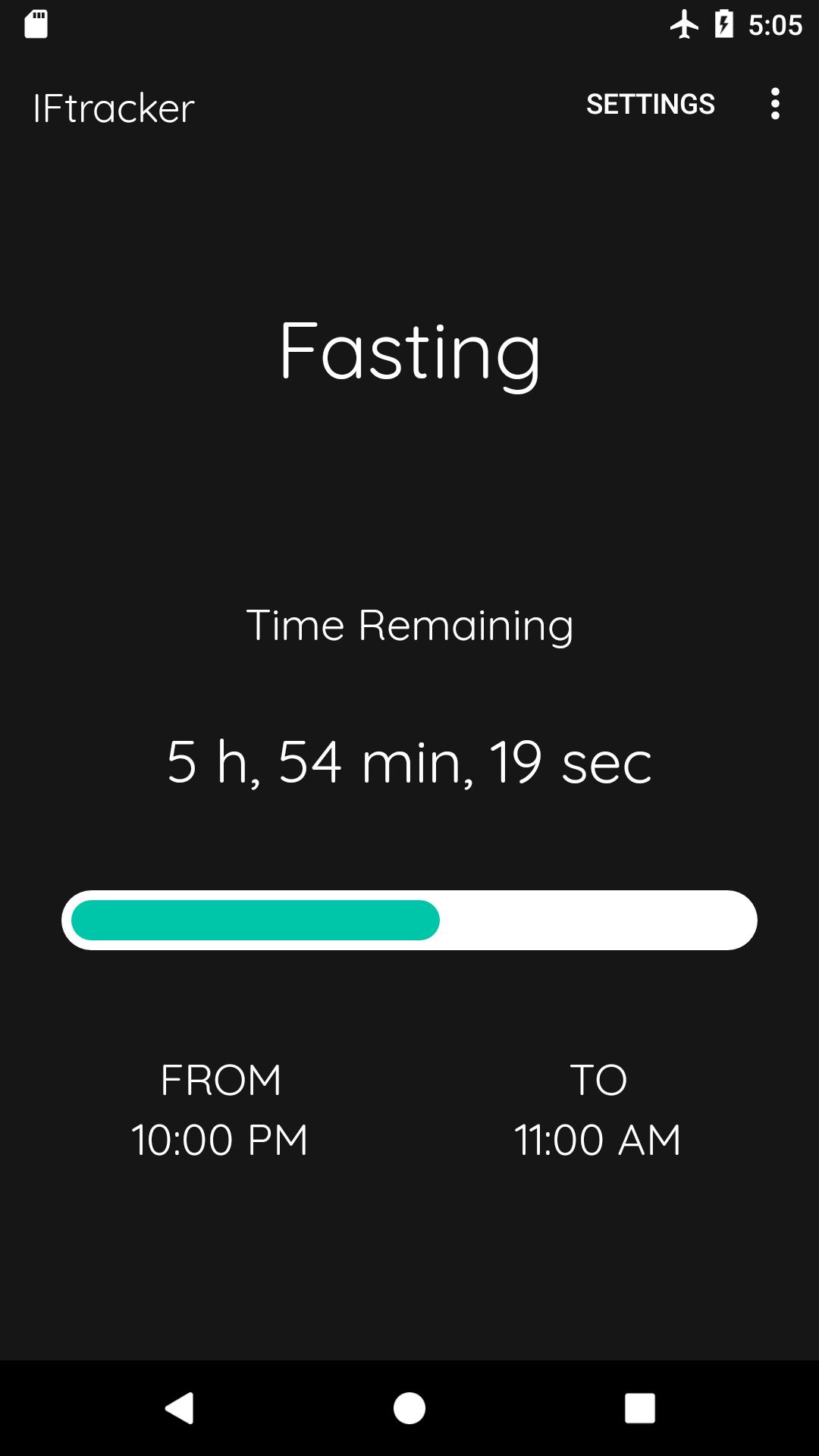
IFtracker is a very simple tool to make intermittent fasting easier.
Features:
- notification at fast beginning/end
- timer that shows how much time is left till fast / eating window end
You can set days and hours of your fast in settings.
IFtracker is completely free. All features are available straight away after download - no extra payments necessary.
What is Intermittent Fasting?
Intermittent fasting is a dieting pattern in which you restrict yourself to eat only in a scheduled eating window.
By splitting your day into a period of fasting and a period when eating is allowed, the idea is that you will naturally reduce your caloric intake on a day-to-day basis since you’re limited to eat only during small windows.
For example, using most popular method 16/8 could look like this:
8pm - 12pm Fast
12pm - 8pm Eating Window
What are the benefits?
Intermittent Fasting has been proven to:
- loose weight
- improve insulin resistance and reduce the risk of type 2 diabetes
- reduce oxidative stress and inflammation in your body
- lower cholesterol
- increase lifespan
and much more!
Preview

Tags
Health-&Information
Developer
Jester Dev
Latest Version
3.3
Last Updated
2021-08-23
Category
Health-fitness
Available on
Google Play
Show More
How to play IFtracker - Intermittent Fasti with GameLoop on PC
1. Download GameLoop from the official website, then run the exe file to install GameLoop
2. Open GameLoop and search for “IFtracker - Intermittent Fasti” , find IFtracker - Intermittent Fasti in the search results and click “Install”
3. Enjoy playing IFtracker - Intermittent Fasti on GameLoop
Minimum requirements
OS
Windows 8.1 64-bit or Windows 10 64-bit
GPU
GTX 1050
CPU
i3-8300
Memory
8GB RAM
Storage
1GB available space
Recommended requirements
OS
Windows 8.1 64-bit or Windows 10 64-bit
GPU
GTX 1050
CPU
i3-9320
Memory
16GB RAM
Storage
1GB available space