
GlucoCare - A Diabetes Managem PC
iHealth Labs, Inc.
Download GlucoCare - A Diabetes Managem on PC With GameLoop Emulator
GlucoCare - A Diabetes Managem on PC
GlucoCare - A Diabetes Managem, coming from the developer iHealth Labs, Inc., is running on Android systerm in the past.
Now, You can play GlucoCare - A Diabetes Managem on PC with GameLoop smoothly.
Download it in the GameLoop library or search results. No more eyeing the battery or frustrating calls at the wrong time any more.
Just enjoy GlucoCare - A Diabetes Managem PC on the large screen for free!
GlucoCare - A Diabetes Managem Introduction
We provide the most relevant & user friendly diabetes management App that empowers our users to achieve their blood glucose target.
KEY FEATURES:
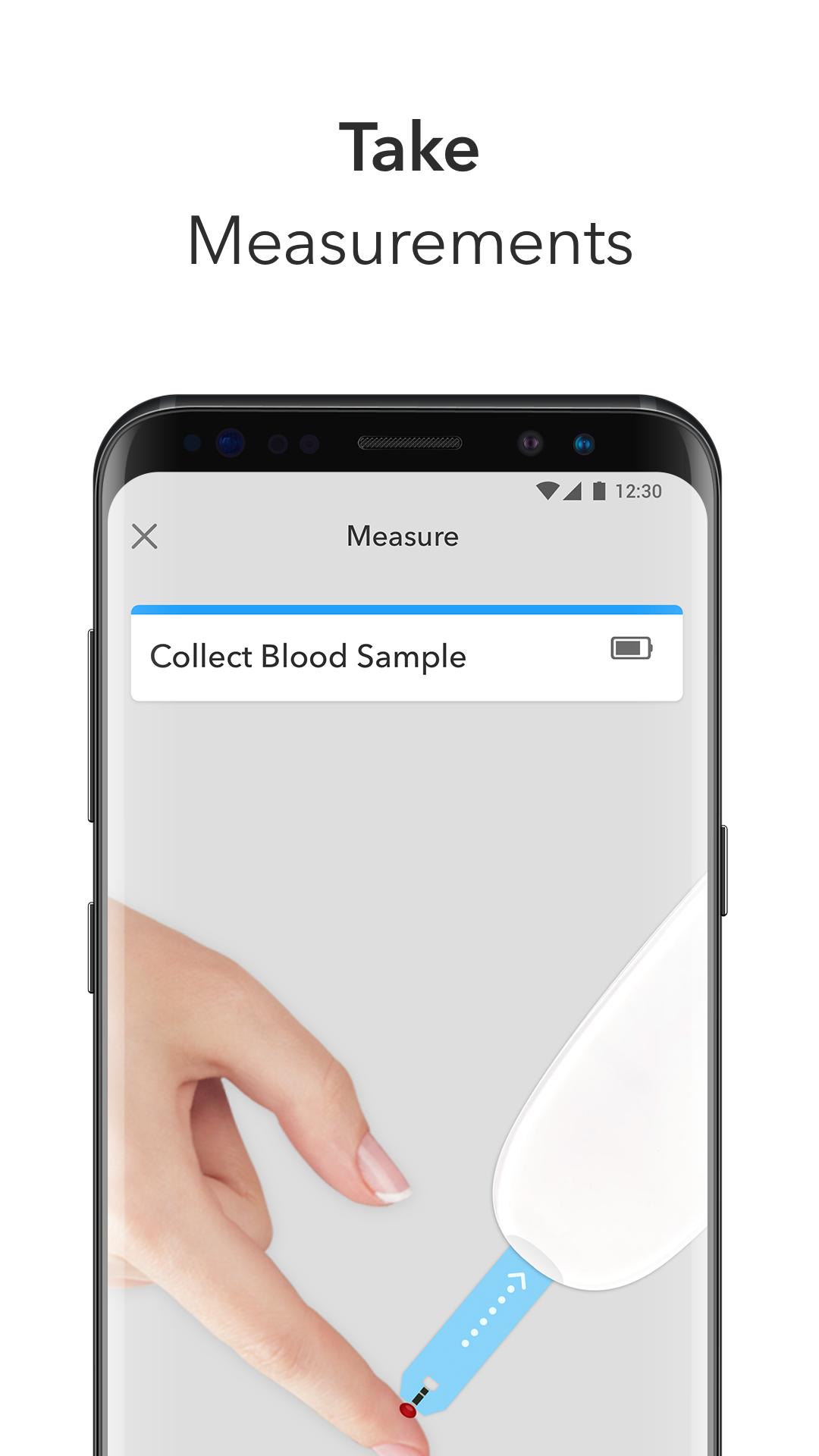
1. Compatible with all iHealth FDA and CE approved smart blood glucose meters while manual logging also supported
+ Support the iHealth Align meter using the iHealth 2019 no coding test strips.
*Models not compatible with the Align meter:
-Huawei nova 3i
-HTC A9W
+ Support the iHealth Smart meter using the iHealth 2019 no coding test strips.
2. Track your blood sugar, food, medicine, activity in one single step
+ Track blood sugar, diet, exercise, medication in a single step together with your blood sugar result - key factor in diabetes management is knowing how your glucose fluctuates and the influence factors.
+ View your HbA1C improvements in the same place with your day to day glucose data and weight changes.
3. Multidimensional data visualization
+ Weekly, biweekly, monthly and quarterly statistics – help both you and your healthcare providers to identify hypoglycemia or hyperglycemia and get insight about how your glucose fluctuate, assist provider to give individualized feedback about your behavior adjustment or medication adjustment.
+Search your glucose data by food name, medication name or notes to research influence factors.
+ Data views including table, list and interactive charts provide guidelines for your diet, exercise and medication adjustment - logbook trends and charts designed with advices from CDE (Certified Diabetes Educator) and endocrinologist.
4. Diabetes Education blog
+ We are not just a diabetes logbook App. We also cover the diabetes education part of the diabetes management. Our diabetes education blog post diabetes self-care contents covering blood sugar measuring, healthy diet, blood pressure and industry news updates, ADA guideline updates, edited & reviewed by our CDE (Certified Diabetes Educator) and RN (Registered Nurse).
5. Planning and Tracking
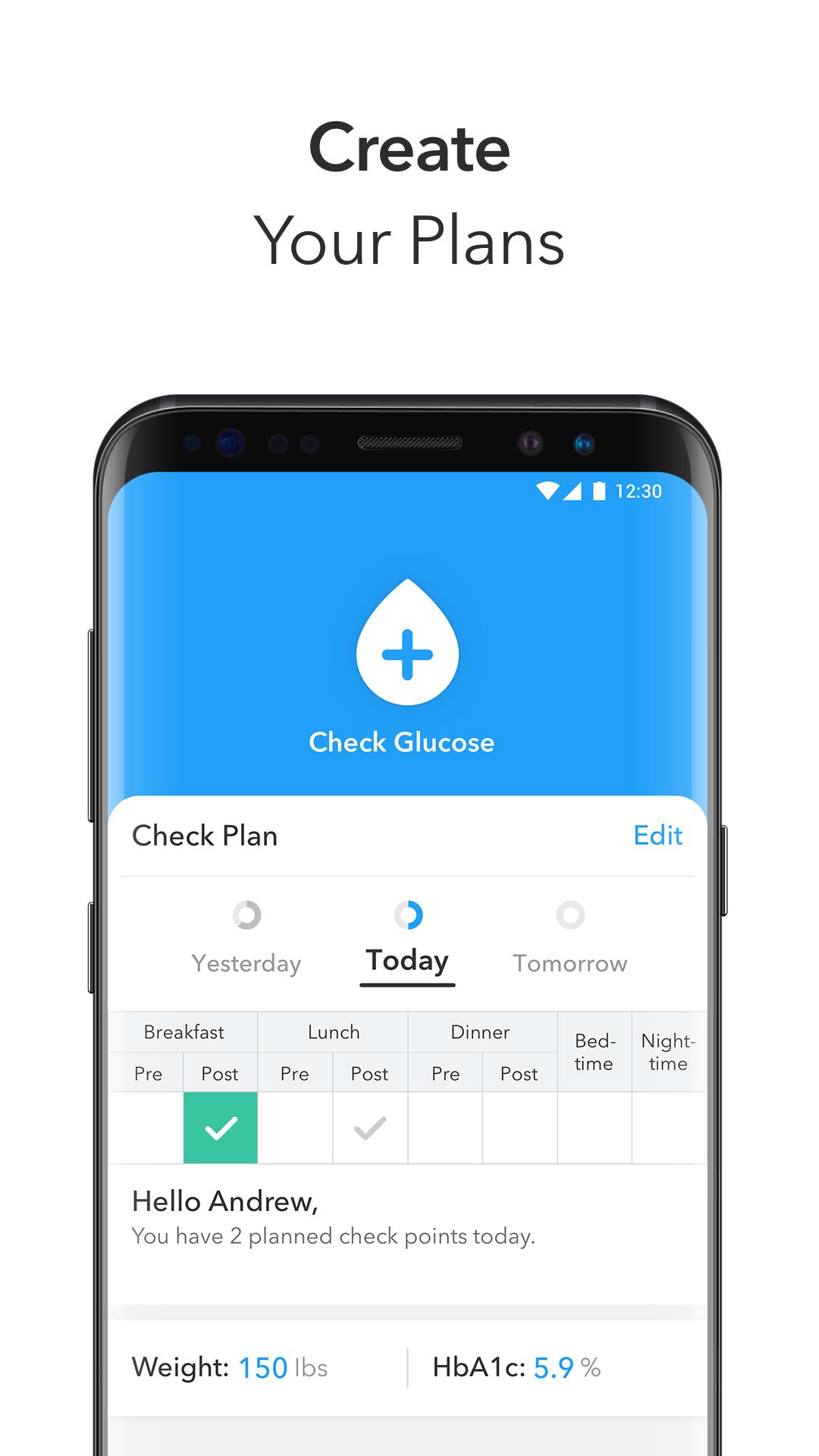
+ Set up a scheduled blood glucose checking plan according to your CDE or endocrinologist's instruction.
+ Get reminded about scheduled measurements and medications each day with your customized language to protect your privacy.
6. Share Report
+ Export your glucose data together with the context including diet, medication, exercise, and notes, and share it with your CDE or endocrinologist.
Download now!
For questions, contact our support team: support@ihealthlabs.com, or go to 'Contact Us' in 'More' section of the App.
Preview
Tags
Health-&Information
Developer
iHealth Labs, Inc.
Latest Version
1.2.3
Last Updated
2019-05-06
Category
Health-fitness
Available on
Google Play
Show More
How to play GlucoCare - A Diabetes Managem with GameLoop on PC
1. Download GameLoop from the official website, then run the exe file to install GameLoop
2. Open GameLoop and search for “GlucoCare - A Diabetes Managem” , find GlucoCare - A Diabetes Managem in the search results and click “Install”
3. Enjoy playing GlucoCare - A Diabetes Managem on GameLoop
Minimum requirements
OS
Windows 8.1 64-bit or Windows 10 64-bit
GPU
GTX 1050
CPU
i3-8300
Memory
8GB RAM
Storage
1GB available space
Recommended requirements
OS
Windows 8.1 64-bit or Windows 10 64-bit
GPU
GTX 1050
CPU
i3-9320
Memory
16GB RAM
Storage
1GB available space