
Glooko - Track Diabetes Data PC
Glooko
Download Glooko - Track Diabetes Data on PC With GameLoop Emulator
Glooko - Track Diabetes Data on PC
Glooko - Track Diabetes Data, coming from the developer Glooko, is running on Android systerm in the past.
Now, You can play Glooko - Track Diabetes Data on PC with GameLoop smoothly.
Download it in the GameLoop library or search results. No more eyeing the battery or frustrating calls at the wrong time any more.
Just enjoy Glooko - Track Diabetes Data PC on the large screen for free!
Glooko - Track Diabetes Data Introduction
Glooko is a comprehensive diabetes management platform that helps people with diabetes quickly and easily understand and control their blood glucose levels and well-being. People with diabetes looking to take the next step with their diabetes management can track their blood glucose, insulin, weight, exercise, food, and medications in one place to make more informed decisions around their health. Designed to enhance the relationship between people with diabetes and their healthcare providers, the free and secure Glooko Mobile App helps users stay connected and collaborate remotely with their care teams between visits, identify trends, share reports, and keep their diabetes and related health data in a single app.
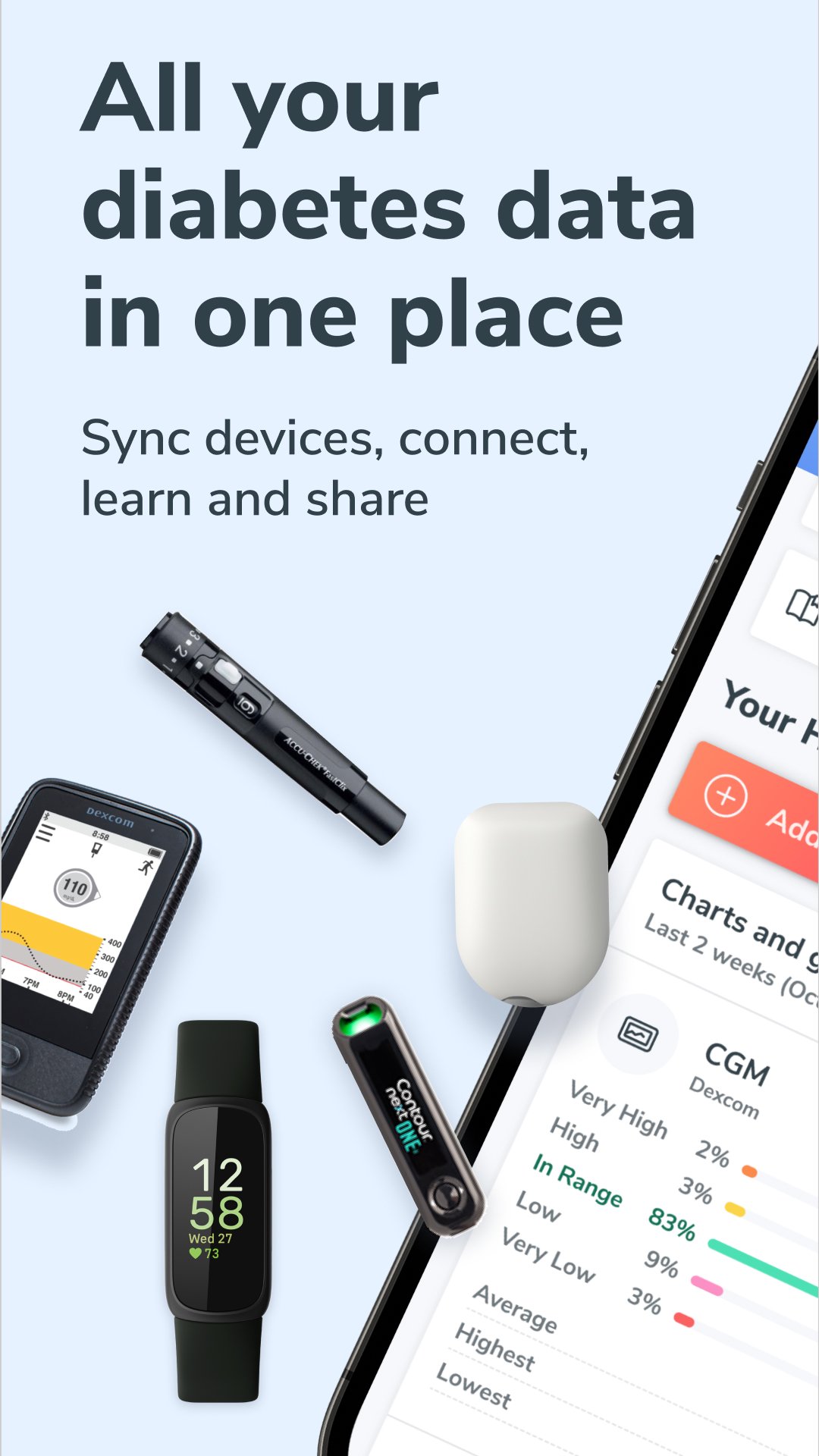
The clinically proven Glooko platform syncs data from more than 200 diabetes and health monitoring devices, including blood glucose meters (BGM), insulin pump, continuous glucose monitors (CGM), smart scales, fitness apps, and activity trackers. Health data can be synced from compatible connected devices and third party diabetes and health monitoring apps, or manually inputted. For a complete list of compatible devices and apps, visit www.glooko.com/compatibility.
POPULAR FEATURES:
• Automatically share health data with care teams through unique ProConnect codes.
• View glucose trends in multiple ways, using the same easy-to-understand reports and charts as care teams.
• Use a digital logbook to automatically track activities and events in one place.
• Sync data from BGMs, insulin pumps and pens, and CGMs.
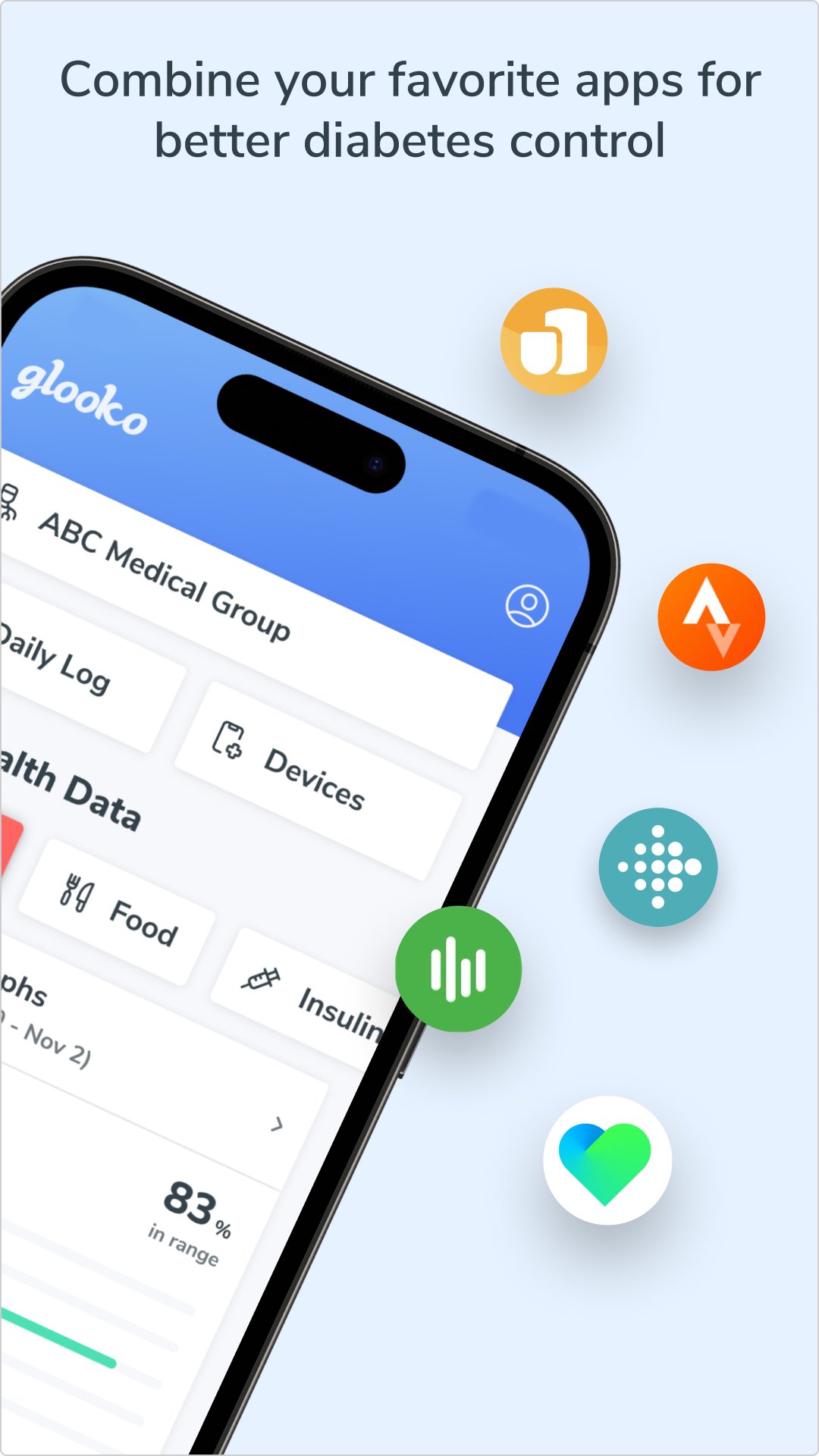
• Integrate data from popular activity trackers, including Apple Health, Fitbit, and Strava.
• Add food and nutrition intake using the built-in barcode scanner, search functionality, or voice activated database.
Glooko does not measure, interpret,or make decisions on the data it conveys nor is it intended to provide automated treatment decisions or be used as a substitute for professional judgment. All medical diagnosis and treatment are to be performed under the supervision and oversight of an appropriate healthcare provider. Not all product features are available in all countries.
If you have concerns with your current diabetes diagnosis and treatment, please contact your healthcare provider.
Preview
Tags
Health-&Information
Developer
Glooko
Latest Version
6.13.1-0-gc2629ef342
Last Updated
2025-11-24
Category
Health-fitness
Available on
Google Play
Show More
How to play Glooko - Track Diabetes Data with GameLoop on PC
1. Download GameLoop from the official website, then run the exe file to install GameLoop
2. Open GameLoop and search for “Glooko - Track Diabetes Data” , find Glooko - Track Diabetes Data in the search results and click “Install”
3. Enjoy playing Glooko - Track Diabetes Data on GameLoop
Minimum requirements
OS
Windows 8.1 64-bit or Windows 10 64-bit
GPU
GTX 1050
CPU
i3-8300
Memory
8GB RAM
Storage
1GB available space
Recommended requirements
OS
Windows 8.1 64-bit or Windows 10 64-bit
GPU
GTX 1050
CPU
i3-9320
Memory
16GB RAM
Storage
1GB available space