
FontaFit plus PC
D-Parts Mobilphon & Zubehör GmbH
Download FontaFit plus on PC With GameLoop Emulator
FontaFit plus on PC
FontaFit plus, coming from the developer D-Parts Mobilphon & Zubehör GmbH, is running on Android systerm in the past.
Now, You can play FontaFit plus on PC with GameLoop smoothly.
Download it in the GameLoop library or search results. No more eyeing the battery or frustrating calls at the wrong time any more.
Just enjoy FontaFit plus PC on the large screen for free!
FontaFit plus Introduction
Please check out our website www.d-parts.de/en/faq for frequently asked questions.
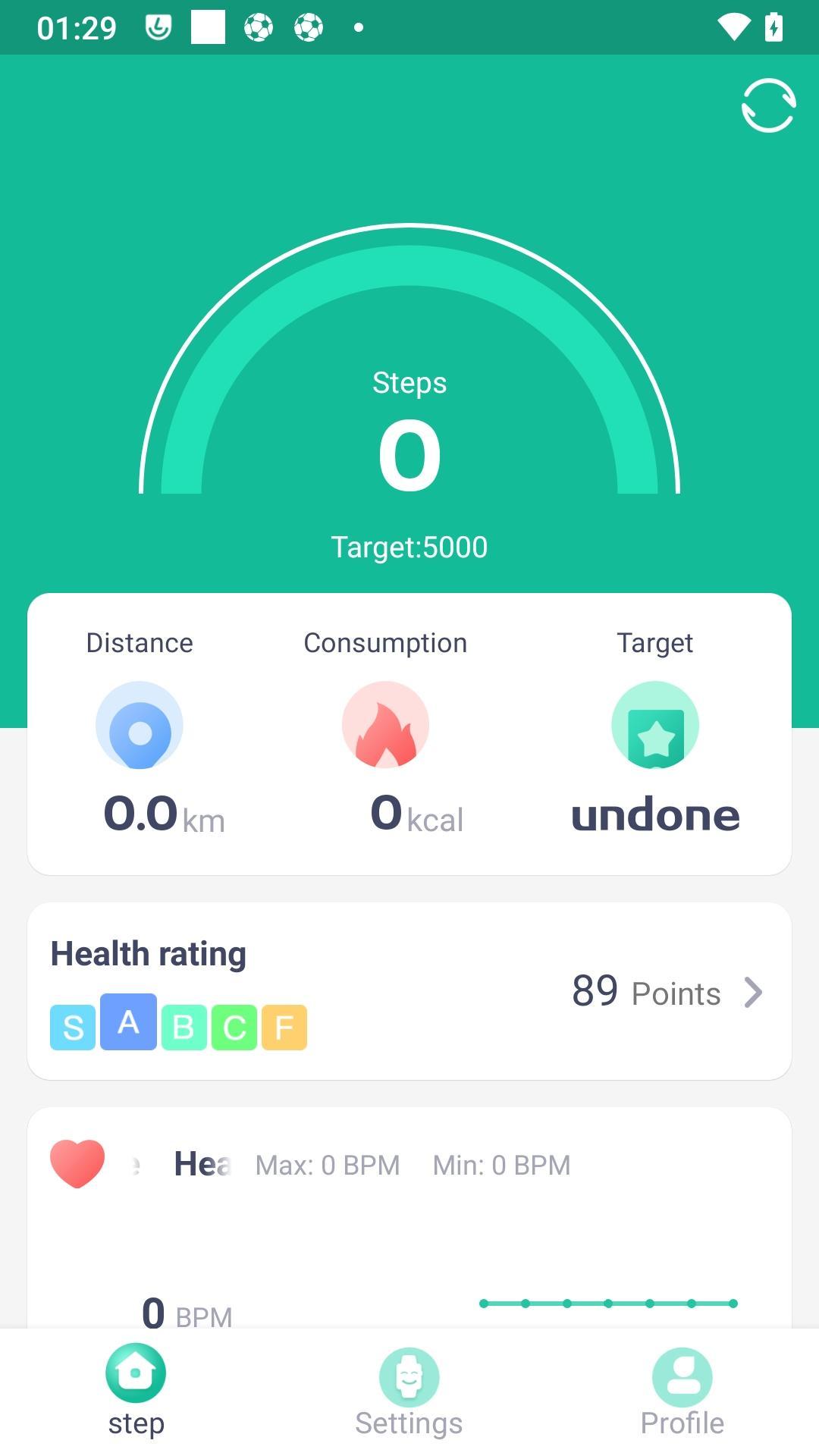
FontaFit plus is an easy-to-use companion app for FontaFit smart bracelets and offers basic functions that record and evaluate your daily activities.
This app is compatible with the following models:
FontaFit 155CH, 165CH, 260CH, 265CH, 360CH, 390CH.
Functions:
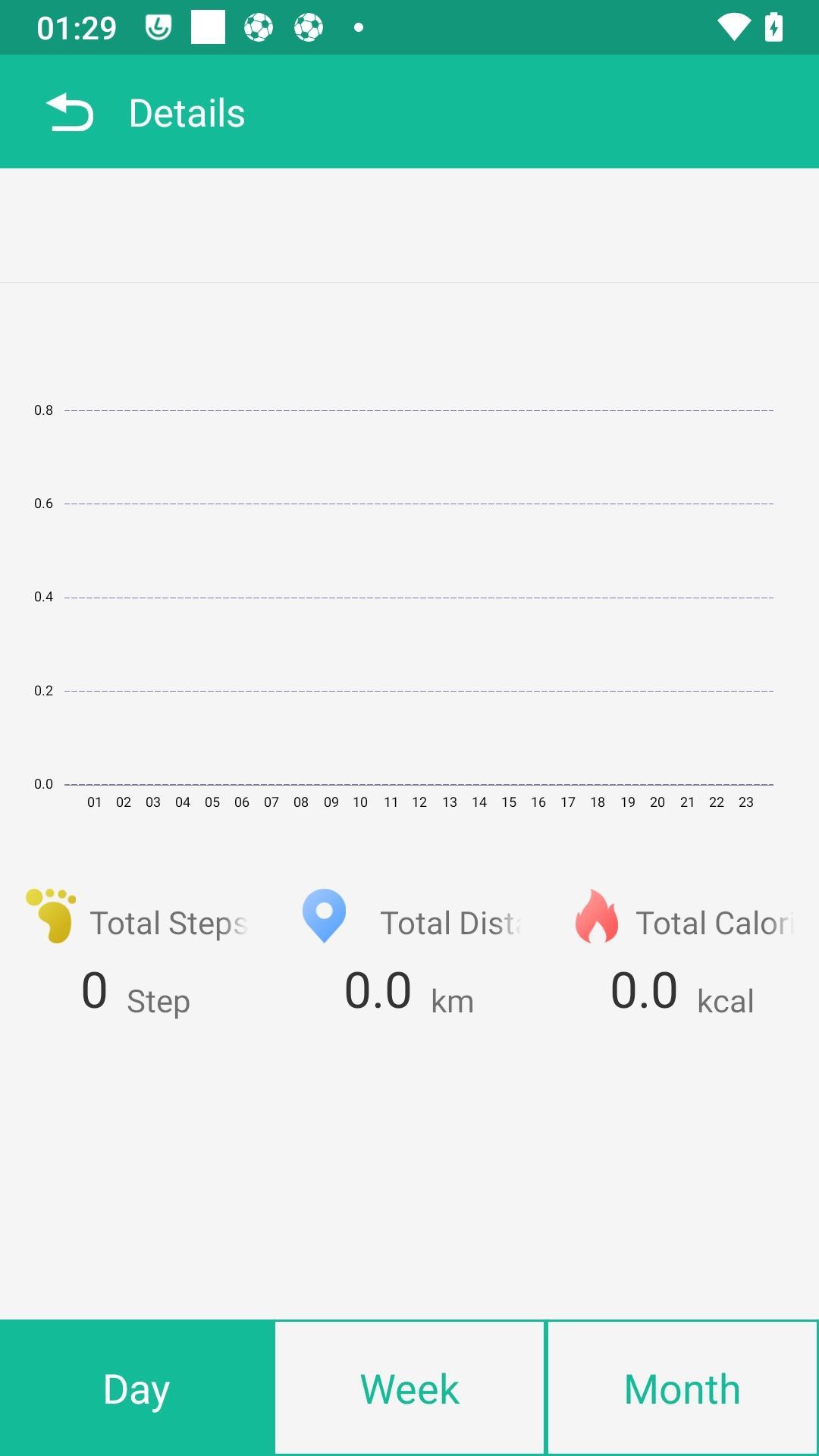
• The Start view gives you a quick overview of your sporting activities, such as steps, distance, calories, daily goal, as well as sleep and heart rate.
You will find further information in the individual sections (steps, sleep, etc.).
• Sleep: Learn more about your sleep with the integrated sleep analysis. The app shows you the duration of light sleep, deep sleep and restless phases.¹
• Notifications: Receive notifications directly to your smart bracelet. You decide which apps are allowed to forward notifications.
• Alarms: Let the bracelet wake you up or remind you by vibrating at certain times.
• Camera: Take photos remotely with your phone using the built-in photo trigger feature in the smart bracelet. This feature is especially useful if you don't have a free hand to press the shutter button. ²
• Find device: Use this function if you can't find your connected bracelet. The bracelet will vibrate for four seconds.
• Reminder: If you have not actively moved for a long time or have not drunk water for a long time, the wristband will remind you.
• Do not disturb: During this time, messages are not forwarded to the wristband.
• Wake screen on wrist raise: When active, the display turns on when you raise your arm. You can select a time period for this function. Outside this period, the display will not turn on when you raise your arm.
Note: The app will auto start with your phone. To disable auto start for this app, please refer to our FAQ at our website www.fontafit.eu.
¹ Sleep analysis only works if the device is worn while sleeping; it is active from 10:00PM.
² This function is only available when the app is running in the background.
Preview
Tags
Health-&Information
Developer
D-Parts Mobilphon & Zubehör GmbH
Latest Version
1.2.6
Last Updated
2023-03-21
Category
Health-fitness
Available on
Google Play
Show More
How to play FontaFit plus with GameLoop on PC
1. Download GameLoop from the official website, then run the exe file to install GameLoop
2. Open GameLoop and search for “FontaFit plus” , find FontaFit plus in the search results and click “Install”
3. Enjoy playing FontaFit plus on GameLoop
Minimum requirements
OS
Windows 8.1 64-bit or Windows 10 64-bit
GPU
GTX 1050
CPU
i3-8300
Memory
8GB RAM
Storage
1GB available space
Recommended requirements
OS
Windows 8.1 64-bit or Windows 10 64-bit
GPU
GTX 1050
CPU
i3-9320
Memory
16GB RAM
Storage
1GB available space