
Digital Detox: Focus & Live PC
Urbandroid (Petr Nálevka)
Download Digital Detox: Focus & Live on PC With GameLoop Emulator
Digital Detox: Focus & Live on PC
Digital Detox: Focus & Live, coming from the developer Urbandroid (Petr Nálevka), is running on Android systerm in the past.
Now, You can play Digital Detox: Focus & Live on PC with GameLoop smoothly.
Download it in the GameLoop library or search results. No more eyeing the battery or frustrating calls at the wrong time any more.
Just enjoy Digital Detox: Focus & Live PC on the large screen for free!
Digital Detox: Focus & Live Introduction
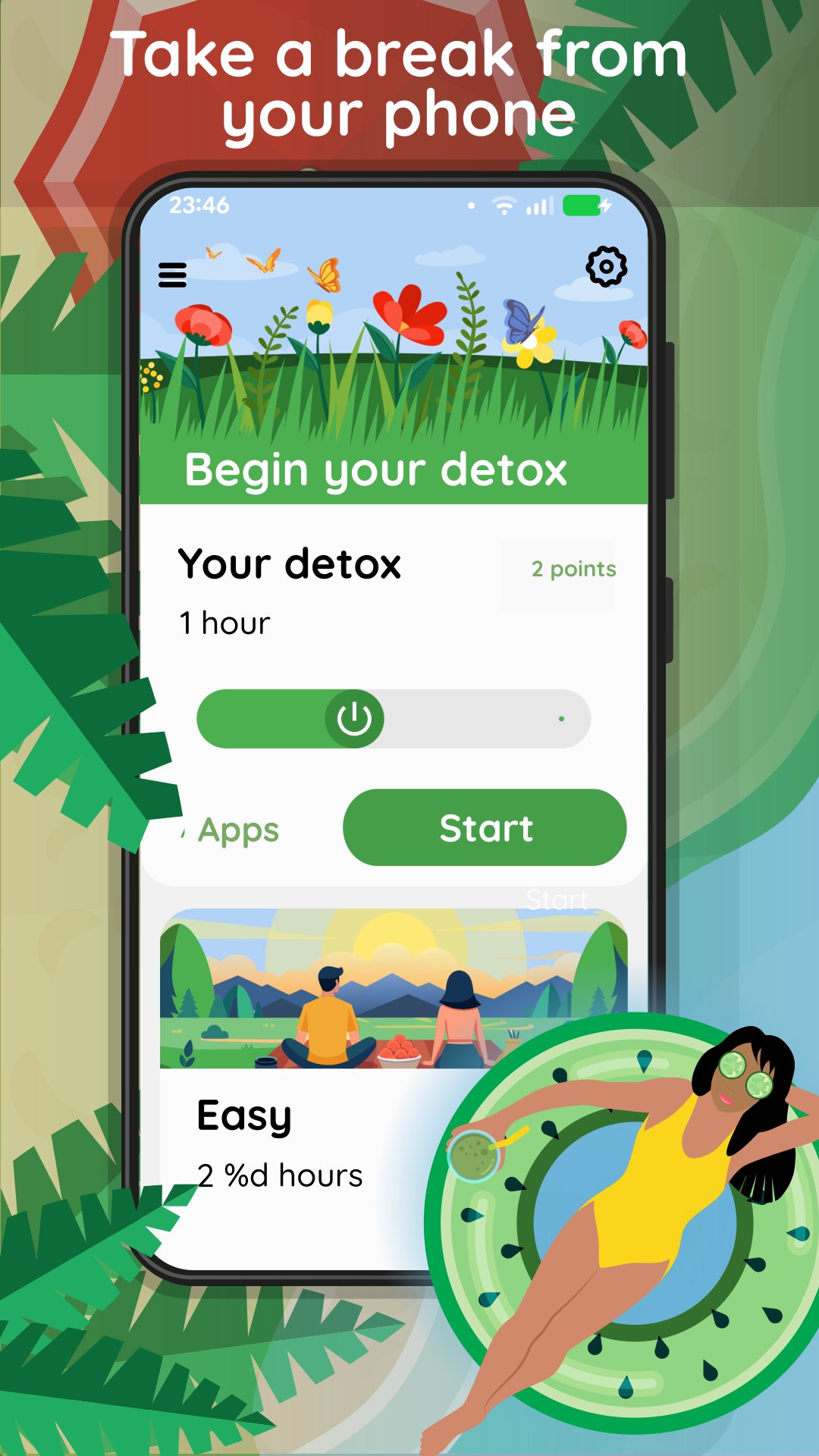
The Unbreakable Blocker for Deep Focus & a Better Life
Finally, a Blocker You Can't Cheat: Engineered from the ground up to be unbreakable. Once you commit, there are no loopholes or workarounds.
✔️ Pay Only When You Fail: The app is free to use when you succeed. We only get paid if you decide to break your own rules, creating powerful self-accountability.
✔️ Reclaim Your Productivity: Block digital noise to accomplish your most important work.
✔️ Strengthen Your Relationships: Create tech-free "Family Time" to be fully present with loved ones.
✔️ Protect Your Sleep: Automate a nightly wind-down routine by blocking stimulating apps and websites for better rest.
✔️ Powerful, Flexible Scheduling: Design your ideal day with custom schedules for work, family, and personal time.
✔️ Advanced Content Filtering: Instantly block pornography, social media, news, or any other distracting digital content.
✔️ 100% Ad-Free, Always: Your focus and privacy are our only product. We will never show you ads.
To ensure the app is effective, disable all system optimizations and allow the app to run in the background. For details and guides, visit https://dontkillmyapp.com/.
Xiaomi phones require special permissions to open whitelisted apps. Follow our guide here: https://team.urbandroid.org/ddc-fix-whitelisted-apps-on-xiaomi/.
Automation
To start detox automatically from Tasker or similar:
- broadcast
- package: com.urbandroid.ddc
- action: com.urbandroid.ddc.START_DETOX
- time_extra: number of millies
Example:
adb shell am broadcast --el time_extra 60000 -a com.urbandroid.ddc.START_DETOX
Accessibility Service
To effectively block you from using the addictive and distracting apps the "Digital Detox" app may ask you to enable its Accessibility Service if you decide to use the cheating protection features.
We only use this service to block you from leaving an ongoing Detox without paying an accountability fee or using a quit code (the cheating). We do not use the service to collect any personal information.
See how the use of Accessibility Service works in Digital Detox: https://youtu.be/XuJeqvyEAYw
Device Admin
If granted by the user, the "Digital Detox" app may use the Device Administrator permission to (and only to) prevent users from cheating - make uninstalling of the app during an active Detox harder.
Preview

Tags
Health-&Information
Developer
Urbandroid (Petr Nálevka)
Latest Version
11.42
Last Updated
2026-09-23
Category
Health-fitness
Available on
Google Play
Show More
How to play Digital Detox: Focus & Live with GameLoop on PC
1. Download GameLoop from the official website, then run the exe file to install GameLoop
2. Open GameLoop and search for “Digital Detox: Focus & Live” , find Digital Detox: Focus & Live in the search results and click “Install”
3. Enjoy playing Digital Detox: Focus & Live on GameLoop
Minimum requirements
OS
Windows 8.1 64-bit or Windows 10 64-bit
GPU
GTX 1050
CPU
i3-8300
Memory
8GB RAM
Storage
1GB available space
Recommended requirements
OS
Windows 8.1 64-bit or Windows 10 64-bit
GPU
GTX 1050
CPU
i3-9320
Memory
16GB RAM
Storage
1GB available space