
Let's WOD: CrossFit Workouts PC
Qrcoy
Download Let's WOD: CrossFit Workouts on PC With GameLoop Emulator
Let's WOD: CrossFit Workouts on PC
Let's WOD: CrossFit Workouts, coming from the developer Qrcoy, is running on Android systerm in the past.
Now, You can play Let's WOD: CrossFit Workouts on PC with GameLoop smoothly.
Download it in the GameLoop library or search results. No more eyeing the battery or frustrating calls at the wrong time any more.
Just enjoy Let's WOD: CrossFit Workouts PC on the large screen for free!
Let's WOD: CrossFit Workouts Introduction
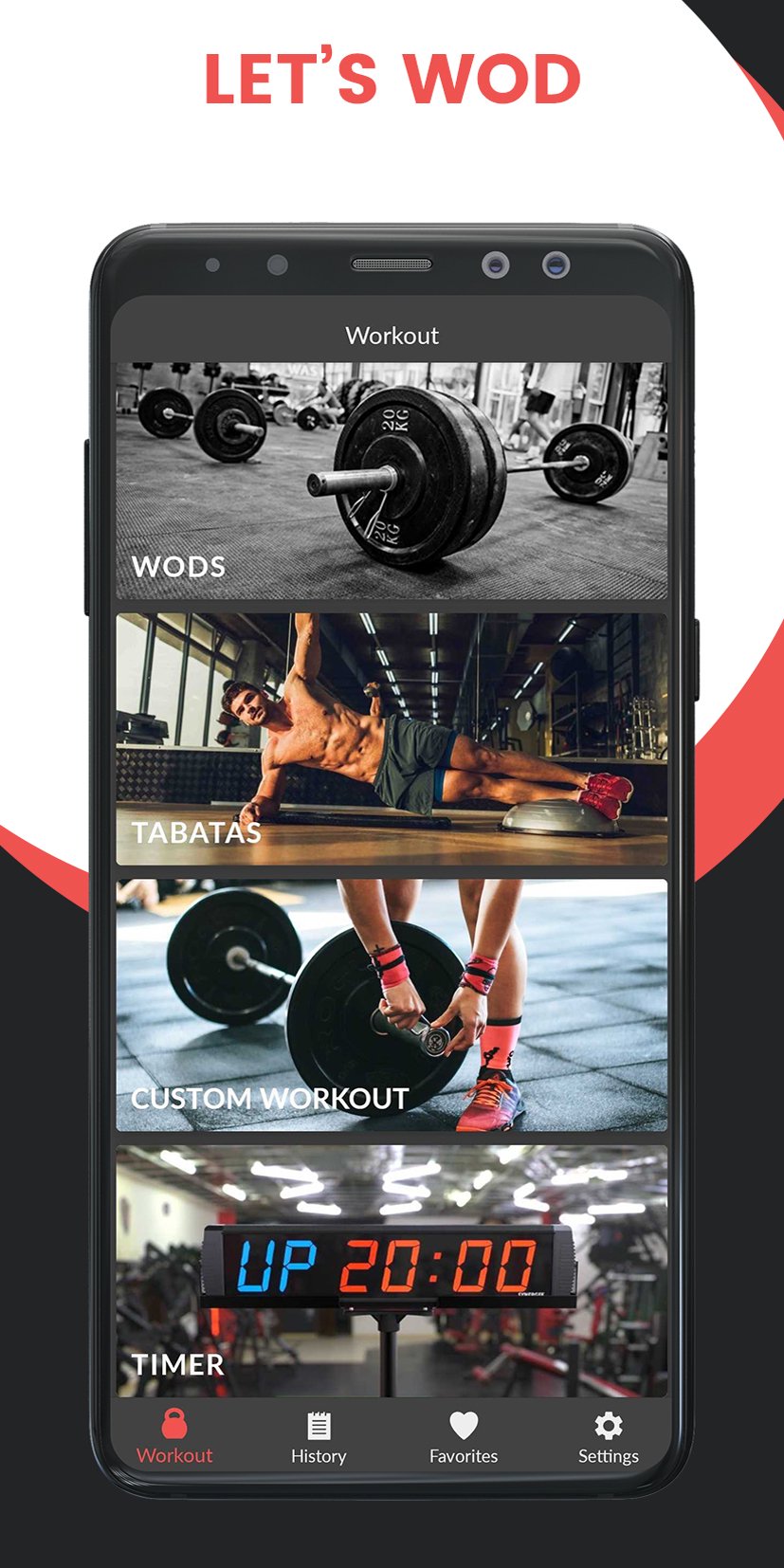
Let's WOD provides you random functional, quick and effective fitness Crossfit WODS, EMOMS and TABATAS based on the available equipment.
You have the option to modify every provided WOD; changing reps, weights and adding or removing exercises.
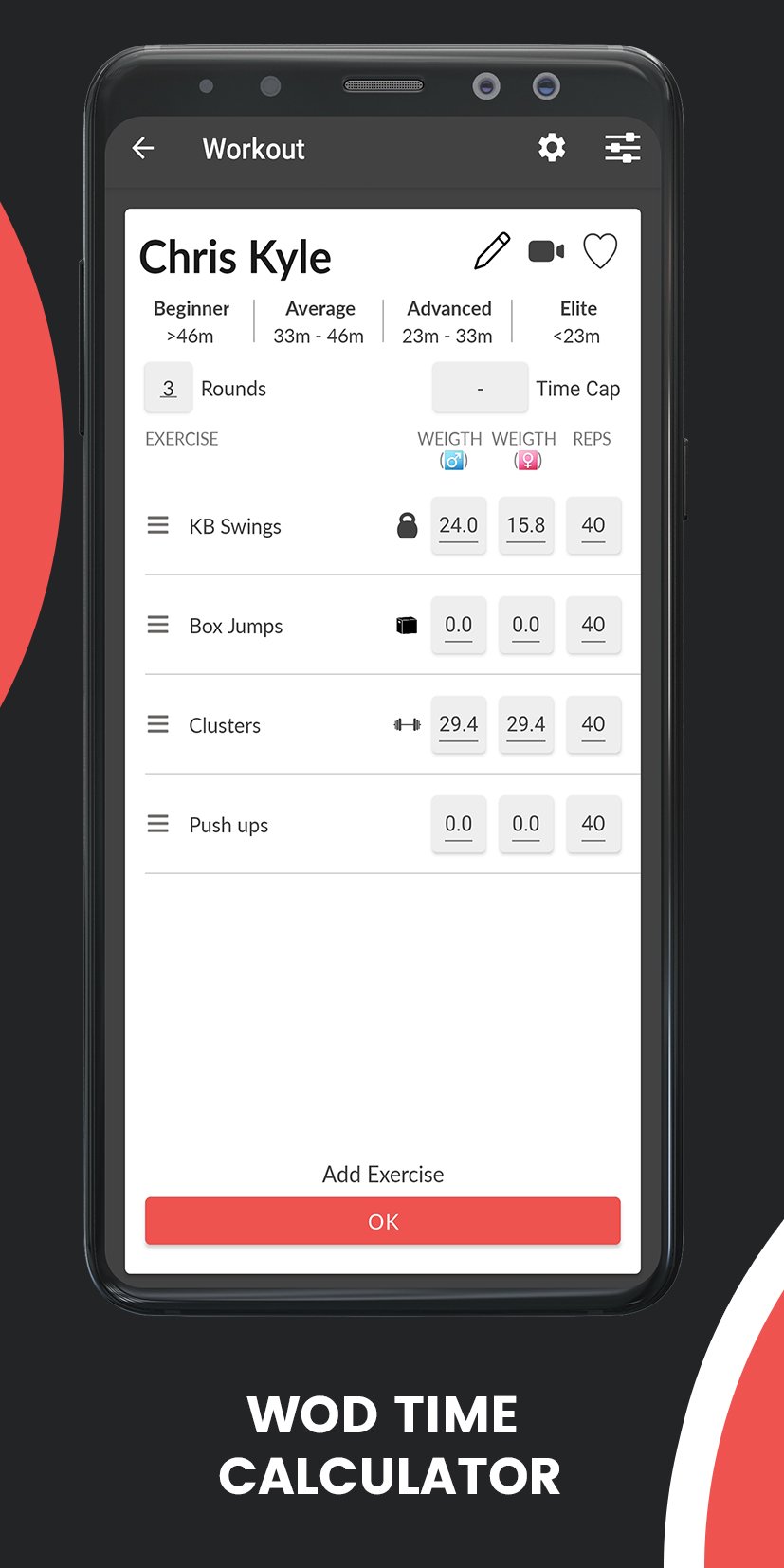
Let's WOD is also a WOD time calculator. Just enter your WOD, and the app will calculate the times for Beginners, Average, Advanced and Elite Crossfiters. Try to beat yourself!
Features of Let's WOD Workout Generator:
➖ 300+ CrossTraining Exercises Included 💪
Choose your favorite Crossfit exercises based on your equipment.
The app includes over 300 scientifically proven exercises to improve your health.
Push ups, burpees, squats, sit ups, planks, crunches, wall sits, jumping jacks, tricep dips, lunges...as well as exercises with equipment like pull ups, cleans, thrusters, devil presses, kettlebell swings, medicine ball pushups...
➖ No Equipment Needed 🏋️♀️
Exercise at home without any equipment or add your own customised equipment to filter workouts according to your needs!
Available equipment:
- Kettlebell
- Dumbbell
- Barbell
- Pull up bar
- Jump Rope
- Medicine Ball
- Running Area
- Rower
- Rings
- Rope Climb
- Box
- Air Bike
- SkiErg
- BikeErg
- Bench
- GHD
➖ Bookmark Your Favorite Exercises ⭐️
Bookmark your favorite workouts or Tabata exercises to do them anytime you want!
➖ Works Offline ❗️❗️
Let's WOD is available offline anywhere, anytime.
Download Let's WOD – The Best app for Crossfit Lovers!
Are you ready?!🤜🤛
Preview
Tags
Health-&Information
Developer
Qrcoy
Latest Version
2.0.0
Last Updated
2025-12-28
Category
Health-fitness
Available on
Google Play
Show More
How to play Let's WOD: CrossFit Workouts with GameLoop on PC
1. Download GameLoop from the official website, then run the exe file to install GameLoop
2. Open GameLoop and search for “Let's WOD: CrossFit Workouts” , find Let's WOD: CrossFit Workouts in the search results and click “Install”
3. Enjoy playing Let's WOD: CrossFit Workouts on GameLoop
Minimum requirements
OS
Windows 8.1 64-bit or Windows 10 64-bit
GPU
GTX 1050
CPU
i3-8300
Memory
8GB RAM
Storage
1GB available space
Recommended requirements
OS
Windows 8.1 64-bit or Windows 10 64-bit
GPU
GTX 1050
CPU
i3-9320
Memory
16GB RAM
Storage
1GB available space