ZuCal: Calorie Counter PC
Zulumaniya
Download ZuCal: Calorie Counter on PC With GameLoop Emulator
ZuCal: Calorie Counter on PC
ZuCal: Calorie Counter, coming from the developer Zulumaniya, is running on Android systerm in the past.
Now, You can play ZuCal: Calorie Counter on PC with GameLoop smoothly.
Download it in the GameLoop library or search results. No more eyeing the battery or frustrating calls at the wrong time any more.
Just enjoy ZuCal: Calorie Counter PC on the large screen for free!
ZuCal: Calorie Counter Introduction
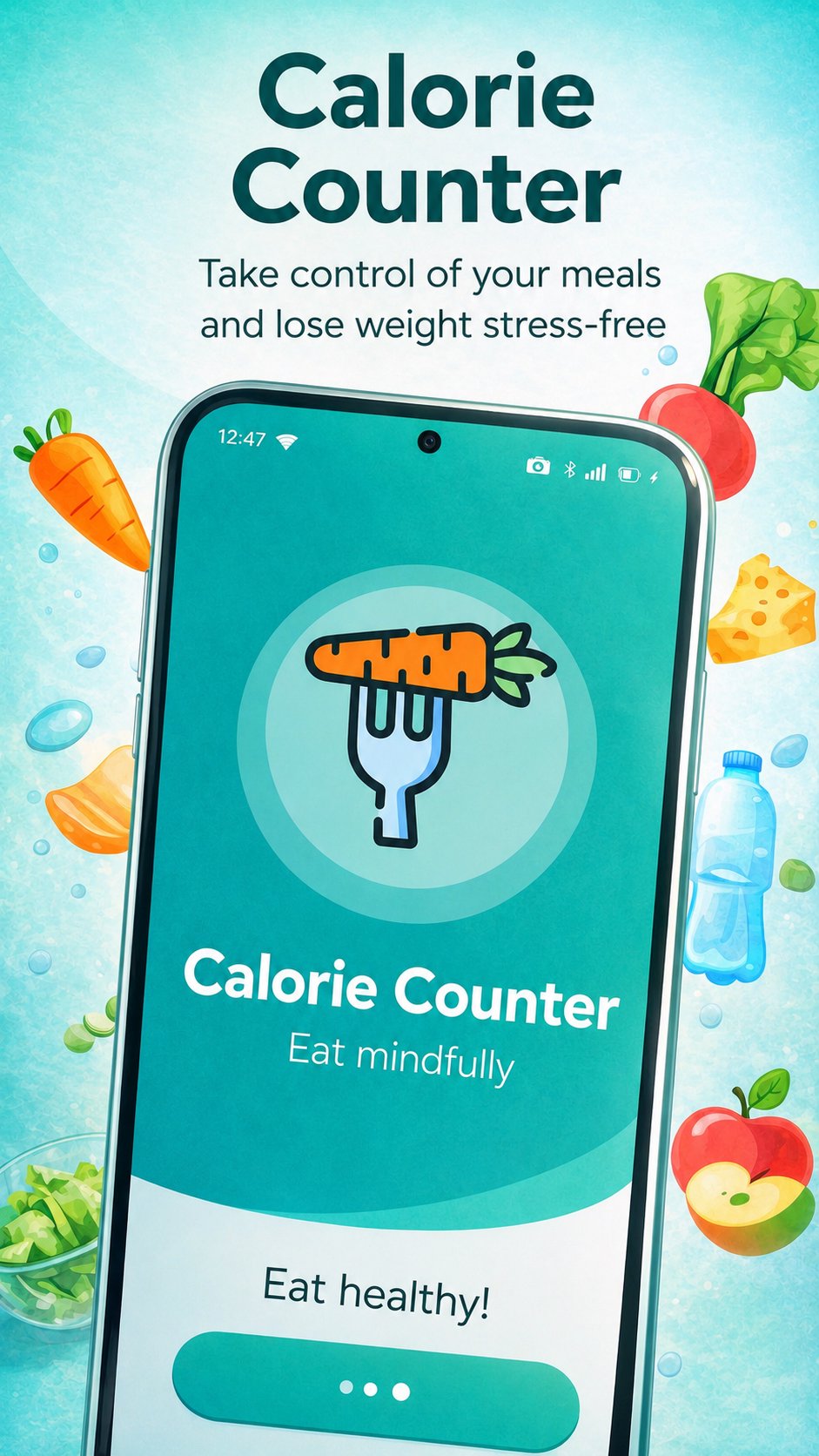
ZuCal is a simple calorie counter and food tracker that helps you log meals, track macros, monitor water intake, and follow your weight progress.
Create your personal daily calorie goal, add meals to your food diary, and see your nutrition summary for breakfast, lunch, dinner, and snacks. ZuCal helps you understand your daily calories, protein, fat, carbs, and water intake in one easy place.
Log food faster:
• Search a large food database
• Scan barcodes to find packaged foods
• Add meals to breakfast, lunch, dinner, or snacks
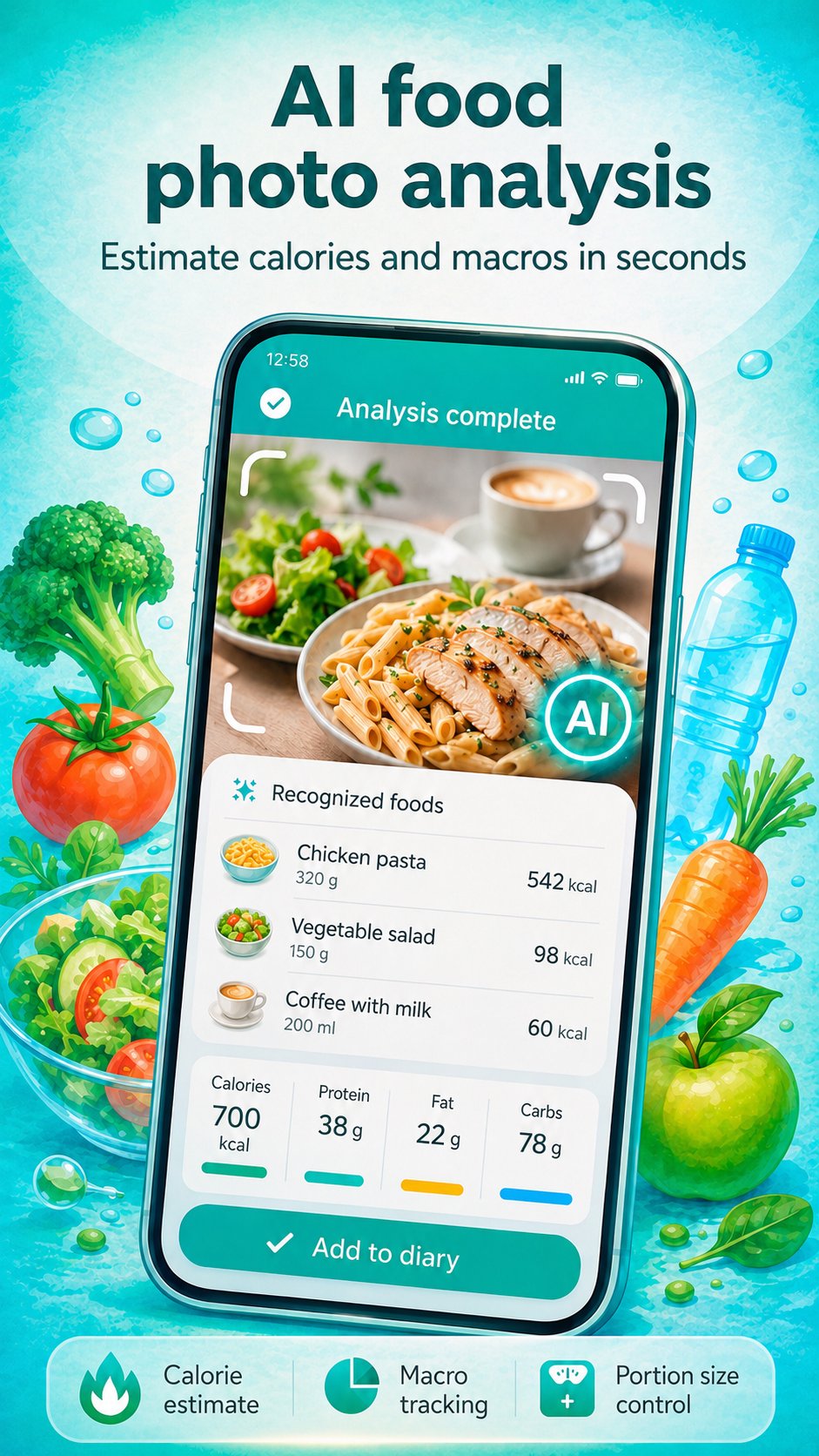
• Use AI photo analysis to estimate foods, portions, calories, and macros
• Save your own foods and meals
• Track calories even when you want a quick and simple food diary
Track your nutrition:
• Calories
• Protein
• Fat
• Carbs
• Water intake
• Weight progress
• BMI and body measurements
• Daily nutrition goals
ZuCal can help with different goals:
• Manage your daily calorie intake
• Build healthier eating habits
• Track weight loss or weight gain
• Follow a high protein, low carb, or balanced diet
• Understand your food choices and nutrition patterns
The app is designed to be easy to use. Enter your profile details, choose your goal, and ZuCal will calculate a daily calorie target for you. Then log your meals, track your water, and review your progress over time.
Key features:
• Calorie counter and food diary
• Macro tracker for protein, fat, and carbs
• Barcode scanner for packaged foods
• AI food photo analysis
• Water tracker
• Weight tracker
• Meal reminders
• Daily nutrition summary
• Custom foods and meals
• Progress statistics
• Offline food logging for saved foods
Premium features may include AI photo food analysis, advanced statistics, and an ad-free experience.
Download ZuCal and start tracking your calories, food, water, macros, and weight today
Preview
Tags
Health-&Information
Developer
Zulumaniya
Latest Version
1.7.006
Last Updated
2026-09-02
Category
Health-fitness
Available on
Google Play
Show More
How to play ZuCal: Calorie Counter with GameLoop on PC
1. Download GameLoop from the official website, then run the exe file to install GameLoop
2. Open GameLoop and search for “ZuCal: Calorie Counter” , find ZuCal: Calorie Counter in the search results and click “Install”
3. Enjoy playing ZuCal: Calorie Counter on GameLoop
Minimum requirements
OS
Windows 8.1 64-bit or Windows 10 64-bit
GPU
GTX 1050
CPU
i3-8300
Memory
8GB RAM
Storage
1GB available space
Recommended requirements
OS
Windows 8.1 64-bit or Windows 10 64-bit
GPU
GTX 1050
CPU
i3-9320
Memory
16GB RAM
Storage
1GB available space