
CEM Les Vernedes PC
Intelinova Software
Download CEM Les Vernedes on PC With GameLoop Emulator
CEM Les Vernedes on PC
CEM Les Vernedes, coming from the developer Intelinova Software, is running on Android systerm in the past.
Now, You can play CEM Les Vernedes on PC with GameLoop smoothly.
Download it in the GameLoop library or search results. No more eyeing the battery or frustrating calls at the wrong time any more.
Just enjoy CEM Les Vernedes PC on the large screen for free!
CEM Les Vernedes Introduction
Were you a client of our center? Then you are in the right place! Here you have all our sports center, complete, in the palm of your hand.
News! We have developed new features within the APP that will give you greater autonomy and enrich your experience. How?
HEALTH MONITORING
Master your well-being! Track and monitor your steps, sleep and weight, all in one app. Reach your health goals with ease.
CHOOSE AND VALIDATE YOUR TRAINING
Feel free to choose and assign the training plan you prefer from the training list. In addition, visualize the exercises in your plan and validate them more quickly when you do them.
VIRTUAL CLASSES
Enjoy more than 350 classes to train whenever you want, both in the gym and at home.
IMPROVED MENU
Optimally observe the options in the side menu.
DIRECT ACCESS TO THE MAIN FUNCTIONALITIES
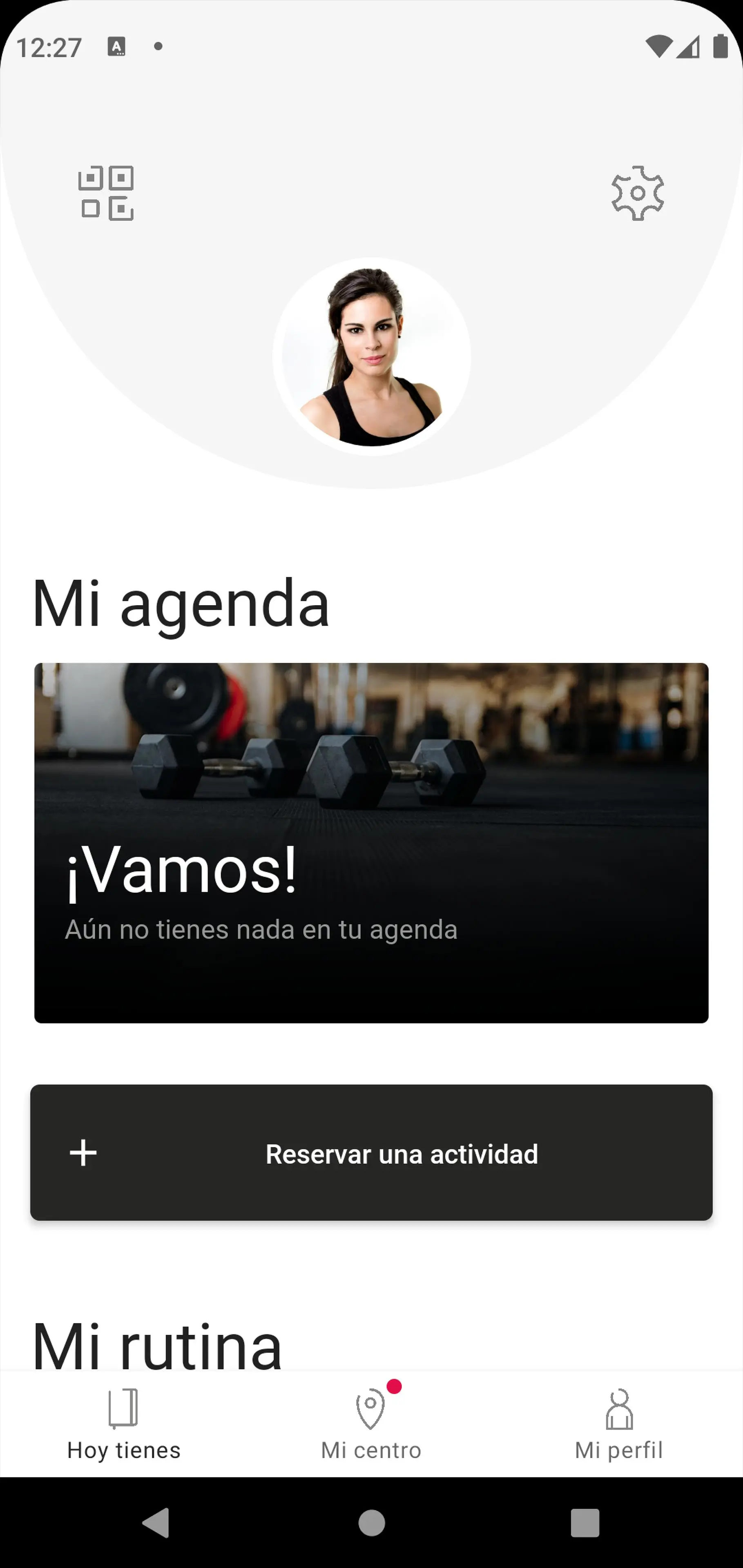
You will be able to quickly access the main functions from the home screen.
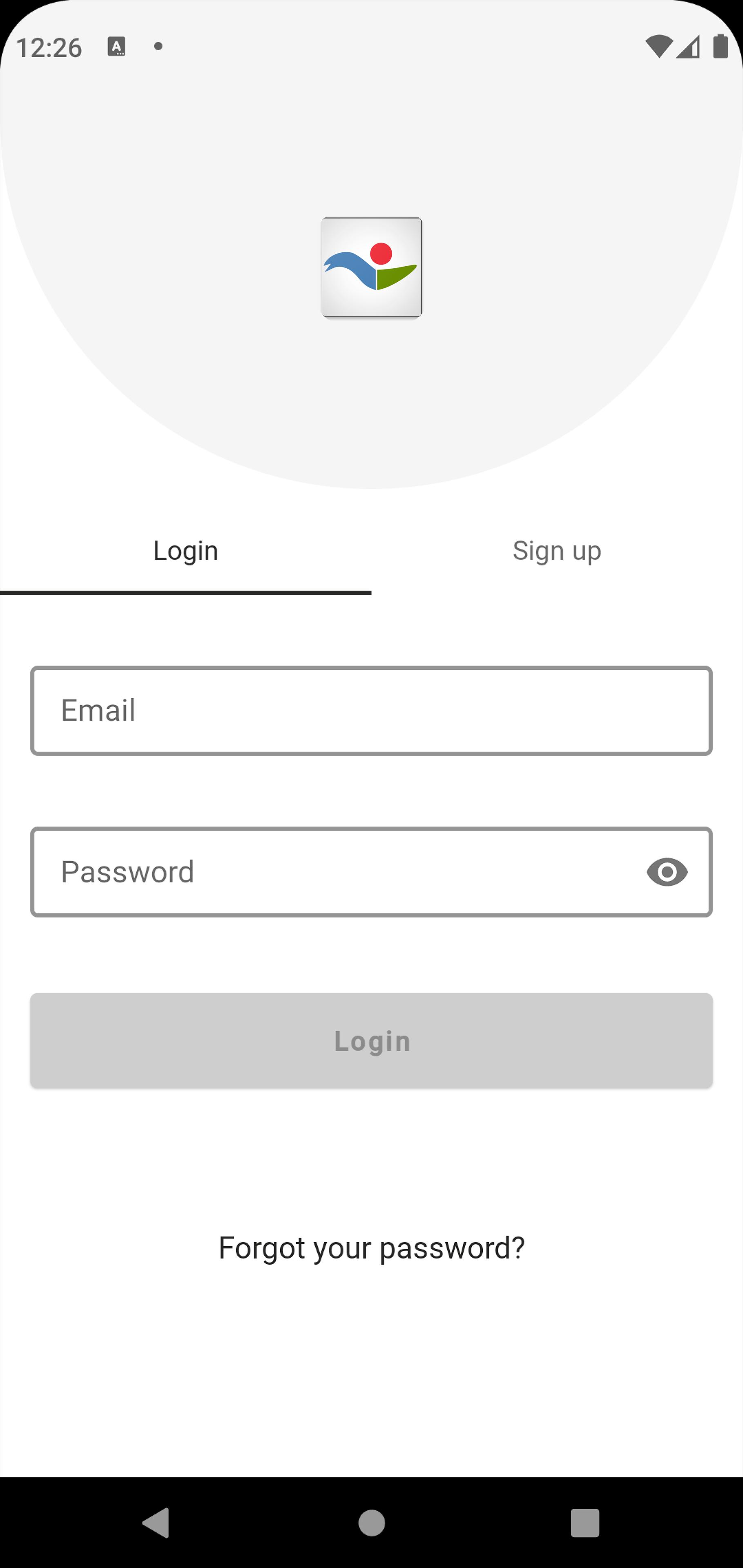
Preview
Tags
Health-&Information
Developer
Intelinova Software
Latest Version
4.12.31
Last Updated
2025-06-23
Category
Health-fitness
Available on
Google Play
Show More
How to play CEM Les Vernedes with GameLoop on PC
1. Download GameLoop from the official website, then run the exe file to install GameLoop
2. Open GameLoop and search for “CEM Les Vernedes” , find CEM Les Vernedes in the search results and click “Install”
3. Enjoy playing CEM Les Vernedes on GameLoop
Minimum requirements
OS
Windows 8.1 64-bit or Windows 10 64-bit
GPU
GTX 1050
CPU
i3-8300
Memory
8GB RAM
Storage
1GB available space
Recommended requirements
OS
Windows 8.1 64-bit or Windows 10 64-bit
GPU
GTX 1050
CPU
i3-9320
Memory
16GB RAM
Storage
1GB available space