Calory - AI Food Scanner PC
Funn Media
Download Calory - AI Food Scanner on PC With GameLoop Emulator
Calory - AI Food Scanner on PC
Calory - AI Food Scanner, coming from the developer Funn Media, is running on Android systerm in the past.
Now, You can play Calory - AI Food Scanner on PC with GameLoop smoothly.
Download it in the GameLoop library or search results. No more eyeing the battery or frustrating calls at the wrong time any more.
Just enjoy Calory - AI Food Scanner PC on the large screen for free!
Calory - AI Food Scanner Introduction
🧠 Smarter Calorie Tracking with AI Food Scanning
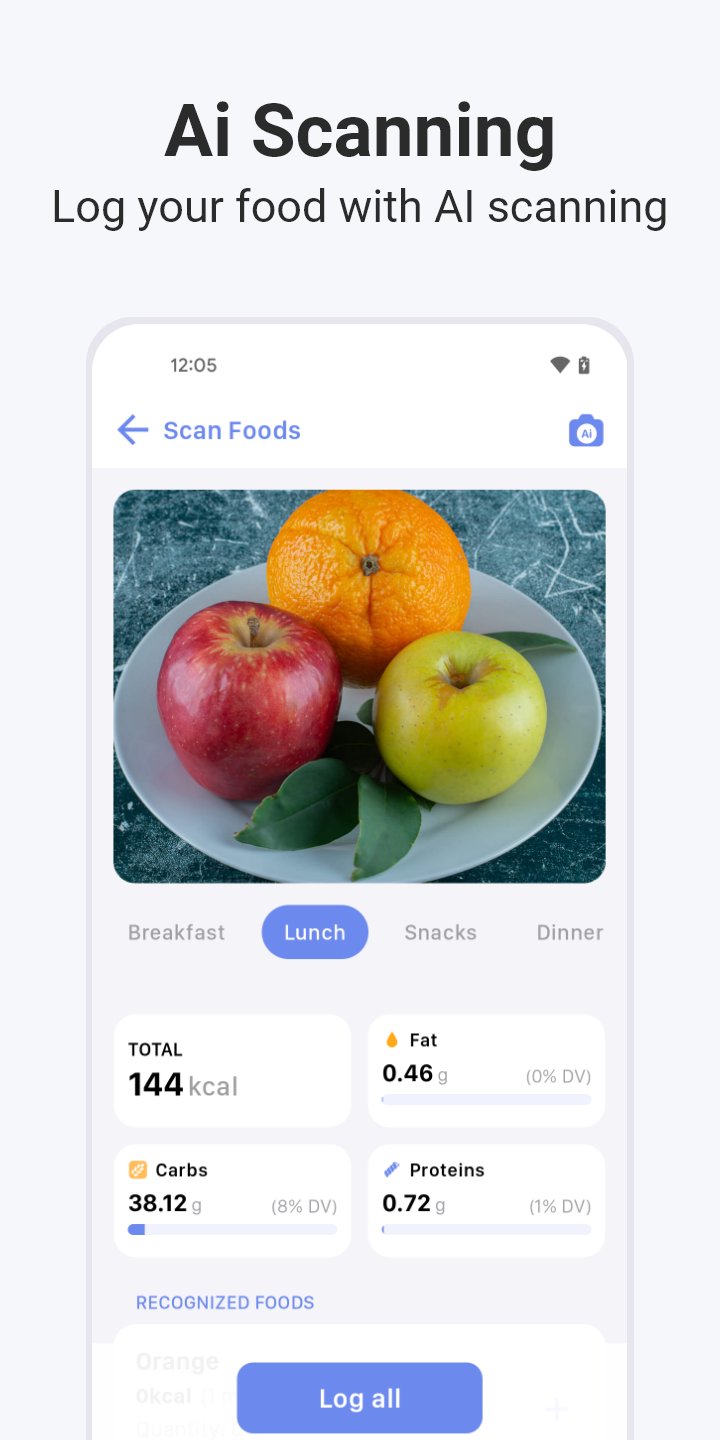
Meet Calory AI – your intelligent AI calorie tracker designed to make food logging effortless. Simply snap a photo, scan a barcode, or add meals in seconds. This next-gen AI food scanner instantly recognizes what’s on your plate, helping you count calories, track food, and stay on top of your AI diet goals.
Whether you’re trying to lose weight, gain muscle, or maintain a balanced lifestyle, Calory AI makes calorie tracking simple, fast, and accurate — powered by smart technology and personalized insights.
🥗 Why Use an AI Calorie Tracker
Everyone has a unique calorie target based on weight, height, activity level, and goals. With Calory AI, you’ll know exactly how much energy you need each day. Forget manual logging — our AI nutrition engine and calorie scanner make it effortless to log what you eat and understand your food better.
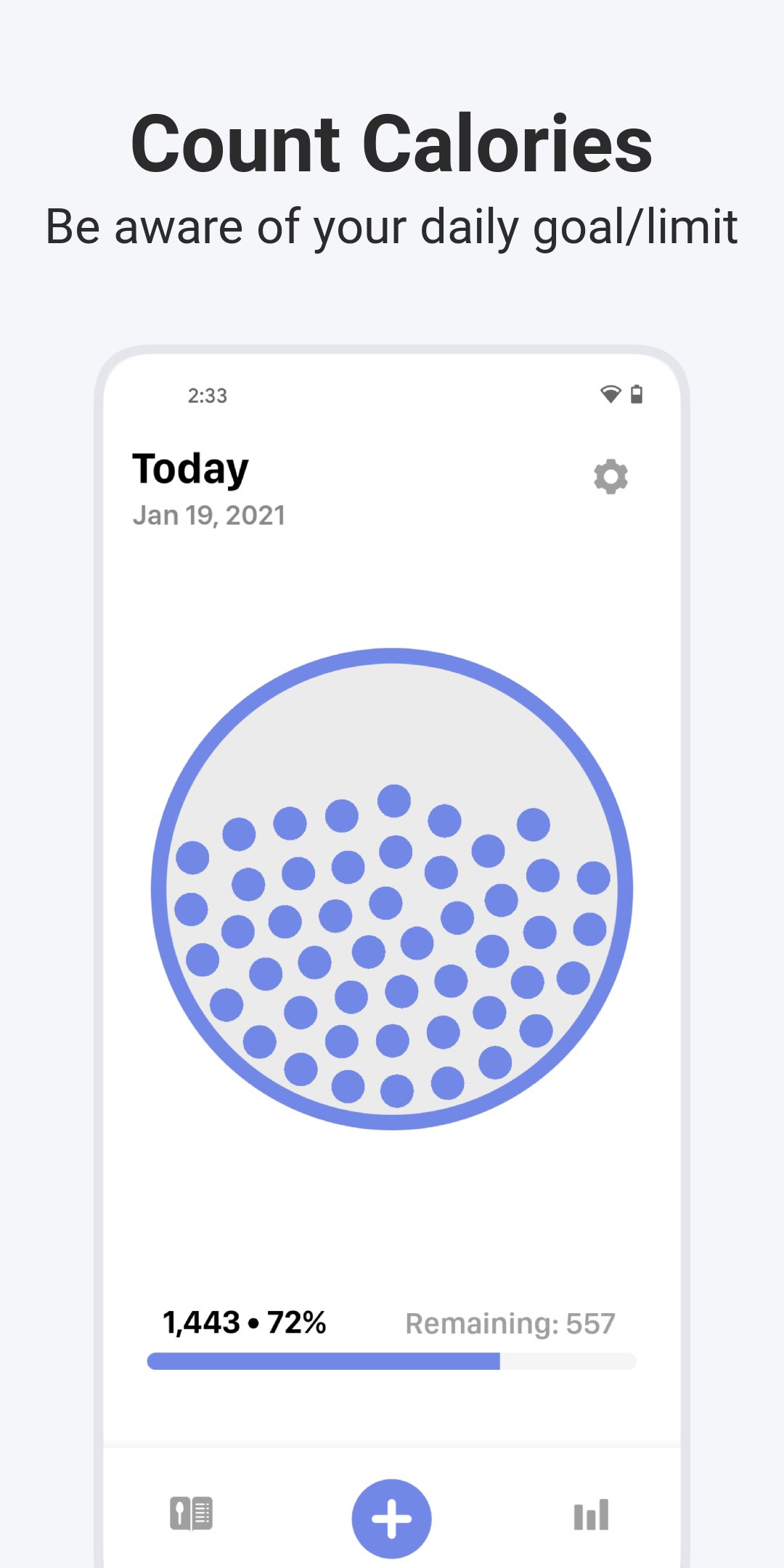
Count calories and track nutrients in real-time so you can make smarter, healthier choices.
⚙️ How It Works
Calory AI calculates your personalized daily calorie goal based on your body metrics and objectives. Then, using advanced AI food scanning, it helps you track calories throughout the day. You’ll receive reminders, visual progress charts, and easy insights to stay consistent.
💪 Features You’ll Love
• AI Food Scanner – Snap a meal photo or scan a barcode for instant calorie and macro detection
• Quick Add & Custom Plates – Log meals in seconds or save your favorites
• AI Nutrition Insights – Understand your calories, carbs, protein & fats at a glance
• Daily Calorie Calculator – Personalized calorie intake for your weight goals
• Macro Tracking & Water Tracker – Stay balanced and hydrated
• Weight Tracker & History View – Review daily, weekly, or yearly progress
• Widgets, Themes & Dark Mode – Customize your tracking experience
• No Registration Required – All data stays private on your device
• Health Integration & Voice Assist – Sync with Health apps and log using voice commands
• Wear OS App – Quick calorie tracking right on your wrist
💡 Remember
• Stay hydrated and active
• Eat whole, nutrient-rich foods
• Use your AI diet tracker to stay mindful and consistent
Calory AI is the smarter way to track food, count calories, and manage your AI diet with precision. Experience the future of AI nutrition tracking — effortless, accurate, and personalized.
📱 Download now and make every bite count with Calory AI, your all-in-one AI calorie tracker and calorie scanner.
Note: Calory is not a medical app. Suggested calorie goals are estimates. Consult your healthcare provider for personalized advice.
Privacy Policy: https://www.iubenda.com/privacy-policy/36945519
Terms of Use: https://calory.app/terms.html
Preview
Tags
Health-&Information
Developer
Funn Media
Latest Version
3.3
Last Updated
2025-12-04
Category
Health-fitness
Available on
Google Play
Show More
How to play Calory - AI Food Scanner with GameLoop on PC
1. Download GameLoop from the official website, then run the exe file to install GameLoop
2. Open GameLoop and search for “Calory - AI Food Scanner” , find Calory - AI Food Scanner in the search results and click “Install”
3. Enjoy playing Calory - AI Food Scanner on GameLoop
Minimum requirements
OS
Windows 8.1 64-bit or Windows 10 64-bit
GPU
GTX 1050
CPU
i3-8300
Memory
8GB RAM
Storage
1GB available space
Recommended requirements
OS
Windows 8.1 64-bit or Windows 10 64-bit
GPU
GTX 1050
CPU
i3-9320
Memory
16GB RAM
Storage
1GB available space