
Breathe: relax & focus PC
Havabee
Download Breathe: relax & focus on PC With GameLoop Emulator
Breathe: relax & focus on PC
Breathe: relax & focus, coming from the developer Havabee, is running on Android systerm in the past.
Now, You can play Breathe: relax & focus on PC with GameLoop smoothly.
Download it in the GameLoop library or search results. No more eyeing the battery or frustrating calls at the wrong time any more.
Just enjoy Breathe: relax & focus PC on the large screen for free!
Breathe: relax & focus Introduction
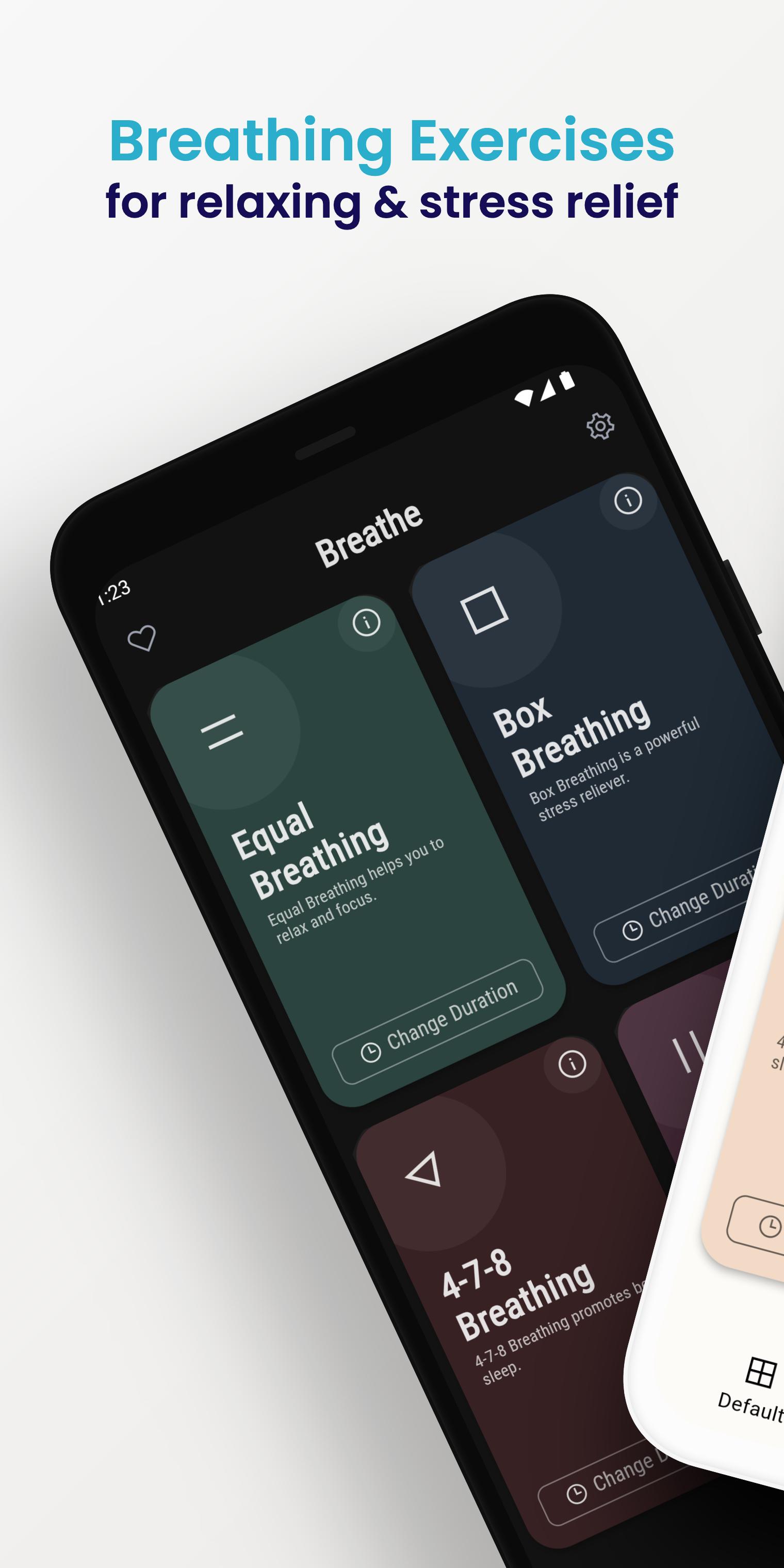
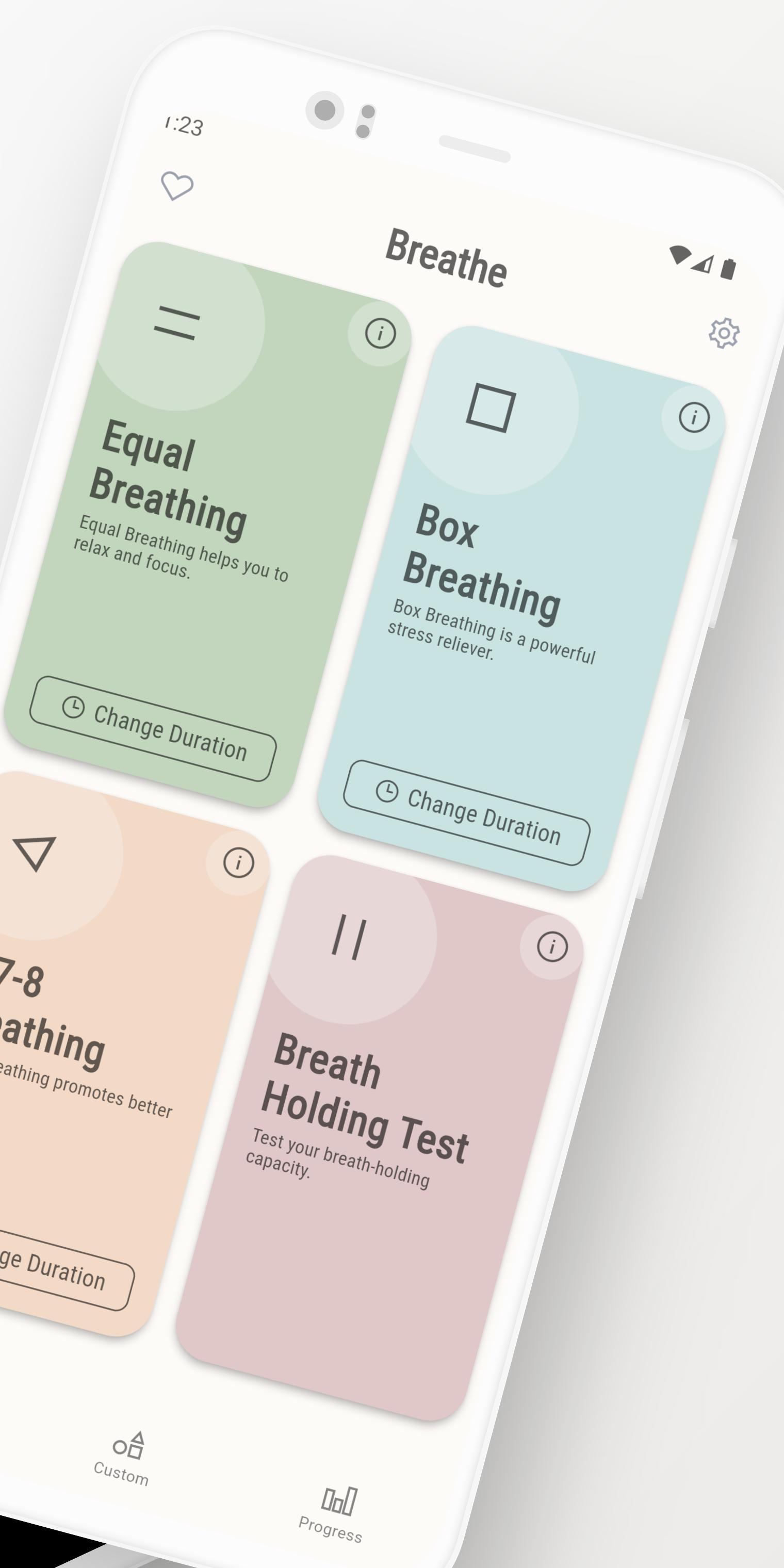
Breathe is your ultimate tool for mindfulness and relaxation, offering a diverse range of breathing exercises tailored to your needs. It has 3 default breathing exercises and allows you to create your own custom breathing patterns:
• Equal Breathing: helps you to relax, focus, and be present.
• Box Breathing: also known as four-square breathing, is a simple and highly effective technique for stress relief.
• 4-7-8 Breathing: also called “The Relaxing Breath” promotes better sleep. The exercise is described as a natural tranquilizer for the nervous system that eases the body into a state of calmness.
• Custom Pattern: create unlimited breathing patterns with half a second adjustment.
KEY FEATURES:
• Breath Holding Test: Assess and monitor your breath-holding capacity.
• Breathe Reminders: Set notifications to stay on track with your breathing practice.
• Guided Breathing: Choose from Male/Female voice-overs or Bell cues for personalized guidance.
• Soothing Nature Sounds: Immerse yourself in tranquility with background nature sounds.
• Vibration Feedback: Enhance your experience with tactile cues.
• Progress Tracking: Visualize your journey with intuitive charts.
• Fully Customizable: Tailor durations, sounds, and voices to suit your preferences.
• Flexible Time Duration: Change time duration based on the number of cycles.
• Seamless Background Operation: Keep calm on the go with background functionality.
• Dark Mode: Optimize your experience with a sleek, dark-themed interface.
• Unrestricted Access: Enjoy all features with no limitations.
IMPORTANT:
If you have any problem with this application, please contact us at breathe@havabee.com, and we will help you resolve your issue.
Preview
Tags
Health-&Information
Developer
Havabee
Latest Version
3.2.23
Last Updated
2024-10-14
Category
Health-fitness
Available on
Google Play
Show More
How to play Breathe: relax & focus with GameLoop on PC
1. Download GameLoop from the official website, then run the exe file to install GameLoop
2. Open GameLoop and search for “Breathe: relax & focus” , find Breathe: relax & focus in the search results and click “Install”
3. Enjoy playing Breathe: relax & focus on GameLoop
Minimum requirements
OS
Windows 8.1 64-bit or Windows 10 64-bit
GPU
GTX 1050
CPU
i3-8300
Memory
8GB RAM
Storage
1GB available space
Recommended requirements
OS
Windows 8.1 64-bit or Windows 10 64-bit
GPU
GTX 1050
CPU
i3-9320
Memory
16GB RAM
Storage
1GB available space