alt Coach PC
Nexxbase
Download alt Coach on PC With GameLoop Emulator
alt Coach on PC
alt Coach, coming from the developer Nexxbase, is running on Android systerm in the past.
Now, You can play alt Coach on PC with GameLoop smoothly.
Download it in the GameLoop library or search results. No more eyeing the battery or frustrating calls at the wrong time any more.
Just enjoy alt Coach PC on the large screen for free!
alt Coach Introduction
alt Coach is companion app to alt- a range of lifestyle smartwatches and accessories.
Welcome to alt Coach. An Indian homegrown brand that is not just catering to a generation, but a mindset. Our smartwatches are designed keeping in mind the needs of this whole new, ever-evolving breed of people. The ones who are around us but live in an alternate dimension of their own.
Come, join our bold and colourful alt Coach community and be a part of this culture in making.
Here’s what you’ll love about us!
Always keep up with your fam
All our smartwatches are Bluetooth calling smartwatches so that you never fall out of the loop with your world.
Slay your fitness goals
We know how necessary fitness is to stay on top of your game. And you will have plenty of choices to workout the way you want, because everyone is different, right? Whichever way you prefer to workout, you will get comprehensive fitness tracking and daily performance reports to be better every day.
Slay every style
Bring your main character energy everywhere you go with some really fun watch faces. Unlock an array of customisable watch faces on the alt Coach app and serve a new look every day.
From your daily look, occasion to even your mood, there is a watch face for you.
alt Coach is an application used together with the smartwatch (alt Drip_Phone).
Before using our application, you need to have a smartwatch(alt Drip_Phone).
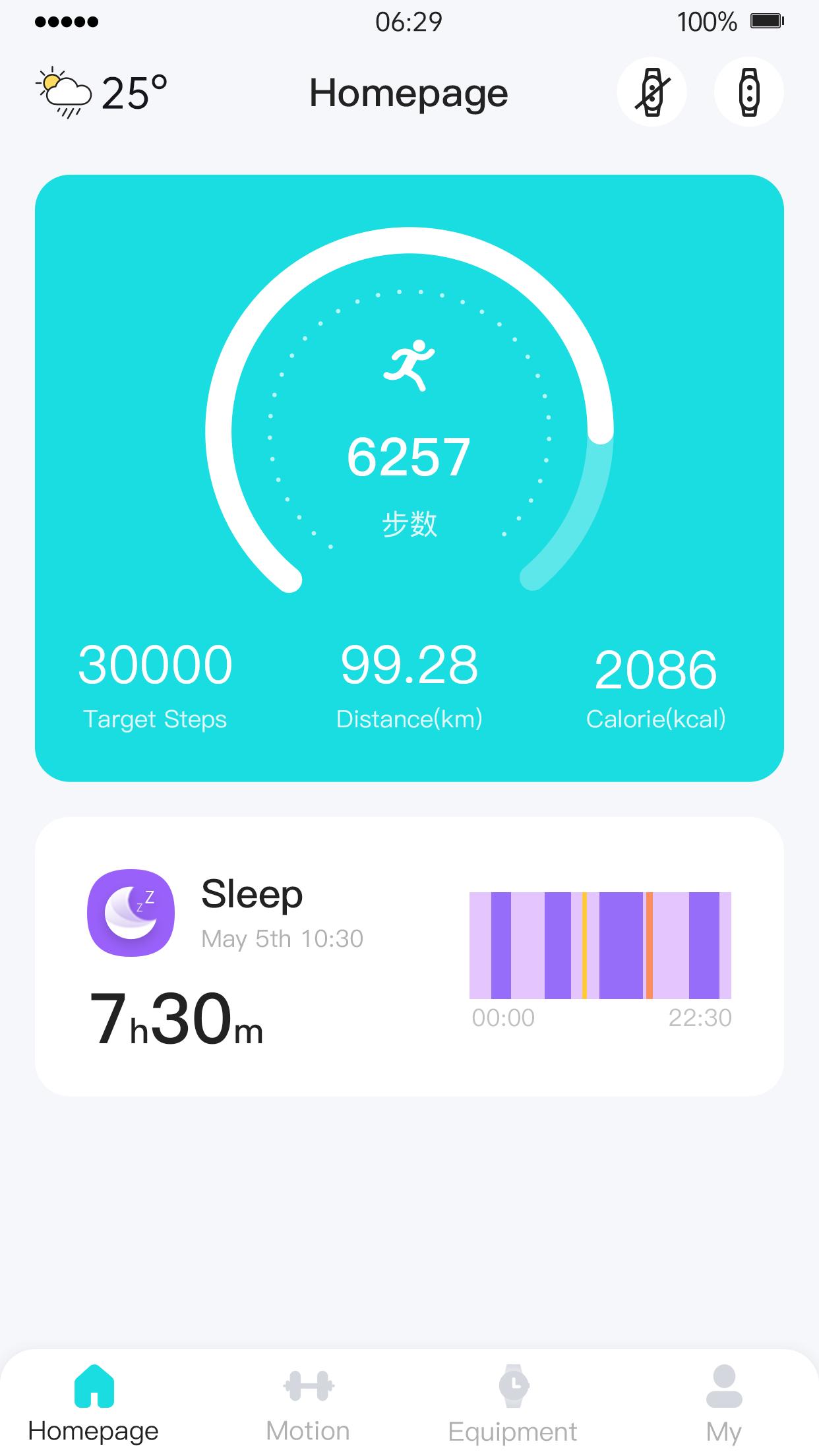
After connecting to the smartwatch (alt Drip_Phone), you can record data such as heart rate, sleep, and steps.
Some important functions require additional permissions on the phone, as follows:
"Call reminder" function: After connecting the smartwatch, apply for [Phone API], answer or hang up the call, monitor the call status, and the phone can display the incoming call on the smartwatch
"SMS reminder" function: After connecting the smartwatch, apply for [SMS API], and the mobile phone can display the content information of the SMS on the smartwatch after receiving the SMS
"Quick SMS reply" function: After connecting the smartwatch, apply for [Send SMS API]. When the phone receives an incoming call, it can quickly send a message to the app alt coach through the device, and the alt coach will send a short message to reply to the call.
"Message Reminder" function: After connecting the smartwatch, you need to apply for [Notify API] to receive messages from other applications and display them on the watch. Some mobile phones need to enable [Accessibility API] to push messages.
Special reminder:
alt Coach is currently only available for alt Drip_Phone and other models will adapt to more new models in the future.
Live your best life
alt Coach brings a whole lot more into your lives. Use the power of your voice and get everything done in a jiffy with the help of an AI assistant. Unlock fun games for when you are bored. Turn your smartwatch into a shutter / music control.
Preview

Tags
Health-&Information
Developer
Nexxbase
Latest Version
1.0.3.2
Last Updated
2025-02-24
Category
Health-fitness
Available on
Google Play
Show More
How to play alt Coach with GameLoop on PC
1. Download GameLoop from the official website, then run the exe file to install GameLoop
2. Open GameLoop and search for “alt Coach” , find alt Coach in the search results and click “Install”
3. Enjoy playing alt Coach on GameLoop
Minimum requirements
OS
Windows 8.1 64-bit or Windows 10 64-bit
GPU
GTX 1050
CPU
i3-8300
Memory
8GB RAM
Storage
1GB available space
Recommended requirements
OS
Windows 8.1 64-bit or Windows 10 64-bit
GPU
GTX 1050
CPU
i3-9320
Memory
16GB RAM
Storage
1GB available space