4-7-8 Relax Breathing PC
Spencer Studios
Download 4-7-8 Relax Breathing on PC With GameLoop Emulator
4-7-8 Relax Breathing on PC
4-7-8 Relax Breathing, coming from the developer Spencer Studios, is running on Android systerm in the past.
Now, You can play 4-7-8 Relax Breathing on PC with GameLoop smoothly.
Download it in the GameLoop library or search results. No more eyeing the battery or frustrating calls at the wrong time any more.
Just enjoy 4-7-8 Relax Breathing PC on the large screen for free!
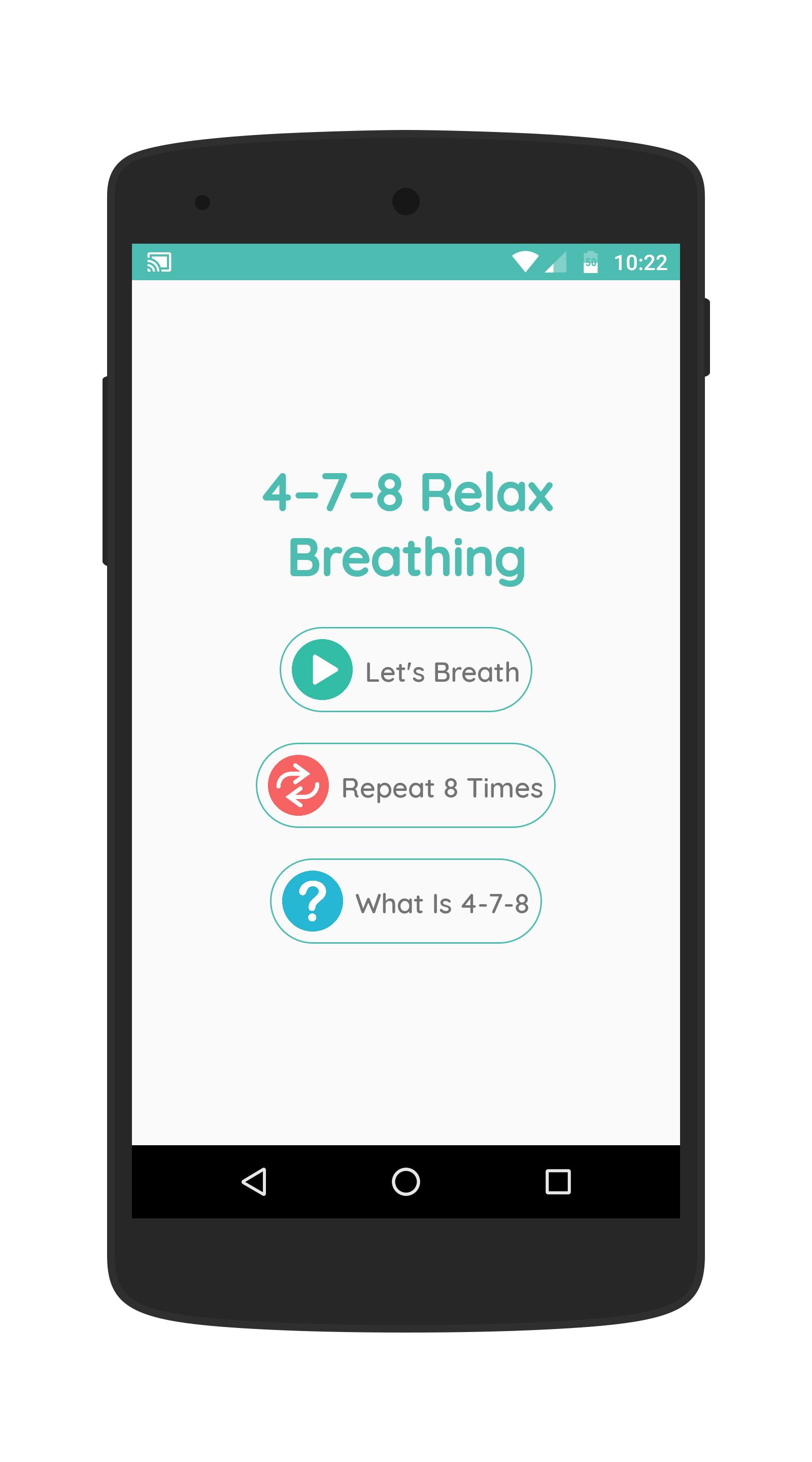
4-7-8 Relax Breathing Introduction
The 4-7-8 breathing technique is a breathing pattern developed by Dr. Andrew Weil. It’s based on an ancient yogic technique called pranayama, which helps practitioners gain control over their breathing.
The technique can achieve the following:
• reduce anxiety
• help you to get sleep
• managing cravings
• controlling or reducing anger responses
How to do it:
Before starting the breathing pattern, adopt a comfortable sitting or lying position
• empty the lungs of air, breathe in quietly through the nose for 4 seconds
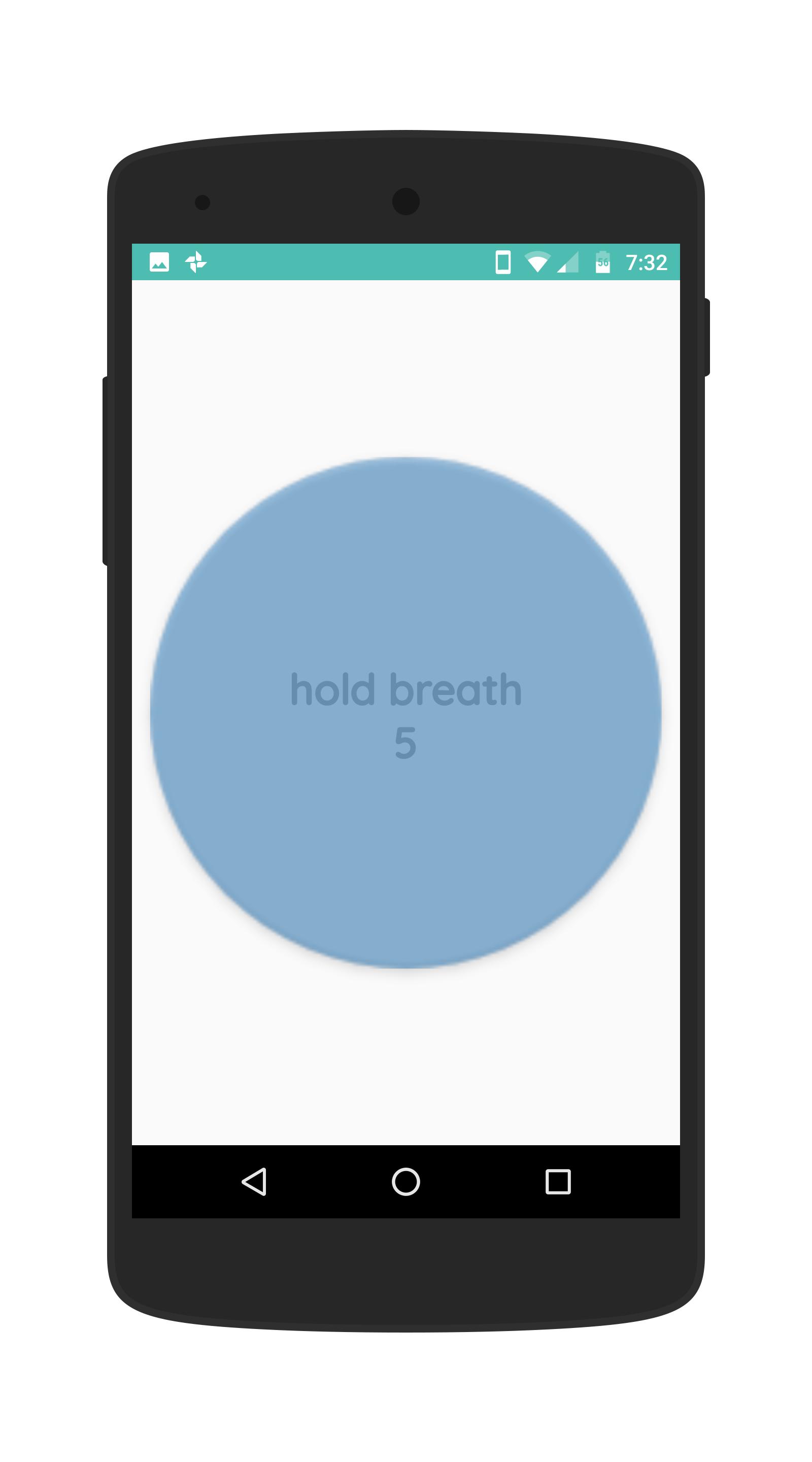
• hold the breath for a count of 7 seconds
• exhale through the mouth, pursing the lips and making a "whoosh" sound, for 8 seconds
• repeat the cycle up to 4 times
Dr. Weil recommends using the technique at least twice a day to start seeing the benefits sooner. He also suggests that people avoid doing more than four breath cycles in a row until they have more practice with the technique.
A person may feel lightheaded after doing this for the first few times. Therefore, it is advisable to try this technique when sitting or lying down to prevent dizziness or falls.
Preview
Tags
Health-&Information
Developer
Spencer Studios
Latest Version
2.1
Last Updated
2020-07-24
Category
Health-fitness
Available on
Google Play
Show More
How to play 4-7-8 Relax Breathing with GameLoop on PC
1. Download GameLoop from the official website, then run the exe file to install GameLoop
2. Open GameLoop and search for “4-7-8 Relax Breathing” , find 4-7-8 Relax Breathing in the search results and click “Install”
3. Enjoy playing 4-7-8 Relax Breathing on GameLoop
Minimum requirements
OS
Windows 8.1 64-bit or Windows 10 64-bit
GPU
GTX 1050
CPU
i3-8300
Memory
8GB RAM
Storage
1GB available space
Recommended requirements
OS
Windows 8.1 64-bit or Windows 10 64-bit
GPU
GTX 1050
CPU
i3-9320
Memory
16GB RAM
Storage
1GB available space