3D Sit Ups Home Workout PC
ChronoFitness LLC
Download 3D Sit Ups Home Workout on PC With GameLoop Emulator
3D Sit Ups Home Workout on PC
3D Sit Ups Home Workout, coming from the developer ChronoFitness LLC, is running on Android systerm in the past.
Now, You can play 3D Sit Ups Home Workout on PC with GameLoop smoothly.
Download it in the GameLoop library or search results. No more eyeing the battery or frustrating calls at the wrong time any more.
Just enjoy 3D Sit Ups Home Workout PC on the large screen for free!
3D Sit Ups Home Workout Introduction
***PLEASE, READ BEFORE INSTALLING***
This app is FREE , but you can choose to upgrade to the PRO version and unlock all content ONLY IF YOU WANT TO. Please, do not install if you do not agree. Otherwise, thanks for the support and enjoy the app!
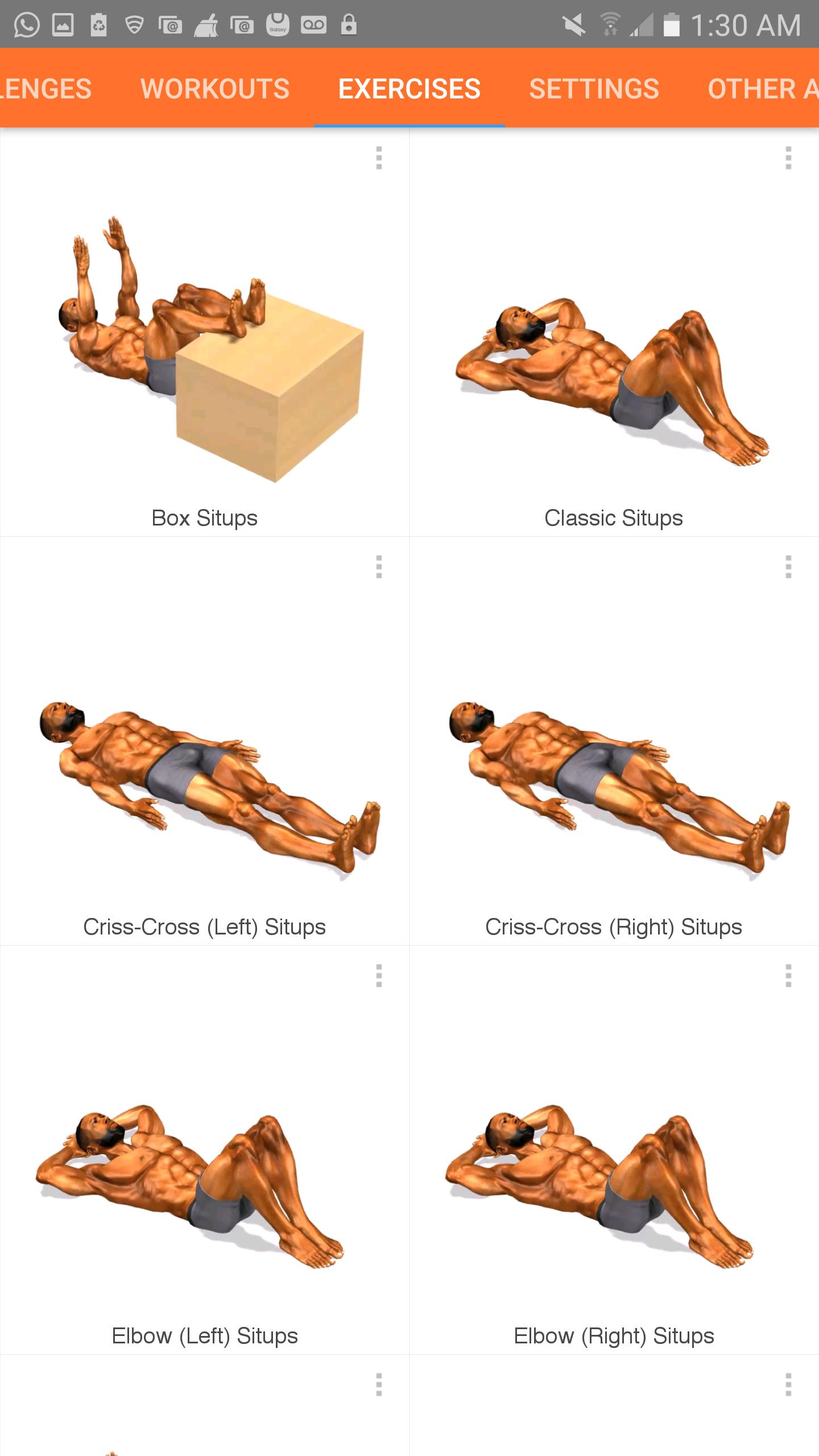
Get Fit and Increase your sit up count and endurance. Perform as many sit up as you can while following a 3D trainer. Several sit up variations included. During the workouts the exercises are animated so you can see a demonstration on how to perform the exercise. You can track your progress and add notes, so that you can push yourself further during each new workout session.
Features:
• Take Challenges
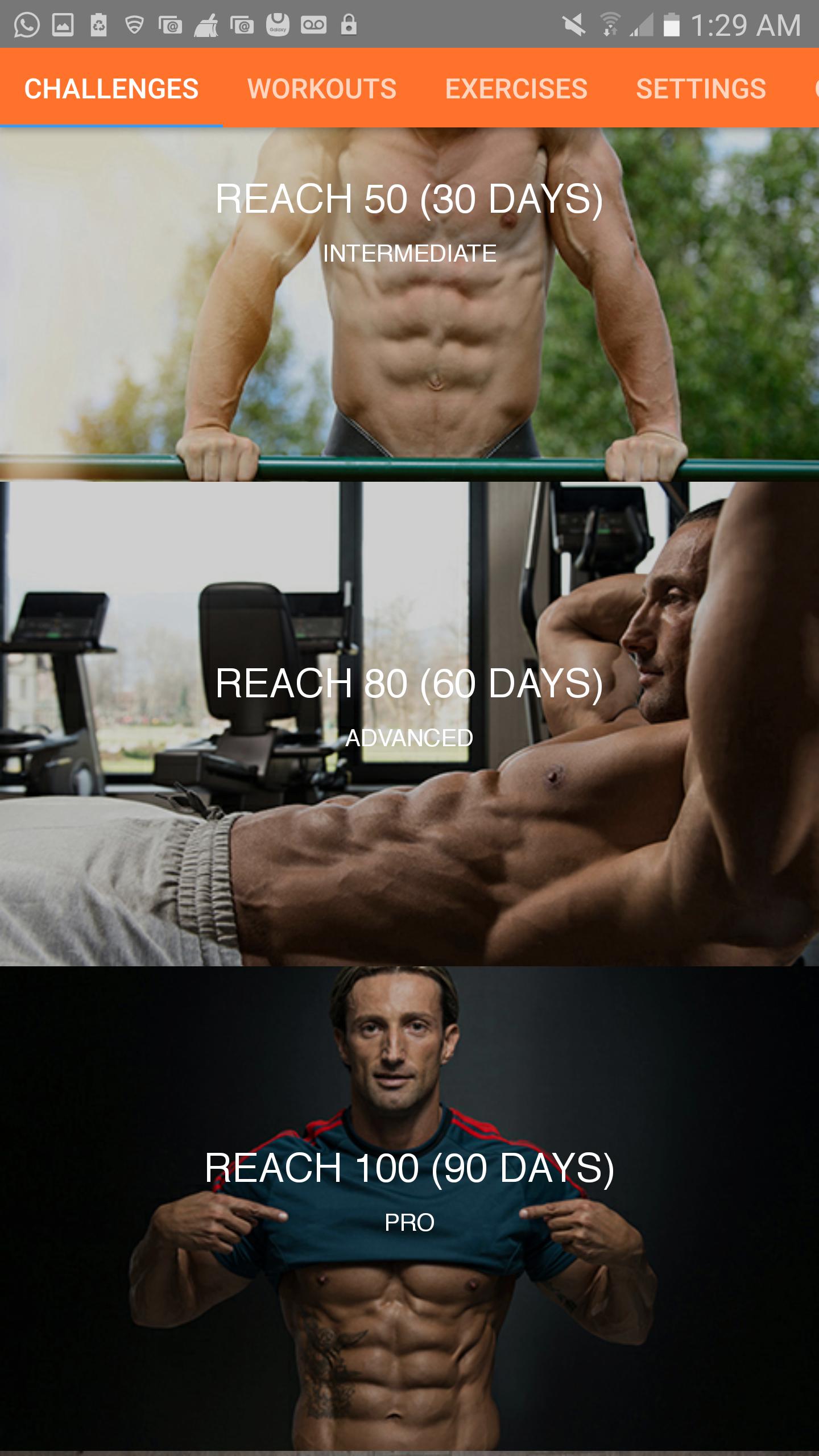
There are several challenges for you to choose from to help you achieve your fitness goals. The challenges have various length and goals. You tell the app what your current fitness level is and it customizes the challenge specifically for you!
• Create multiple workouts
You can create custom workouts and choose which one you would like to perform.
• Add exercises to your workout
You can customize each workout by selecting which exercises you would like to perform and how many reps you think you can perform at each exercise. This allows you to push yourself to your max while building muscle and endurance at the same time.
• Add breaks between exercises
You have the option of taking breaks between exercises by setting how long the break should be so that you recover before the next exercise.
Taking breaks ensures that you have plenty of energy to perform the next exercise with good form.
• Follow your 3D animated workout partner
Each exercise feature a 3D model that in some sort works out with you by showing you how the exercise should be performed.
• Voice announcements during workouts
The apps give you the option to have voice announcement during the workout to let you know where they are in the workout.
• Pause the workout
You can pause the workout at any time and resume it whenever you’re ready again.
• Share your accomplishment with others
At the end of the workout you can decide to share your accomplishment with friends and family on social media or other apps.
• Add notes about any exercise
You can decide to create some notes about how you performed a particular exercise and what you can do to improve your performance next time.
• Option to login using Facebook
You can decide to login to Facebook so you can share your accomplishment on Facebook.
• Very beautiful user interfaces
Preview
Tags
Health-&Information
Developer
ChronoFitness LLC
Latest Version
2.2.0
Last Updated
2022-05-17
Category
Health-fitness
Available on
Google Play
Show More
How to play 3D Sit Ups Home Workout with GameLoop on PC
1. Download GameLoop from the official website, then run the exe file to install GameLoop
2. Open GameLoop and search for “3D Sit Ups Home Workout” , find 3D Sit Ups Home Workout in the search results and click “Install”
3. Enjoy playing 3D Sit Ups Home Workout on GameLoop
Minimum requirements
OS
Windows 8.1 64-bit or Windows 10 64-bit
GPU
GTX 1050
CPU
i3-8300
Memory
8GB RAM
Storage
1GB available space
Recommended requirements
OS
Windows 8.1 64-bit or Windows 10 64-bit
GPU
GTX 1050
CPU
i3-9320
Memory
16GB RAM
Storage
1GB available space