WRF PC
101 ГУРМЭ
Download WRF on PC With GameLoop Emulator
WRF on PC
WRF, coming from the developer 101 ГУРМЭ, is running on Android systerm in the past.
Now, You can play WRF on PC with GameLoop smoothly.
Download it in the GameLoop library or search results. No more eyeing the battery or frustrating calls at the wrong time any more.
Just enjoy WRF PC on the large screen for free!
WRF Introduction
WRF loyalty program - favorite White Rabbit Family restaurants are always at hand!
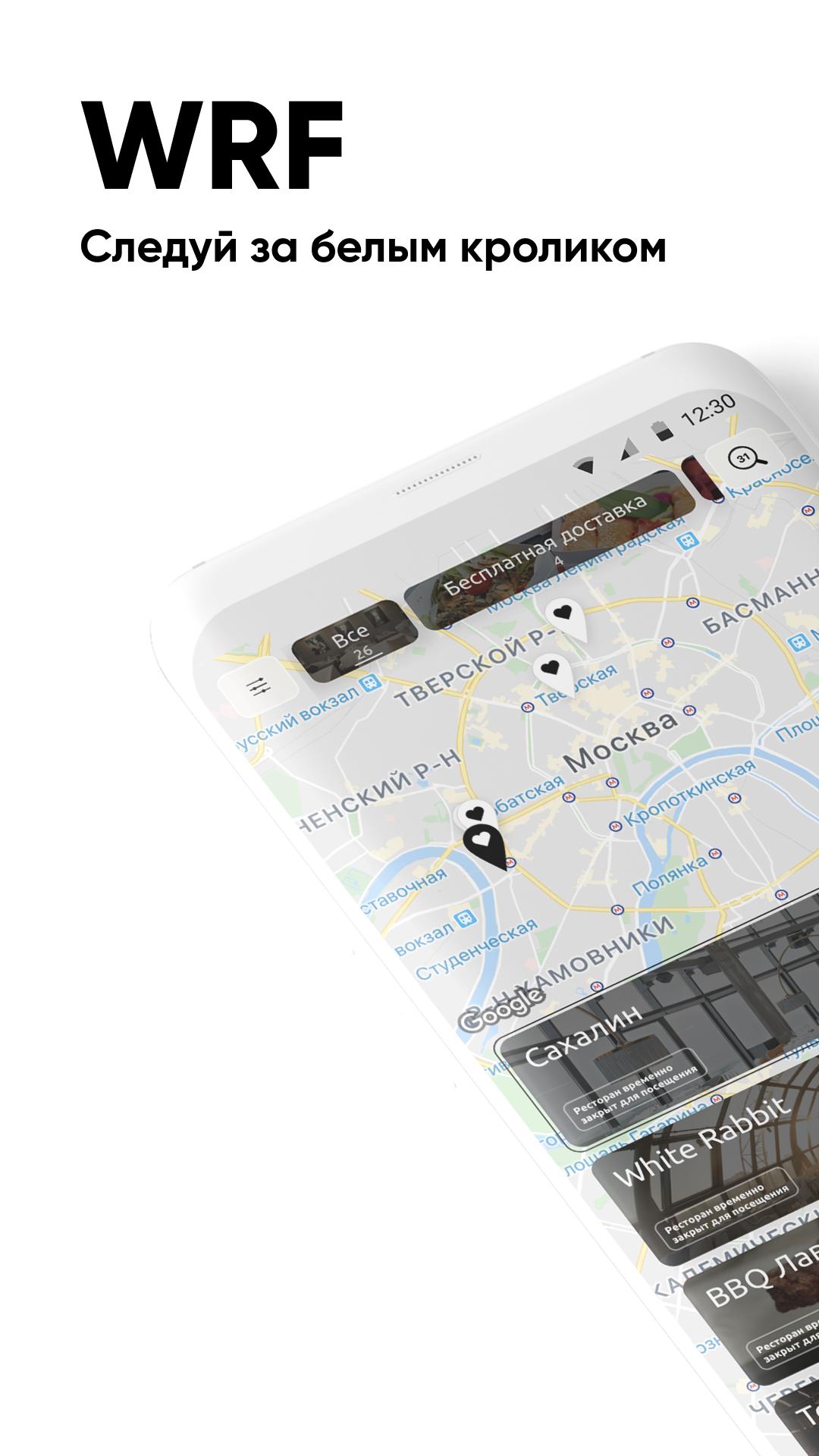
Special offers, news and promotions, home delivery, table reservations and banquets are waiting for you.
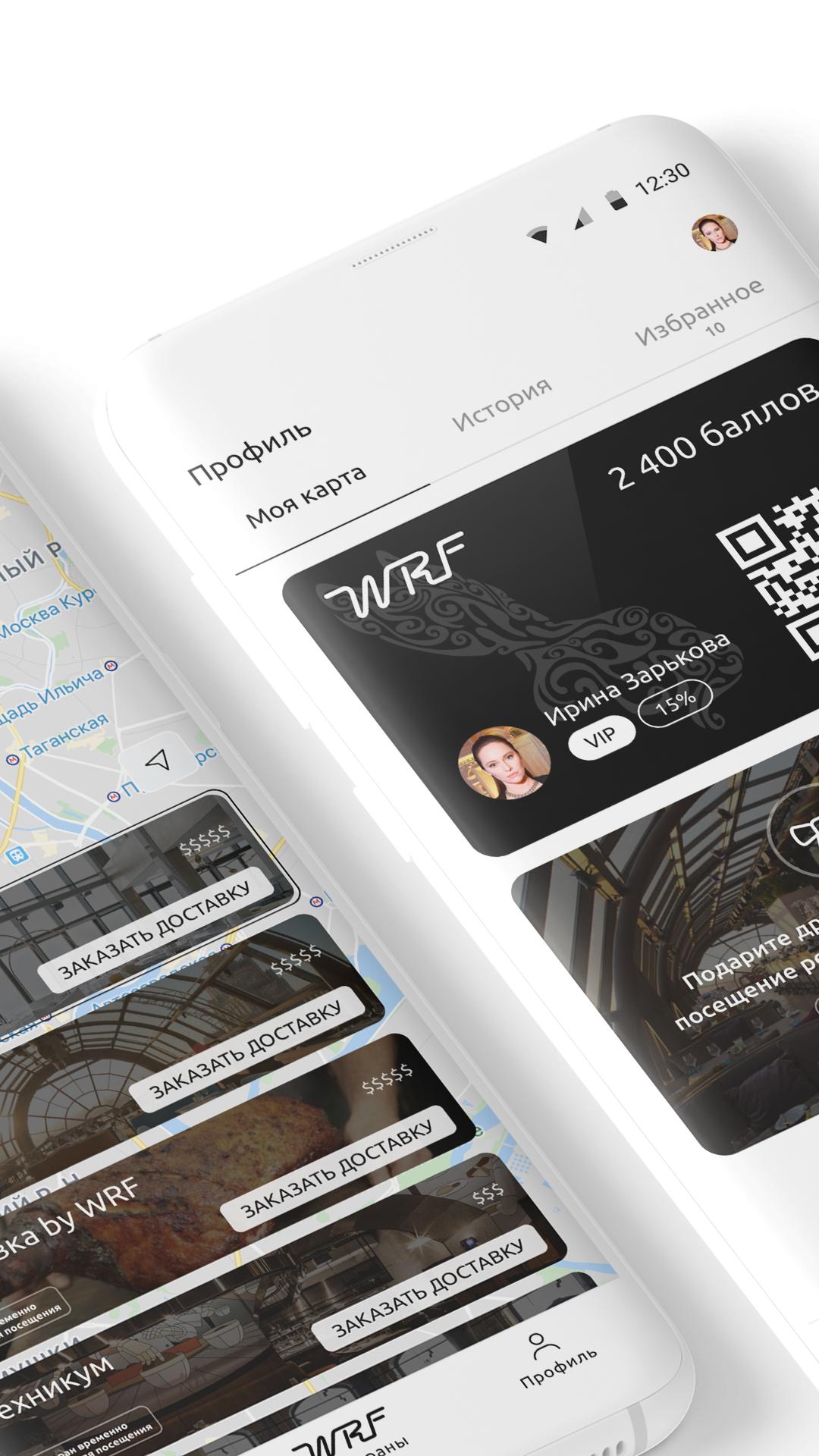
Show the waiter the QR code from the app when paying the bill to get bonus WRF points - you can pay with them on your next visit!
The WRF application opens up the possibilities:
Instantly book the desired table;
Get points and pay with them up to 50% of the invoice amount;
Order delivery of your favorite dishes;
Easy to find restaurants on the map;
View the current menu;
Choose a restaurant according to your preferences;
Keep abreast of major events and activities;
Get special offers from Partners.
All this is available in WRF restaurants:
White Rabbit;
selfies;
Sakhalin;
Chef's Table;
Gorynych;
Guidon;
Mushrooms;
She;
Technical College;
Ikra;
Zodiac;
boxes;
Benedict;
Rocket;
Weeping willow;
red fox;
Light;
What? Kharcho!;
Chicha Bar;
Noodle;
Sausage Club.
Preview
Tags
Food-&Information
Developer
101 ГУРМЭ
Latest Version
0.24.20
Last Updated
2022-03-11
Category
Food-drink
Available on
Google Play
Show More
How to play WRF with GameLoop on PC
1. Download GameLoop from the official website, then run the exe file to install GameLoop
2. Open GameLoop and search for “WRF” , find WRF in the search results and click “Install”
3. Enjoy playing WRF on GameLoop
Minimum requirements
OS
Windows 8.1 64-bit or Windows 10 64-bit
GPU
GTX 1050
CPU
i3-8300
Memory
8GB RAM
Storage
1GB available space
Recommended requirements
OS
Windows 8.1 64-bit or Windows 10 64-bit
GPU
GTX 1050
CPU
i3-9320
Memory
16GB RAM
Storage
1GB available space