
Quico Continente 30’ Delivery PC
Modelo Continente Hipermercados, SA
Download Quico Continente 30’ Delivery on PC With GameLoop Emulator
Quico Continente 30’ Delivery on PC
Quico Continente 30’ Delivery, coming from the developer Modelo Continente Hipermercados, SA, is running on Android systerm in the past.
Now, You can play Quico Continente 30’ Delivery on PC with GameLoop smoothly.
Download it in the GameLoop library or search results. No more eyeing the battery or frustrating calls at the wrong time any more.
Just enjoy Quico Continente 30’ Delivery PC on the large screen for free!
Quico Continente 30’ Delivery Introduction
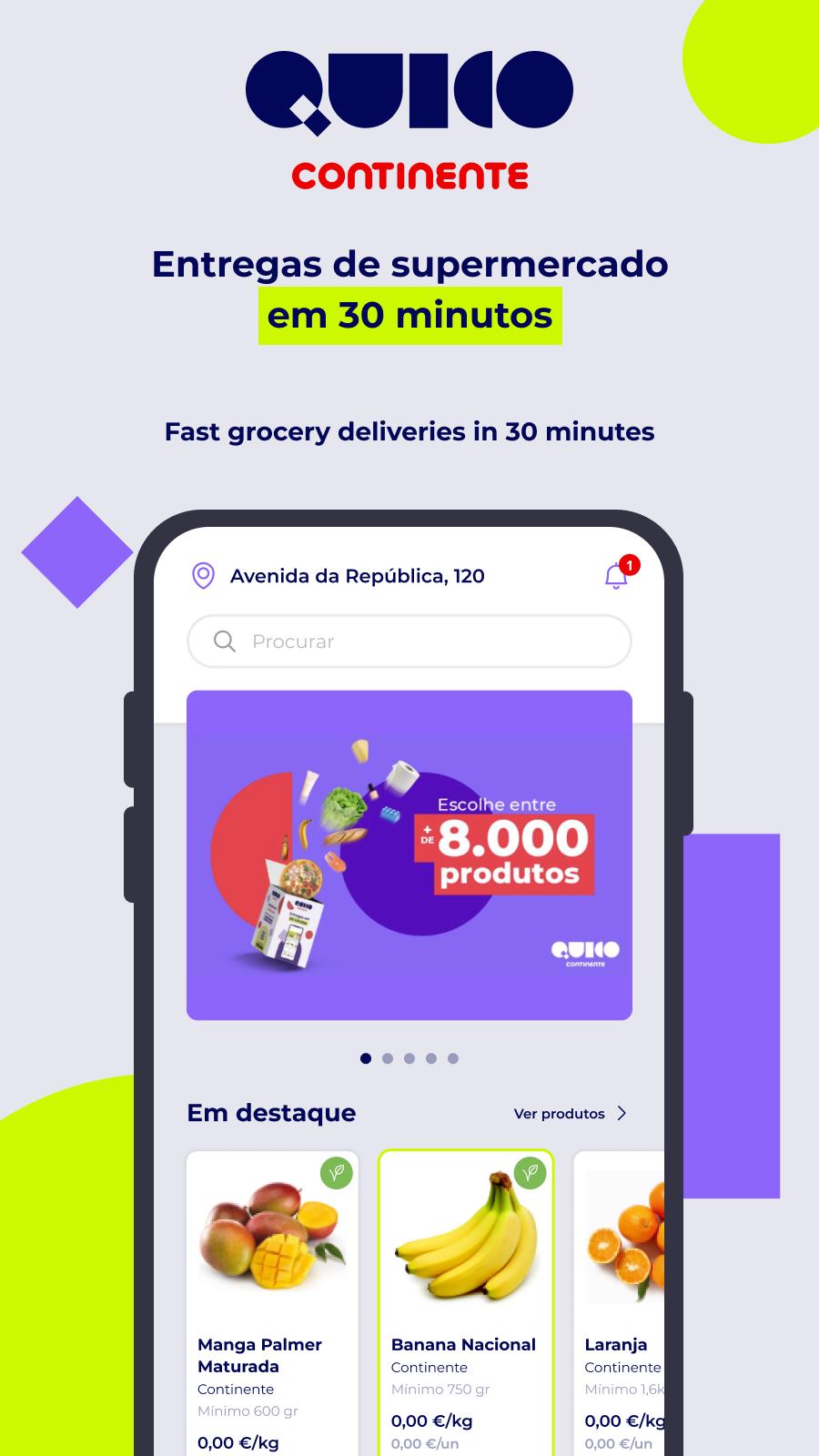
Continente Supermarket purchases delivered in 30 minutes. Install the App, place your order, and Quico Continente will deliver.
Did you forget that essential ingredient for the recipe and only realize it while cooking? Did you start watching a movie and suddenly crave popcorn? With Quico Continente you can do your supermarket shopping and, in 30 minutes, you have your products, at the address you want (home, office, a friend or family member's house, etc.).
Why Quico Continente?
► Fast Grocery Delivery in 30 minutes.
► Continente Card: accumulate balance and use your Continente Card coupons when you shop at Quico Continente.
► Thousands of supermarket products available.
► Supermarket and Ready Meals: Quico offers more than just groceries. You can also order delicious ready-to-eat meals for those days when you don't have time to cook.
How to place an order?
► Download the App.
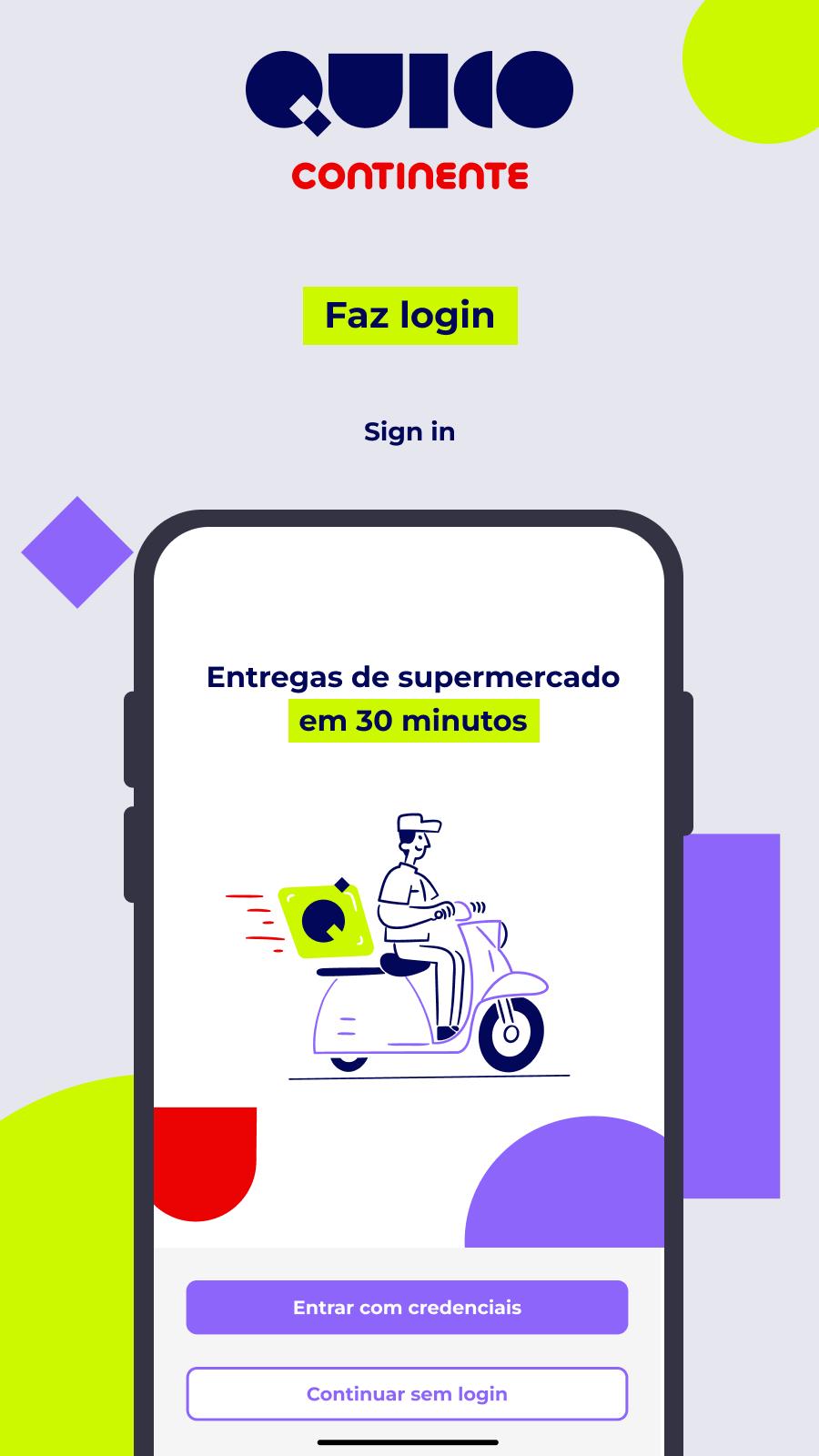
► Log in with your Continente Online account or create a new one.
► Link your Continente Card to your account.
► Select the products you want and add them to your cart.
► Confirm your details.
► Pay with MB Way or a Credit Card.
What kind of products will I find at Quico Continente?
► Chocolates and Sweets: Chocolates, Chewing Gum, Candy, Sweets, etc.
► Snacks and Chips: Chips, Popcorn, etc.
► For Cooking: Butcher and Fishmonger, Canned Goods, Sauces, Seasonings, etc.
► Ready Meals: Soups, Meat Dishes, Fish and Vegetarian Dishes, Snacks, Pizzas, etc.
► Breakfast and Snacks: Coffee, Teas, Biscuits, Cereals, Jams, etc.
► Bakery and Pastry: Bread, Brioches, Toast, Cakes, Tarts, etc.
► Deli and Cheeses: Sliced Cheeses, Spreadable Cheeses, Fresh Cheeses, Ham, Hams, etc.
► Fruits and Vegetables: Organic, Seasonal Fruits, Nuts, Dried Fruit, etc.
► Vegetarian and Food Intolerances: Vegetable Drinks and Creams, Lactose-Free Milk and Yogurts, Vegetarian Meals, etc.
► Frozen: Frozen Meals, Frozen Fruits and Vegetables, Ice Cream and Desserts, etc.
► Dessert Preparation: Sugar, Eggs, Flours, Gelatins, etc.
► Water and Non-Alcoholic Beverages: Juices, Nectars, Soft Drinks, etc.
► Beers and Spirits: Beer, Cider, Spirits, etc.
► Wine: White Wine, Red Wine, Rosé Wine, Sparkling Wines, etc.
► Hygiene and Health: Oral Hygiene, Intimate Hygiene, Hair Care, Body Care, Supplements, etc.
► Cleaning: Toilet Paper, Tissues, Detergents, Garbage Bags, etc.
► Baby: Milk, Porridge, Purees, Diapers, Pacifiers, etc.
► Animals: Dog and Cat Food, Cat Litter, etc.
► Stationery: Writing Materials, Notebooks, Paper, etc.
► Parties and Gifts: Toys, party supplies, batteries, etc.
► Home: Decoration, Kitchen Utensils, Firelighters, etc.
Preview
Tags
Food-&Information
Developer
Modelo Continente Hipermercados, SA
Latest Version
2.533
Last Updated
2025-05-20
Category
Food-drink
Available on
Google Play
Show More
How to play Quico Continente 30’ Delivery with GameLoop on PC
1. Download GameLoop from the official website, then run the exe file to install GameLoop
2. Open GameLoop and search for “Quico Continente 30’ Delivery” , find Quico Continente 30’ Delivery in the search results and click “Install”
3. Enjoy playing Quico Continente 30’ Delivery on GameLoop
Minimum requirements
OS
Windows 8.1 64-bit or Windows 10 64-bit
GPU
GTX 1050
CPU
i3-8300
Memory
8GB RAM
Storage
1GB available space
Recommended requirements
OS
Windows 8.1 64-bit or Windows 10 64-bit
GPU
GTX 1050
CPU
i3-9320
Memory
16GB RAM
Storage
1GB available space