Nirvaan Cafe PC
Stickman Services
Download Nirvaan Cafe on PC With GameLoop Emulator
Nirvaan Cafe on PC
Nirvaan Cafe, coming from the developer Stickman Services, is running on Android systerm in the past.
Now, You can play Nirvaan Cafe on PC with GameLoop smoothly.
Download it in the GameLoop library or search results. No more eyeing the battery or frustrating calls at the wrong time any more.
Just enjoy Nirvaan Cafe PC on the large screen for free!
Nirvaan Cafe Introduction
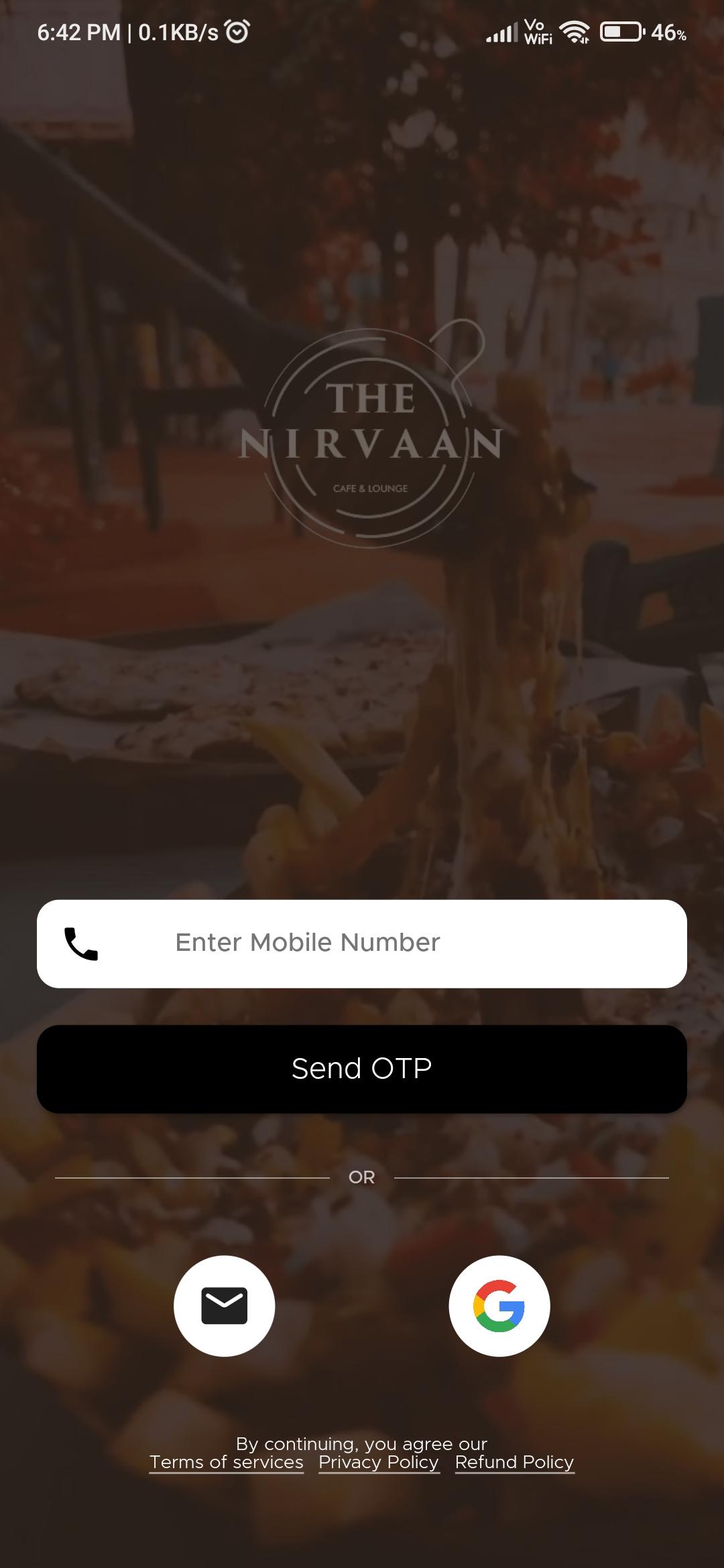
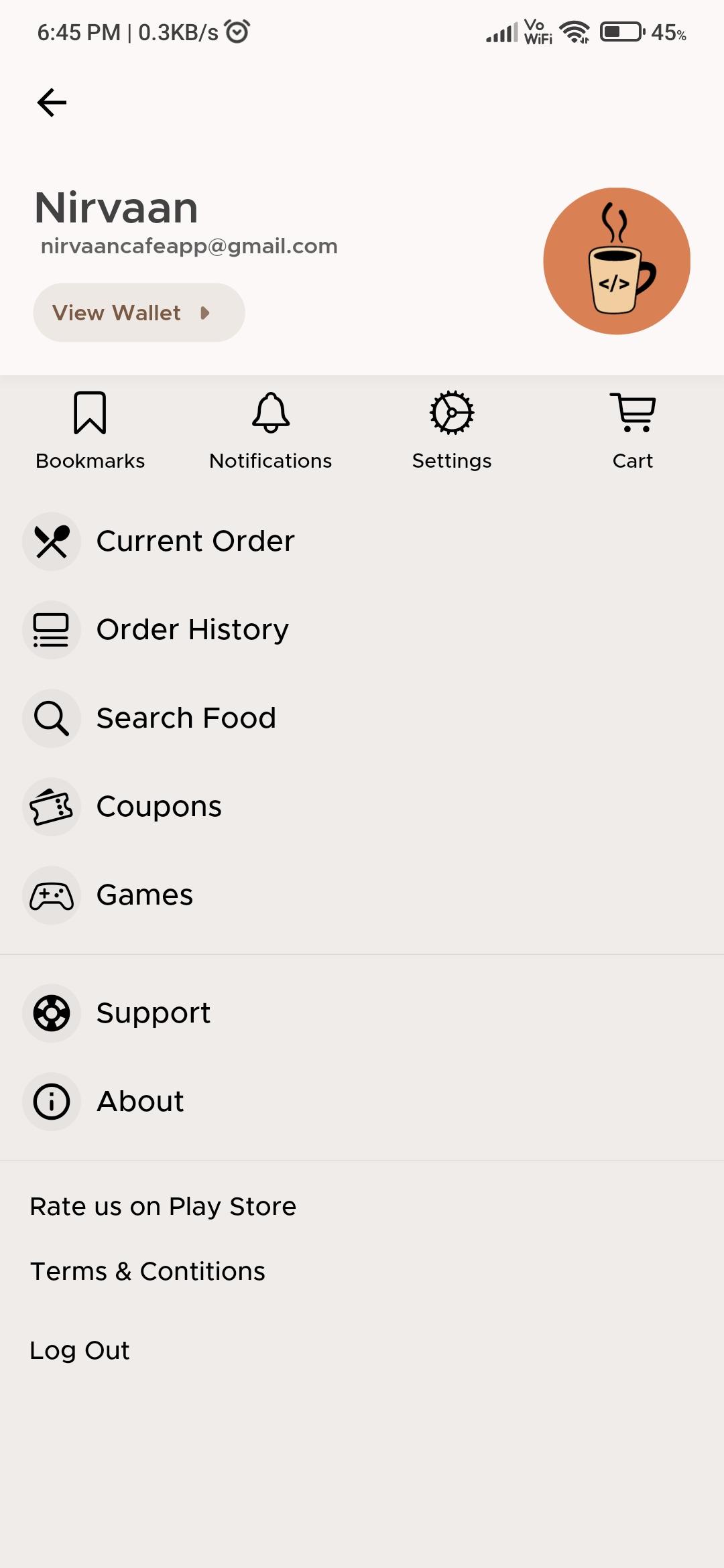
Nirvaan Cafe is the trendiest cafe in Vadodara whether you’re craving for warm walnut brownies to satisfy your sweet tooth, soul comforting Margheritas, zesty Mojitos, or even a cup of freshly brewed coffee. Nirvaan Cafe makes sure all your food cravings and palette pangs are satisfied. With this app, you can order food, takeaway, avail of great deals and so much more. Experience the vibe at Nirvaan, order food, pay at ease, and get fabulous discounts with this pocket app!
Place Order Online
Order food online based on your preferences.
Browse the cafe menu
You can browse the cafe menu on your phone and filter the food that you want to order.
Takeaway from the cafe
Order your food from Nirvaan and enjoy it from wherever you want.
Great offers and deals
Get exclusive deals, offers, and discounts on in-cafe dining experiences and takeaways.
Pay through digital wallets
Make payments through Bhim UPI, PayTM, GooglePay, or Netbanking
Review and Rate
Leave your honest reviews about the cafe ambiance, food, and services and rate your experience.
Preview
Tags
Food-&Information
Developer
Stickman Services
Latest Version
19.0.0
Last Updated
2022-01-17
Category
Food-drink
Available on
Google Play
Show More
How to play Nirvaan Cafe with GameLoop on PC
1. Download GameLoop from the official website, then run the exe file to install GameLoop
2. Open GameLoop and search for “Nirvaan Cafe” , find Nirvaan Cafe in the search results and click “Install”
3. Enjoy playing Nirvaan Cafe on GameLoop
Minimum requirements
OS
Windows 8.1 64-bit or Windows 10 64-bit
GPU
GTX 1050
CPU
i3-8300
Memory
8GB RAM
Storage
1GB available space
Recommended requirements
OS
Windows 8.1 64-bit or Windows 10 64-bit
GPU
GTX 1050
CPU
i3-9320
Memory
16GB RAM
Storage
1GB available space