
Sushi Roll PC
aDomicil.io
Download Sushi Roll on PC With GameLoop Emulator
Sushi Roll on PC
Sushi Roll, coming from the developer aDomicil.io, is running on Android systerm in the past.
Now, You can play Sushi Roll on PC with GameLoop smoothly.
Download it in the GameLoop library or search results. No more eyeing the battery or frustrating calls at the wrong time any more.
Just enjoy Sushi Roll PC on the large screen for free!
Sushi Roll Introduction
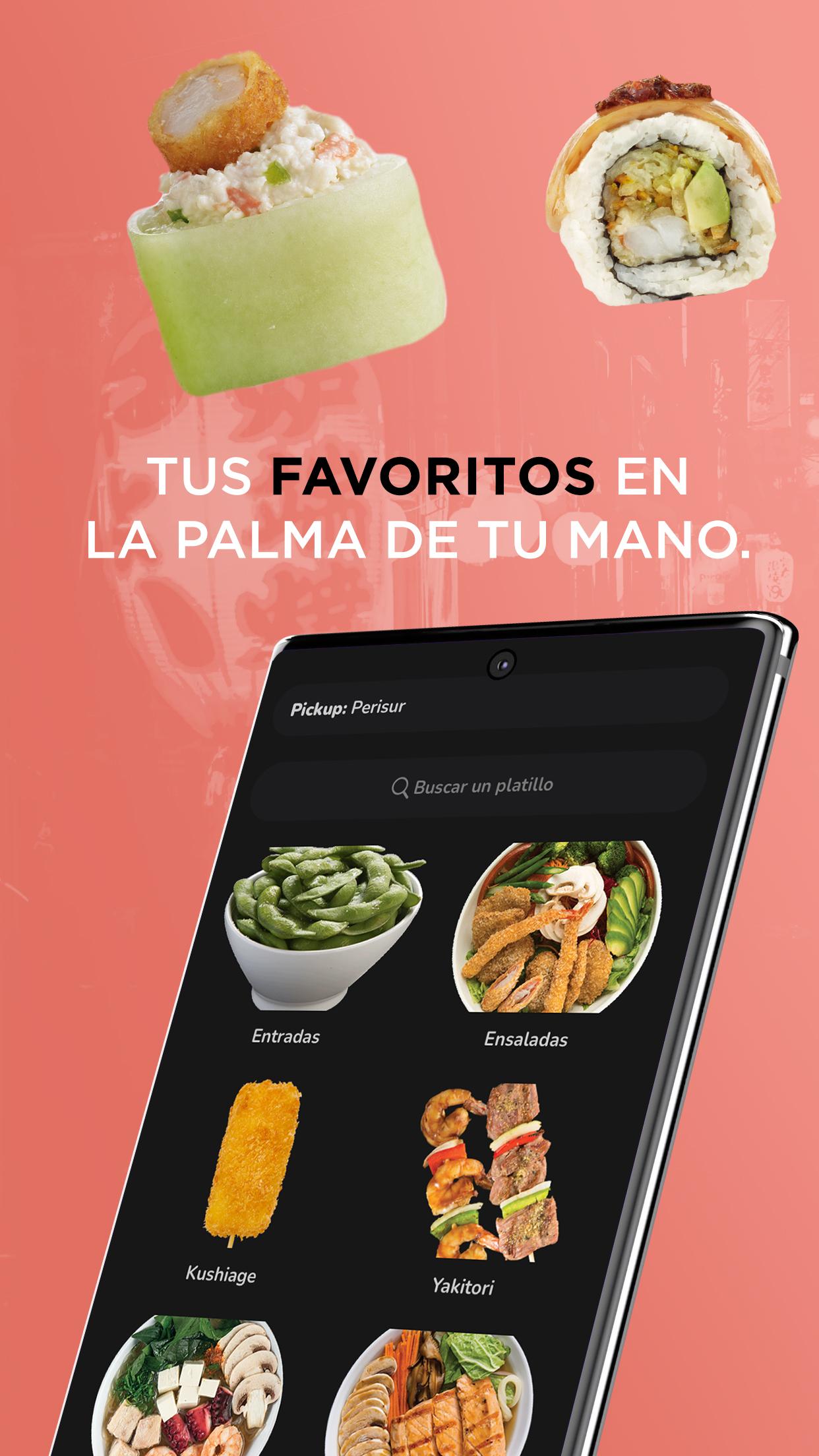
The official Sushi Roll Mexico app has arrived on the Play Store, all you have to do is download it, order it and enjoy your favorite dishes.
Find everything you love and continue to be our Sushi Lovers, promotions, benefits, discounts and more. The menu you already know is here, order some delicious kushiagues, your favorite roll or a delicious dessert. What you want!
Do you have a craving for Sushi? All you need is your cell phone, choose your dishes and enjoy them as if you were in our restaurant, live the experience of ordering sushi at another level, try our delivery service and you will be delighted to see that the flavor and quality reaches your home or as far as you are.
The application is a direct service with Sushi Roll and does not depend on third parties to place your order and take it to your home, in addition, the app has a geolocation to find your nearest branch and decide to order at home, pick up your order or visit us at your nearest branch.
When you place your order, you will be able to see its status, in addition, we will tell you the approximate time of the arrival of your food and the total cost of your purchase. You can pay safely with credit and debit cards or if you decide, pay in cash.
Sushi Roll México is available for Aguascalientes, CDMX, State of Mexico, Guanajuato, Jalisco, Morelos, Querétaro, Quintana Roo, San Luis Potosí, Veracruz and Yucatán.
Now you know! Now you can order your favorite products from our official app. Sushi Roll is ready for you !!!
Preview

Tags
Food-&Information
Developer
aDomicil.io
Latest Version
5.4.0
Last Updated
2024-11-08
Category
Food-drink
Available on
Google Play
Show More
How to play Sushi Roll with GameLoop on PC
1. Download GameLoop from the official website, then run the exe file to install GameLoop
2. Open GameLoop and search for “Sushi Roll” , find Sushi Roll in the search results and click “Install”
3. Enjoy playing Sushi Roll on GameLoop
Minimum requirements
OS
Windows 8.1 64-bit or Windows 10 64-bit
GPU
GTX 1050
CPU
i3-8300
Memory
8GB RAM
Storage
1GB available space
Recommended requirements
OS
Windows 8.1 64-bit or Windows 10 64-bit
GPU
GTX 1050
CPU
i3-9320
Memory
16GB RAM
Storage
1GB available space