RELIGHT PC
FreshX GmbH
Download RELIGHT on PC With GameLoop Emulator
RELIGHT on PC
RELIGHT, coming from the developer FreshX GmbH, is running on Android systerm in the past.
Now, You can play RELIGHT on PC with GameLoop smoothly.
Download it in the GameLoop library or search results. No more eyeing the battery or frustrating calls at the wrong time any more.
Just enjoy RELIGHT PC on the large screen for free!
RELIGHT Introduction
With RELIGHT you become an active participant in the light show of your favorite artist with your smartphone or you can get creative yourself.
RELIGHT in live mode
Activate your Bluetooth and start the app while you are at an event equipped with RELIGHT. Experience how your smartphone, together with those of other visitors, can be used to expand the light show. Colors, effects, images and other elements are projected onto your display in real time and make your event visit a unique, interactive experience. Become part of something big when thousands of flashlights start to flash in sync and enjoy the breathtaking show.
Just hold your smartphone up during the show and point the display or camera light towards the stage.
Your own show with RELIGHT
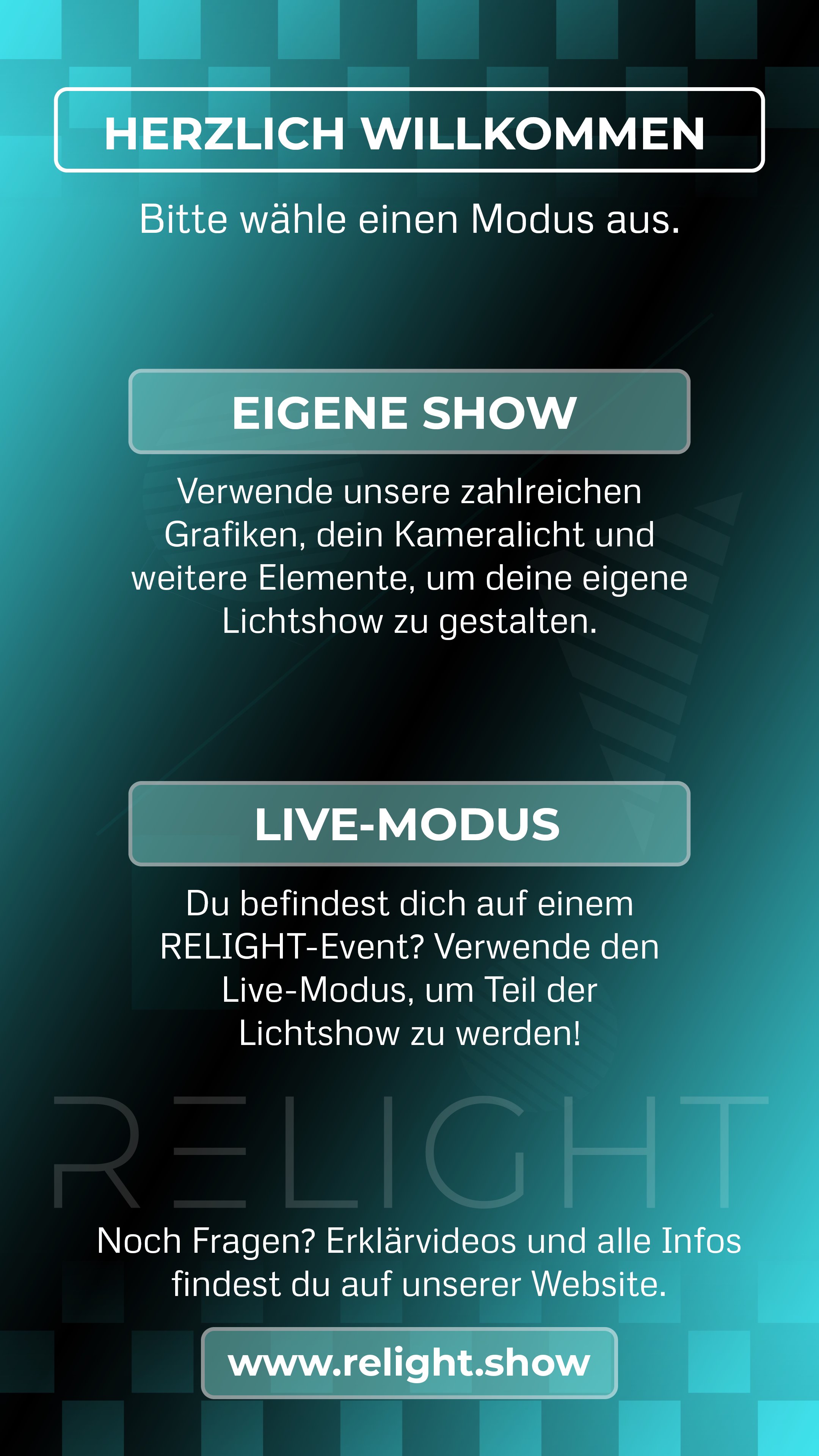
No event nearby at the moment? In "Own Show" mode you have access to a variety of graphics, images, characters and gobos with which you can get creative yourself. The camera light on your smartphone is also on board.
No personal data is stored for the operation of the app - everything remains anonymous.
We recommend downloading the app via WiFi.
Preview
Tags
EventsInformation
Developer
FreshX GmbH
Latest Version
1.0.6
Last Updated
2025-04-03
Category
Events
Available on
Google Play
Show More
How to play RELIGHT with GameLoop on PC
1. Download GameLoop from the official website, then run the exe file to install GameLoop
2. Open GameLoop and search for “RELIGHT” , find RELIGHT in the search results and click “Install”
3. Enjoy playing RELIGHT on GameLoop
Minimum requirements
OS
Windows 8.1 64-bit or Windows 10 64-bit
GPU
GTX 1050
CPU
i3-8300
Memory
8GB RAM
Storage
1GB available space
Recommended requirements
OS
Windows 8.1 64-bit or Windows 10 64-bit
GPU
GTX 1050
CPU
i3-9320
Memory
16GB RAM
Storage
1GB available space