Zoo Voice PC
iGex Solutions
Download Zoo Voice on PC With GameLoop Emulator
Zoo Voice on PC
Zoo Voice, coming from the developer iGex Solutions, is running on Android systerm in the past.
Now, You can play Zoo Voice on PC with GameLoop smoothly.
Download it in the GameLoop library or search results. No more eyeing the battery or frustrating calls at the wrong time any more.
Just enjoy Zoo Voice PC on the large screen for free!
Zoo Voice Introduction
In Zoo voice High quality pictures and animal sounds for kids. Professional voiceover and a super easy interface.
added more animal voice So enjoy good time with your children or simply to laugh with your child.
This is Child app for Zoo voice and different animal sound.
In this app
*HD pictures in animations .
*Best quality sound of animals .
*Simplicity ui design.
- Zoo Voice
- Animal Sounds
- Wild Animal Sounds
- Zoo animal sound
- Animal Voice
- Wild Animal Voice
- Animal sound for Toodler
- Identify Animal by Sound quiz
- Identify Animal by Viewing Picture quiz
What’s new in V 1.3:
*added more animals sound.
*added HD pictures of animals in animations.
*easy swipe with new categories animation
*set any animal sound by long press clicking on animal image for
-set animal voice as ringtone,
-set animal voice as notification,
-set animal voice as alarm
What’s new in V 1.4:
- All Animals Categories with Animal sounds and Bird sounds
- Add New Animal Sound and Birds Sounds
- Here 30 Animals Sound and 18 Birds Sound
- New design added
- Smooth Animation added for more interactive view
- More Optimized Animal images Add
- Child Lock added
- Share this Application with your friend easily.
- Added Information where it is found and about its lifespan.
What’s new in V 1.5:
-More Quality Sound Added
-Minor Bug Fixed.
-Memory optimization done
Wha's new in V 1.5.3
Bug fixed
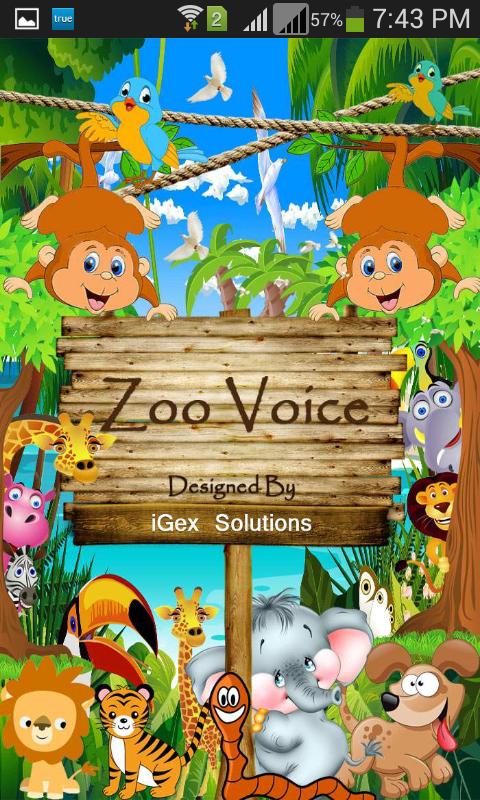
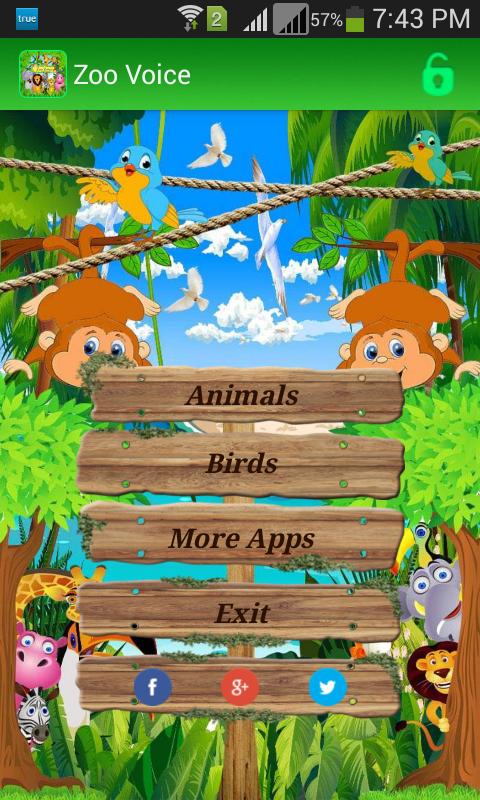
Preview
Tags
EntertainmentInformation
Developer
iGex Solutions
Latest Version
2.2.2
Last Updated
2025-08-21
Category
Entertainment
Available on
Google Play
Show More
How to play Zoo Voice with GameLoop on PC
1. Download GameLoop from the official website, then run the exe file to install GameLoop
2. Open GameLoop and search for “Zoo Voice” , find Zoo Voice in the search results and click “Install”
3. Enjoy playing Zoo Voice on GameLoop
Minimum requirements
OS
Windows 8.1 64-bit or Windows 10 64-bit
GPU
GTX 1050
CPU
i3-8300
Memory
8GB RAM
Storage
1GB available space
Recommended requirements
OS
Windows 8.1 64-bit or Windows 10 64-bit
GPU
GTX 1050
CPU
i3-9320
Memory
16GB RAM
Storage
1GB available space