AI Voice Generator & Recorder PC
Filme Technology Co., Ltd.
Download AI Voice Generator & Recorder on PC With GameLoop Emulator
AI Voice Generator & Recorder on PC
AI Voice Generator & Recorder, coming from the developer Filme Technology Co., Ltd., is running on Android systerm in the past.
Now, You can play AI Voice Generator & Recorder on PC with GameLoop smoothly.
Download it in the GameLoop library or search results. No more eyeing the battery or frustrating calls at the wrong time any more.
Just enjoy AI Voice Generator & Recorder PC on the large screen for free!
AI Voice Generator & Recorder Introduction
🎙️ Meet VoxBox — Your AI Voice and Audio Studio!
🎙️ VoxBox turns your text into natural-sounding speech and lets you record, edit, and polish audio with studio-grade tools. Whether you’re creating a voiceover for a video, recording a podcast, or experimenting with character voices, VoxBox makes it fast and easy to produce lifelike narration and clean recordings.
Turn text into natural voices, record studio-quality audio, clone voices, create voiceovers, and transform your sound with powerful AI. VoxBox is your all-in-one AI voice generator, text to speech (TTS), voice recorder, voice changer, voice cloning, speech to text, voice over & online voice generator solution for creators and everyday users.
🎧 Create studio-level audio with expressive, realistic voices
Whether you're making content for YouTube, TikTok, podcasts, gaming, education, entertainment, or storytelling, VoxBox brings the power of human-like realistic voices, rich tone control, and natural emotions to every word.
🎶 Perfect for creators, streamers & everyday users
From beginners to advanced audio editors, VoxBox makes voice creation fast, fun, and powerful. Use celebrity voice, anime voice, characters, multilingual narrators, and ultra-lifelike digital personalities.
🎙️ Key Features
🎤 AI Voice Generator & Text to Speech (TTS)
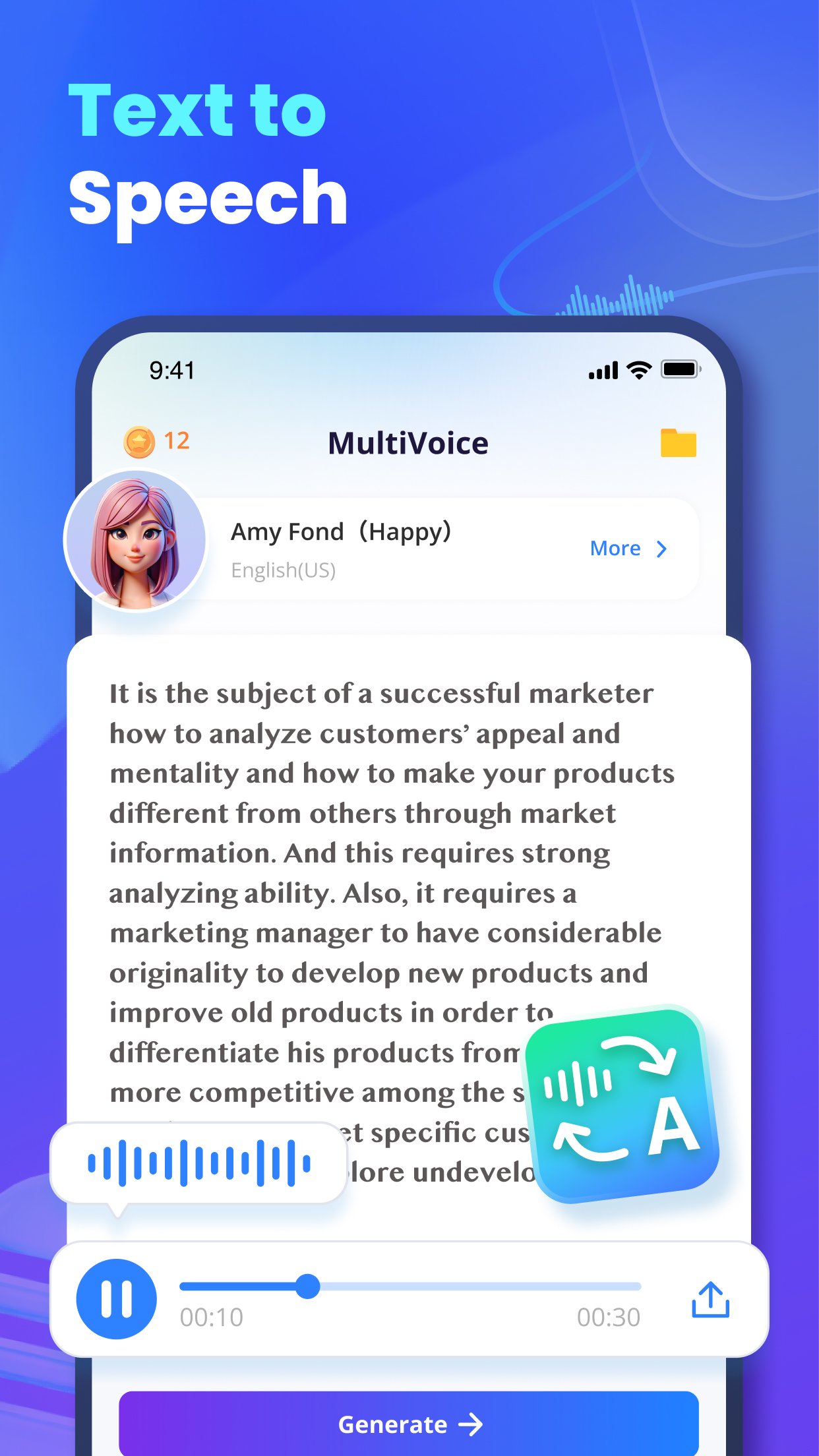
Convert text into natural voices in seconds.
Use the most advanced AI voice generator & realistic text to speech tool for videos, voice narration, audiobooks, e-learning, business, and storytelling.
📼 Voice Recorder
Capture crystal-clear audio anytime, anywhere.
Use VoxBox as your mobile & AI voice recorder for PC workflow. Perfect for mics, interviews, meetings, and podcasts.
🎭 Voice Changer
Instantly switch voices to characters, celebrities, robots, anime roles, and more — the best voice changer for gaming, streaming & entertainment.
🧬 Voice Cloning
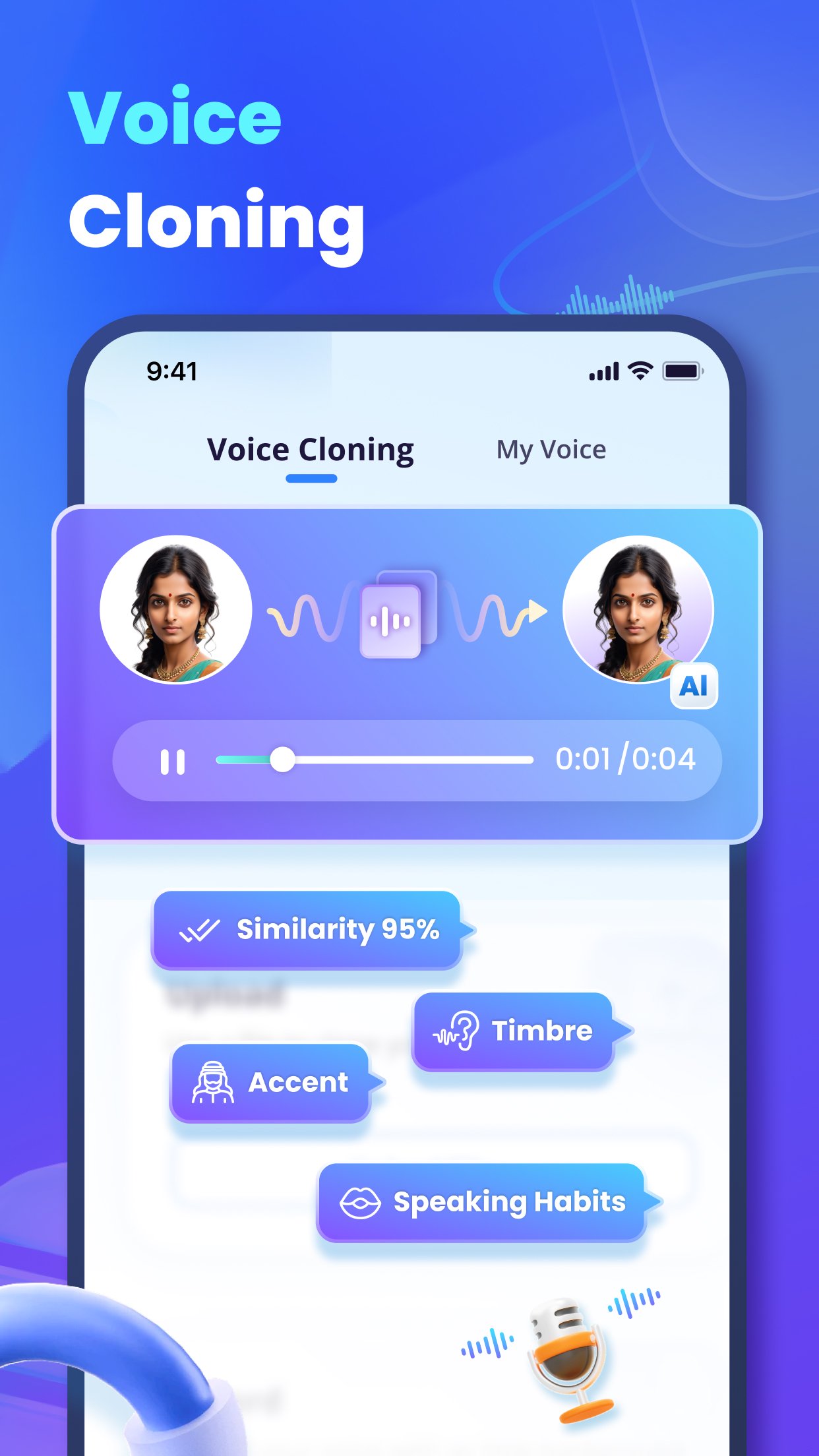
Clone voices for narration, personalization, gaming avatars, and virtual characters.
(For ethical & legal use only — protect privacy always.)
🎙️ AI Voice Over
Generate narration for videos, ads, documentaries, audiobooks, and content branding.
Your all-in-one AI voice over + TTS + online voice generator platform.
✍️ Speech to Text
Turn speech into precise text — a smart speech to text AI assistant for note-taking, subtitles, meetings, and productivity.
🎚️ Audio Editor & Enhancement
Cut, trim, noise-reduce, boost clarity, EQ voices, and polish sound.
Also includes podcast voice enhancer online for clean & powerful vocal tone.
🌍 Multilingual Voices
Create global content with multilingual voices, accents, and characters. Ideal for brands, educators, and international creators.
🎙️ Best For
🎬 YouTube & creators
AI dubbing for YouTube videos
Voice over narrations & character voices
📱 TikTok & short video editors
custom voice generator for TikTok
trending meme voices & anime effects
🎮 Gamers & Streamers
best voice changer for gaming
role-play, VTubing, RP servers, live chat
🎙️ Podcasters & storytellers
podcast voice, narration, storytelling
voice dubbing & vocal enhancement
🧠 Students & professionals
study notes via TTS
voice to text for meetings & lectures
🎵 Casual fun
free AI voice generator online
celebrity impressions, anime voice memes
🎙️ Start creating your voice world
VoxBox transforms audio work into creativity and fun.Whether you're narrating a documentary, making TikTok memes, or building a digital avatar, the AI voice generator, text to speech, voice recorder, voice changer, voice cloning, speech to text, and AI voice over tools are here to empower your voice.
Discord: https://discord.com/invite/G9hZWrGNnY
Website: https://filme.imyfone.com/voice-recorder/
Support: https://filme.imyfone.com/support/
Download VoxBox now and bring your voice ideas to life — naturally, powerfully, and creatively!
Preview
Tags
EntertainmentToolsInformation
Developer
Filme Technology Co., Ltd.
Latest Version
3.2.4
Last Updated
2025-11-18
Category
Entertainment
Available on
Google Play
Show More
How to play AI Voice Generator & Recorder with GameLoop on PC
1. Download GameLoop from the official website, then run the exe file to install GameLoop
2. Open GameLoop and search for “AI Voice Generator & Recorder” , find AI Voice Generator & Recorder in the search results and click “Install”
3. Enjoy playing AI Voice Generator & Recorder on GameLoop
Minimum requirements
OS
Windows 8.1 64-bit or Windows 10 64-bit
GPU
GTX 1050
CPU
i3-8300
Memory
8GB RAM
Storage
1GB available space
Recommended requirements
OS
Windows 8.1 64-bit or Windows 10 64-bit
GPU
GTX 1050
CPU
i3-9320
Memory
16GB RAM
Storage
1GB available space