
Clony: AI Voice & Face Cloning PC
AI Companion
Download Clony: AI Voice & Face Cloning on PC With GameLoop Emulator
Clony: AI Voice & Face Cloning on PC
Clony: AI Voice & Face Cloning, coming from the developer AI Companion, is running on Android systerm in the past.
Now, You can play Clony: AI Voice & Face Cloning on PC with GameLoop smoothly.
Download it in the GameLoop library or search results. No more eyeing the battery or frustrating calls at the wrong time any more.
Just enjoy Clony: AI Voice & Face Cloning PC on the large screen for free!
Clony: AI Voice & Face Cloning Introduction
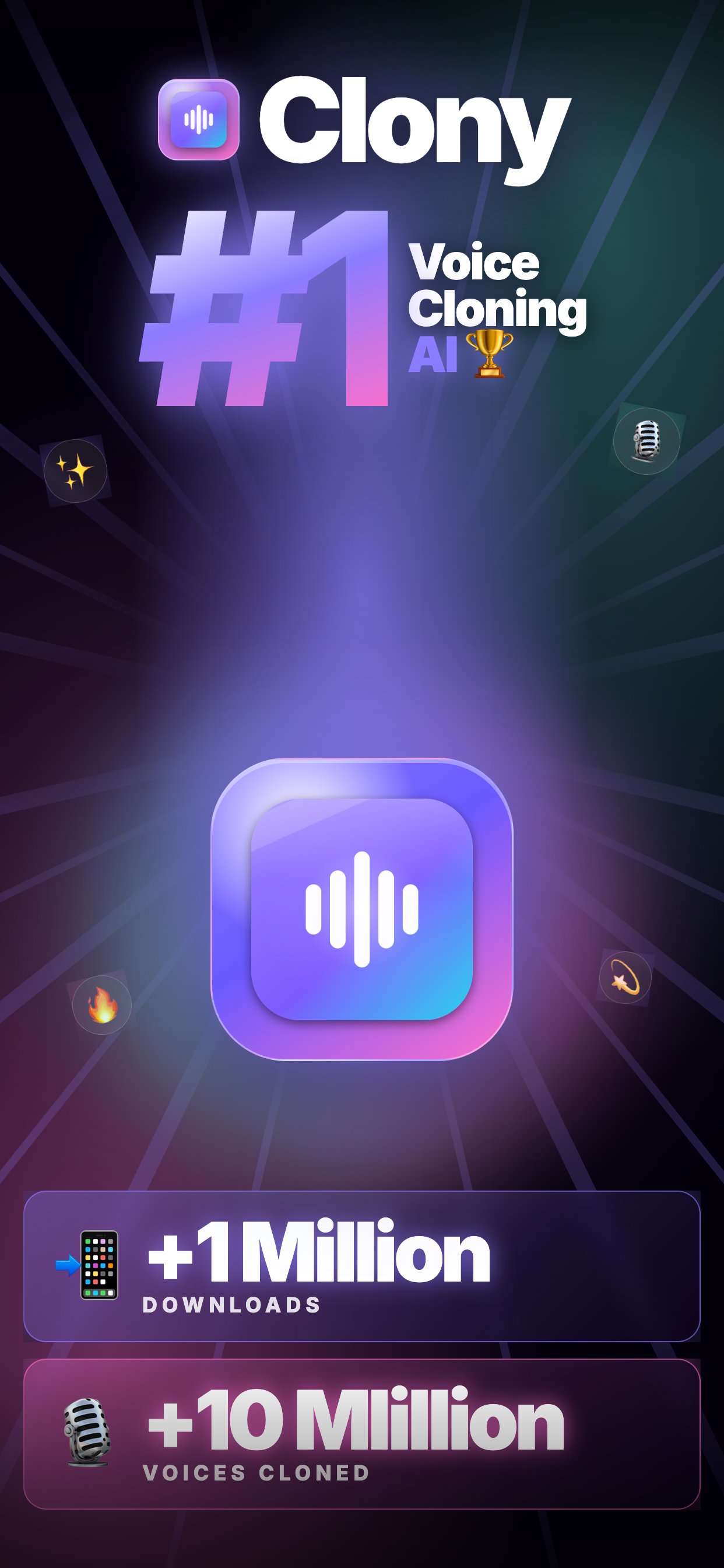
Clone your voice in seconds. Then make it speak, sing, and star in lifelike videos — all from your phone.
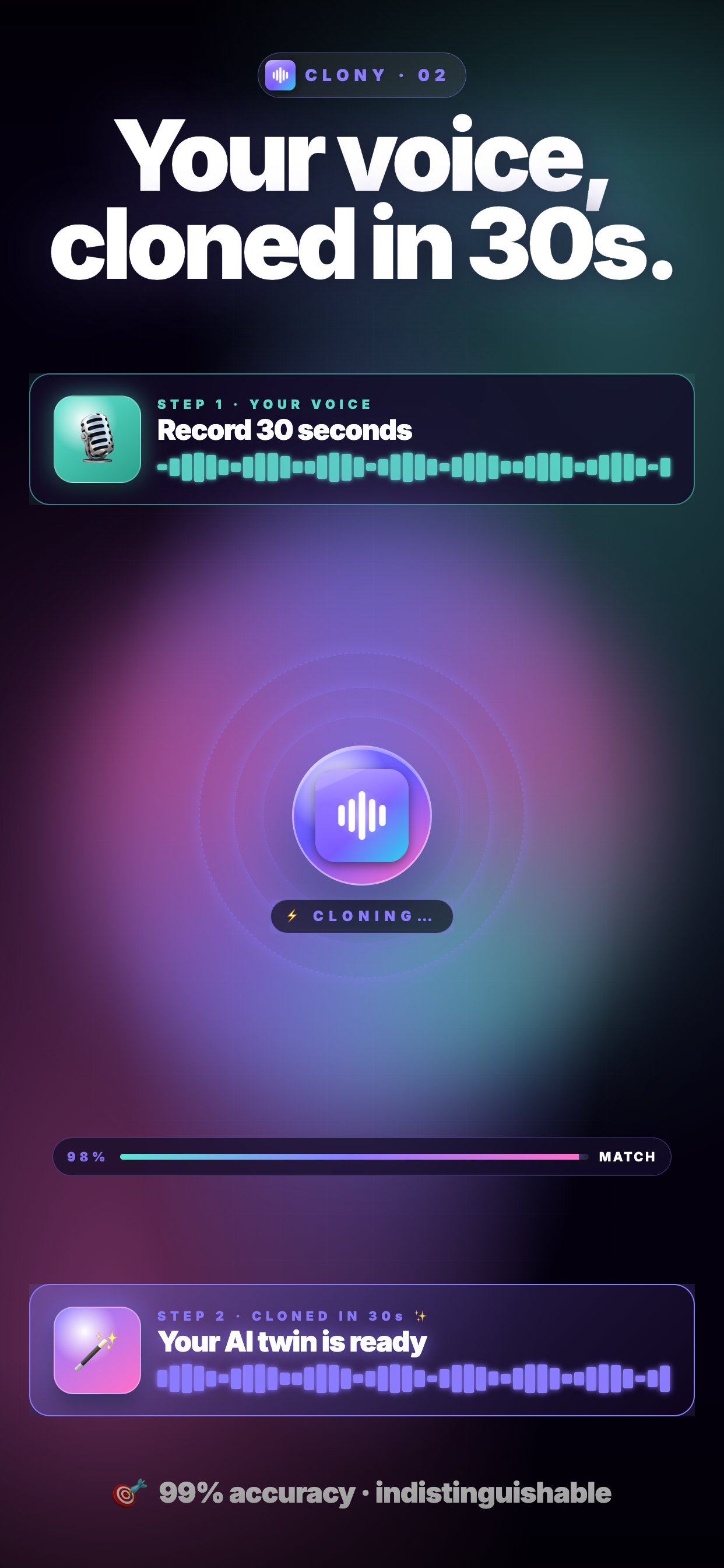
Clony is the AI voice studio that turns 30 seconds of audio into your own expressive voice model, ready to speak any text, cover any song, and bring any photo to life as a talking video. Built with state-of-the-art voice AI, wrapped in a very-simple workflow: record, tap, create.
WHAT YOU CAN DO
VOICE CLONING
Upload a voice memo, a recording, or an audio file — Clony builds a natural, high-fidelity voice clone in under a minute.
TEXT TO SPEECH
Type anything, pick a voice, and hear it read aloud. Multilingual support, punctuation-aware pacing, studio-quality output.
TALKING VIDEOS
Drop in a photo, choose an audio memo, and watch the face come alive with synced lips and natural expressions. Powered by our brand-new AI video model.
AI SINGING & COVERS
Train a singer from a vocal sample, then have your voice cover any track. From radio hits to your own demos — ready in minutes.
SPEECH-TO-SPEECH
Record yourself saying anything. Clony repeats it in the cloned voice, preserving tone, rhythm, and emotion.
WHY CLONY
• 30-second clones — fast, accurate, lifelike
• Works in 20+ languages
• Shareable audio and video, ready for social
PERFECT FOR
• Content creators building voiceovers at scale
• Podcasters filling gaps without a mic session
• Musicians experimenting with vocal covers
• Anyone who wants to hear a photo speak — or make a funny birthday greeting video
RESPONSIBLE USE
Clony is built for creators. Only clone voices you own or have explicit permission to use. We do not allow impersonation, fraud, or voices of public figures without consent. Misuse results in a permanent ban.
SUBSCRIPTION (auto-renewable)
The Clony Subscription unlocks unlimited voice memos, longer clips, higher character limits, AI singing/covers and the creation of AI talking videos. Plans are billed monthly and auto-renew unless cancelled 24 hours before the end of the period. Manage or cancel anytime in your Google Play account settings.
Terms: https://www.clony.app/terms-of-service
Privacy: https://www.clony.app/privacy
Got feedback? contact@clony.app
Preview
Tags
EntertainmentInformation
Developer
AI Companion
Latest Version
173
Last Updated
2026-07-29
Category
Entertainment
Available on
Google Play
Show More
How to play Clony: AI Voice & Face Cloning with GameLoop on PC
1. Download GameLoop from the official website, then run the exe file to install GameLoop
2. Open GameLoop and search for “Clony: AI Voice & Face Cloning” , find Clony: AI Voice & Face Cloning in the search results and click “Install”
3. Enjoy playing Clony: AI Voice & Face Cloning on GameLoop
Minimum requirements
OS
Windows 8.1 64-bit or Windows 10 64-bit
GPU
GTX 1050
CPU
i3-8300
Memory
8GB RAM
Storage
1GB available space
Recommended requirements
OS
Windows 8.1 64-bit or Windows 10 64-bit
GPU
GTX 1050
CPU
i3-9320
Memory
16GB RAM
Storage
1GB available space