
Uyanık TV PC
Makersoft LTD
Download Uyanık TV on PC With GameLoop Emulator
Uyanık TV on PC
Uyanık TV, coming from the developer Makersoft LTD, is running on Android systerm in the past.
Now, You can play Uyanık TV on PC with GameLoop smoothly.
Download it in the GameLoop library or search results. No more eyeing the battery or frustrating calls at the wrong time any more.
Just enjoy Uyanık TV PC on the large screen for free!
Uyanık TV Introduction
Uyanık TV is a modern TV app that lets you watch popular TV channels in Türkiye live and access broadcasts up to the last 36 hours. Never miss your favorite series, news, or programs again!
🎯 Key Features
✅ 36-Hour Rewind
Don't worry about missed programs! You can watch broadcast history for up to the last 36 hours on most channels.
✅ Live Broadcast and Schedule Tracking
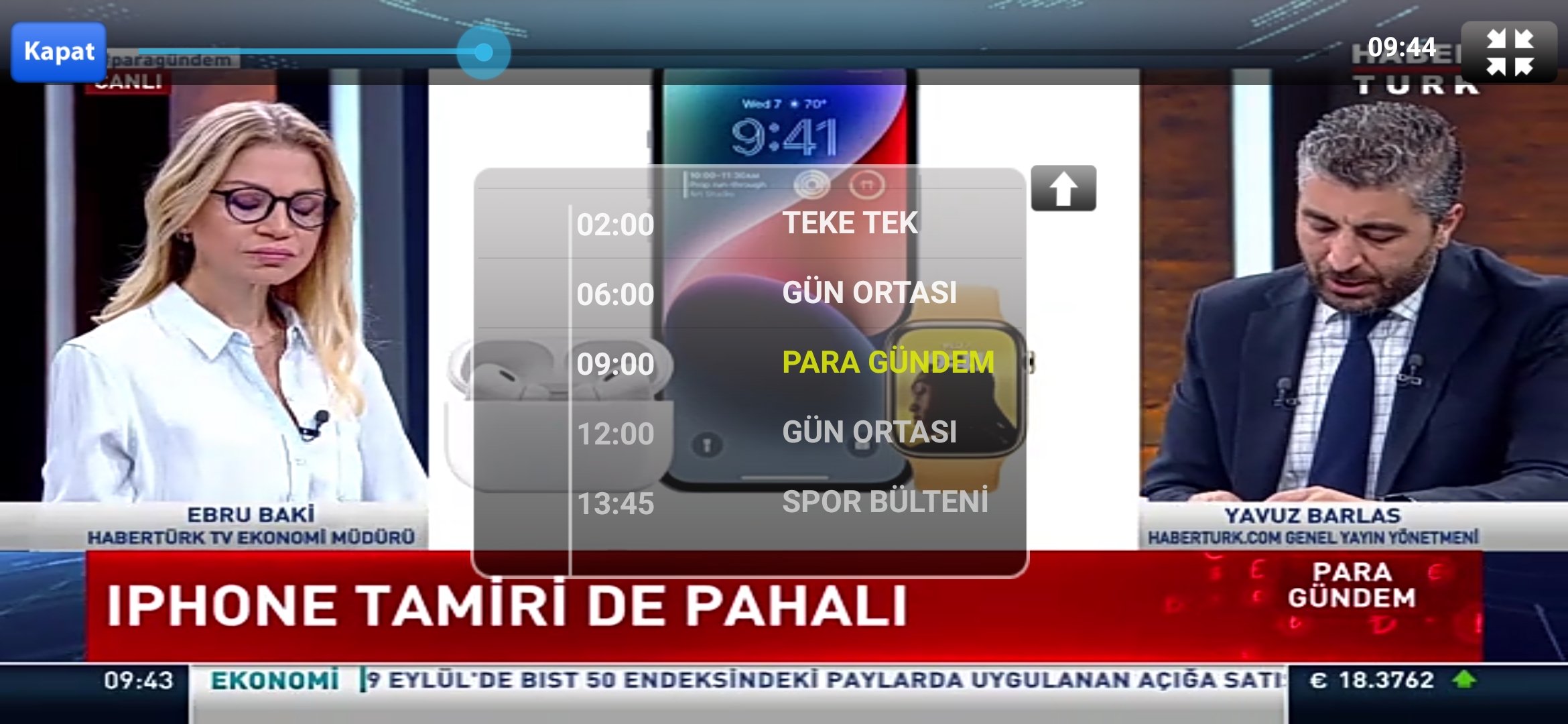
Easily browse the broadcast schedule while watching live and access past programs with a single click.
✅ Multi-Device Support
You can use your subscription on three different mobile devices simultaneously. (Compatible with Android phones, iPhones, or iPads)
📺 How to Watch Retrospective Broadcasts?
1. Start the live broadcast.
2. Tap the screen to open the control menu.
3. Tap the TV icon to view the channel's broadcast schedule.
4. Select the program you want to watch.
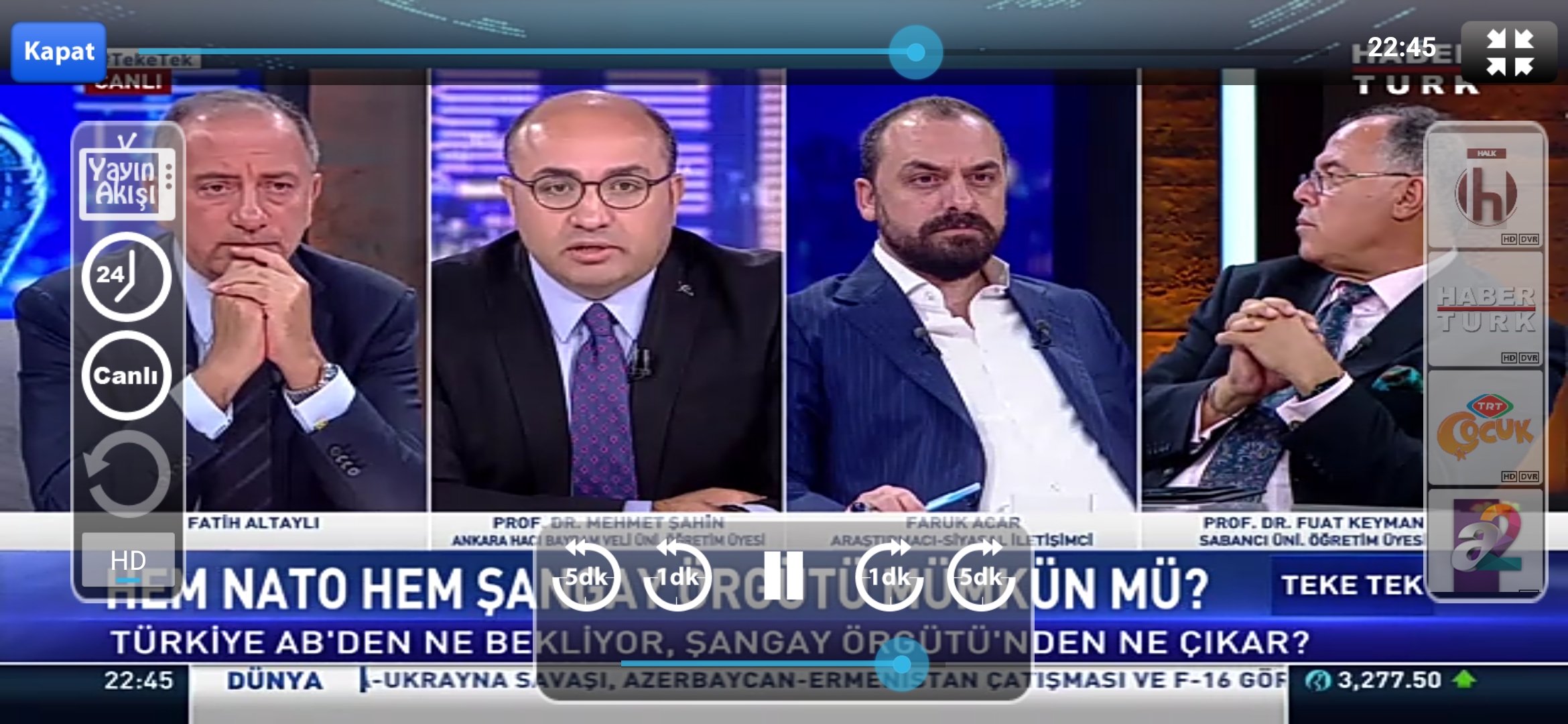
5. Adjust the timer position if necessary using the time bar at the top or the 1/5-minute forward/backward buttons.
🔓 Subscription Options and Benefits
📱 Mobile Device Subscription (Phone & Tablet)
You can purchase 1-Month, 6-Month, or 12-Month subscription packages within the app.
✔ Use on 3 different mobile devices simultaneously
✔ Rewind feature
✔ High-quality streaming
✖ Not valid on Android TV/TV Box devices
📺 Android TV Subscription
Android TV users can purchase the Standard or Premium packages within the app.
✔ Standard Package:
– Rewind feature
– Use on a single device
✔ Premium Package:
– Use on 2 TV/Box devices + 3 mobile devices from the same household
– High-quality streaming
📬 Support & Contact
If you have any questions, please contact us via the "?" Help section in the left menu within the app.
⚠️ Important Information
Uyanık TV may update its channel list from time to time. The number of channels available may vary.
Preview
Tags
EntertainmentInformation
Developer
Makersoft LTD
Latest Version
4.5
Last Updated
2025-08-05
Category
Entertainment
Available on
Google Play
Show More
How to play Uyanık TV with GameLoop on PC
1. Download GameLoop from the official website, then run the exe file to install GameLoop
2. Open GameLoop and search for “Uyanık TV” , find Uyanık TV in the search results and click “Install”
3. Enjoy playing Uyanık TV on GameLoop
Minimum requirements
OS
Windows 8.1 64-bit or Windows 10 64-bit
GPU
GTX 1050
CPU
i3-8300
Memory
8GB RAM
Storage
1GB available space
Recommended requirements
OS
Windows 8.1 64-bit or Windows 10 64-bit
GPU
GTX 1050
CPU
i3-9320
Memory
16GB RAM
Storage
1GB available space