
Poly AI – Stories Ai Generator PC
wantech
Download Poly AI – Stories Ai Generator on PC With GameLoop Emulator
Poly AI – Stories Ai Generator on PC
Poly AI – Stories Ai Generator, coming from the developer wantech, is running on Android systerm in the past.
Now, You can play Poly AI – Stories Ai Generator on PC with GameLoop smoothly.
Download it in the GameLoop library or search results. No more eyeing the battery or frustrating calls at the wrong time any more.
Just enjoy Poly AI – Stories Ai Generator PC on the large screen for free!
Poly AI – Stories Ai Generator Introduction
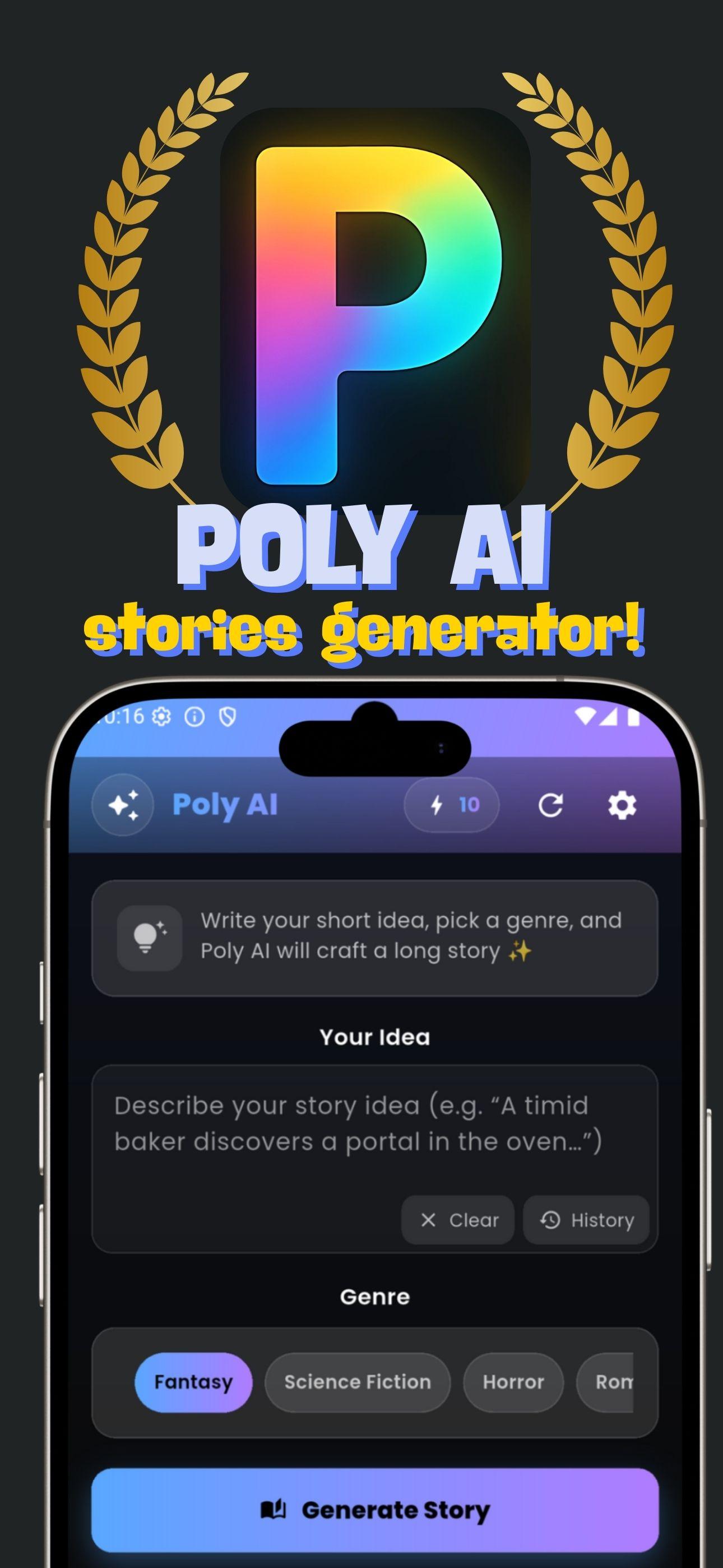
Poly AI is a creative app powered by artificial intelligence that lets you write, generate, and enjoy stories in a whole new way. Simply enter your idea, choose a genre, and let AI craft a long, engaging story tailored to your taste.
🎯 Perfect for:
• Fans of fantasy, romance, horror, sci-fi, and mystery stories
• Writers seeking quick inspiration
• Story lovers who enjoy listening before sleep or while traveling
• Anyone who wants to explore creative storytelling with AI
✨ Key Features
AI Story Generator: Turn short ideas into complete stories in seconds.
Wide Range of Genres: Fantasy, Romance, Horror, Sci-Fi, Mystery, Thriller, Comedy, and more.
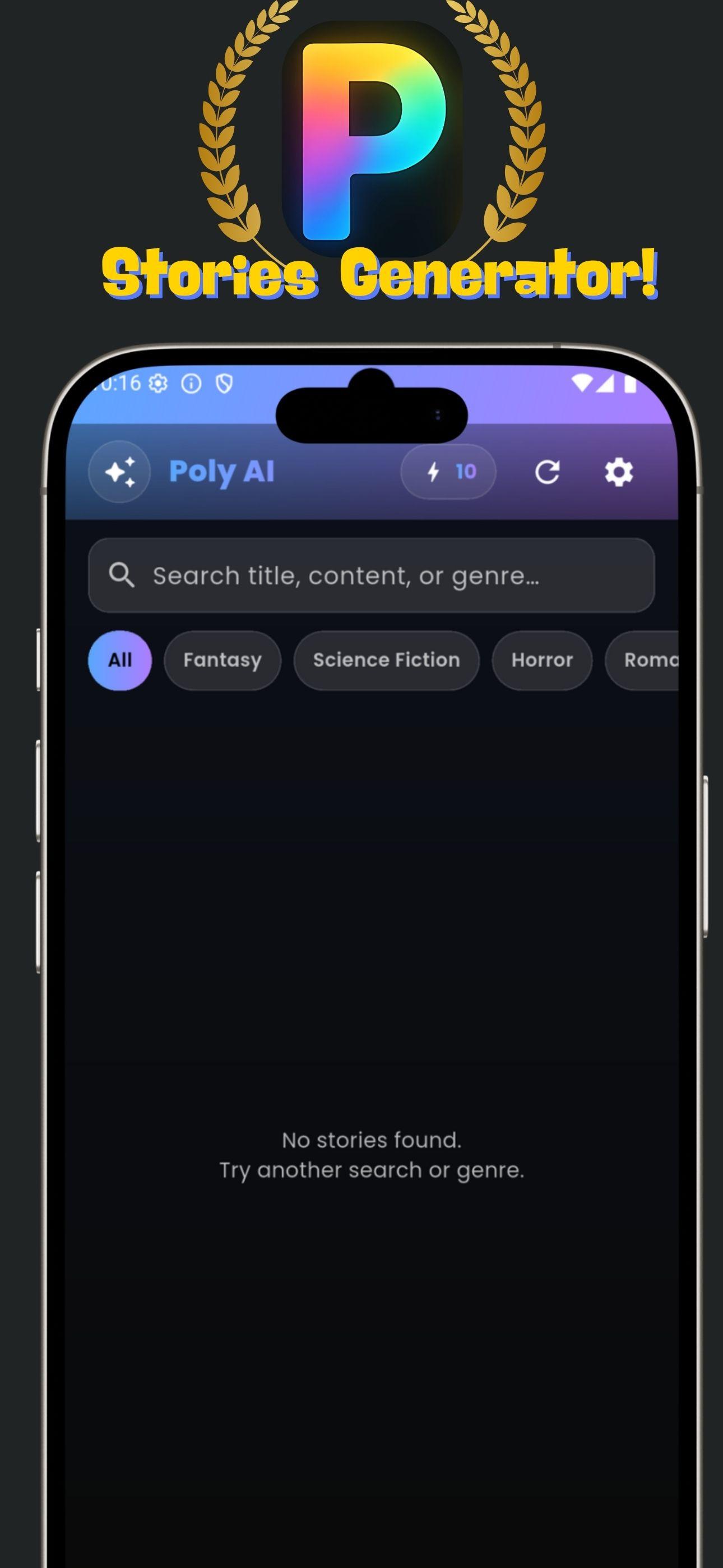
Story & Prompt History: Save every idea and story you’ve created for easy access later.
Favorites: Mark and revisit your best stories anytime.
Story-to-Voice (TTS): Listen to your AI-generated story with natural AI voices (Premium).
Token System: Get free tokens to start generating stories.
Premium Access (PRO):
• Unlimited story generations
• Ad-free experience
• Exclusive features like longer stories & AI voices
🚀 Why Poly AI?
Easy to use → just type an idea, pick a genre, and generate!
Creative & Inspiring → perfect for both fun and writing reference.
Personalized → choose the mood, style, and how your story evolves.
Preview
Tags
EntertainmentInformation
Developer
wantech
Latest Version
14
Last Updated
2025-09-24
Category
Entertainment
Available on
Google Play
Show More
How to play Poly AI – Stories Ai Generator with GameLoop on PC
1. Download GameLoop from the official website, then run the exe file to install GameLoop
2. Open GameLoop and search for “Poly AI – Stories Ai Generator” , find Poly AI – Stories Ai Generator in the search results and click “Install”
3. Enjoy playing Poly AI – Stories Ai Generator on GameLoop
Minimum requirements
OS
Windows 8.1 64-bit or Windows 10 64-bit
GPU
GTX 1050
CPU
i3-8300
Memory
8GB RAM
Storage
1GB available space
Recommended requirements
OS
Windows 8.1 64-bit or Windows 10 64-bit
GPU
GTX 1050
CPU
i3-9320
Memory
16GB RAM
Storage
1GB available space