
Santikos Premiere PC
Santikos Movie Theatres
Download Santikos Premiere on PC With GameLoop Emulator
Santikos Premiere on PC
Santikos Premiere, coming from the developer Santikos Movie Theatres, is running on Android systerm in the past.
Now, You can play Santikos Premiere on PC with GameLoop smoothly.
Download it in the GameLoop library or search results. No more eyeing the battery or frustrating calls at the wrong time any more.
Just enjoy Santikos Premiere PC on the large screen for free!
Santikos Premiere Introduction
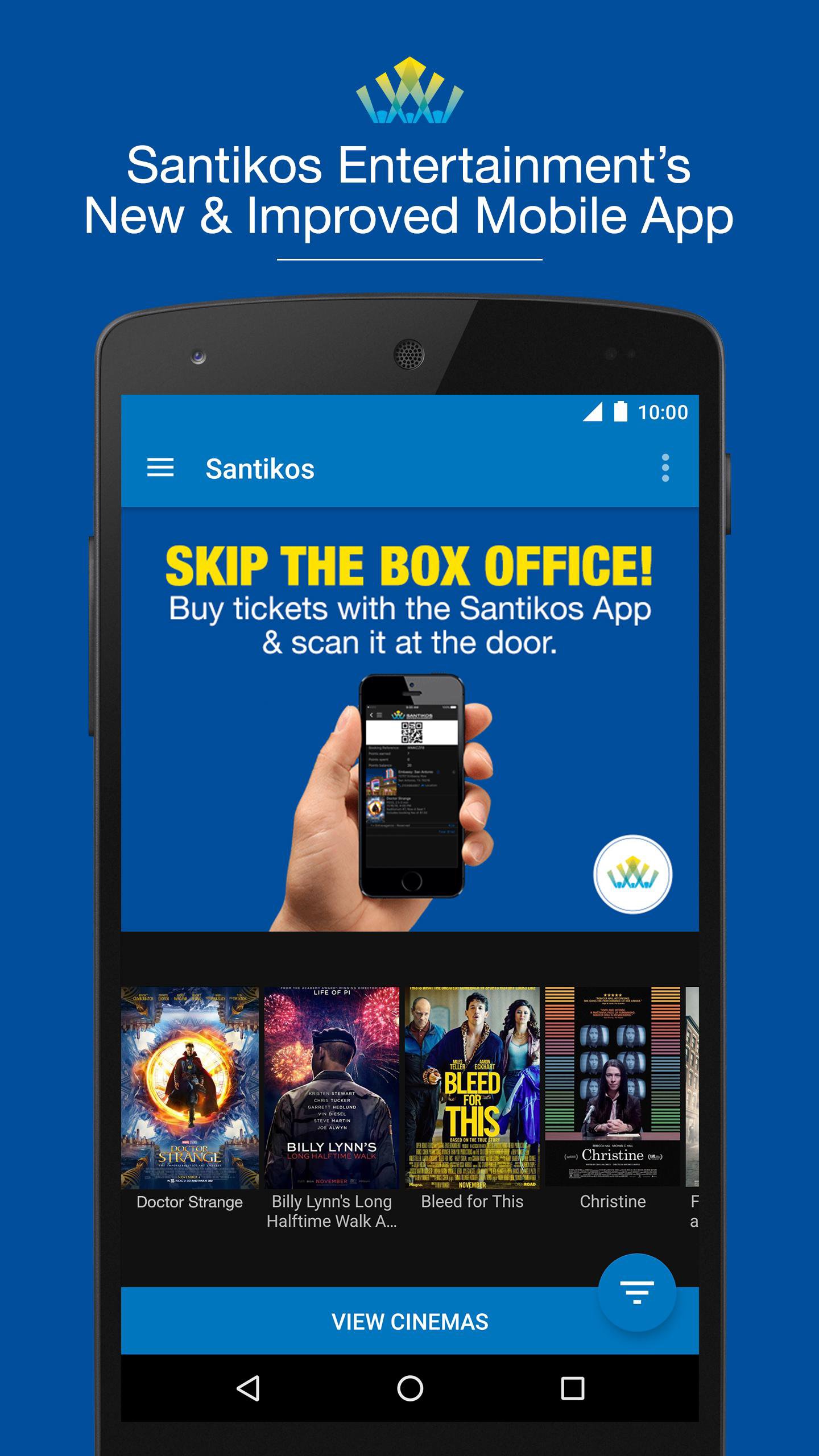
The new and improved official Santikos Theatres mobile app is here. Guests can browse both current and future films/events, watch trailers, find showtimes, pick your seats and have the ticket displayed on your Android device so that you can skip the box office and go right to the ticket taker for entry. Santikos Loyalty Rewards members can now see their points, view their purchase history, get points for their purchases and the card wallet will save their card info for quick purchases. Coming soon: Rewards members will be able to redeem their rewards using the mobile app.
Download this free app and change how you go to the movies.
The new mobile app is like having your own personal box office.
Features Include
• Improved look and design
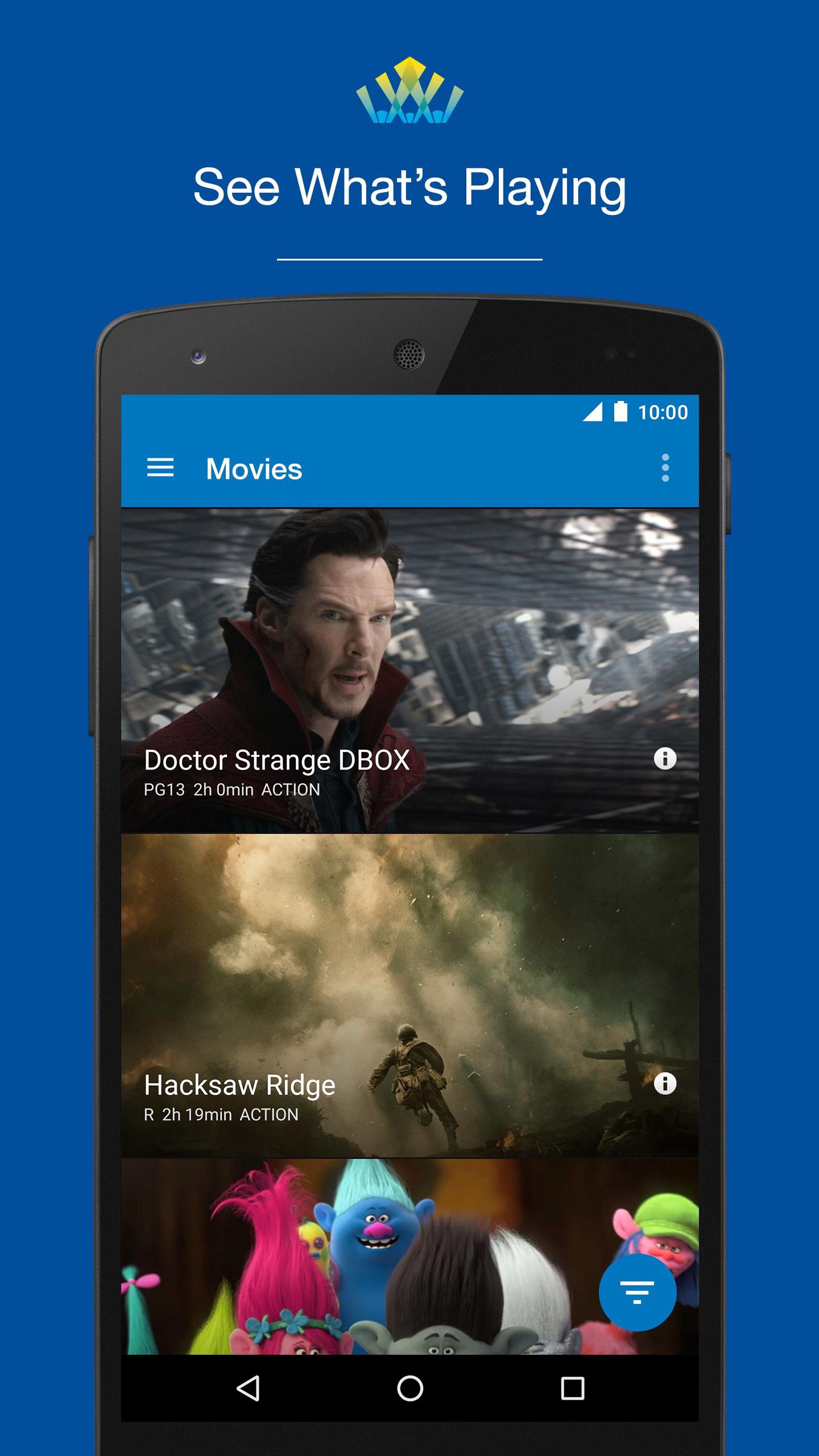
• Watch trailers and learn more about what’s playing and coming soon
• Browse movies, showtimes and experiences
• Purchase tickets for both now playing and distant coming soon films
• Select your own seat using the app (for our reserved seating locations)
• Loyalty Rewards members can earn points, view account balance, purchase history and use card wallet for easier ticketing
• Mobile app tickets save to your mobile device so you can skip the box office and go right to the ticket taker to have your device scanned
Preview
Tags
EntertainmentInformation
Developer
Santikos Movie Theatres
Latest Version
5.09.300
Last Updated
2023-01-11
Category
Entertainment
Available on
Google Play
Show More
How to play Santikos Premiere with GameLoop on PC
1. Download GameLoop from the official website, then run the exe file to install GameLoop
2. Open GameLoop and search for “Santikos Premiere” , find Santikos Premiere in the search results and click “Install”
3. Enjoy playing Santikos Premiere on GameLoop
Minimum requirements
OS
Windows 8.1 64-bit or Windows 10 64-bit
GPU
GTX 1050
CPU
i3-8300
Memory
8GB RAM
Storage
1GB available space
Recommended requirements
OS
Windows 8.1 64-bit or Windows 10 64-bit
GPU
GTX 1050
CPU
i3-9320
Memory
16GB RAM
Storage
1GB available space