Santa Claus New Year Keyboard PC
Fashion Corner Apps
Download Santa Claus New Year Keyboard on PC With GameLoop Emulator
Santa Claus New Year Keyboard on PC
Santa Claus New Year Keyboard, coming from the developer Fashion Corner Apps, is running on Android systerm in the past.
Now, You can play Santa Claus New Year Keyboard on PC with GameLoop smoothly.
Download it in the GameLoop library or search results. No more eyeing the battery or frustrating calls at the wrong time any more.
Just enjoy Santa Claus New Year Keyboard PC on the large screen for free!
Santa Claus New Year Keyboard Introduction
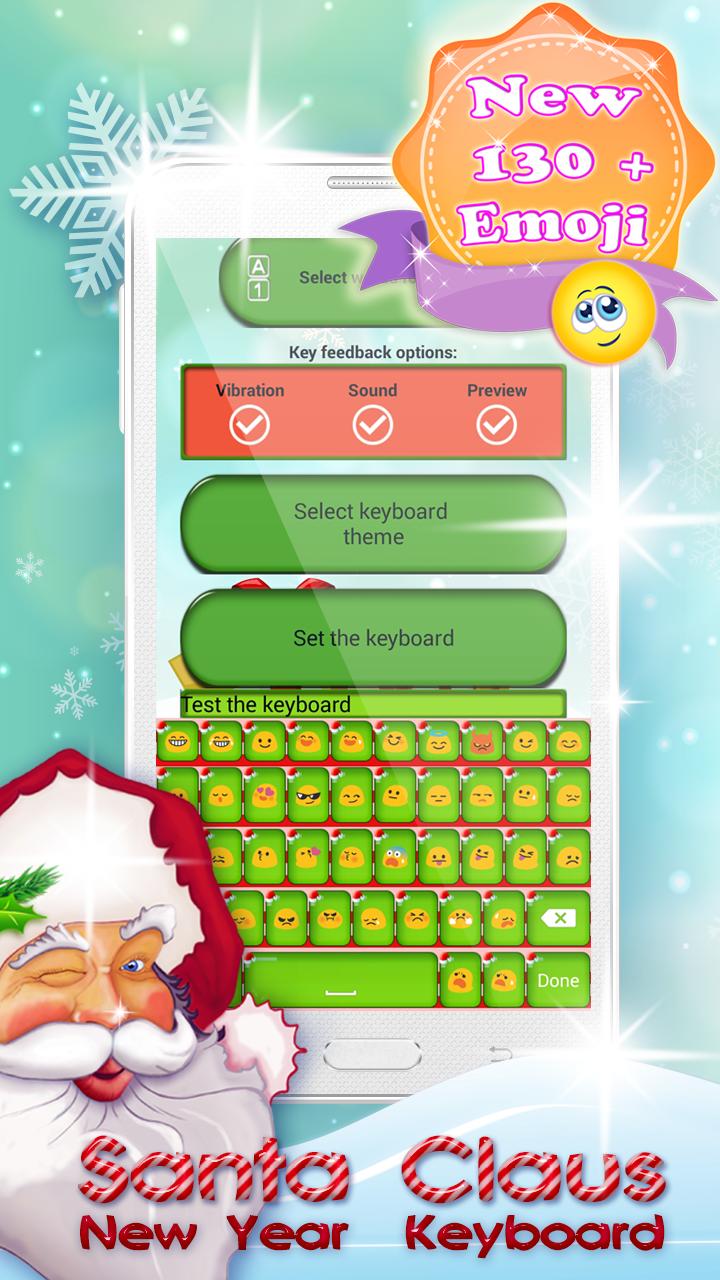
❃ One of the best keyboard theme has arrived on the app market for AndroidTM. ❃ Santa Claus New Year Keyboard❃ Lovely emoticons, keyboard stickers, elegant themes, Santa emoji keyboard, snowman “keyboard design” and others are waiting for you! Choose our cute Christmas themes and make your days perfect and funny. Start decorating your simple keyboard with candles, snowman, Christmas lights and plenty of gentle snowflakes. We wish you “Merry Christmas” and Happy New Year!
How to set keyboard skins:
- Click on ‘Enable the Keyboard’, check the box-field next to ❃ Santa Claus New Year Keyboard❃ and then click on the OK button;
- Return to the application, select ‘Set the Keyboard to Default’ button and select ❃ Santa Claus New Year Keyboard❃
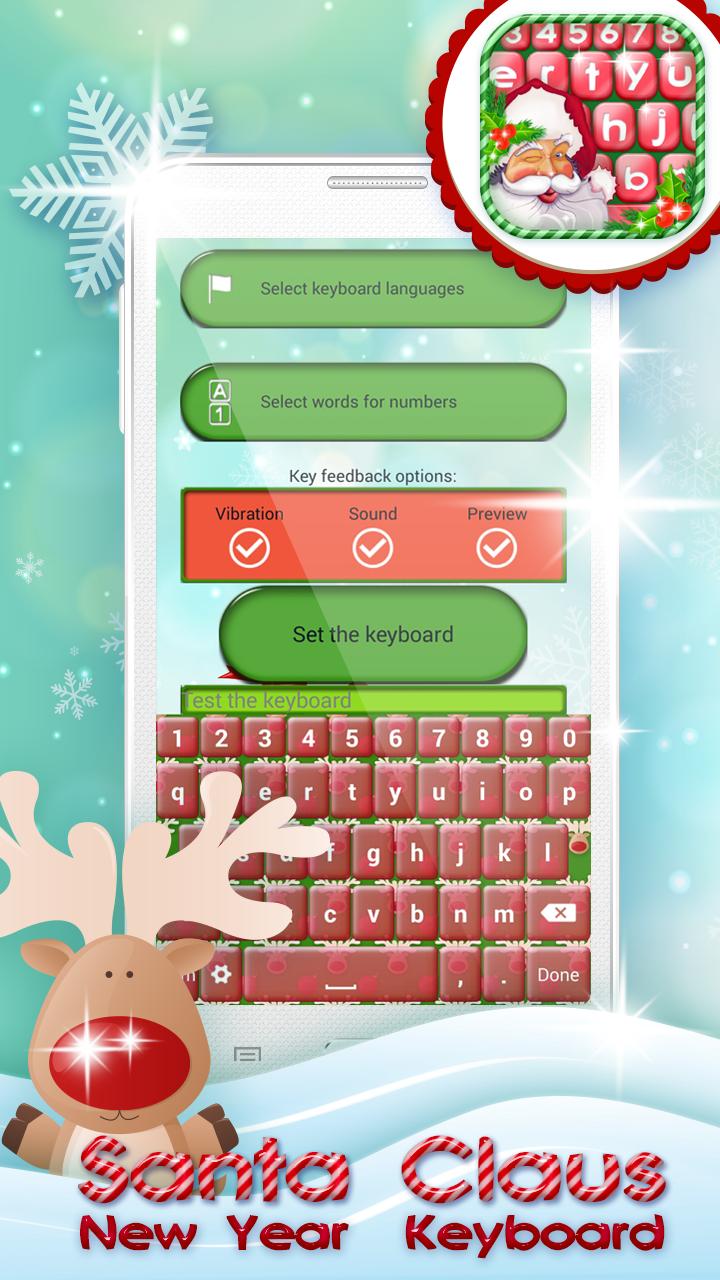
- You can now customize your “snow keyboard” (choose themes, languages and shortcuts)
❃ Choose many mobile Christmas keyboards for free.
❃ Pick your favorite Santa Claus keyboard.
❃ Customize your keyboard with amazing “Christmas themes”.
❃ Select the desired language and start typing messages.
❃ Create shortcuts with our touch keyboard apps for free.
❃ Options to turn on and off keyboard sounds and vibration.
❃ Decorate your keyboard with a snow, Santa, Snowman, Christmas lights, snowflakes and other lovely decorations.
❃ Install this free app on time and personalize your phone in the best possible way. Give a new design to your mobile phone using sweet emoticons, “keyboard stickers”, sparkling themes, Santa emoji keyboard, snowman keyboard design and others! So, don’t wait anymore! Santa Clause is coming earlier this year and brings you the best Xmas keyboard app on the market.
❃ Let the Christmas countdown begin! It is easy to use our application, you just need to follow the 3 steps: open after downloading, press - set as active theme and select the theme from the following page. Choose many trendy and glamorous keyboard skins for Christmas time. You can find your favorite colorful keyboard style - Christmas keyboard design, Santa Emoji keyboard, Snowman keyboard theme, Christmas lights keyboard. Send warm Christmas wishes of peace and happiness of this holiday season to your best friends.
*Android™ is a trademark of Google Inc.
Preview
Information
Developer
Fashion Corner Apps
Latest Version
5.0
Last Updated
2017-12-12
Category
Entertainment
Available on
Google Play
Show More
How to play Santa Claus New Year Keyboard with GameLoop on PC
1. Download GameLoop from the official website, then run the exe file to install GameLoop
2. Open GameLoop and search for “Santa Claus New Year Keyboard” , find Santa Claus New Year Keyboard in the search results and click “Install”
3. Enjoy playing Santa Claus New Year Keyboard on GameLoop
Minimum requirements
OS
Windows 8.1 64-bit or Windows 10 64-bit
GPU
GTX 1050
CPU
i3-8300
Memory
8GB RAM
Storage
1GB available space
Recommended requirements
OS
Windows 8.1 64-bit or Windows 10 64-bit
GPU
GTX 1050
CPU
i3-9320
Memory
16GB RAM
Storage
1GB available space