
RPG Notebook: Campaign Manager PC
Big Bear Cat
Download RPG Notebook: Campaign Manager on PC With GameLoop Emulator
RPG Notebook: Campaign Manager on PC
RPG Notebook: Campaign Manager, coming from the developer Big Bear Cat, is running on Android systerm in the past.
Now, You can play RPG Notebook: Campaign Manager on PC with GameLoop smoothly.
Download it in the GameLoop library or search results. No more eyeing the battery or frustrating calls at the wrong time any more.
Just enjoy RPG Notebook: Campaign Manager PC on the large screen for free!
RPG Notebook: Campaign Manager Introduction
RPG Notebook will help you build worlds, manage campaigns, and keep your notes tightly organized. Here are some of its great features:
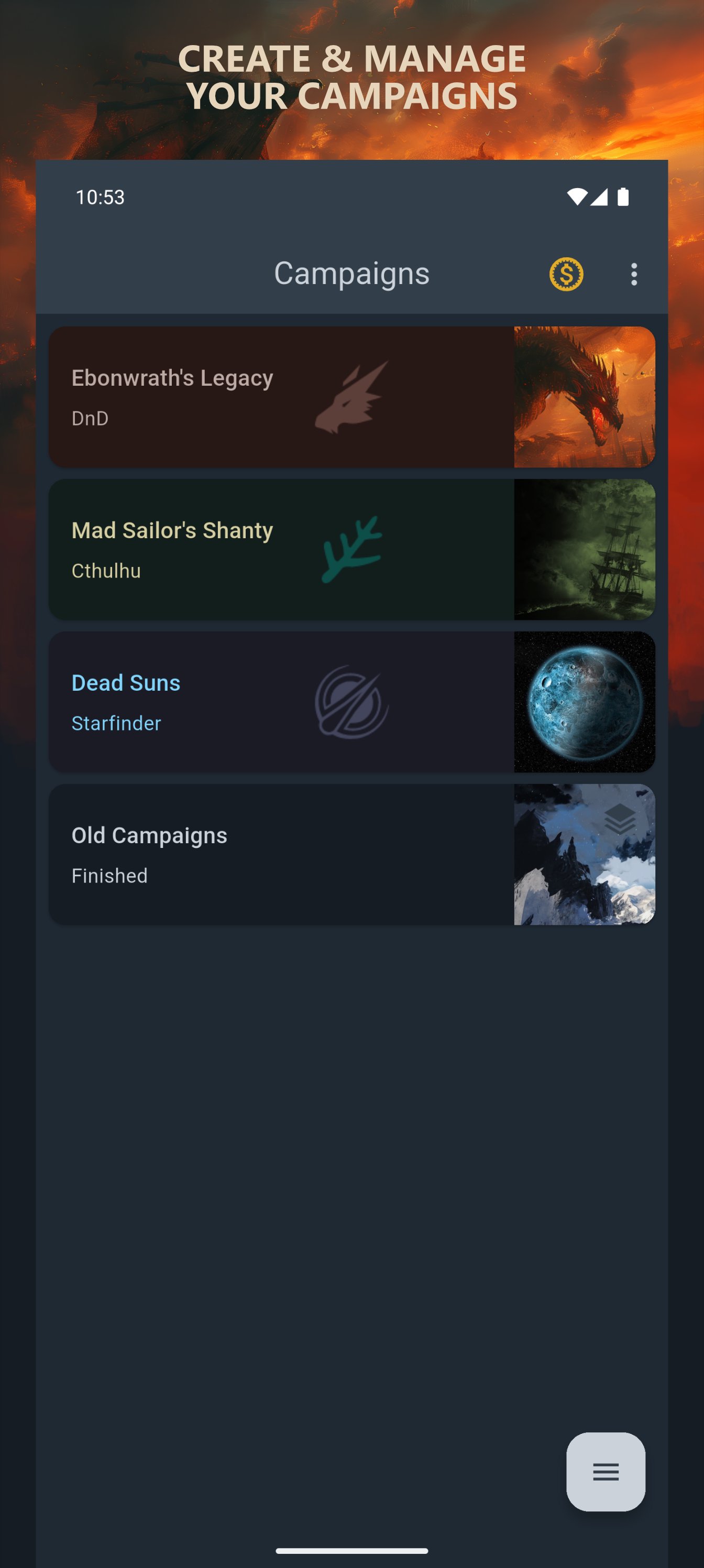
*CAMPAIGNS: Choose a name, select a theme that matches your setting, and simply start filling it with all your ideas.
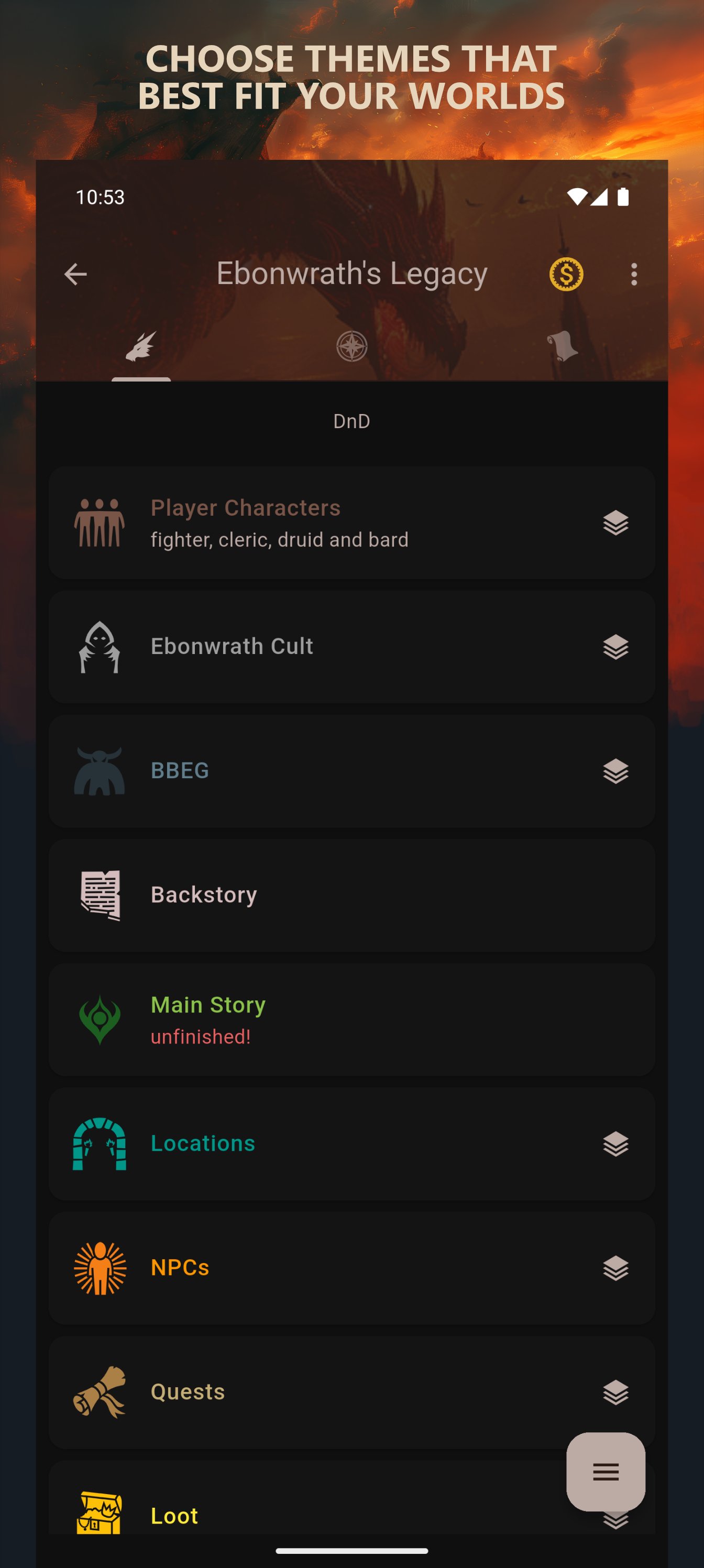
*ENTRIES: They can be customized any way you like with 8 types of sections (from simple text fields to trackers, checklists, and images) that you can name and place in any order you like.
*TEMPLATES: If there's a section arrangement that you like, save it as a template for future use.
*HYPERLINKS: When you finish writing something, the app checks if your text contains any phrases that match an existing entry or group name and automatically creates a link for you.
*MAPS: Every campaign has a dedicated segment where numerous maps can be added.
*MAP PINS: You can add simple note pins or special pins that link to an entry, group, or map.
*JOURNAL: Journal notes will help you keep track of important events that happened during your sessions.
*THEMES: The fantasy theme is great for the most popular tabletop RPG systems like dnd 5e or pathfinder, but the app also has themes for other settings: cthulhu, sci-fi, cyberpunk, post-apocalyptic, steampunk and wuxia.
*ICONS: There are over 4000 built-in icons and 40 colors that you can use in your entries, but you can also add your own.
*BACKUP: You can create a backup file and store it locally or export it so it can be shared with other devices.
*MODES: Both light and dark modes are supported.
*EVERYTHING IN YOUR POCKET: No more forgotten or lost notes. You will always be prepared for the next session or be able to immediately write down ideas that suddenly come to your mind wherever you are! :)
Preview
Tags
EntertainmentInformation
Developer
Big Bear Cat
Latest Version
2.1.3
Last Updated
2025-11-26
Category
Entertainment
Available on
Google Play
Show More
How to play RPG Notebook: Campaign Manager with GameLoop on PC
1. Download GameLoop from the official website, then run the exe file to install GameLoop
2. Open GameLoop and search for “RPG Notebook: Campaign Manager” , find RPG Notebook: Campaign Manager in the search results and click “Install”
3. Enjoy playing RPG Notebook: Campaign Manager on GameLoop
Minimum requirements
OS
Windows 8.1 64-bit or Windows 10 64-bit
GPU
GTX 1050
CPU
i3-8300
Memory
8GB RAM
Storage
1GB available space
Recommended requirements
OS
Windows 8.1 64-bit or Windows 10 64-bit
GPU
GTX 1050
CPU
i3-9320
Memory
16GB RAM
Storage
1GB available space