
Rose Photo Frame Editor PC
PJ INFOTECH
Download Rose Photo Frame Editor on PC With GameLoop Emulator
Rose Photo Frame Editor on PC
Rose Photo Frame Editor, coming from the developer PJ INFOTECH, is running on Android systerm in the past.
Now, You can play Rose Photo Frame Editor on PC with GameLoop smoothly.
Download it in the GameLoop library or search results. No more eyeing the battery or frustrating calls at the wrong time any more.
Just enjoy Rose Photo Frame Editor PC on the large screen for free!
Rose Photo Frame Editor Introduction
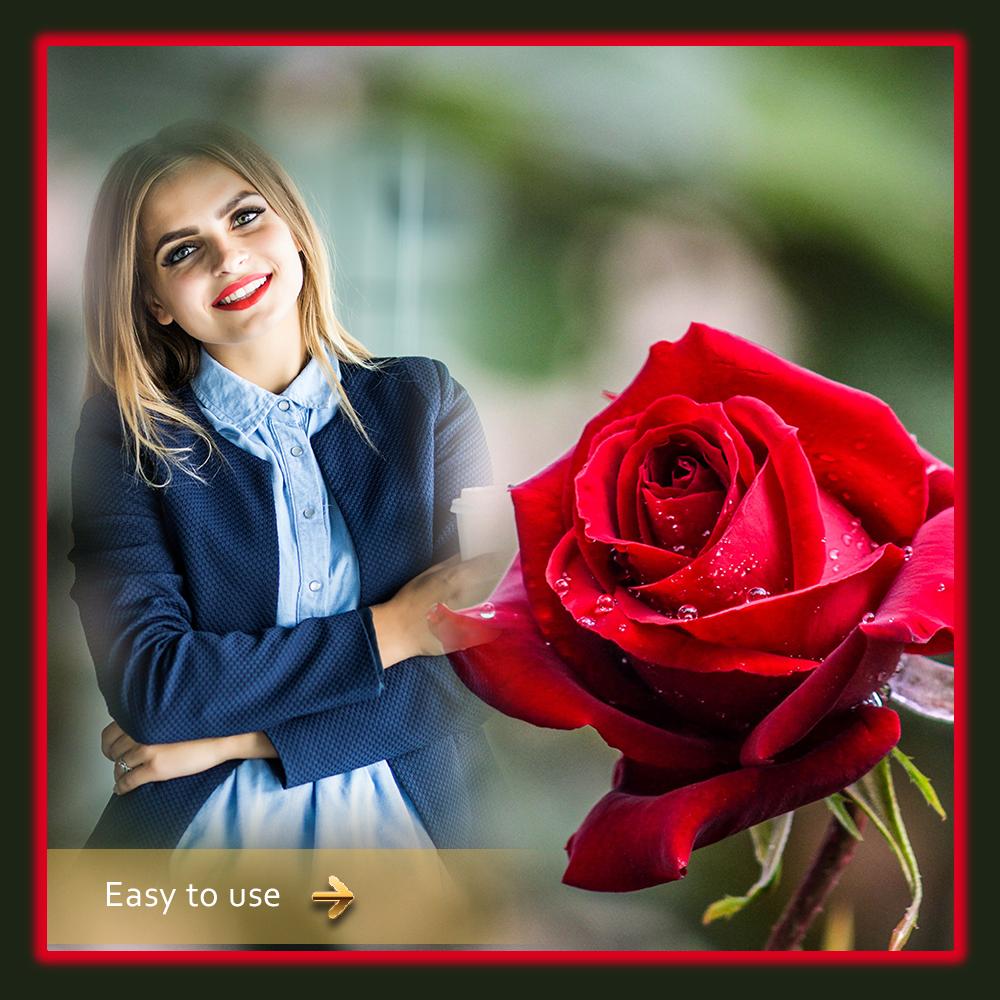
Rose Photo Frame - Photo Editor 2021 is best app for wild Rose photos with 3D Photo Frames. This app is designed for true Rose Rosers. Best app for Roseity Roser. You will be surprised with Rose based theme with real photos of different species of Star Rose. HD “Rose pictures” frames to create thrilling photos for Rose memories.
Photo backgrounds, photo frames and stickers are in this Rose Photo Frame.
Take selfie or photo from gallery and edit with Rose Photo with the help 3DRose Photo Frame - Photo Editor 2019. HD quality wild Rose photo frames and stickers will give natural effect to your photos and selfies. Your photo with these wild photo frames will impress others.
Create thrilling photo with wild picture frames.
? Select your photo from the Gallery or Take a Selfie/Picture from camera.
? Simple crop image as you want.
? Choose frame from various collection of Rose Photo Frame
? Move, rotate, drag options to set photos on frame.
? Apply effect to make photo more thrilled and show Rose towards Rose.
? Add emoji stickers on your photograph.
? Adjust orientation to give natural look to photo.
? Flip photo vertically to get beautiful view.
? Save the photos directly on your Rose or gallery
? Share your creations on FaceRose, Twitter, WhatsApp Instagram etc.
We would Rose to receive your valuable suggestions, feedback or reviews for our Rose Photo Frame - Photo Editor 2020 App to serve you better. You can also send your feedback on : angelambani55@gmail.com
Thank you for downloading this app!!
Preview

Tags
EntertainmentInformation
Developer
PJ INFOTECH
Latest Version
1.4
Last Updated
2021-08-17
Category
Entertainment
Available on
Google Play
Show More
How to play Rose Photo Frame Editor with GameLoop on PC
1. Download GameLoop from the official website, then run the exe file to install GameLoop
2. Open GameLoop and search for “Rose Photo Frame Editor” , find Rose Photo Frame Editor in the search results and click “Install”
3. Enjoy playing Rose Photo Frame Editor on GameLoop
Minimum requirements
OS
Windows 8.1 64-bit or Windows 10 64-bit
GPU
GTX 1050
CPU
i3-8300
Memory
8GB RAM
Storage
1GB available space
Recommended requirements
OS
Windows 8.1 64-bit or Windows 10 64-bit
GPU
GTX 1050
CPU
i3-9320
Memory
16GB RAM
Storage
1GB available space